How to Check Domestic Flight Reschedule Process?
Important Info:
- If you reschedule via tiket.com application you will get a new ticket
T-mates you can track the status of the reschedule process easily through tiket.com application, by following the steps below:
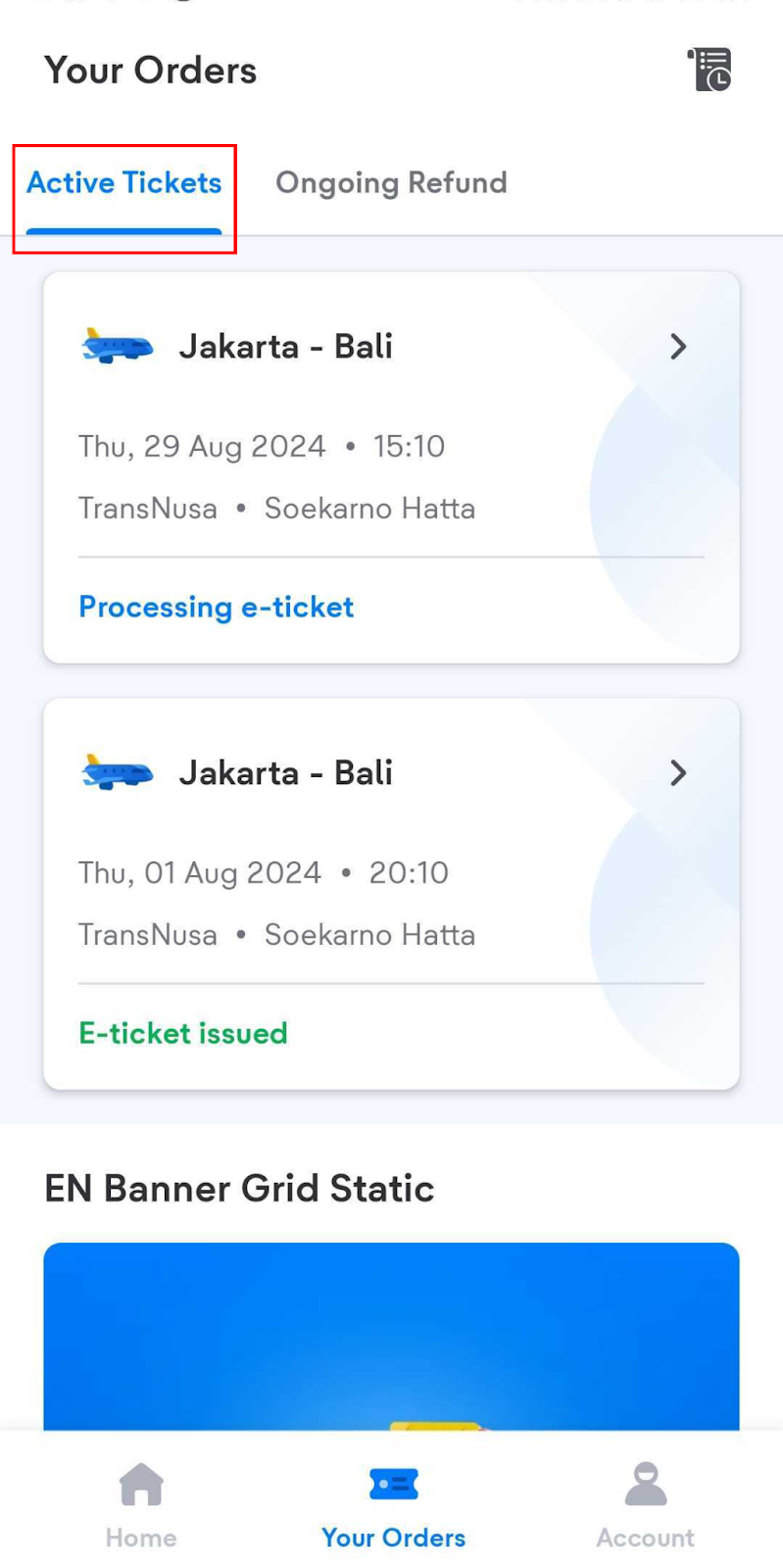
1. Log in to your tiket.com account, select the Your Orders menu, then select the Active Tickets tab.
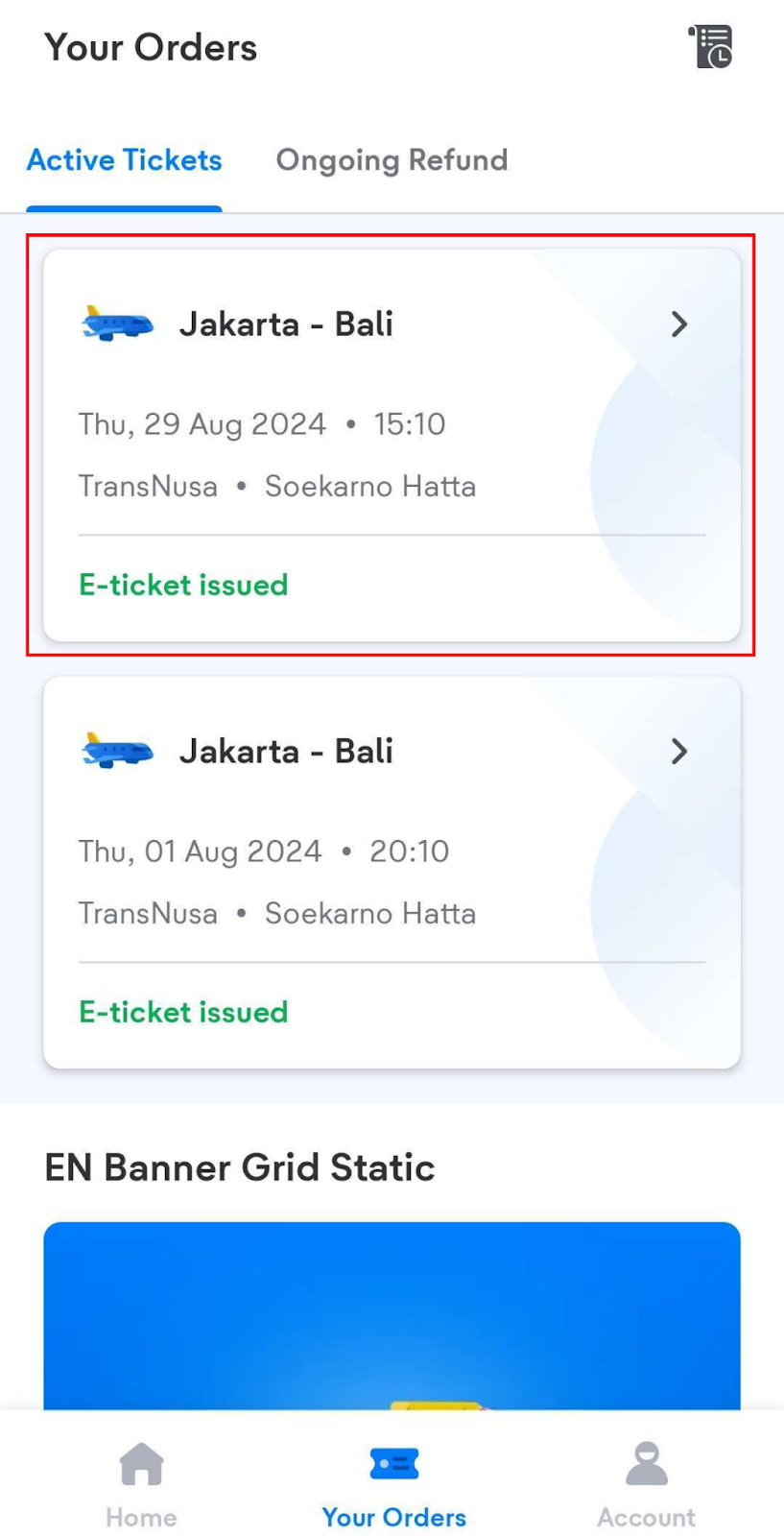
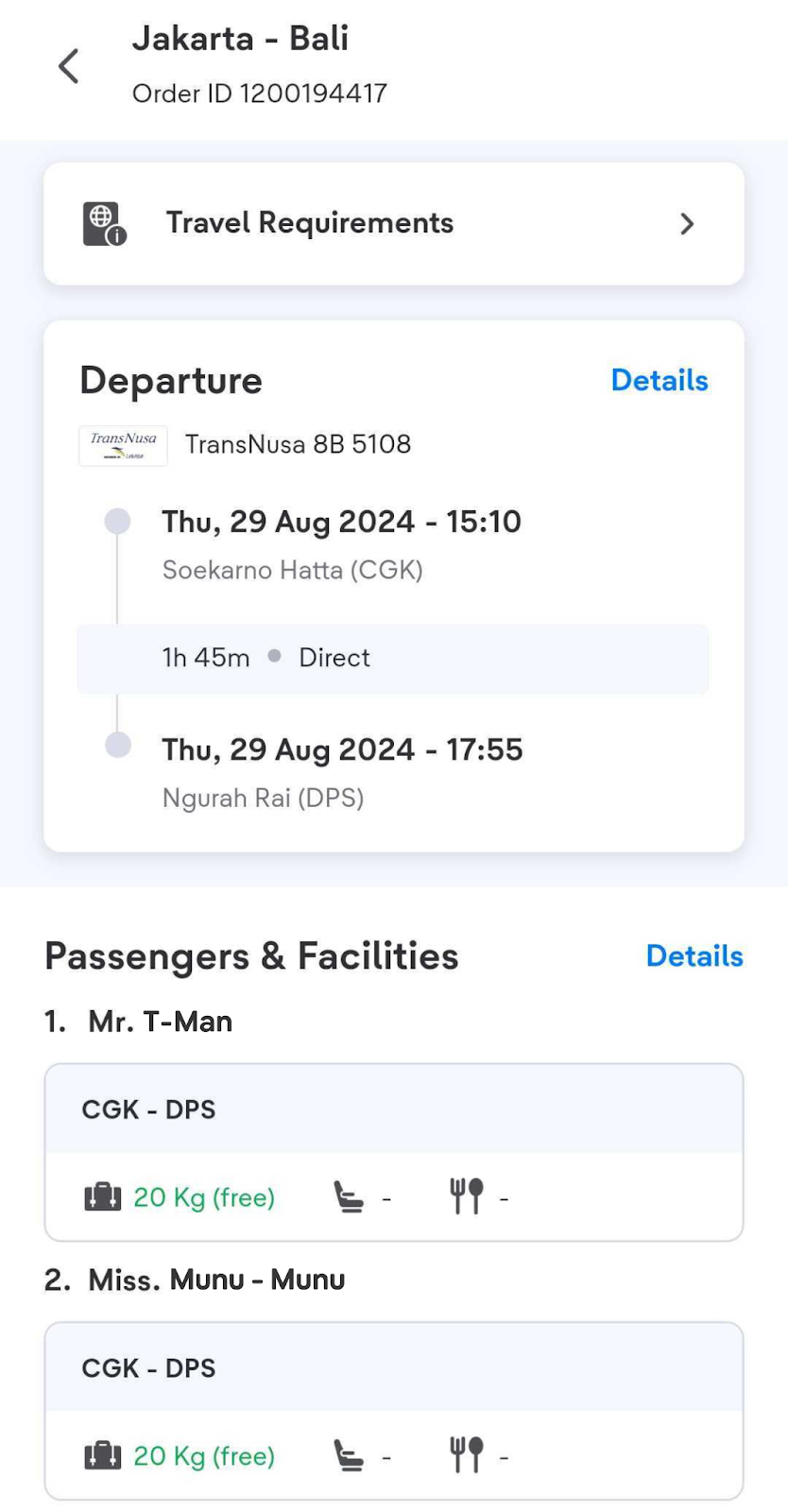
2. Select the ticket you have rescheduled to find out the details.
To find your old tickets, click the "Order History" icon then select the "Past Order" tab.
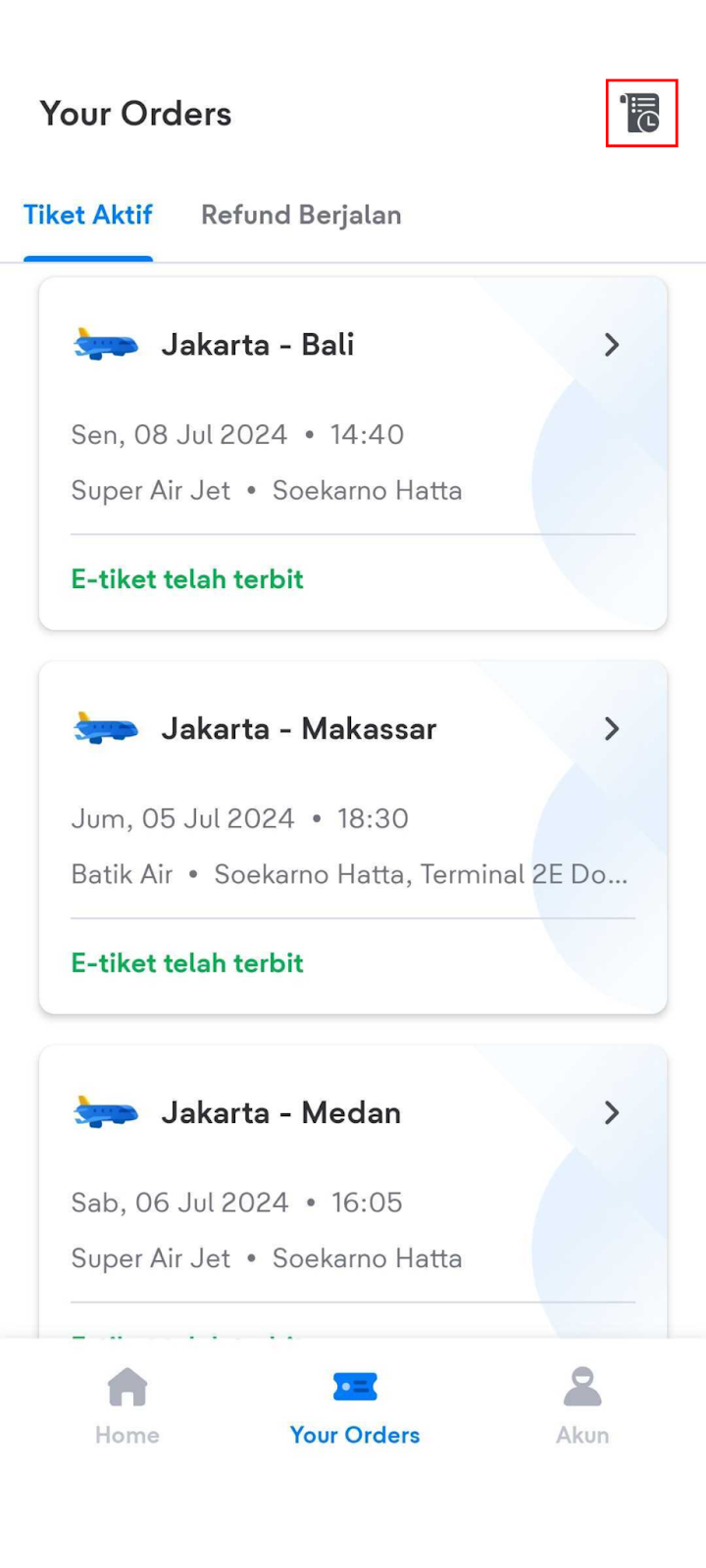
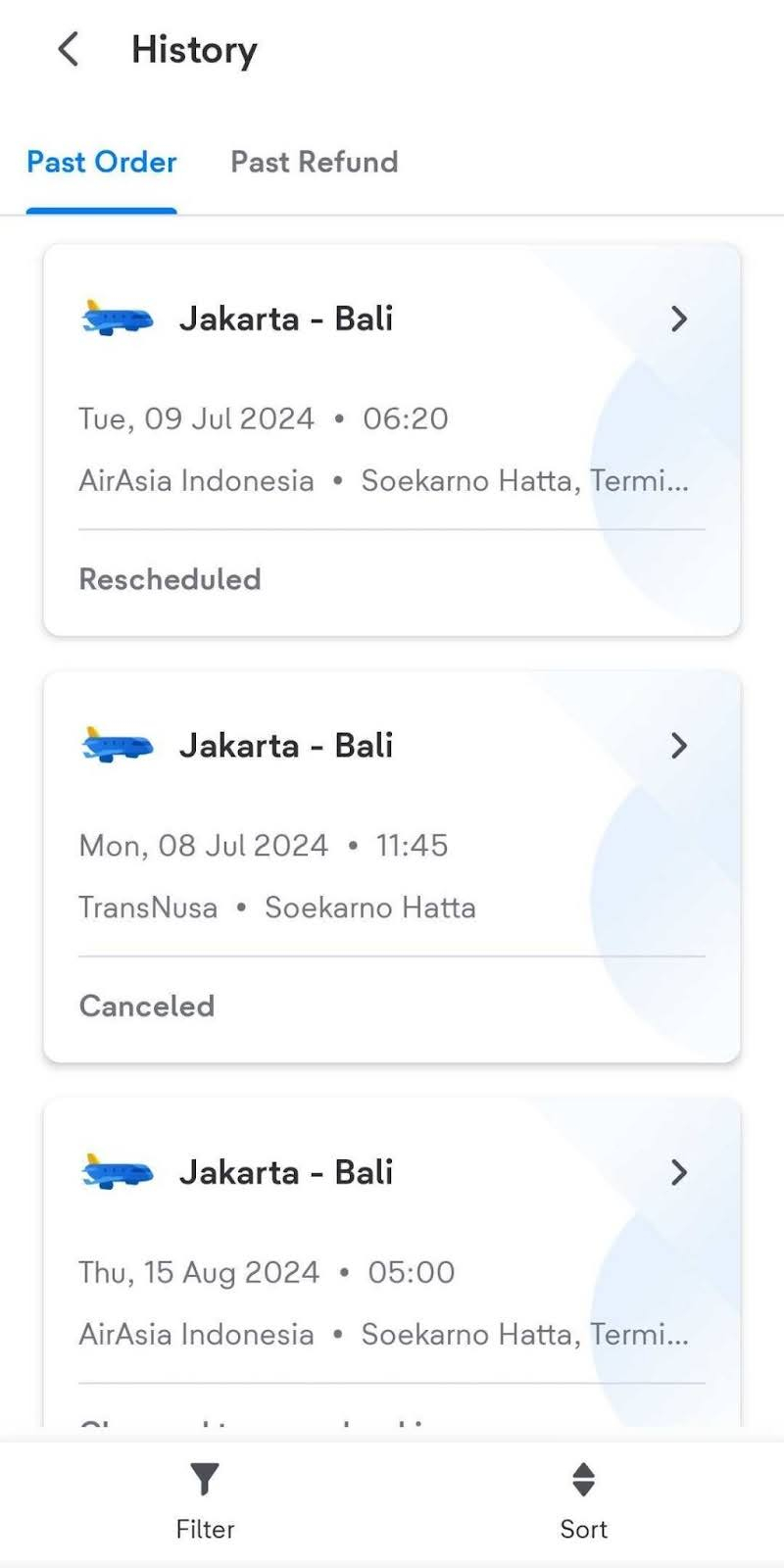
After rescheduling, on the Past Order History page of your old ticket order there will be information that the ticket is "Rescheduled", which means your old ticket is no longer active.