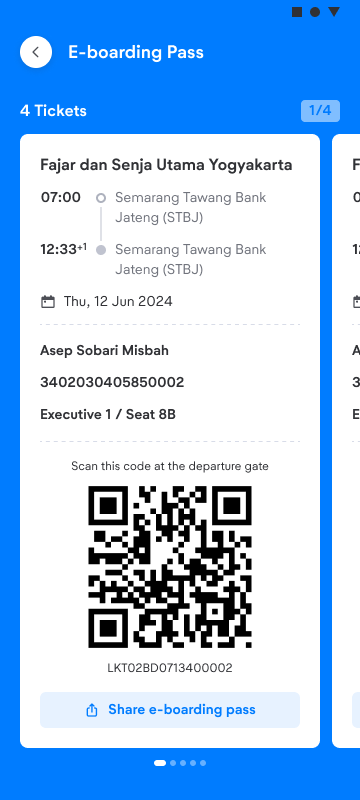
Can I do online train check-in at tiket.com?
To make your train check-in easier, you can check in online on tiket.com and get your boarding pass only through the Online Check-in feature.
Here is the following information about train online check-in on tiket.com that you have to know:
- Online check-in is available on the tiket.com App (version 4.80 and above), Mobile Web, and Desktop.
- You need to log in to use this feature.
- For a more convenient option, you can also check in online via the tiket.com app or Access by KAI and download your e-Boarding Pass starting from 2 hours before departure.
- Online check-in applies to all Long-Distance Train tickets purchased through tiket.com.
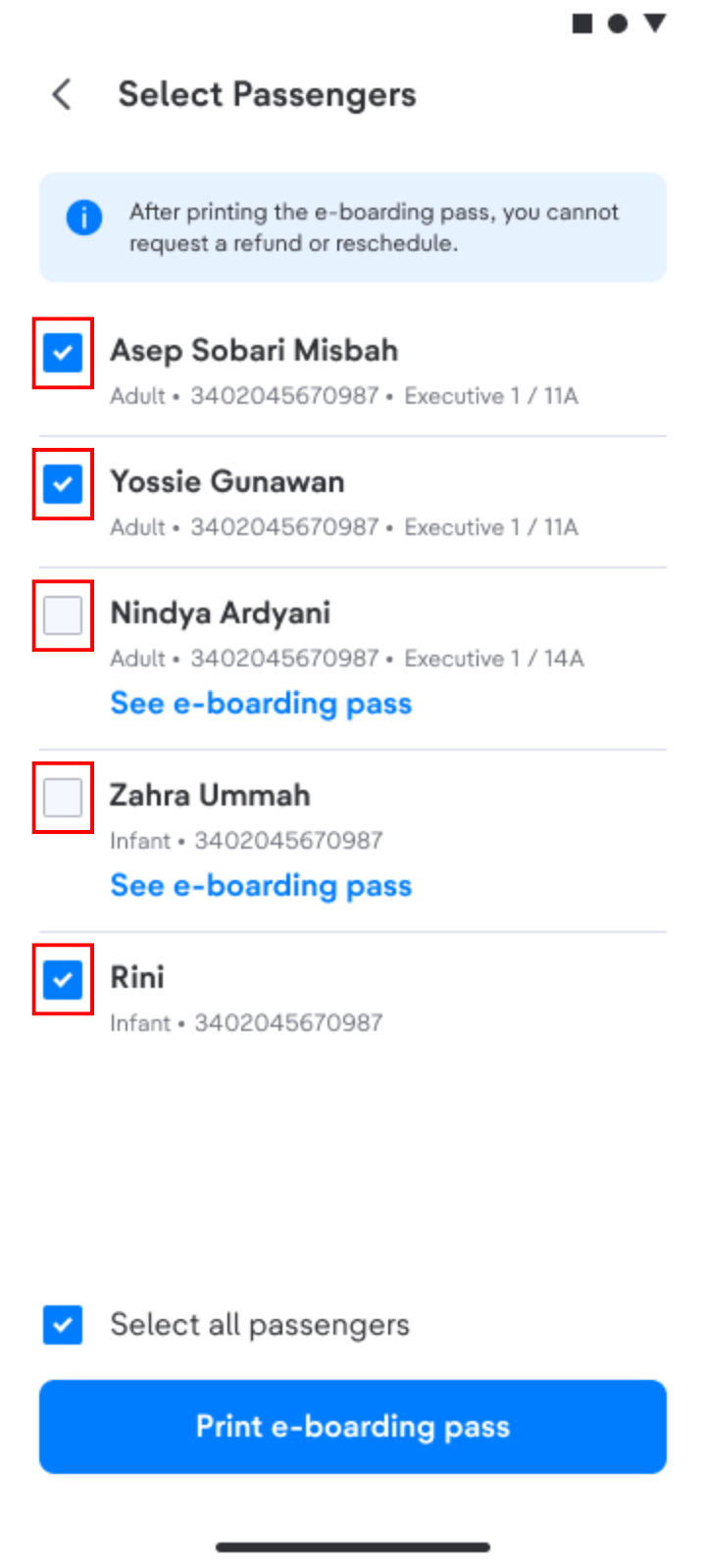
- You can complete online check-in for some or all passengers in your booking.
- Once online check-in has been completed, refunds and reschedules are no longer available.
- If you want to check-in directly at the station, you can print your boarding pass starting from 7 days before the departure date through the available Check-In Counter machines.
By using online train check-in at tiket.com, you no longer need to print your boarding pass; prepare your identity card and show the e-Boarding Pass barcode to the station staff when you want to enter the gate.
Follow these steps to do an online check-in through tiket.com app:
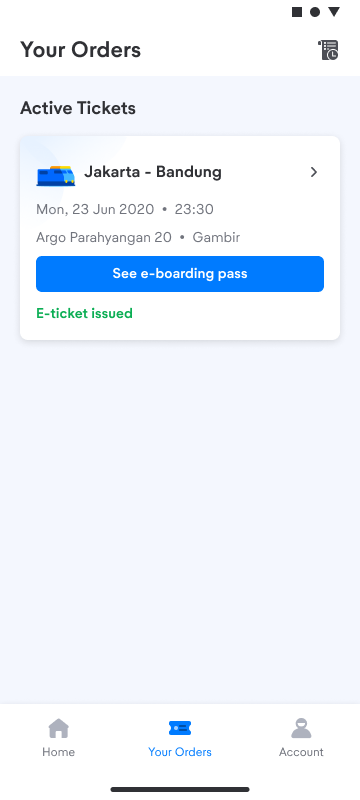
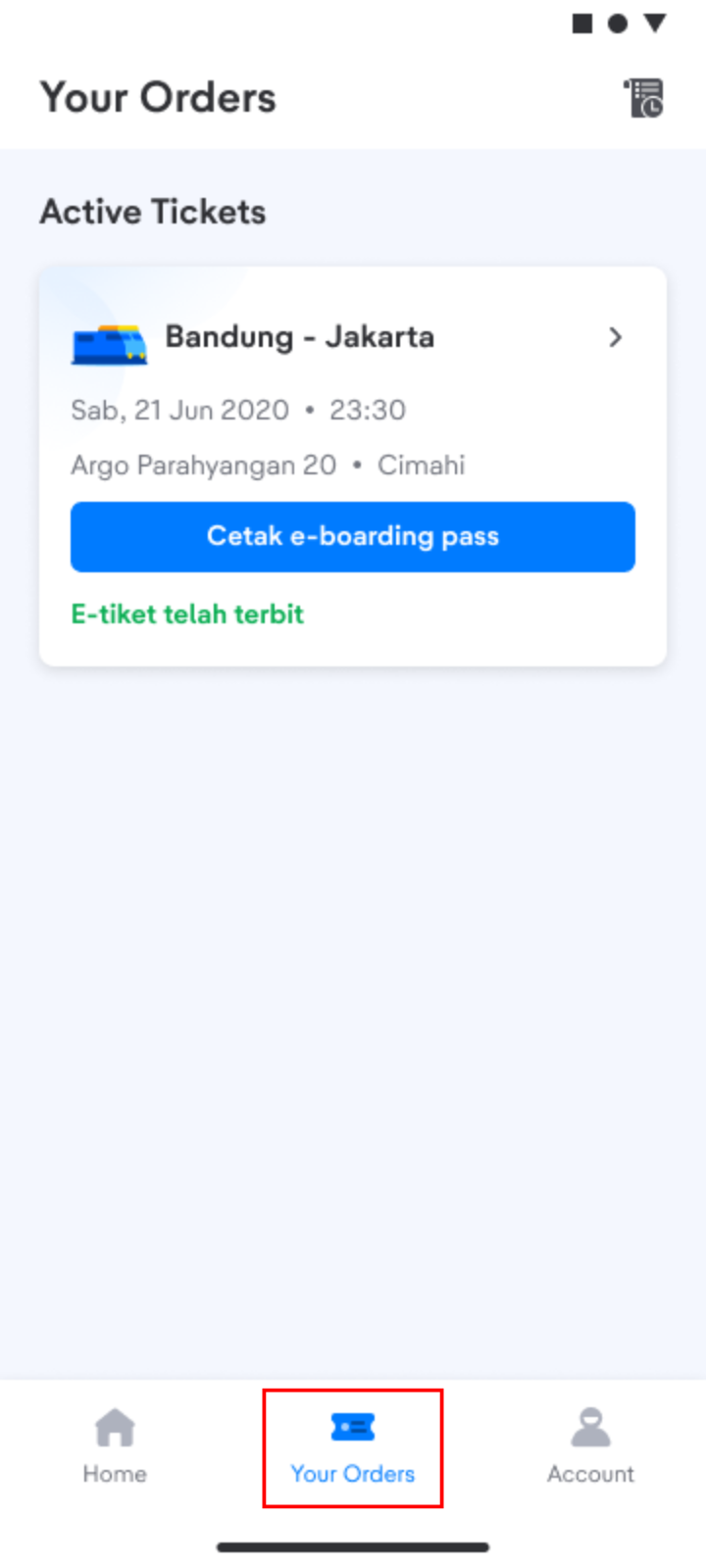
- Open tiket.com apps, choose “Your Orders” menu then choose your active train booking to see details of booking or click the “print e-boarding pass” button
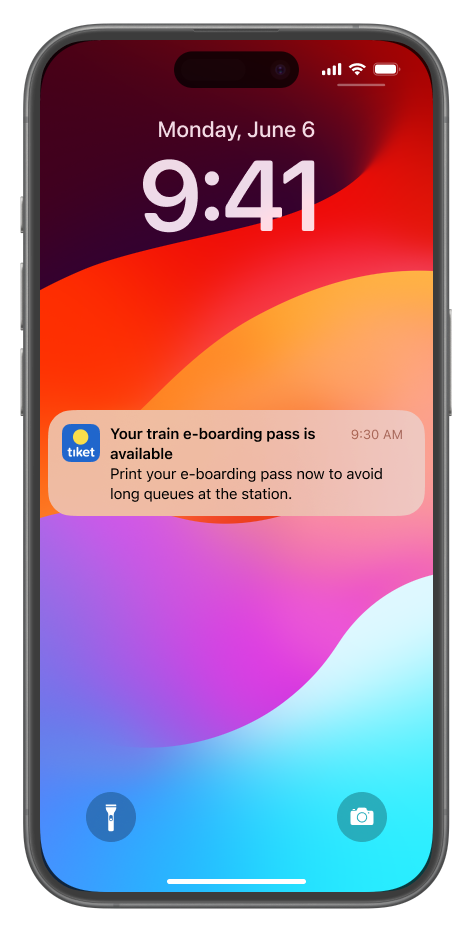
You will also get a notification if online check-in has been opened, click the notification to go to the next steps
- Click “print e-boarding pass” button in the order details
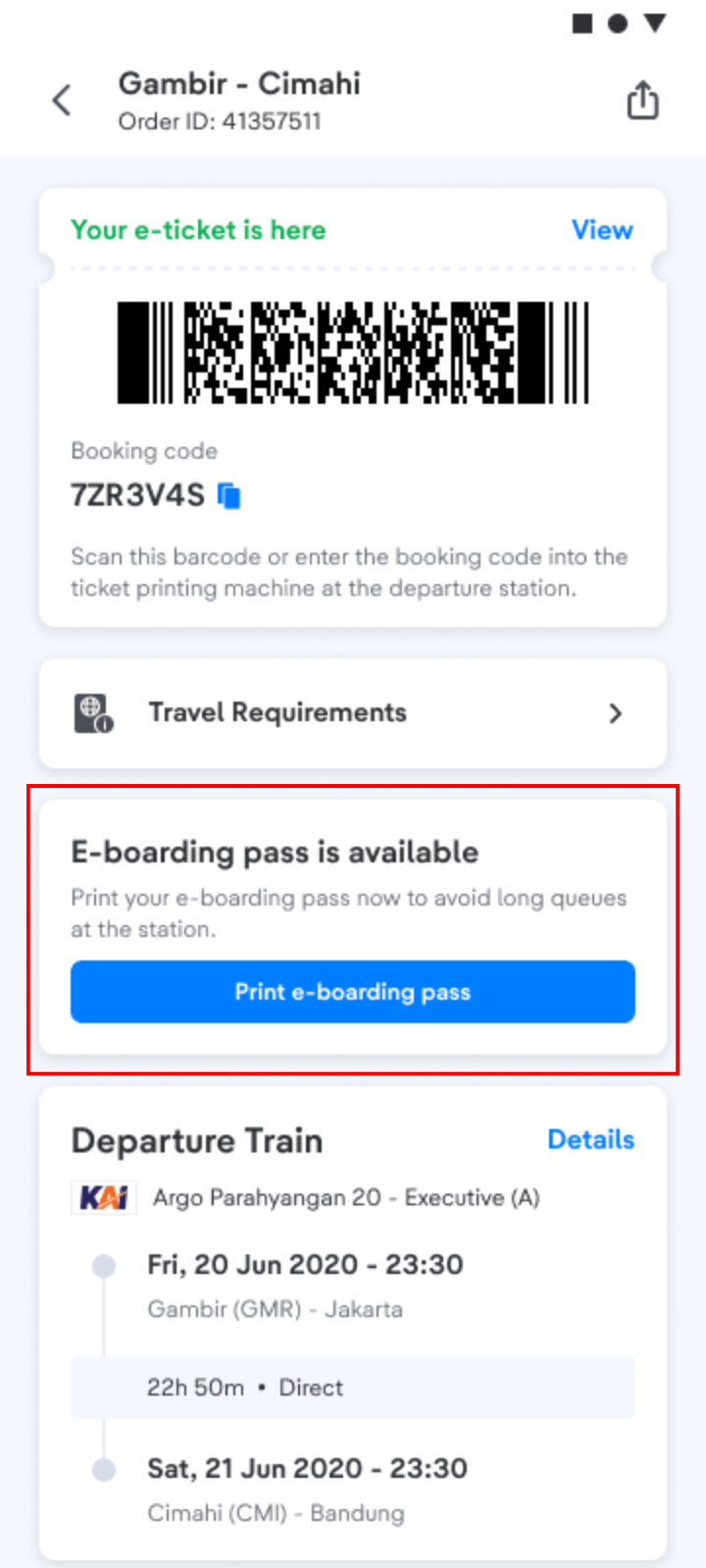
- Select the passenger whose e-boarding pass you want to print then click the "Print e-boarding pass" button
- Next, the e-boarding pass is ready to use and can be accessed from the Your Orders page.