



Hotels in Zhengzhou
Showing 1.000+ hotels in Zhengzhou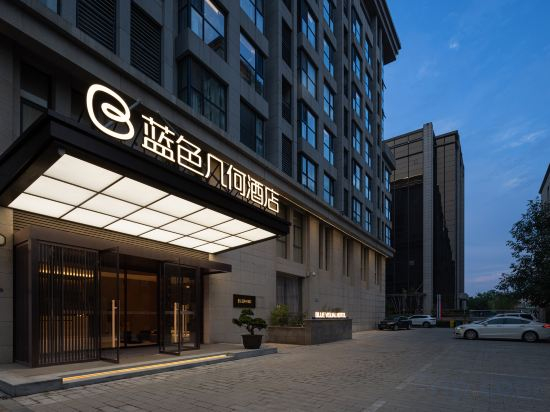
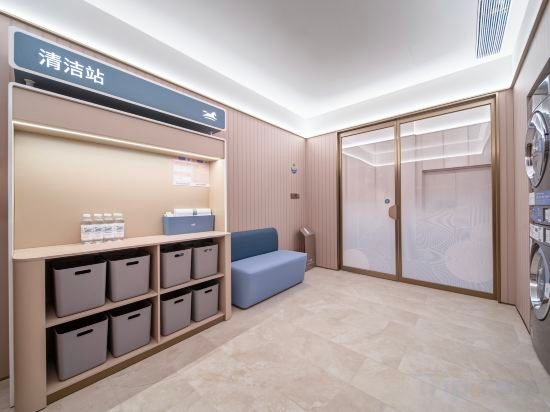
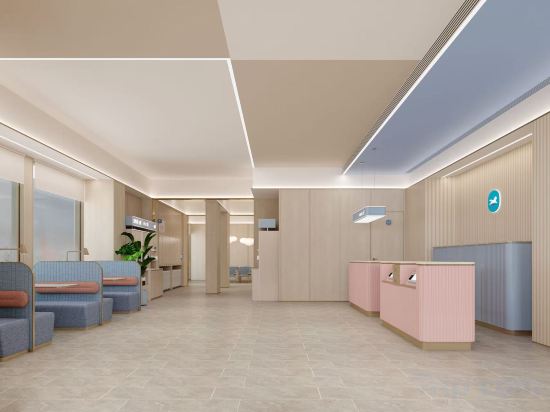
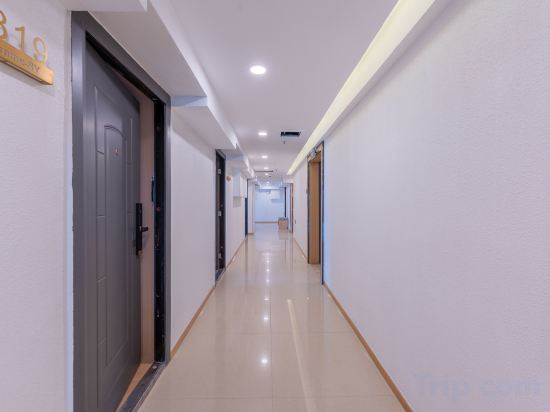
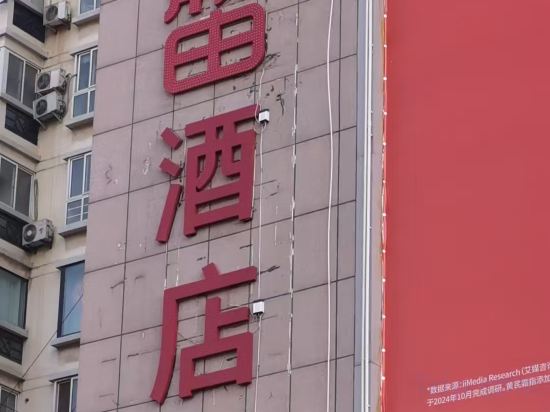
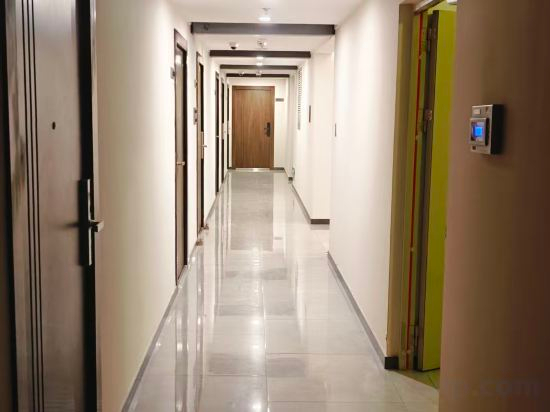
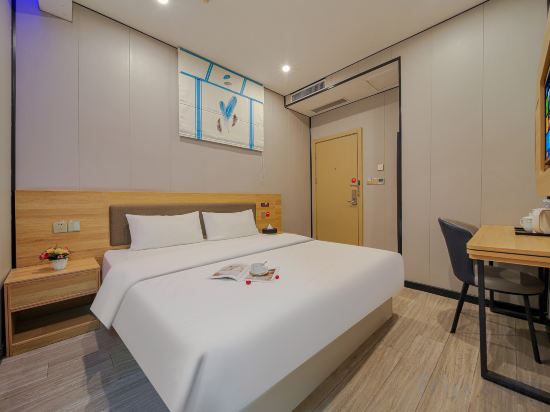
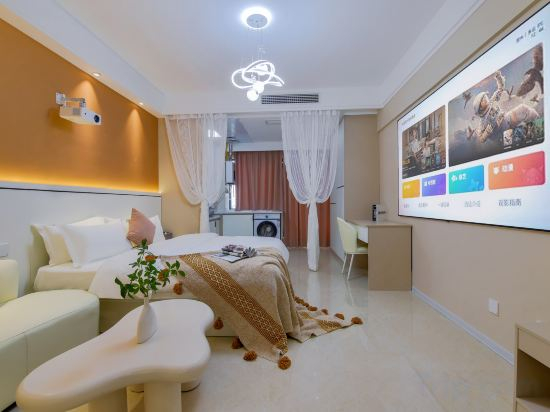

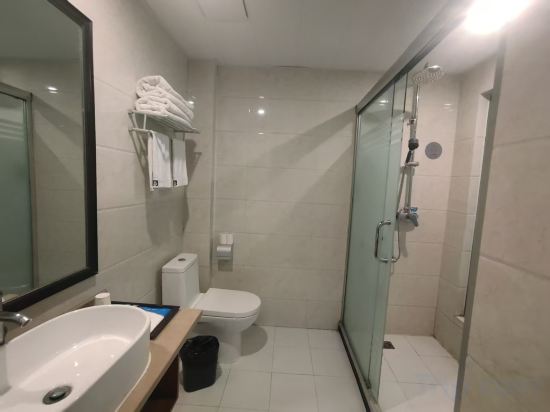

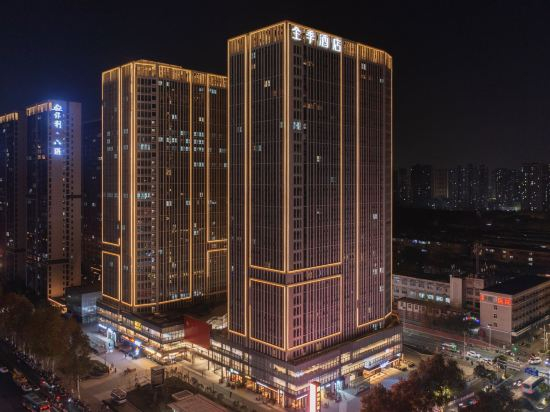
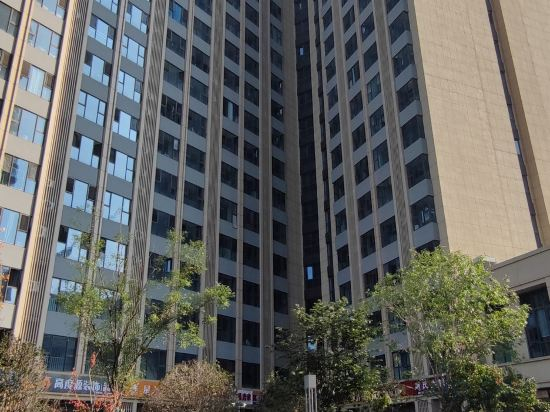
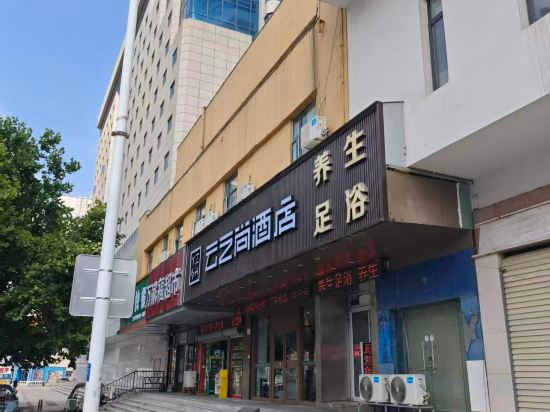

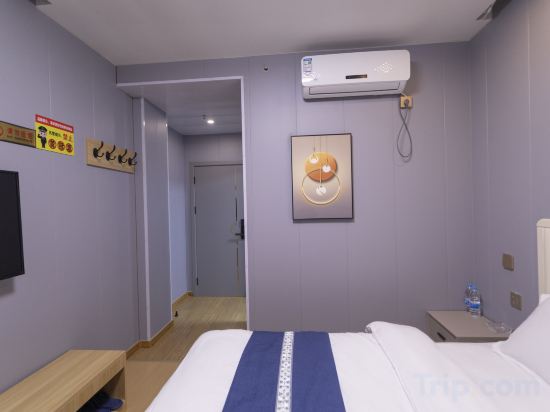

Blue Geometry Hote!Zhengzhou XinzhengInternational AirportBranch
Hanting Hotel (Zhengzhou Lianhua Street Henan University of Technology)
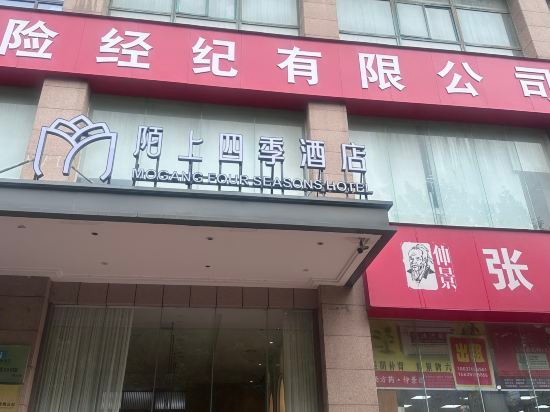
Moshang Four Seasons Hotel (Zhengzhou Huayuan Road Grand Emporium)
HanTing Hotel (Zhengzhou National University Science Park East Area Huaqiang Plaza)
Four Seasons Light Luxury Smart Hotel (Zhengzhou Convention Center Minhang Road Subway Station)
Meidi Hotel
Lanting Yijia Hotel (Zhengzhou High-speed Railway East Station)
Meina Hotel (Zhengzhou High Speed Rail East Station Tai Business Building Branch)
Park Su Fengyi Audio and Video Hotel (Zhengzhou North Ring Aquarium)
Zhengzhou Maitian Yiguo Hotel (Boya Plaza)
Huaxia Business Hotel ( Zhengzhou Xinzheng International Airport Branch)
Shiguang Homestay
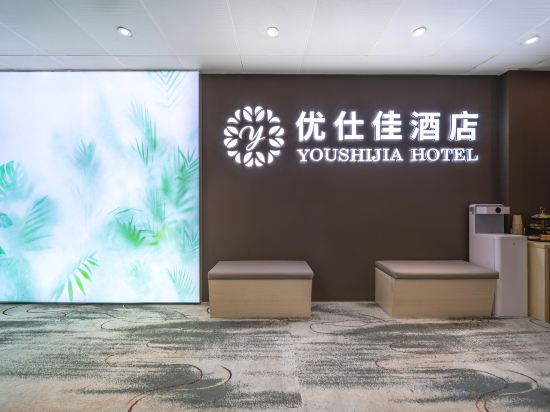
YOUSHIJIA HOTEL
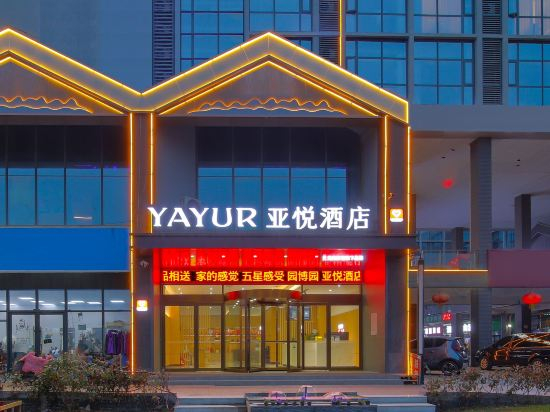
Yayue Hotel (Zhengzhou Xinzheng International Airport)
JI Hotel Zhengzhou Zhongyuan Wanda Plaza Ersha Subway Station
Leju Hotel (Huazhai Subway Station)
Clouds Hotel (Zhengzhou Railway Station Erqi Square Branch)
JI Hotel (Zhengzhou Nongye Road Songshan Road)
Xinya Business Hotel
Omi Hotel (Zhengzhou High-speed Railway East Station Kailin Square)
Hotels in Zhengzhou
Don't feel hesitant to book hotels in Zhengzhou at tiket.com! We'll make sure to provide all conveniences you need when doing a room reservation. Book your favourite hotel now only at tiket.com!

How to Book Hotels on tiket.com
1. Find the hotelEnter the name of the city, area, or hotel to find the place you want.
2. Select a roomOn the hotel detail page, you will see the available room options. Select a room that suits your needs.
3. Complete the booking detailsInput the contact details (the person who will be contacted by tiket.com and the hotel about the booking) and the guests’ details.
4. Select Add-onsYou can also buy additional services such as meal packages, transportation, and many more.
5. Pay your bookingSelect the payment method and complete your transaction. Don’t forget to use the promo code to get a cheaper hotel price at tiket.com.
6. Get the reservation e-voucherAfter the payment is successful, the e-voucher will be available on the Your Orders menu and sent to the email listed in the contact details.