How to change name on my booked hotel?
t-mates, sometimes having problems such as wrong or wanting to change the name of the hotel booking that has been booked. Don't worry, at tiket.com you can change the name of the guest who will check in independently, you can change the guest name for one time only and submit your request maximum D-2 before the check-in date.
These are the steps to change the guest name independently for your booked accommodation:
- Click the Your Orders menu and choose the booking you want to edit.
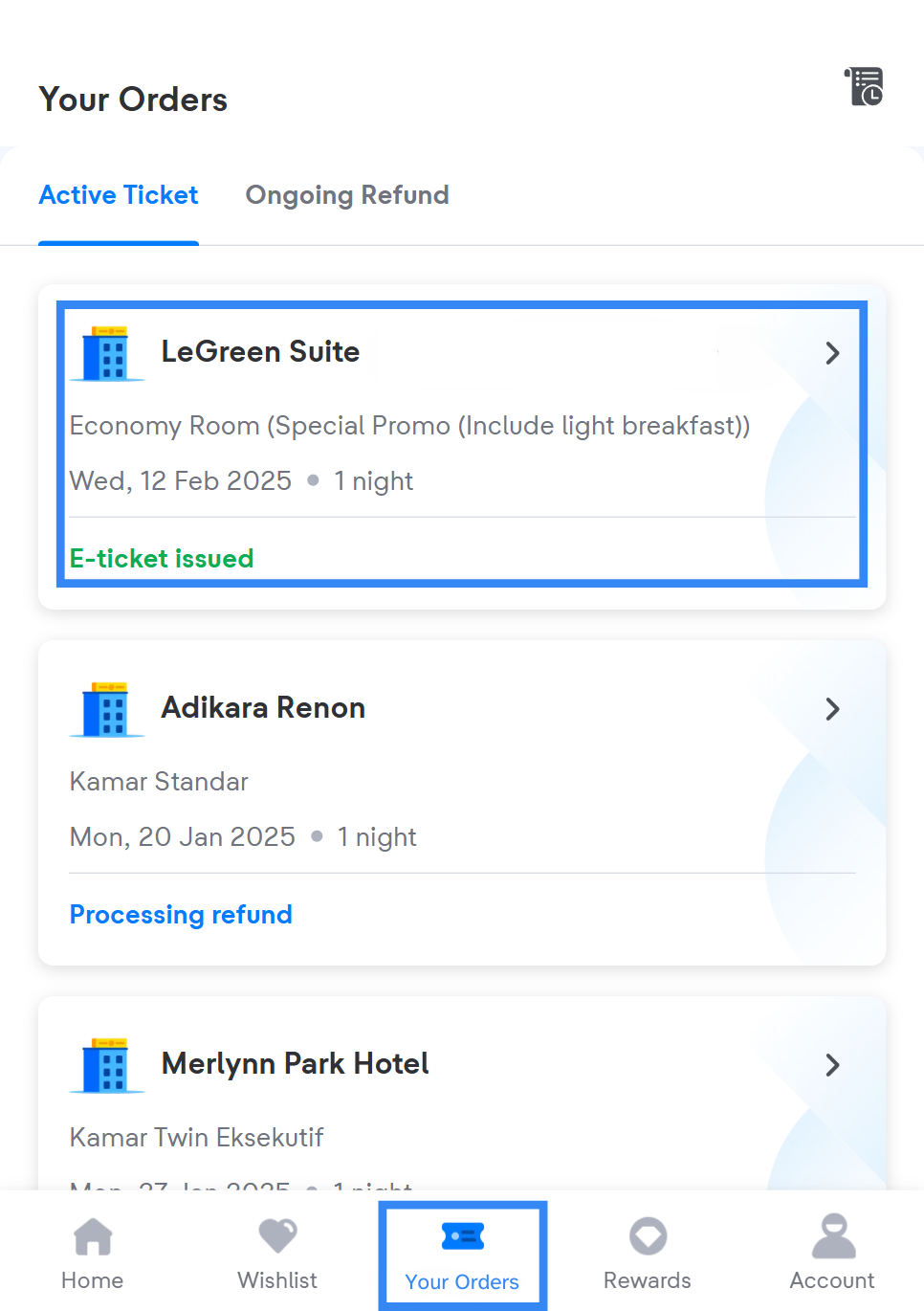
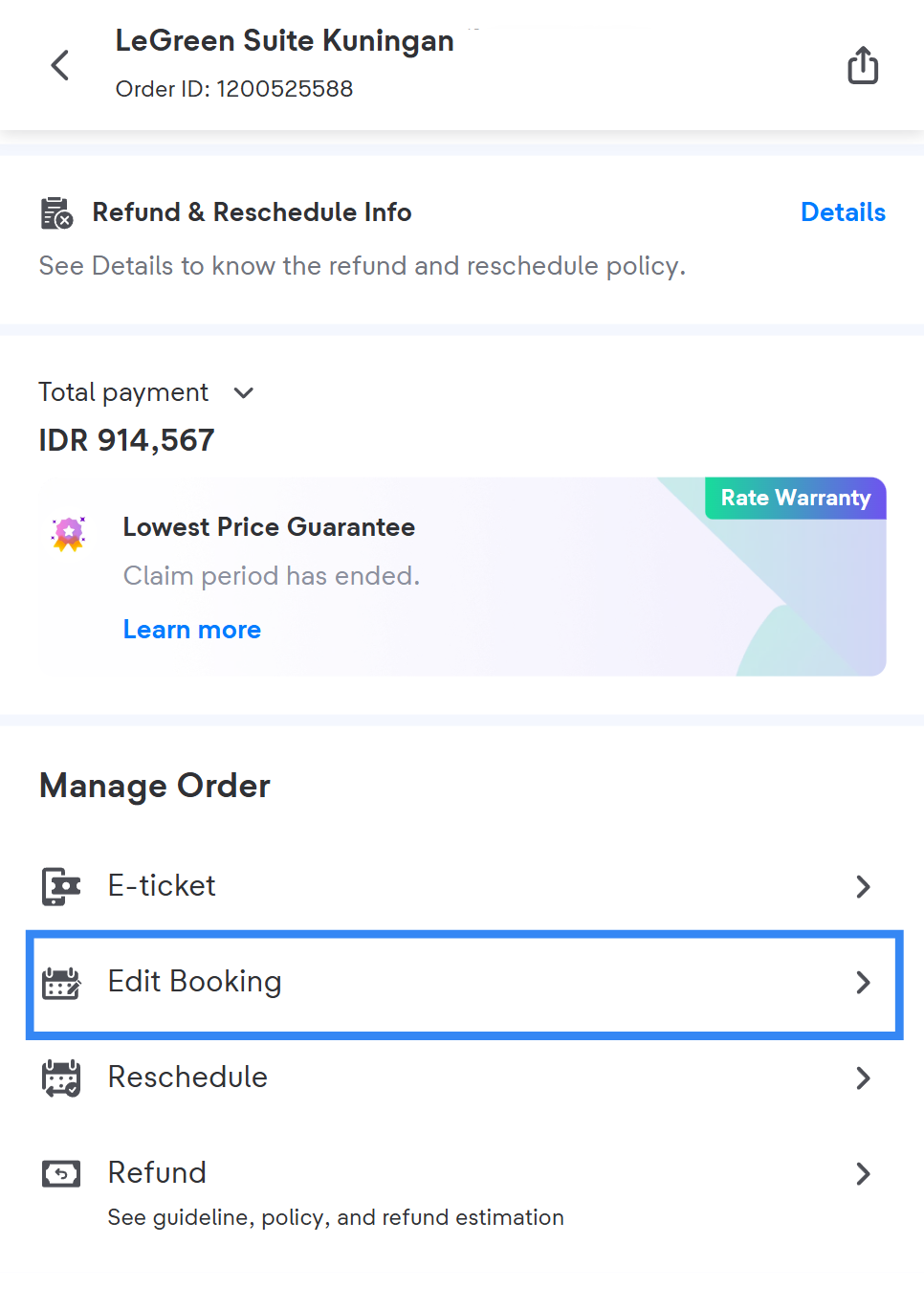
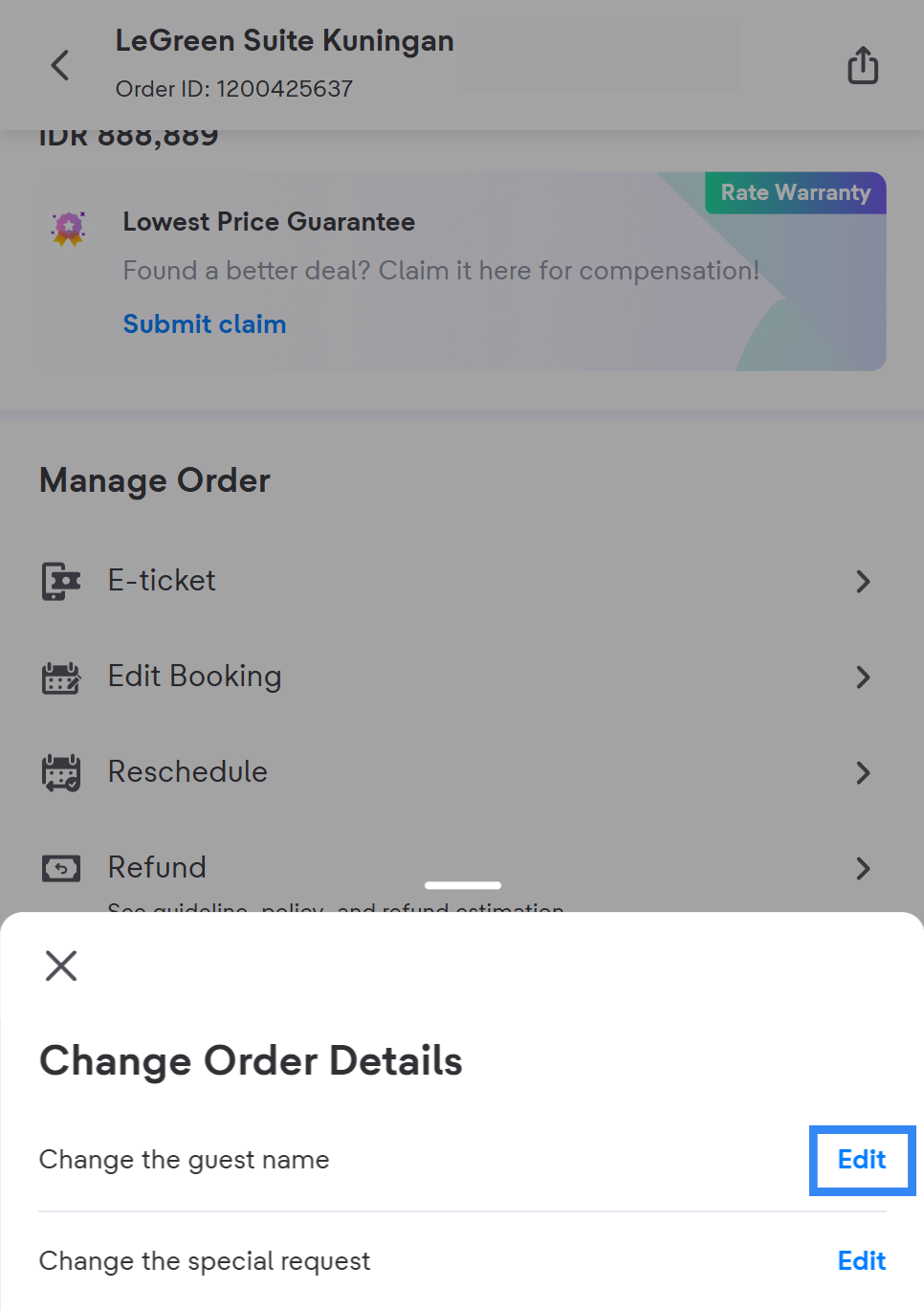
- Scroll down and select “Edit Booking” in the “Manage Order” menu then click “Edit” in the “Change the guest name”.
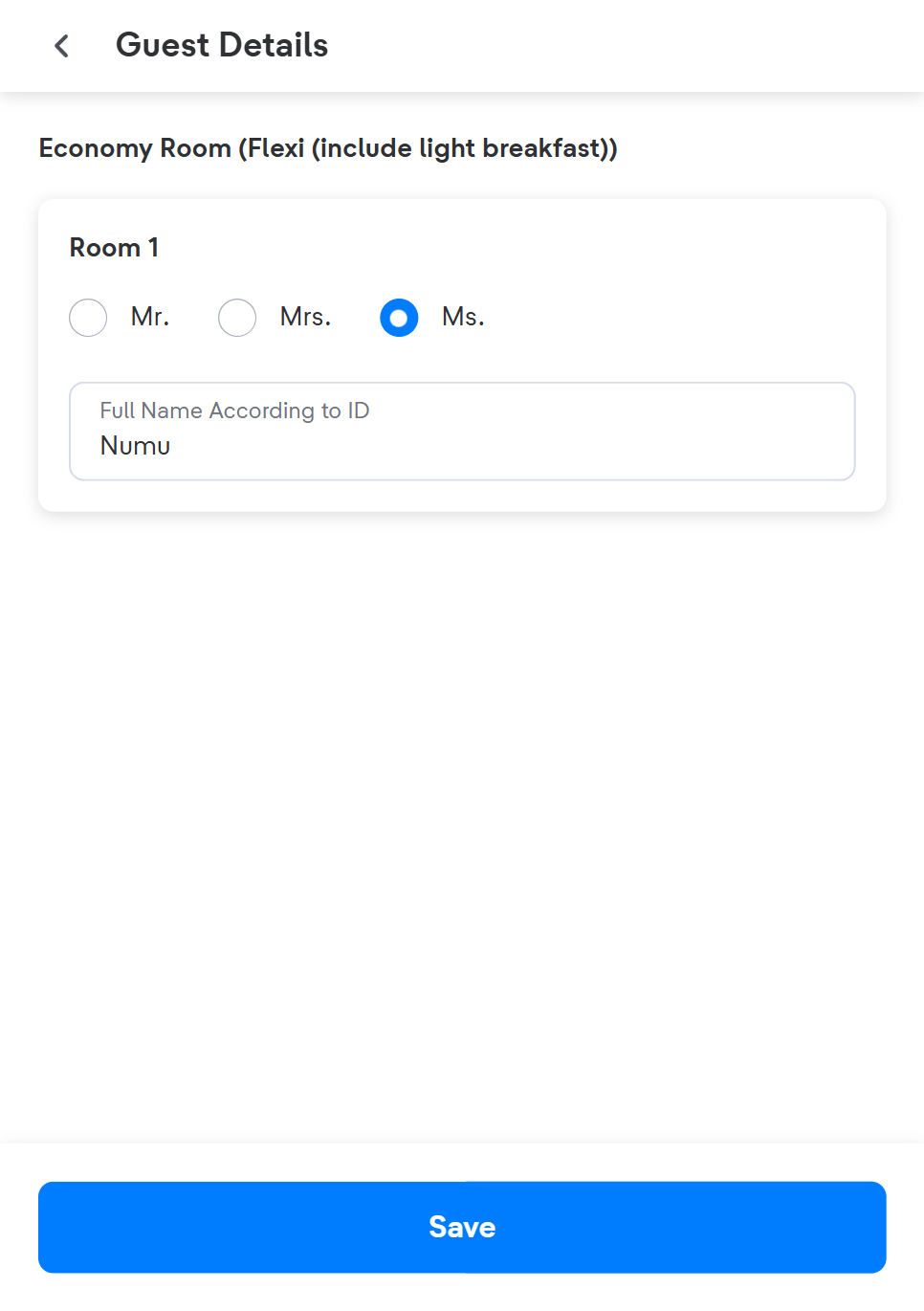
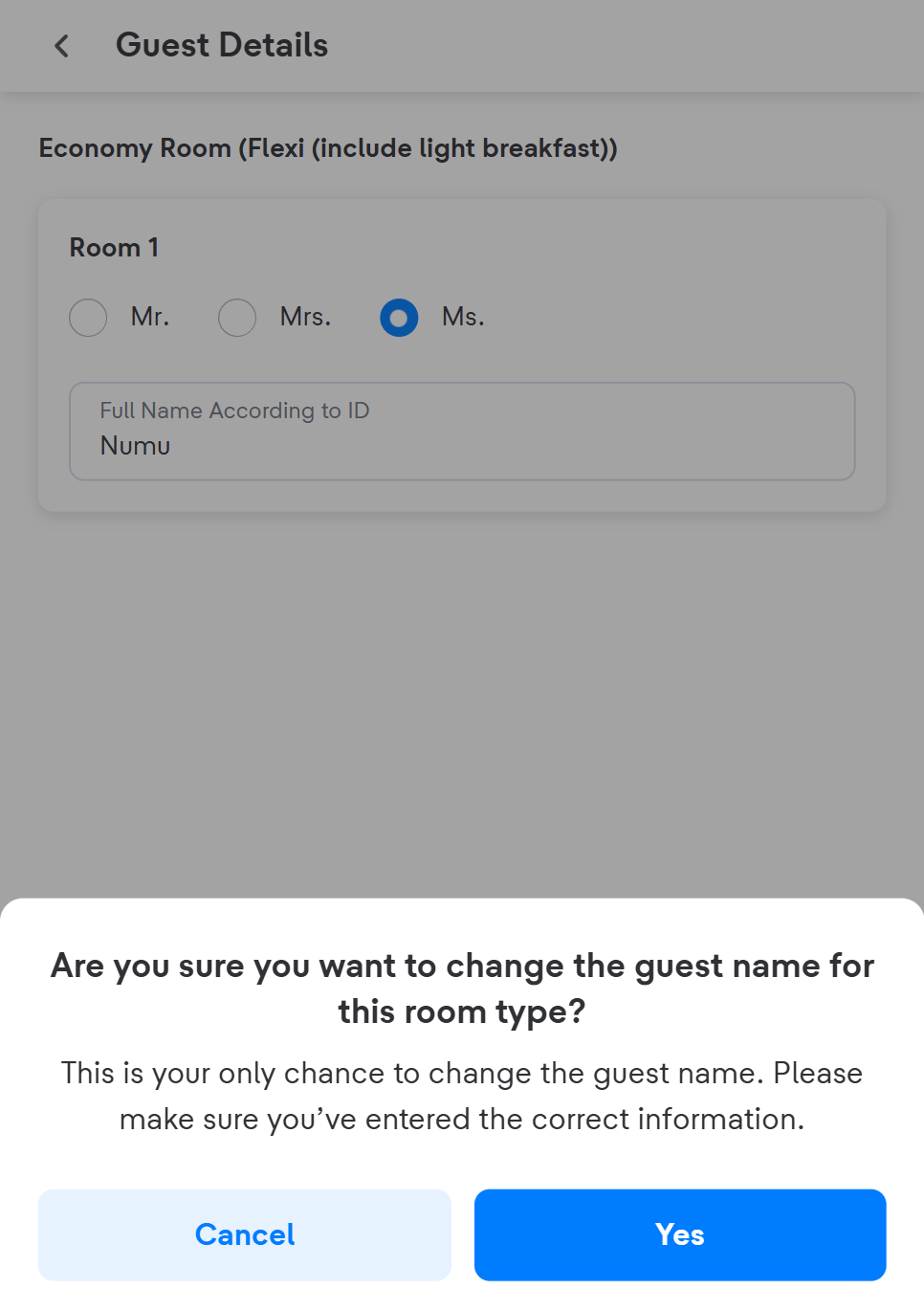
- Type the new guest name and choose the guest title.
- A pop up will appear to remind you that changes can only be made once, then click "Yes".
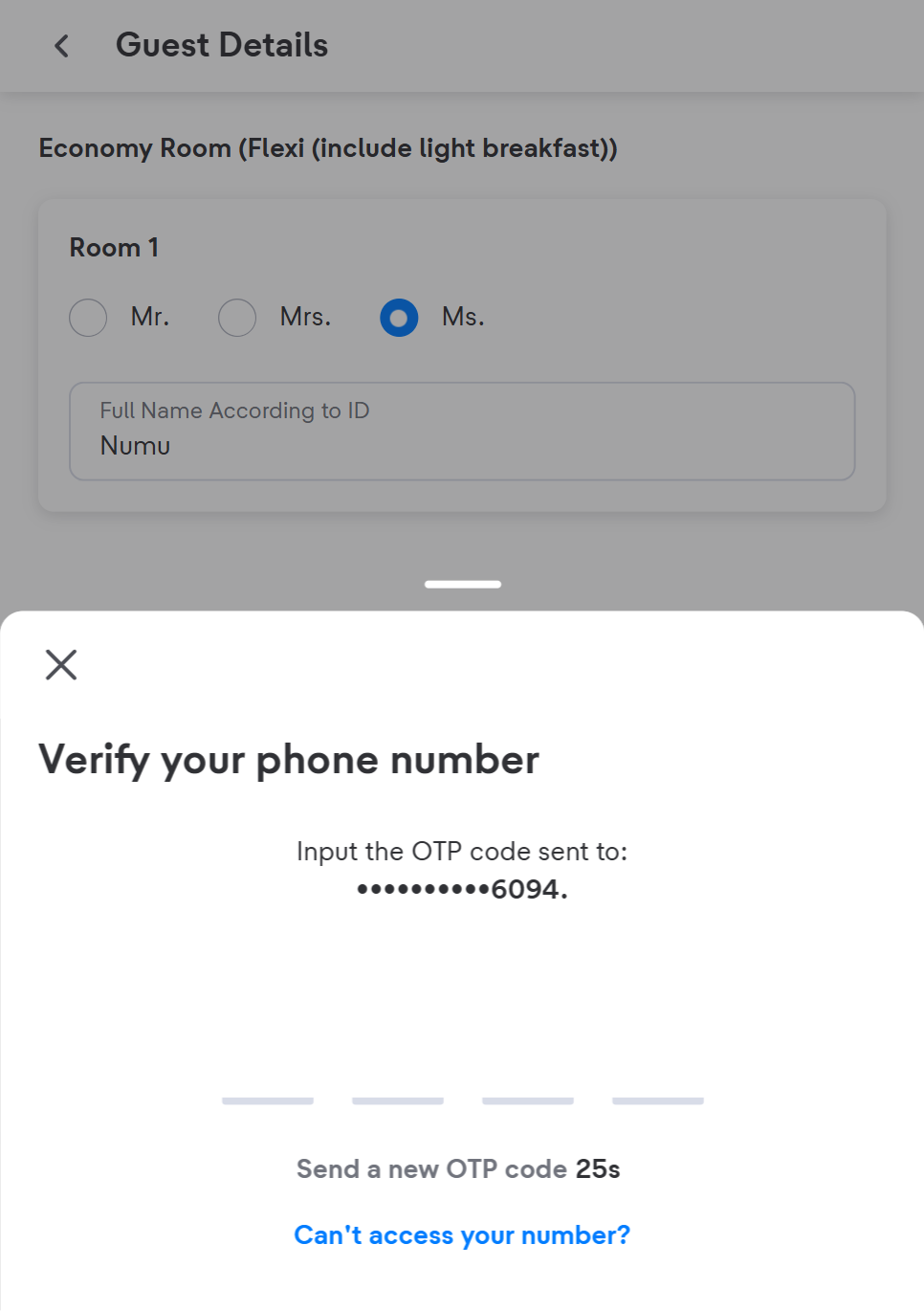
- Input the OTP code sent to your phone number for verification.
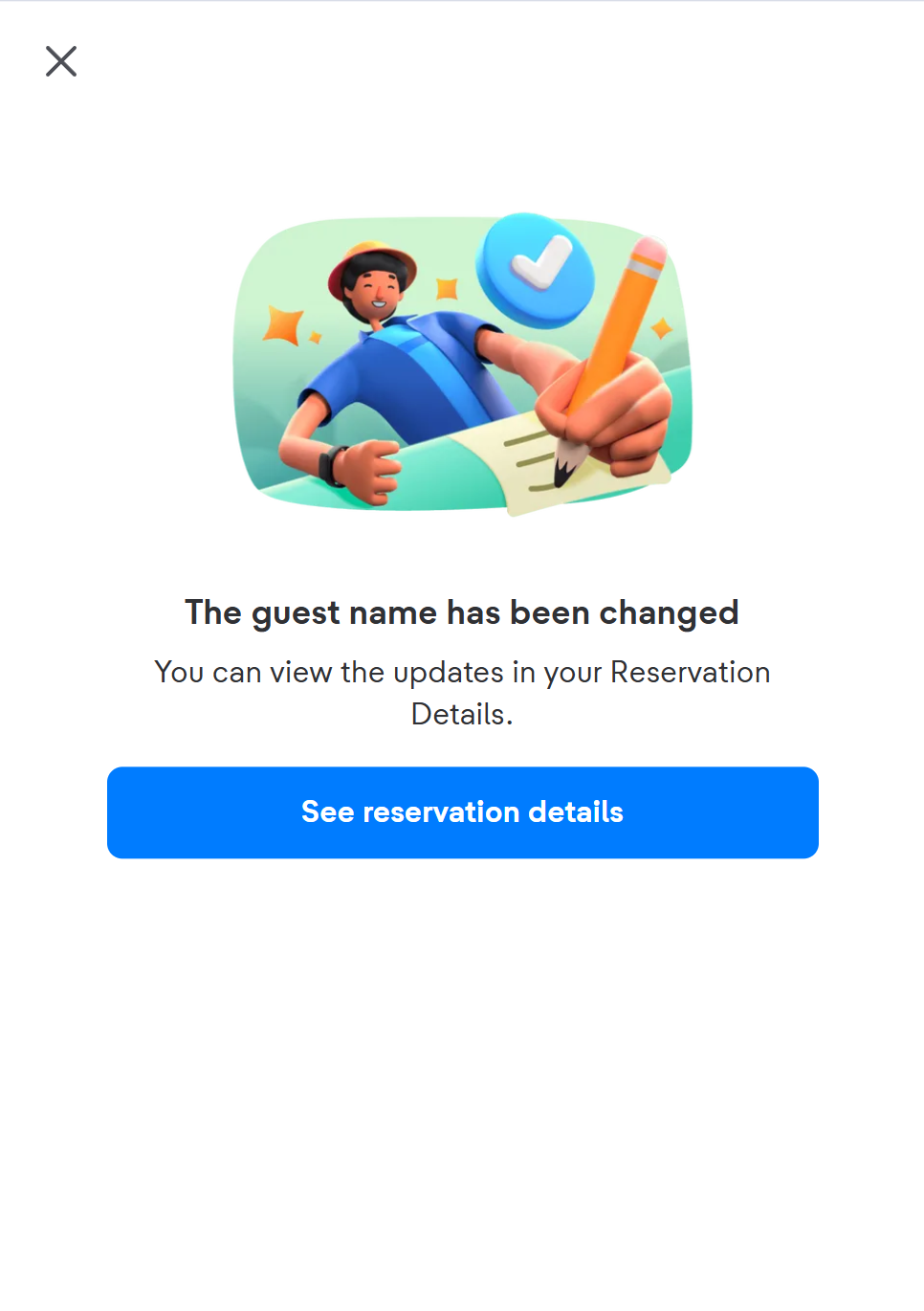
- A new e-ticket with the updated guest name is issued.
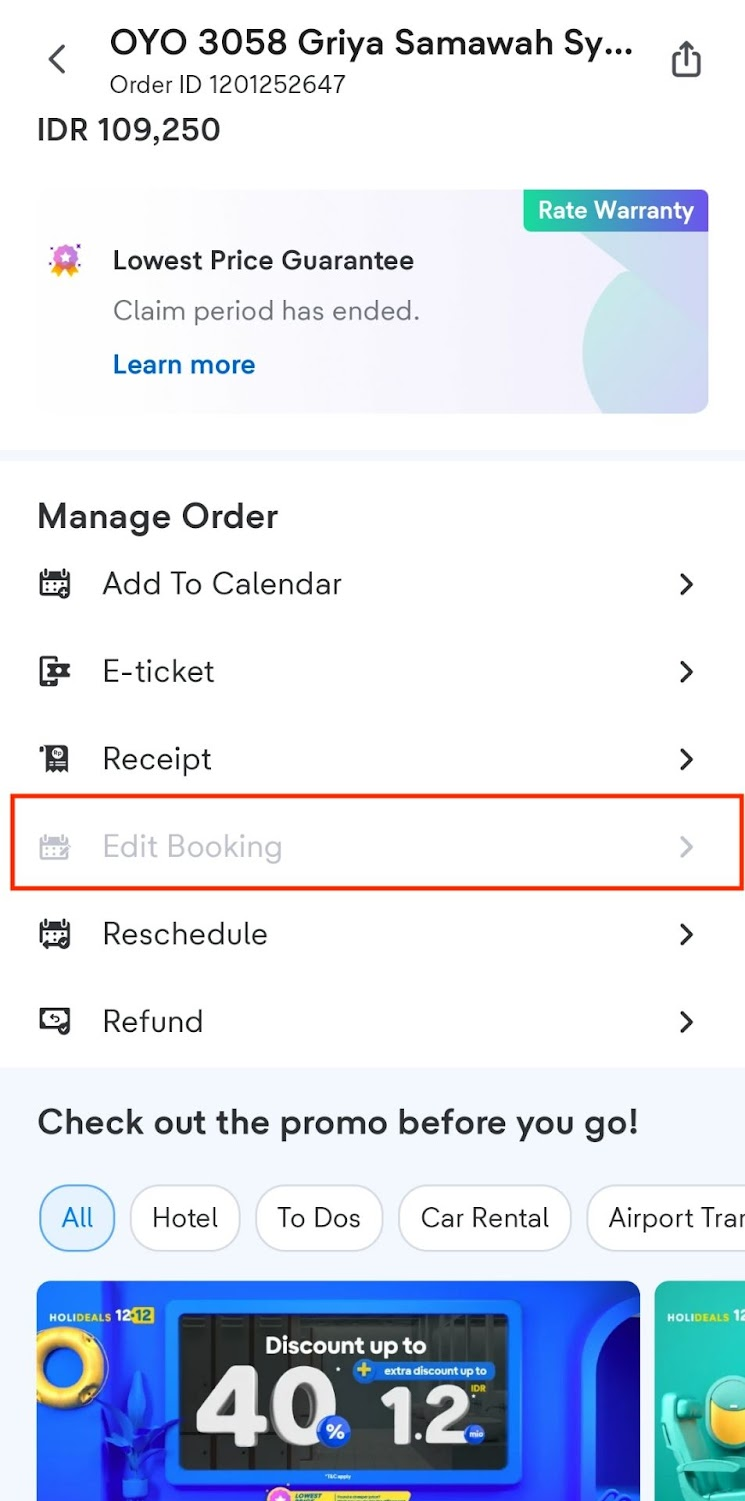
If the Edit Booking menu is disabled, it means your accommodation doesn’t allow any booking changes, including guest name change. So, we suggest you to check all your booking details before proceeding with the payment.
Click here to access Your Orders.