How to easily reschedule my domestic flight ticket?
You can easily change your flight schedule through the Smart Reschedule feature and you can do it independently in a fastest way through the website and the ticket.com apps.
Other than flight schedule, you can also make changes on flight route, airlines, changes on partial pax, and ticket class through Smart Reschedule feature.
Important information regarding the Smart Reschedule feature:
- Ticket changes will result in the cancellation of the previous flight ticket and the issuance of a new ticket with a new Order ID.
- Additional baggage purchases, seat reservations or food orders on the previous ticket order will be forfeited, because they are non-refundable so you need to buy back the additional baggage, seats or food that you want on the new booking.
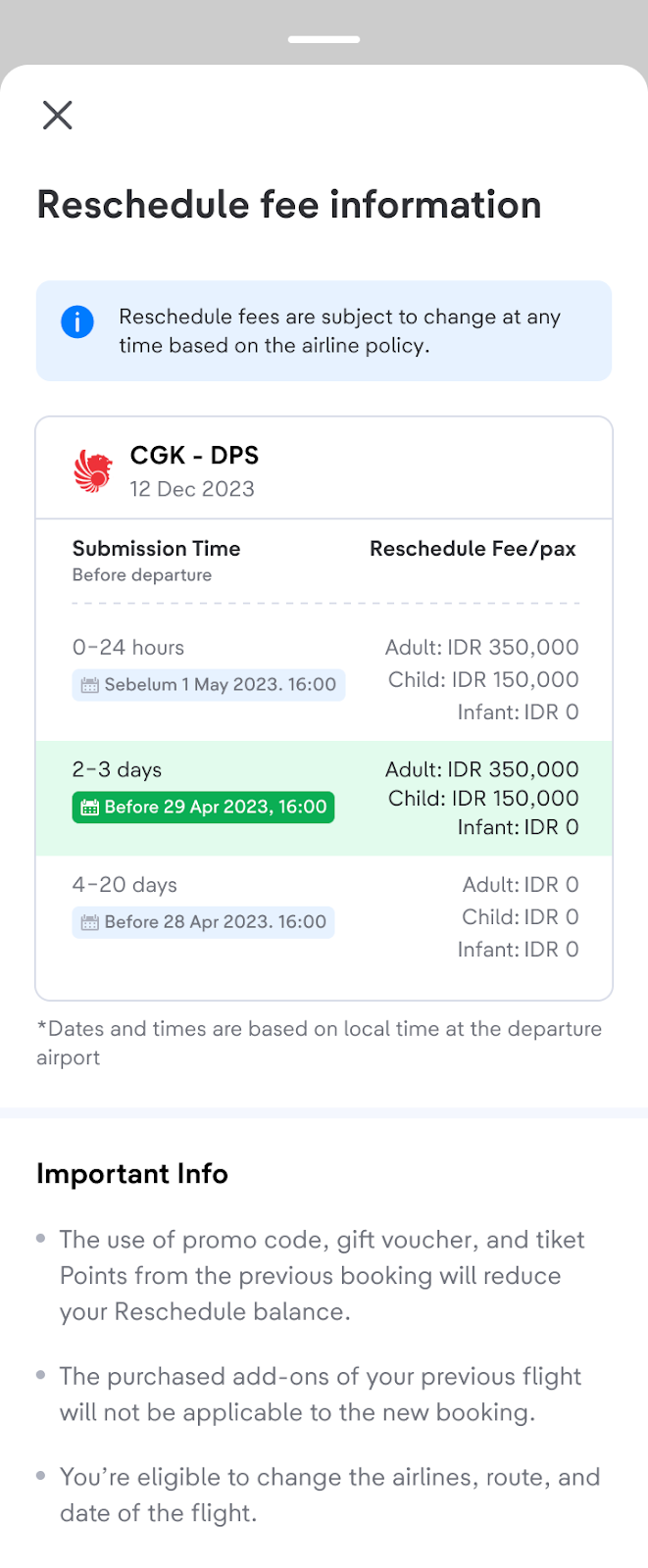
- A fee of 10% of the ticket price will be charged per passenger and per journey, on top of the amount estimated in terms of reschedule.
- Valid for domestic flights within Indonesia.
- Ticket changes are only allowed no later than 6 hours before departure time.
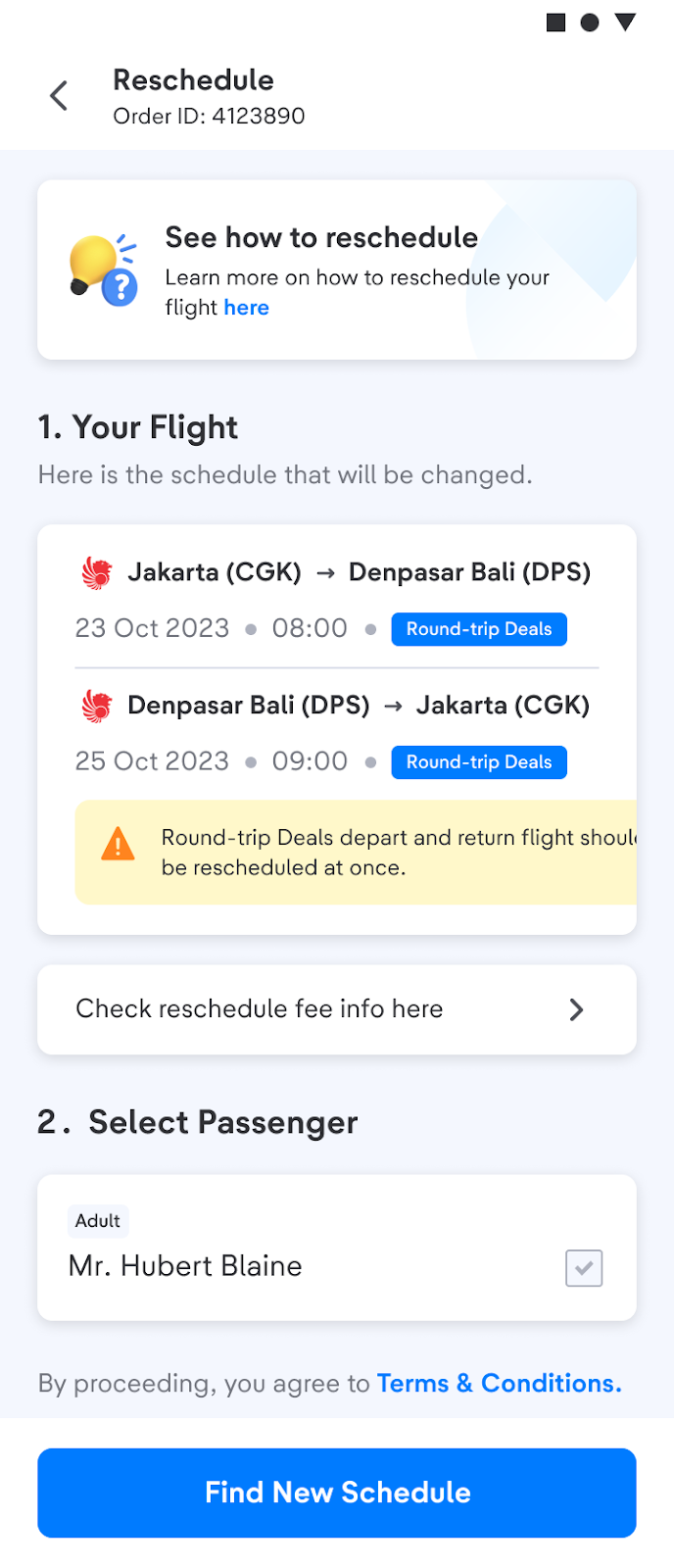
- Especially for roundtrip flights (departure & return in one booking code), rescheduling must be applied for all routes (cannot be selected for certain routes)
- This feature only applies to schedule changes for personal reasons. Contact the relevant airline to reschedule, if there is a change or cancellation by the airline to avoid additional costs.
- When you make payment for an order using a currency Non-IDR, you can reschedule by contacting the airline directly.
- For multi-airline or connecting flights:
- You will lose your flight misconnection protection
- Please review your new flight schedule to avoid the risk of misconnection, since you have a connecting flight.
Follow this step bellow for reschedule ticket trough Smart Reschedule feature:
- Log in to your Account and choose Your Orders menu
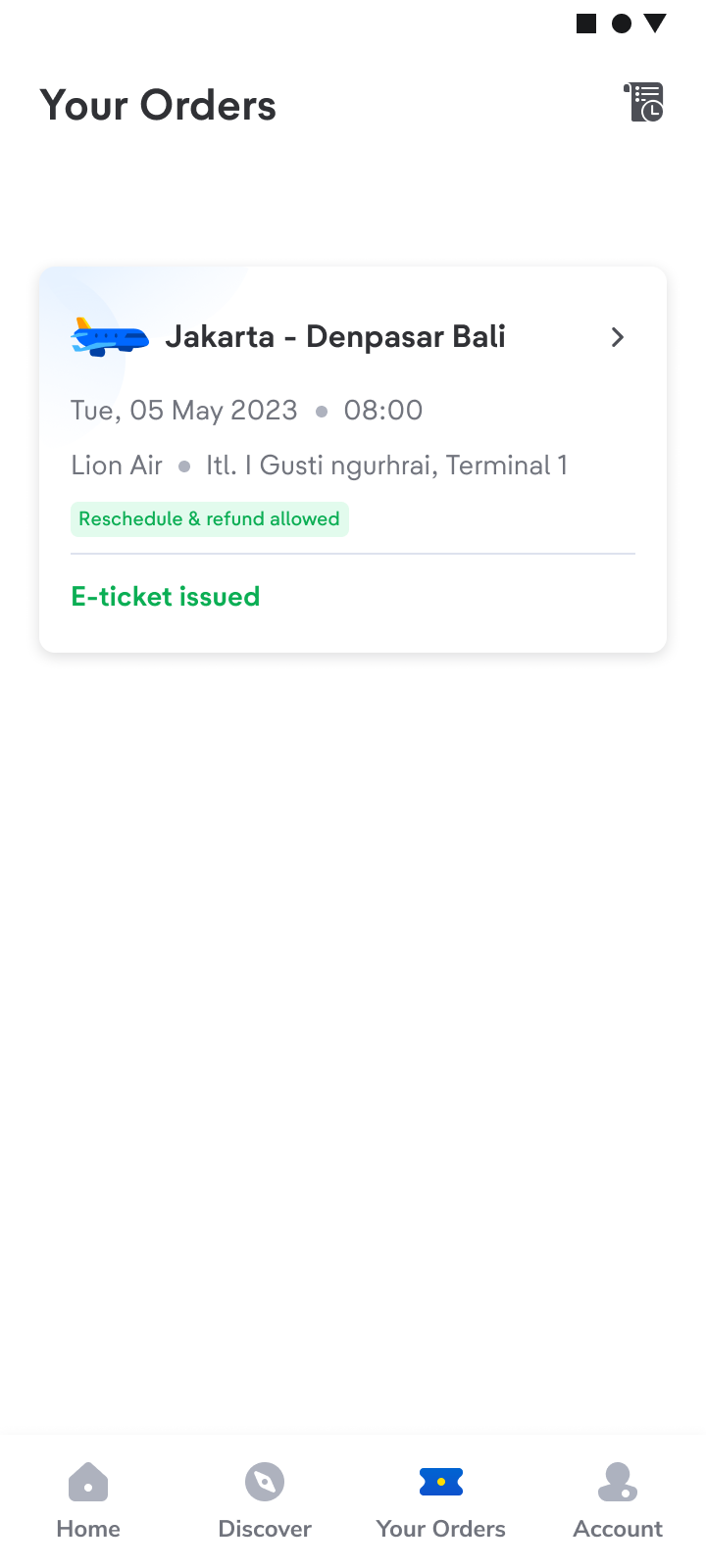
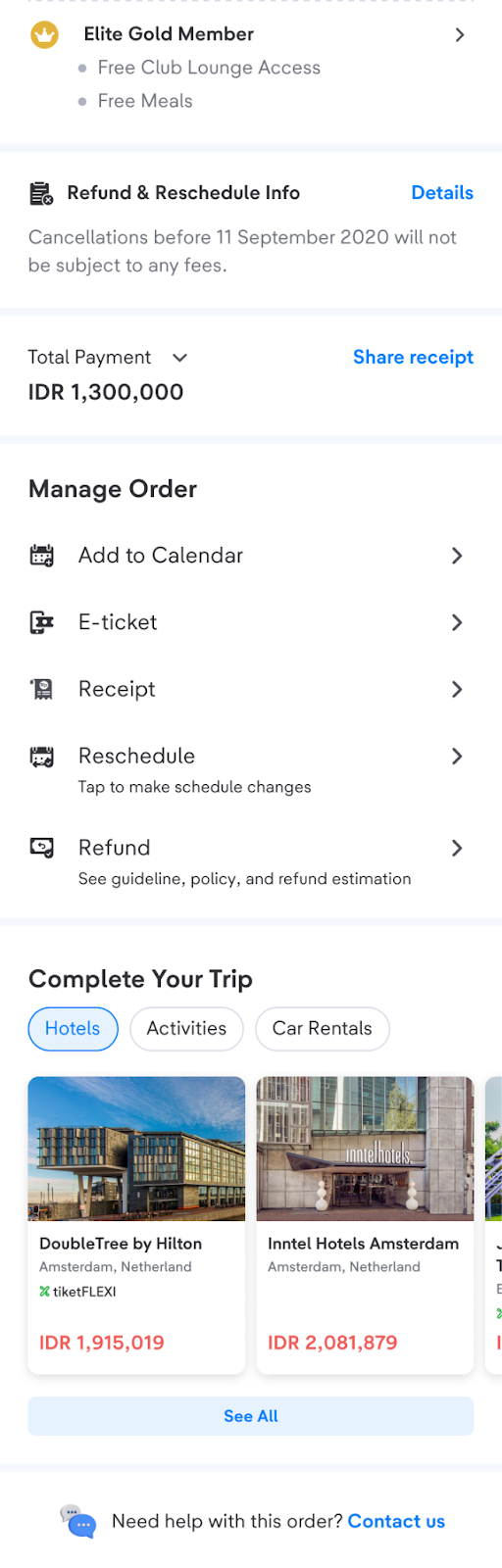
- Choose the ticket you want to reschedule, then choose Reschedule menu
- Check flight details and select passenger you want to reschedule, then click Find New Flight. Make sure you have read the terms and conditions of rescheduling.
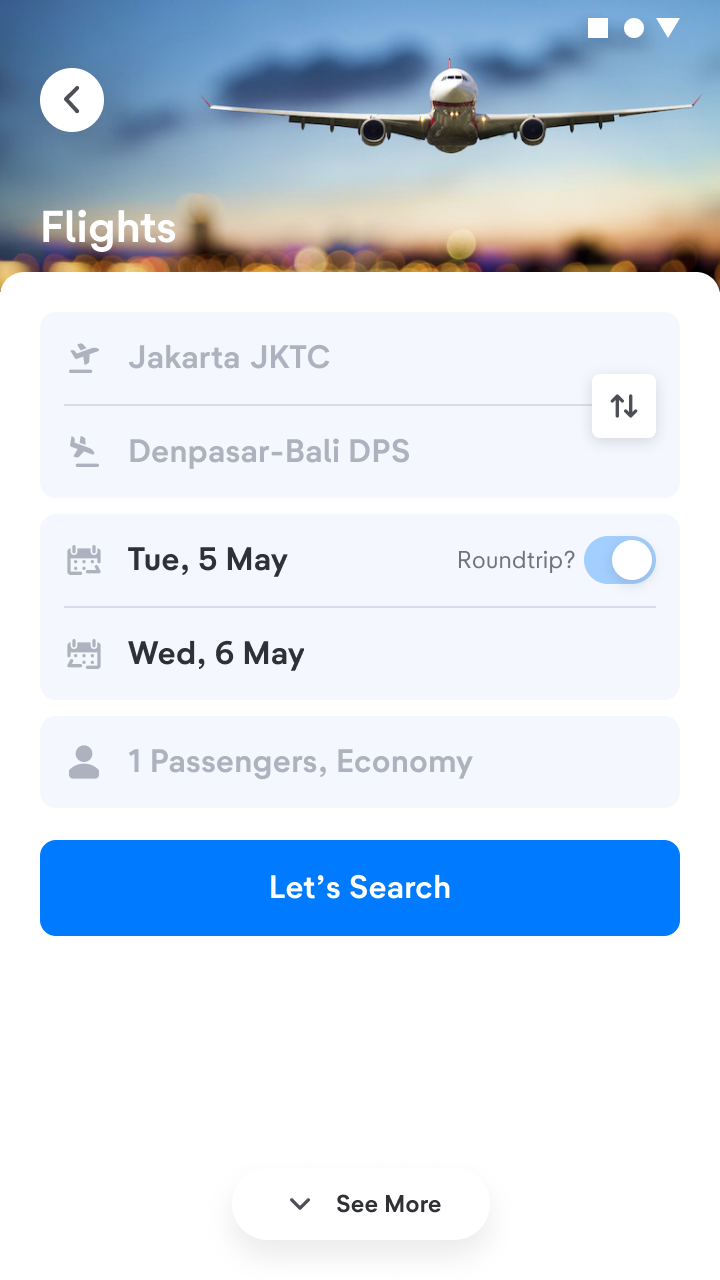
- Choose a new travel date and book your new flight. The price shown is the total price you need to pay.
Notes:
- If the new flight price is cheaper than your previous flight, you can pay with Reschedule Balance Amount and get cashback.
- If the price of your new flight is higher than the price of your previous flight, you can continue paying the difference of amount. Continue to the next steps.
- If the new flight price is same as your previous flight, you can pay with Reschedule Balance Amount.
5. After selecting a new flight schedule, you will enter the booking form. Check the details of your new order again. You can also put up add ons on this page. Then select continue payment and select the payment method you want to use.
6. Reschedule Completed. After the process is completed, you will receive a new E-ticket.
t-mates, if you accidentally pressed the reschedule button on the Smart Reschedule feature, please wait until the payment time expires. No need to worry because your original ticket is still active.
When you already submit a reschedule request and want to cancel it, you can contact the airline directly. Check airlines’ contact numbers here.
If you are not eligible to use the Smart Reschedule feature, it might be because of one of these reasons:
- You already submitted a reschedule request directly to airline.
- Did not login to apps when you booked the flight.
- The reschedule submission deadline has passed.
- Ticket type is non-refundable and cannot be rescheduled.
Click on this 'Submit Reschedule' button below to change your domestic flight tickets schedule!