



4 Star Hotels in Sulmona
Showing 5 hotels in Sulmona
Sei Stelle
Stella CasaBono
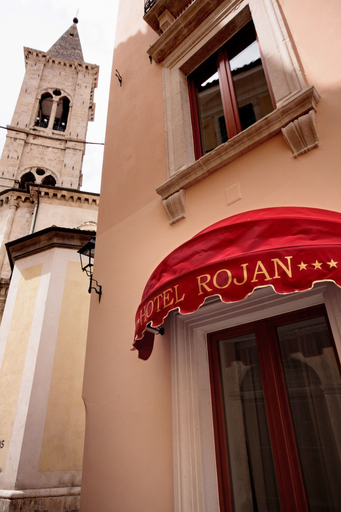
Hotel Rojan
Hotel Rojan Location
A stay at Hotel Rojan places you in the heart of Sulmona, steps from Complesso dell'Annunziata and 7 minutes by foot from Villa Comunale. This ski hotel is 0.8 mi (1.3 km) from Francesco Pallozzi Municipal Stadium and 0.8 mi (1.3 km) from San Panfilo Cathedral.
Hotel Rojan Facility and Service
Make use of convenient amenities such as complimentary wireless internet access, concierge services, and ski storage. This hotel also features a hair salon, wedding services, and a television in a common area. The shuttle (surcharge) will take you to the nearby beach or shopping center.
Hotel Rojan Rooms
Make yourself at home in one of the 18 air-conditioned rooms featuring LED televisions. Complimentary wired and wireless internet access keeps you connected, and digital programming provides entertainment. Private bathrooms with showers feature complimentary toiletries and bidets. Conveniences include phones, as well as safes and a turndown service.
Restaurant and Cafe
Satisfy your appetite at the hotel's coffee shop/cafe, or stay in and take advantage of the room service. Wrap up your day with a drink at the bar/lounge. A complimentary buffet breakfast is served daily from 7:30 AM to 10:00 AM.
See detailsA stay at Hotel Rojan places you in the heart of Sulmona, steps from Complesso dell'Annunziata and 7 minutes by foot from Villa Comunale. This ski hotel is 0.8 mi (1.3 km) from Francesco Pallozzi Municipal Stadium and 0.8 mi (1.3 km) from San Panfilo Cathedral.
Hotel Rojan Facility and Service
Make use of convenient amenities such as complimentary wireless internet access, concierge services, and ski storage. This hotel also features a hair salon, wedding services, and a television in a common area. The shuttle (surcharge) will take you to the nearby beach or shopping center.
Hotel Rojan Rooms
Make yourself at home in one of the 18 air-conditioned rooms featuring LED televisions. Complimentary wired and wireless internet access keeps you connected, and digital programming provides entertainment. Private bathrooms with showers feature complimentary toiletries and bidets. Conveniences include phones, as well as safes and a turndown service.
Restaurant and Cafe
Satisfy your appetite at the hotel's coffee shop/cafe, or stay in and take advantage of the room service. Wrap up your day with a drink at the bar/lounge. A complimentary buffet breakfast is served daily from 7:30 AM to 10:00 AM.
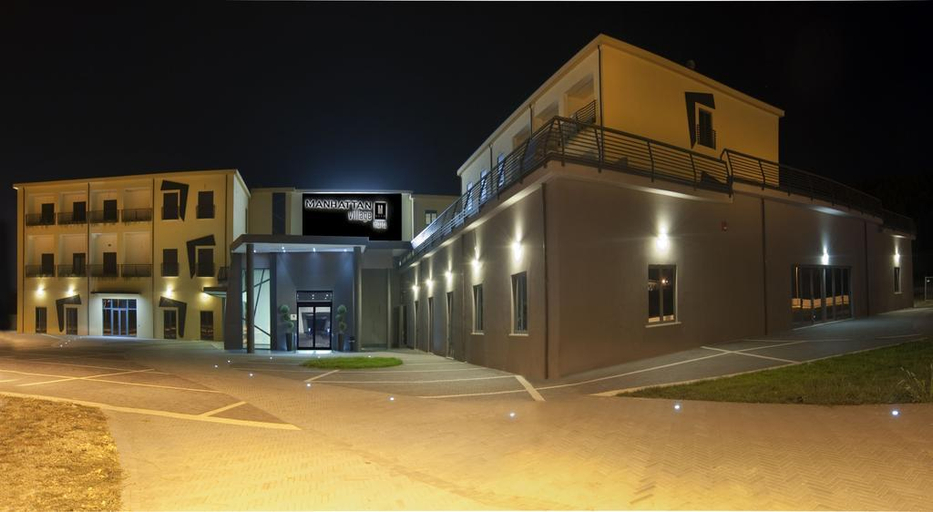
Manhattan Village Hotel
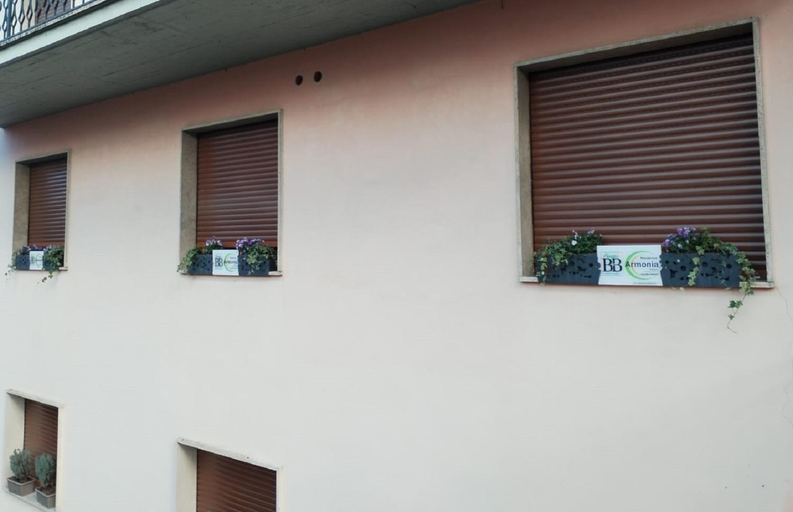
Casa Armonia Apartment Sulmona
Casa Armonia Sulmona Apartment welcomes you to a comfortable stay at L'Aquila. The Apartment offers complete facilities to cater to guests’ needs, such as WiFi, children facility, and accessible facilities.
The rooms feature (a) AC, TV, and refrigerator. The en suite bathroom comes with (a) shower, free toiletries, and hair dryer.
Staff at the Apartment can assist you with 24-hour front desk and luggage storage. Other facilities include washing machine and bar/lounge.
See details
How to Book Hotels on tiket.com
1. Find the hotelEnter the name of the city, area, or hotel to find the place you want.
2. Select a roomOn the hotel detail page, you will see the available room options. Select a room that suits your needs.
3. Complete the booking detailsInput the contact details (the person who will be contacted by tiket.com and the hotel about the booking) and the guests’ details.
4. Select Add-onsYou can also buy additional services such as meal packages, transportation, and many more.
5. Pay your bookingSelect the payment method and complete your transaction. Don’t forget to use the promo code to get a cheaper hotel price at tiket.com.
6. Get the reservation e-voucherAfter the payment is successful, the e-voucher will be available on the Your Orders menu and sent to the email listed in the contact details.