



5 Star Hotels in Malacca City
Showing 210 hotels in Malacca City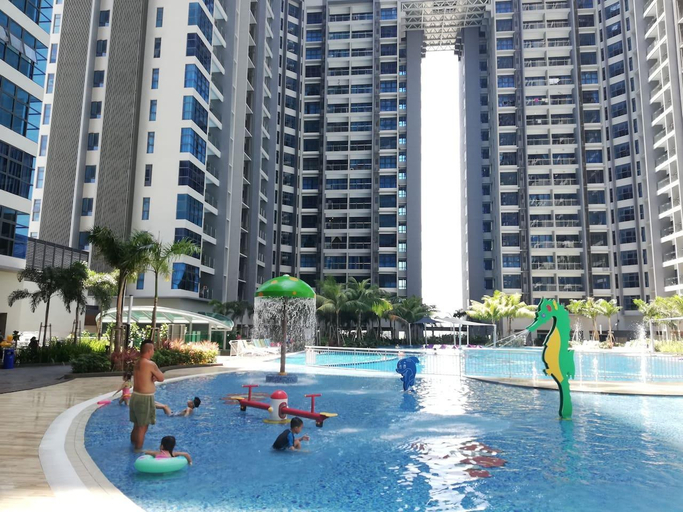
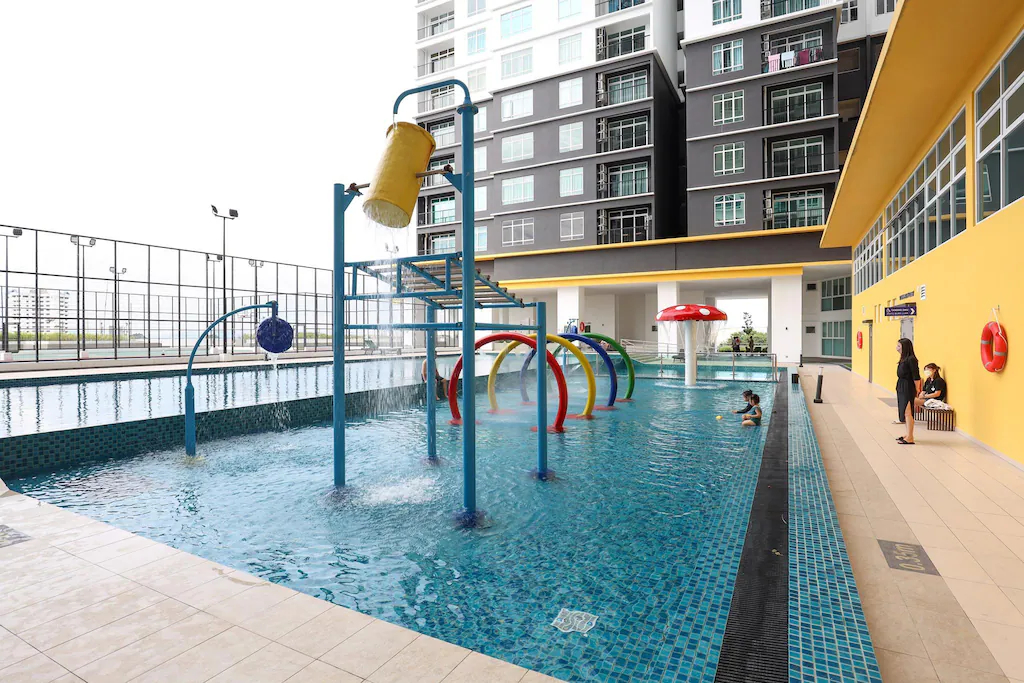

VIOMAXS ATLANTIS 3BR FAMILY CONDO VARIOUS DESIGN
Sea view 2 bedroom Atlantis Melaka sleep 8pax welcomes you to a comfortable stay at Malacca City. The Apartment offers complete facilities to cater to guests’ needs, such as swimming pool, WiFi, and parking.
Each room is equipped with AC and TV. The bathroom comes with free toiletries and hair dryer.
See detailsNovo Pool 1103 Nearby Jonker Street By I Housing
Novo Pool 1103 Nearby Jonker Street By I Housing welcomes you to a comfortable stay at Malacca City. The Apartment offers complete facilities to cater to guests’ needs, such as kitchen, swimming pool, and WiFi.
Atlantis @Melaka |Pool View|(2-4pax)C10-10
Atlantis Malacca Suite Awesome Huge Pool ATB27
Atlantis Residence By BMG l4lPoolView l 4QueenBeds
Thermospace Atlantis D-31-06 Melaka City
IMPIAN RAUDAH IMPERIO CONDO 2BR SEAVIEW MUSLIM
Atlantis Residence @ Melaka 2709#
IMPIAN RAUDAH MUSLIM STUDIO LVL19 @ IMPERIO
Imperio Residence A2208 @ BonMaison
Dahong Fairytale Homestay @ Jonker Walk (4km)
Cozy Home 2
Melaka Raya | City Centre | Near Jonker | 4 pax
Vacation Home @Imperio Residence
BaliResidence /8minToJonker/MelakaTown
ATLANTIS RESIDENCE for FOOD LOVER
Atlantis Residence Melaka, Apartment, 1-6 pax
Romantic House @ Atlantis
Atlantis Residence The 28 House @ Melaka Nr Jonker
ATLANTIS RETREAT

How to Book Hotels on tiket.com
1. Find the hotelEnter the name of the city, area, or hotel to find the place you want.
2. Select a roomOn the hotel detail page, you will see the available room options. Select a room that suits your needs.
3. Complete the booking detailsInput the contact details (the person who will be contacted by tiket.com and the hotel about the booking) and the guests’ details.
4. Select Add-onsYou can also buy additional services such as meal packages, transportation, and many more.
5. Pay your bookingSelect the payment method and complete your transaction. Don’t forget to use the promo code to get a cheaper hotel price at tiket.com.
6. Get the reservation e-voucherAfter the payment is successful, the e-voucher will be available on the Your Orders menu and sent to the email listed in the contact details.