What is a B2B Corporate Travel Plan?
Travel Plan is a feature that enables company users to plan, request approval, and book business trips more efficiently.
This feature includes several important functionalities, such as:
- Pre-Booking Approval
Approving the travel plan before booking any products. - Multi Layer Approval
Applying several layers of approval for each travel plan. - Travel Plan-based Search Results
Displaying automatic product search results that match the approved travel plan.
Currently, tiket.com products that can be booked through the travel plan are Accommodation.
General terms and conditions that you need to know about the Travel Plan:
- The Travel Plan is created by the traveler who will be going on a business trip with products such as flights, accommodation, car rental, and train.
- The Travel Plan may require approval from multiple layers (multi-layer approval). This means the Travel Plan might need to be approved first by a manager, then by the finance division, and so on, before it is fully approved.
- Booking for each product within the Travel Plan must be made in the same location or within the area specified in the initial Travel Plan.
Accommodation location in the Travel Plan: DKI Jakarta- Eligible to book: South Jakarta, East Jakarta, Pancoran
- Not eligible to book: Central Java, Yogyakarta, Surabaya
Here are the steps to configure the Travel Plan:
- Make sure you have logged into the corporate dashboard and select the settings menu
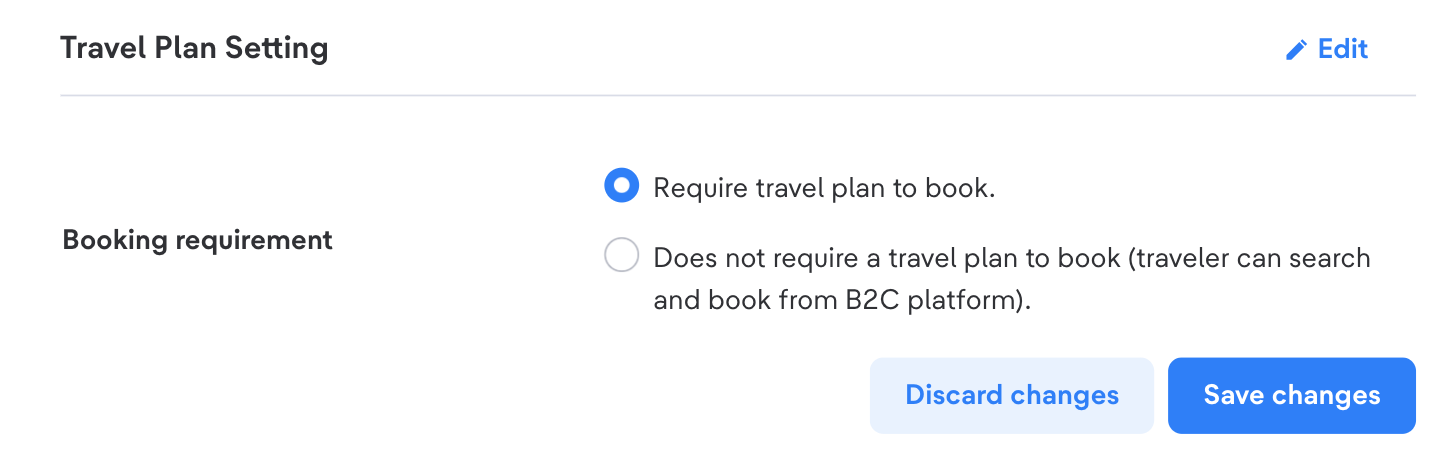
- Click "Edit" on Travel Plan Setting
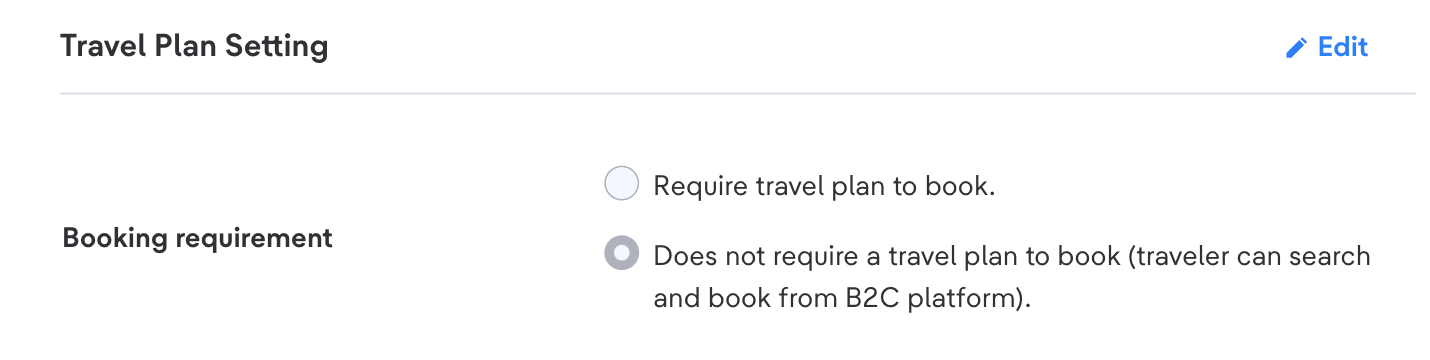
- Select Booking requirement
- If you click "Require travel plan to book.", then the Traveler must have an approved Travel Plan in advance to book the product, If the Traveler does not have a travel plan, then they cannot make a booking
- If you click "Does not require travel plan to book", then the Traveler does not need to have an approved Travel Plan to book the product
- If you click "Require travel plan to book.", then the Traveler must have an approved Travel Plan in advance to book the product, If the Traveler does not have a travel plan, then they cannot make a booking
- Click "Save" on Travel Plan Setting