How do I order a domestic airport transfer on tiket.com?
Start your journey with an Airport Transfer services that you can order on tiket.com apps by following these steps below:
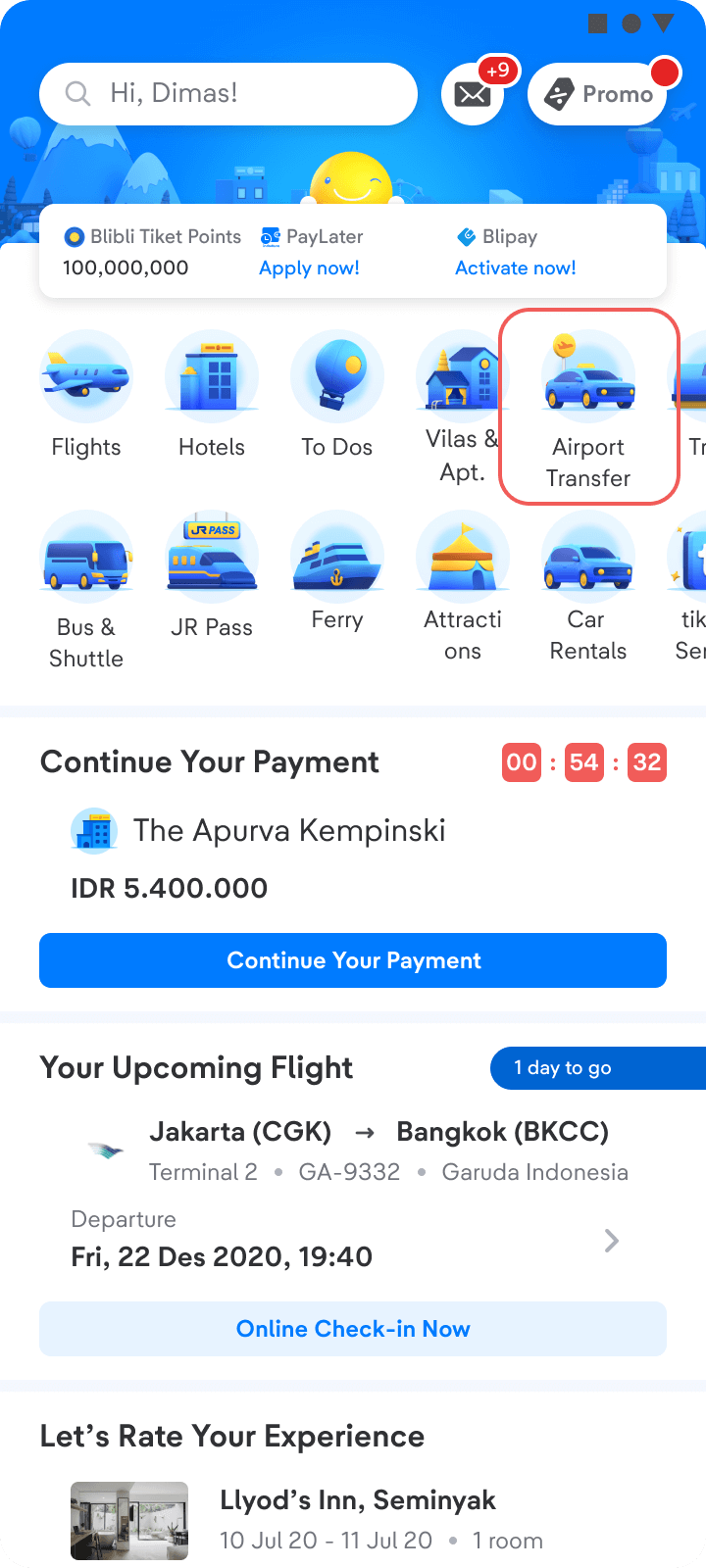
- Open and login to the tiket.com apps. Then, select Airport Transfer menu
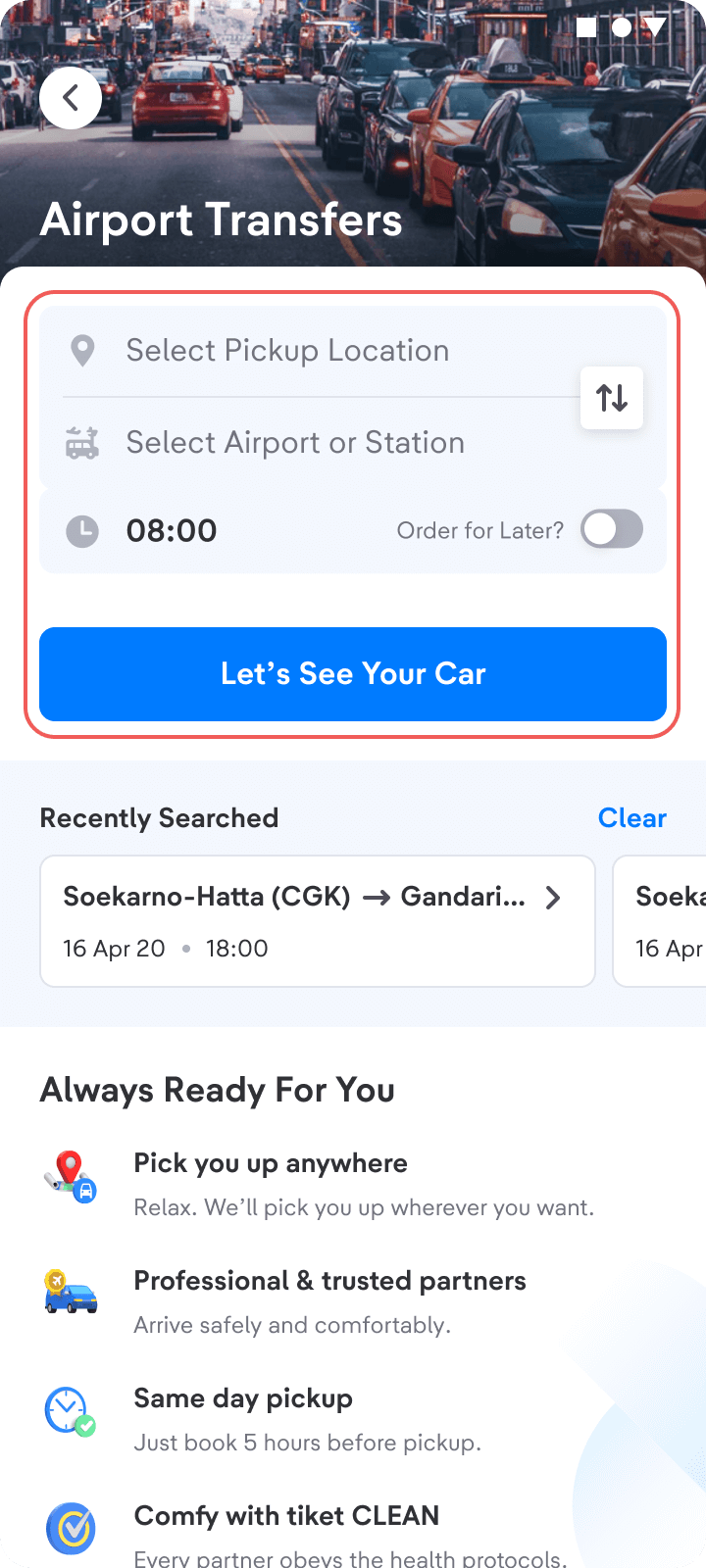
- Select location, airport/station, and pick up time. Then, click Let’s See Your Car
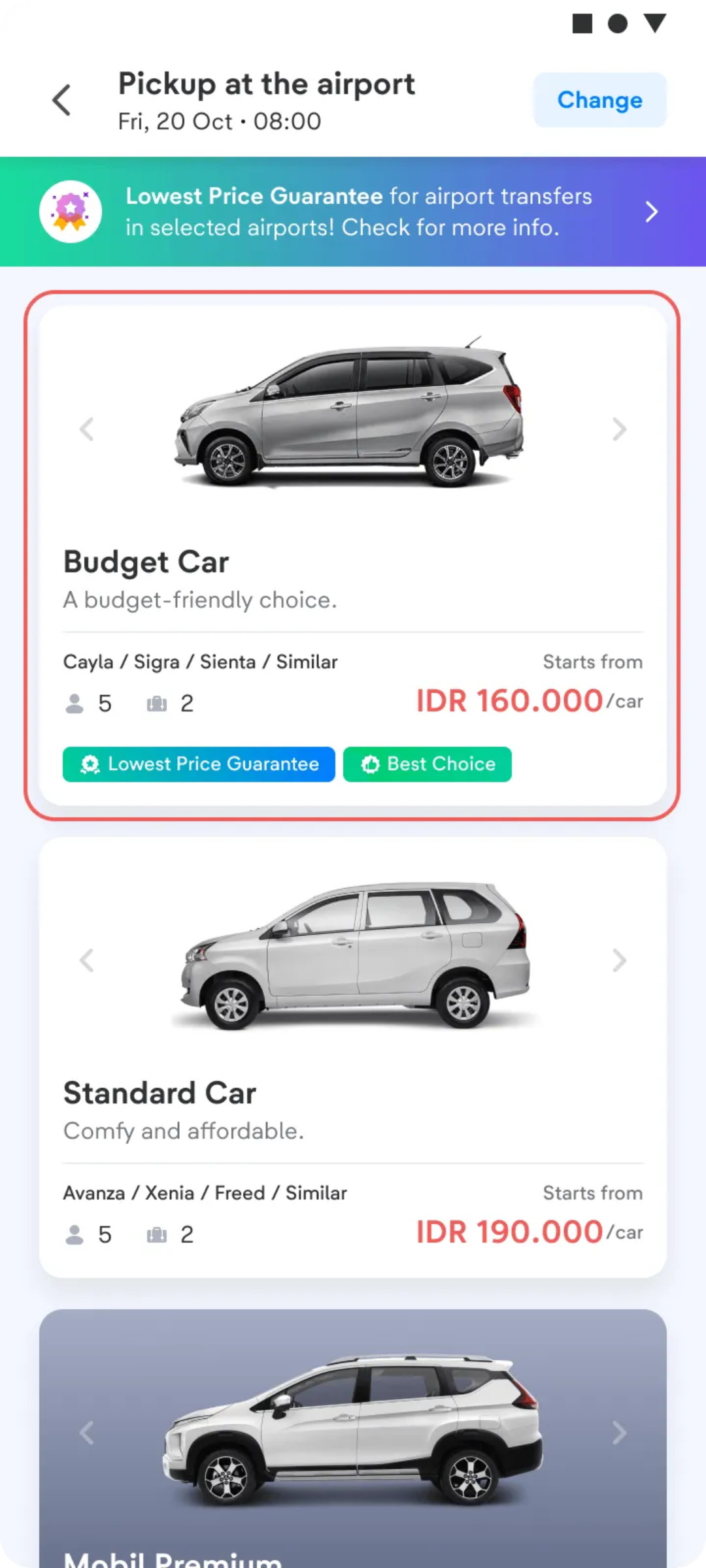
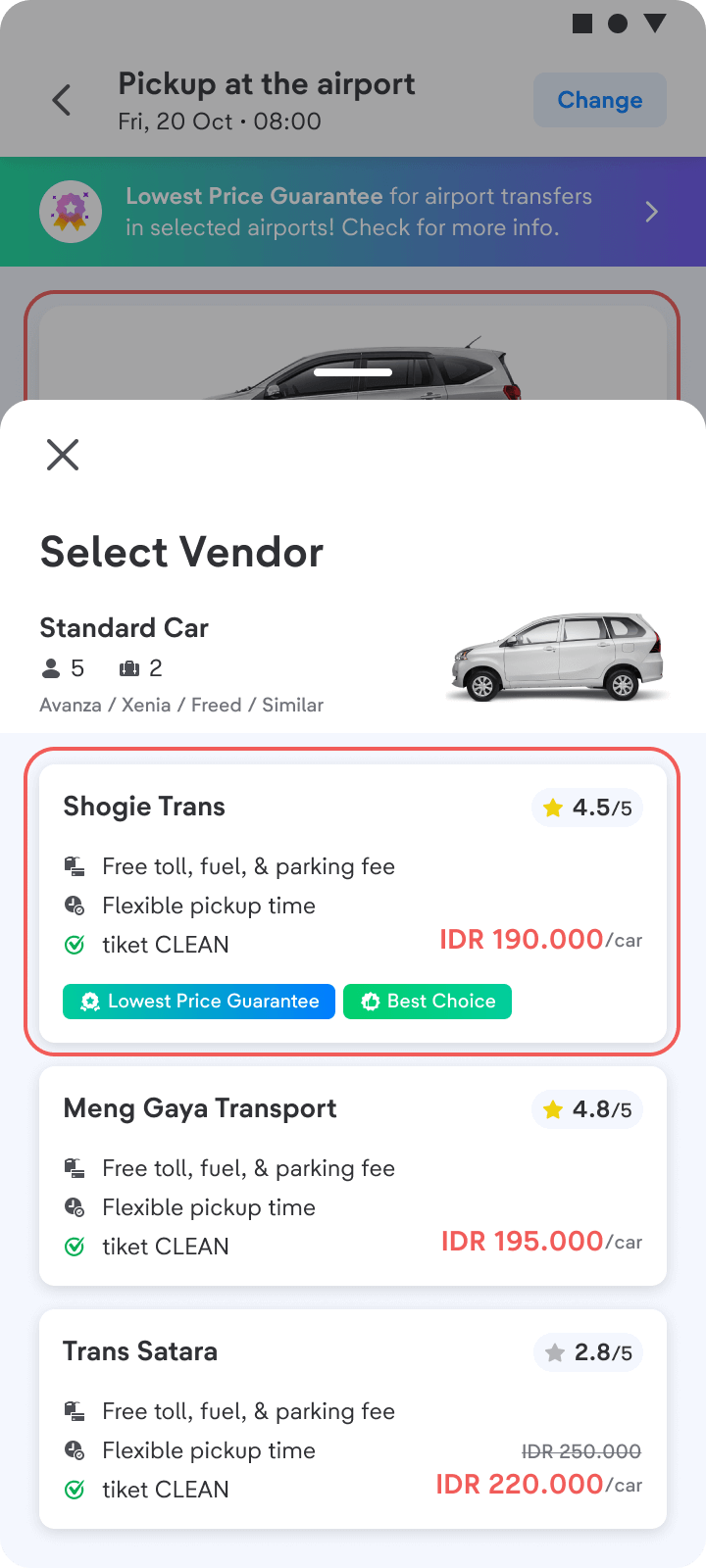
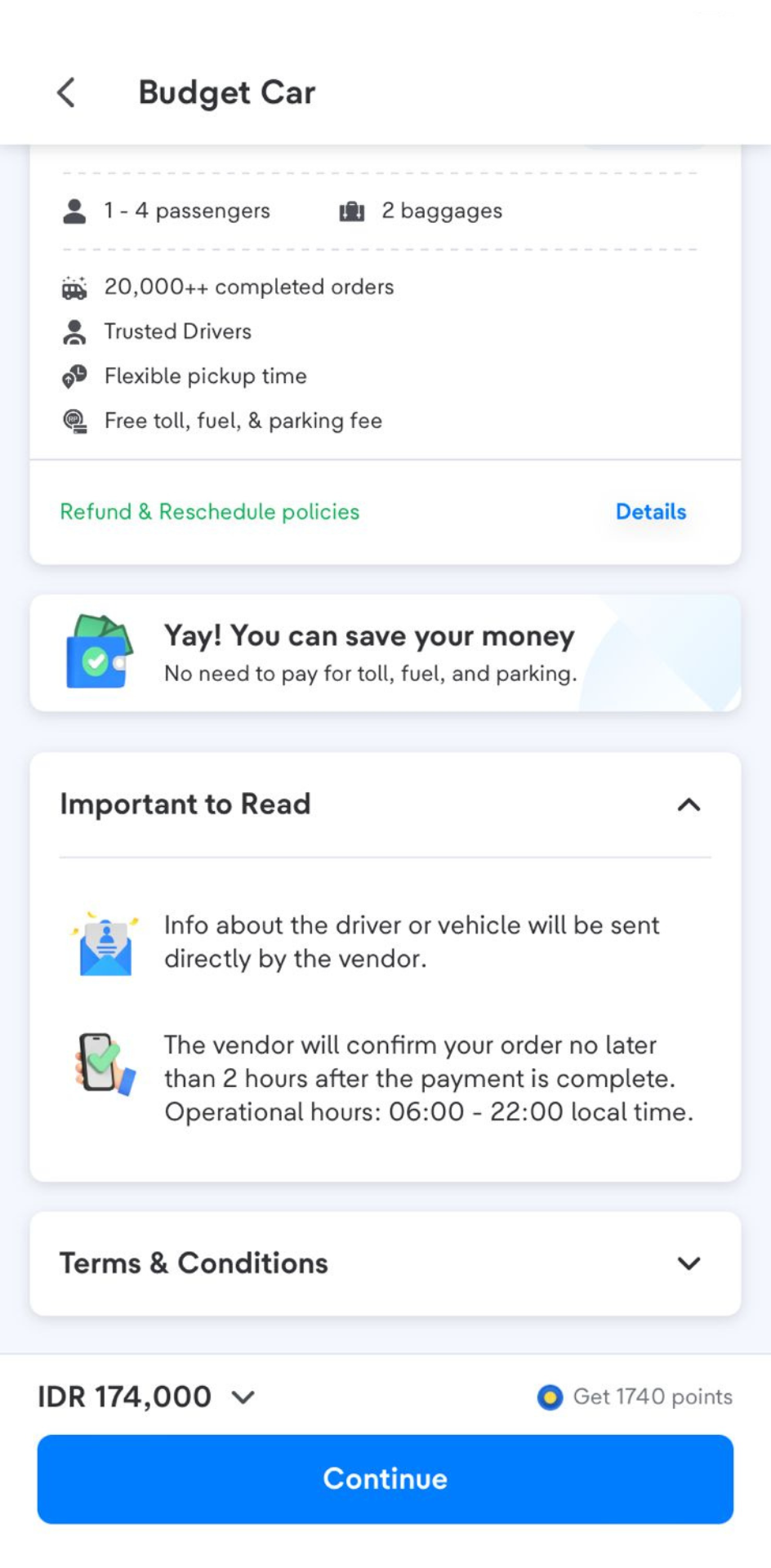
- Choose your desired vendor, then click Continue
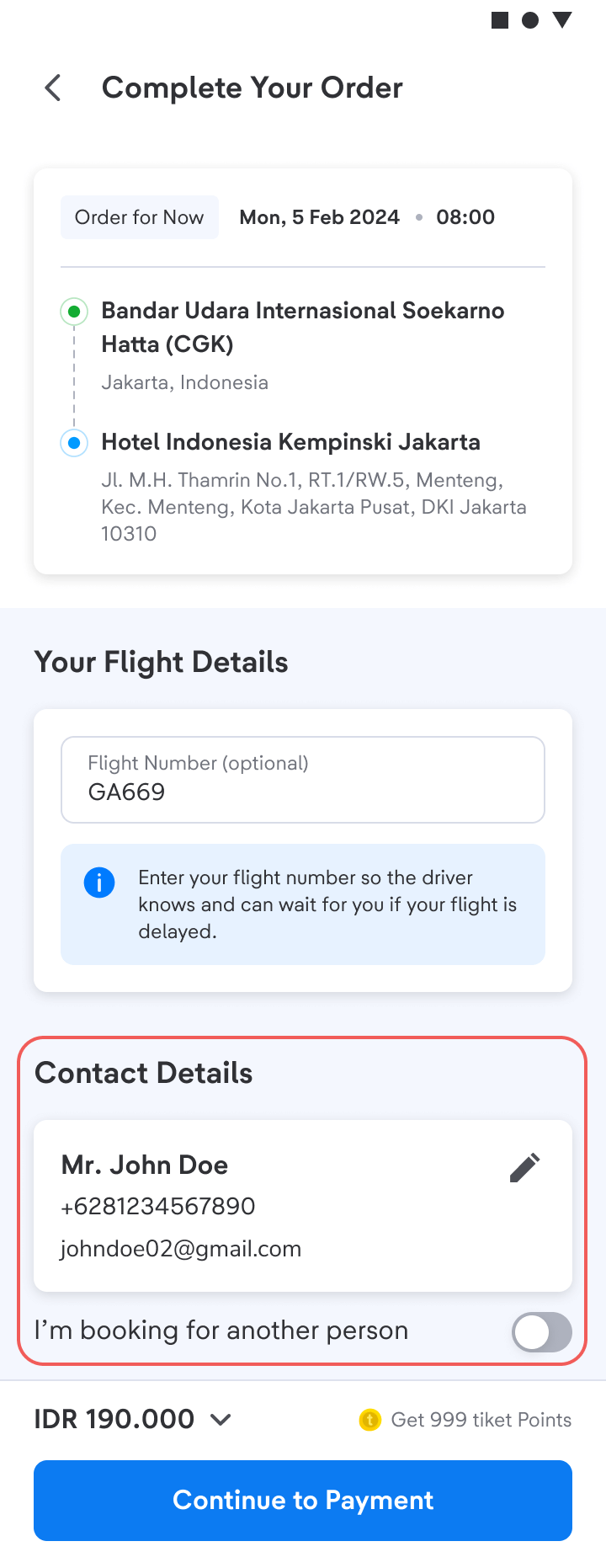
- Fill in the Contact Details, then click Continue to Payment
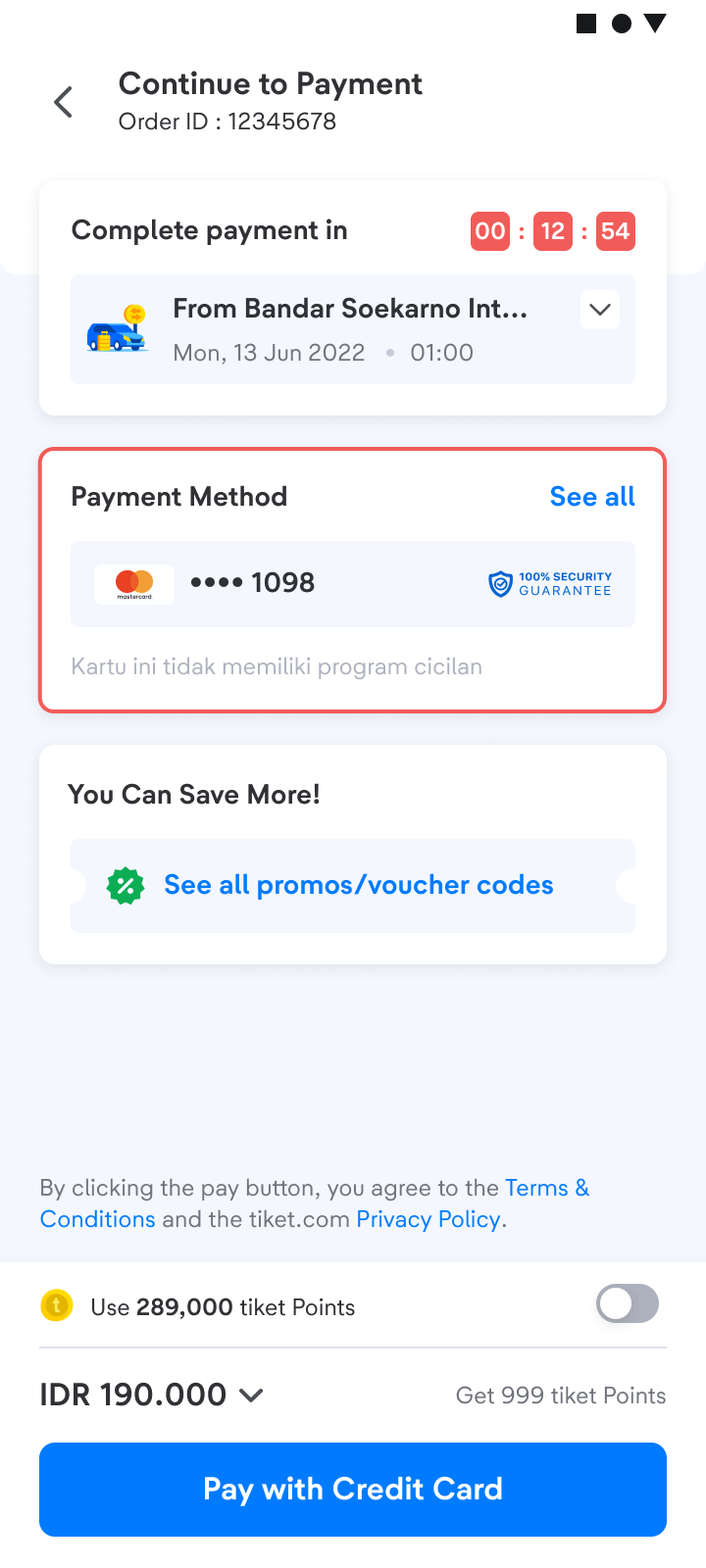
- Choose the payment method that you want, then make a payment according to the steps
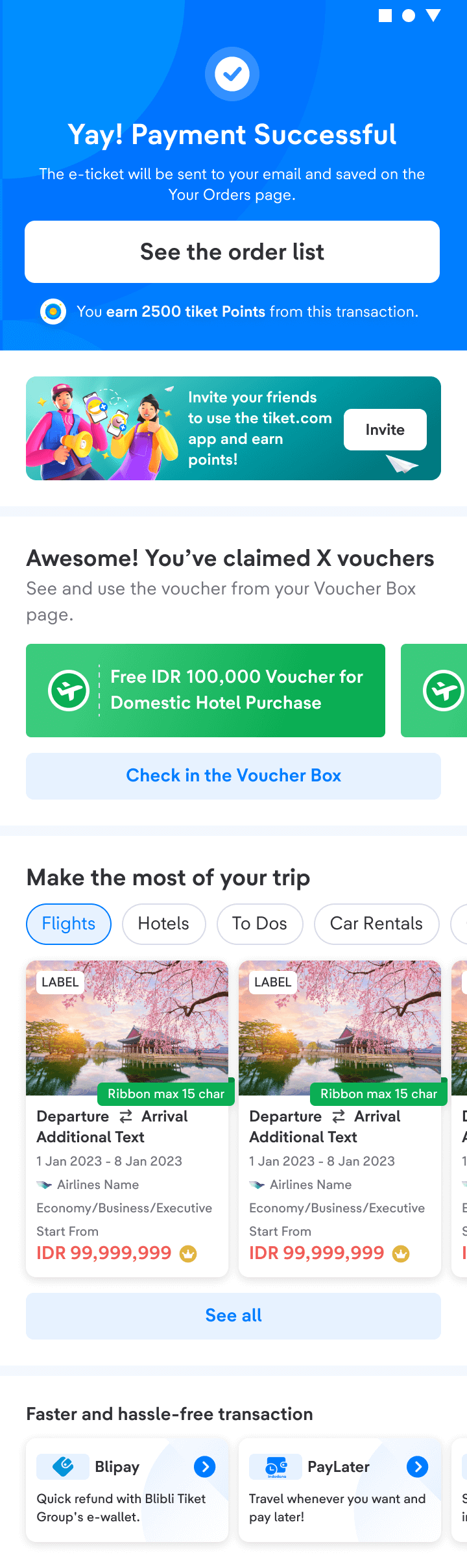
- Yeay! Order confirmed. Check your inbox or spam on your email
- After that, check your order status and driver information on your e-ticket in the Your Orders menu.
Important Information:
- The vendor will confirm your booking no later than 1 hour after you’ve made the payment.
- Once your booking is confirmed, the vendor will contact you within 60 minutes to confirm your pickup location and time.
- If you want to change your e-ticket to English, go to settings and change the language option, then resend your e-ticket.
- For airport pickups, the driver’s waiting time is a maximum of 45 minutes for domestic arrivals and 60 minutes for international arrivals. If there is no confirmation from the passenger through the driver or halo tiket, the booking will be considered void and no refund will be provided. tiket.com is not responsible for expired bookings caused by passenger delays.
- If the time deadline has expired, and you haven’t received your e-ticket, please send us screenshots of your payment through email cs@tiket.com.
- If you have already made a booking and your e-ticket has been issued, but your booking status changes to “cancelled,” please contact halo tiket.
- Show your e-ticket to our partner during pick up at the airport or station. Make sure the phone number listed is correct.
Enjoy your trip, t-mates!