Edit/Cancel Travel Plan
How to Change Travel Plan
- Log in to Corporate Dashboard, select Travel Plan and then go to Your Travel Plan menu.
- Click “Open” on one of the submitted travel plans.
- Click “Edit” to make changes to the travel plan.
- Make changes according to the steps when creating a travel plan.
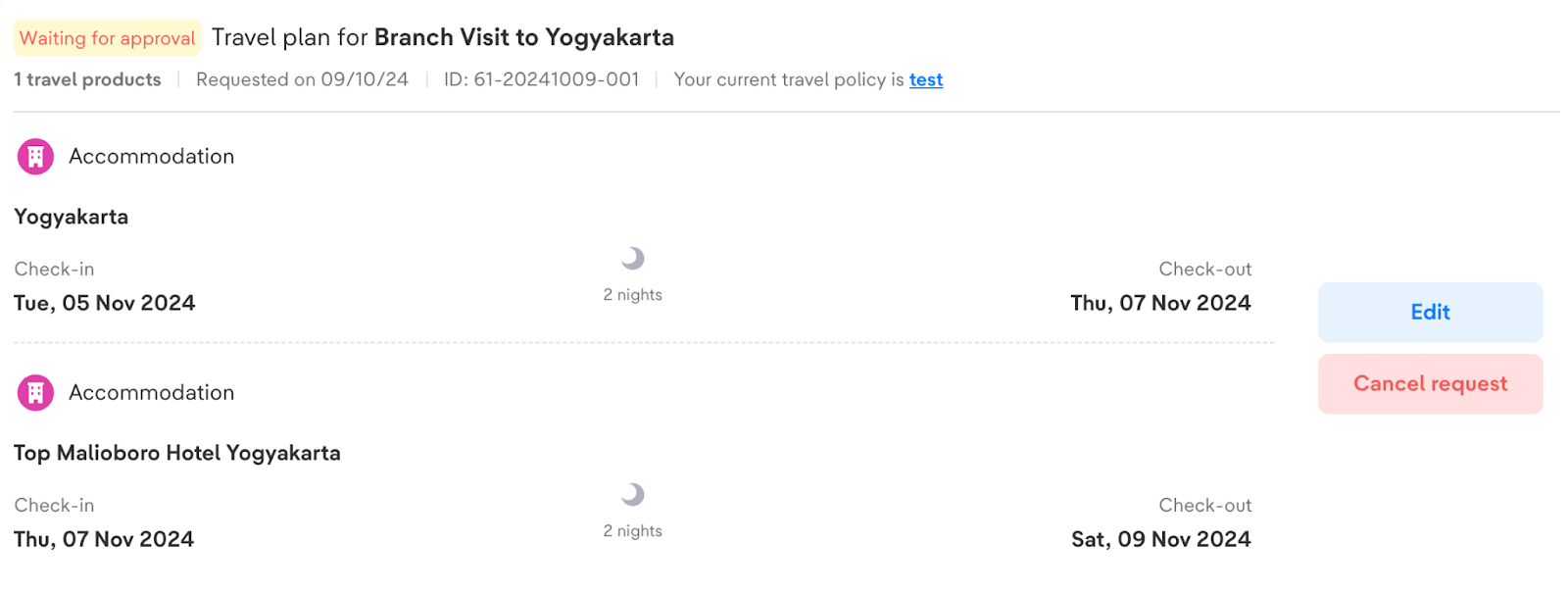
- Make changes according to the steps when creating a travel plan.
- Click “Save changes & request approval”.
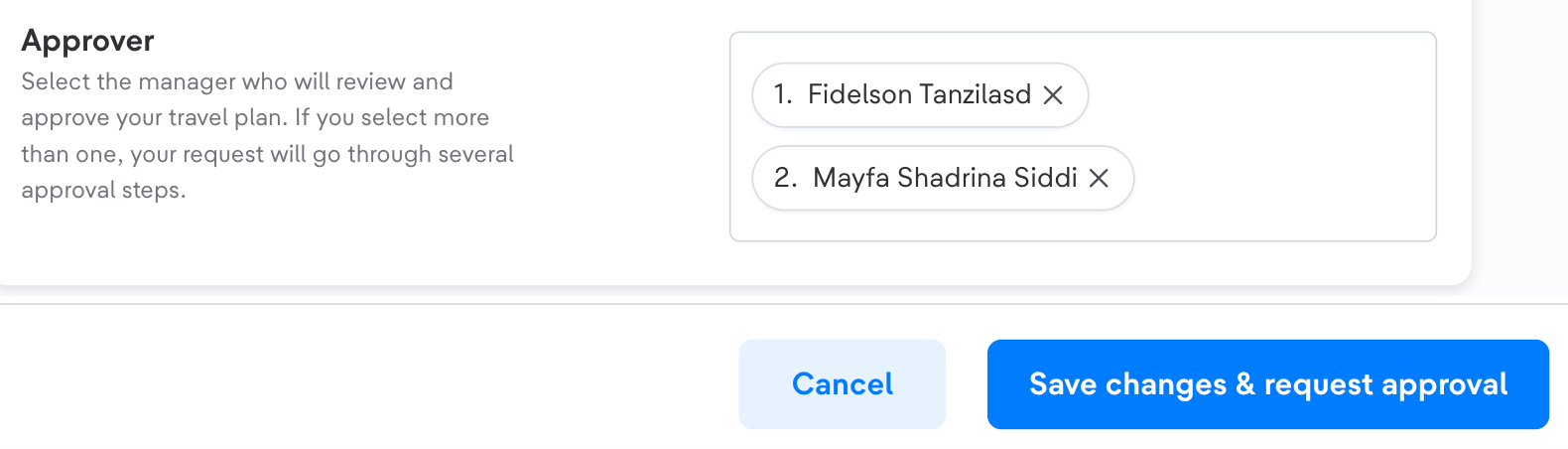
- Click “Submit request”.
Please note that Travel Plan Changes cannot be made once they have been approved by the first Approver.
How to Delete a Travel Plan
- Log in to the Corporate Dashboard, select Travel Plan, and then go to the Your Travel Plan menu
- Click “Open” on one of the submitted travel plans
- Click “Cancel request” to delete the travel plan
- Confirm the deletion:
- Click “Cancel request” on the modal to confirm the deletion
- Click “Keep request” on the modal to cancel the deletion
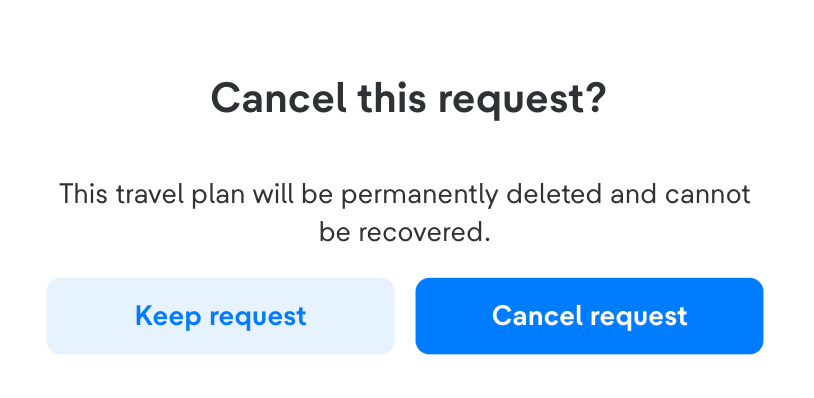
The deletion of the Travel Plan cannot be performed once it has been approved by the first approver.