



4 Star Hotels in Saint Clair
Showing 3 hotels in Saint Clair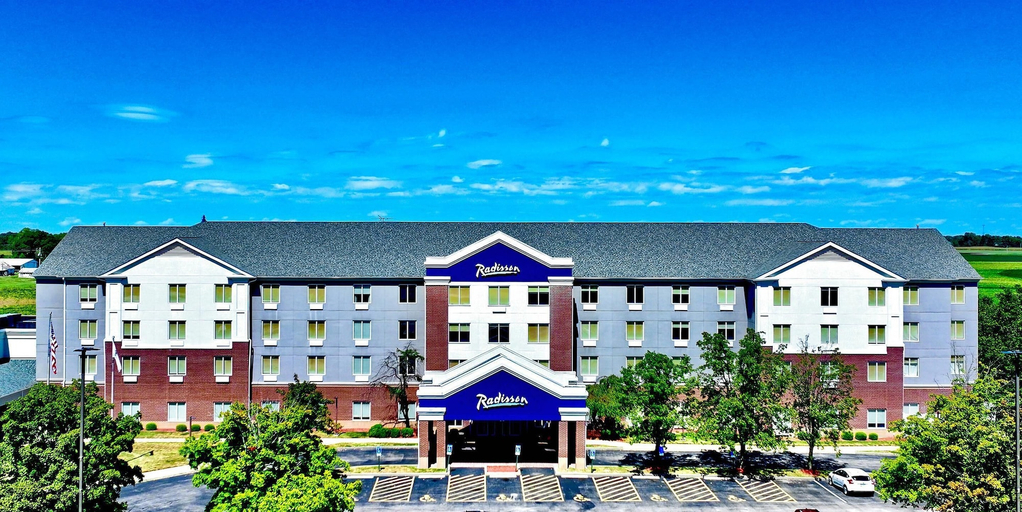

Radisson Hotel Fairview Heights - St Louis
Whether you are planning a corporate meeting or a family getaway, our modern Radisson Hotel Fairview Heights - St. Louis property spacious guest rooms and a convenient location. Enjoy shopping and dining at nearby St. Clair Square Mall or visit popular attractions around our St. Louis area like St. Clair Square Mall, the Gateway Arch, Busch Stadium, St. Louis Aquarium and the Budweiser Brewery Experience. Settle into your room, where you will find a plush bed with a pillowtop mattress and stylish duvet. We also offer expansive suites with more room to spread out and relax. You do not have to leave your four-legged friend at home since our hotel has pet-friendly accommodations available for a fee. Stop by Best Brew, our on-site bar and restaurant grill for a casual meal and drink on our outdoor patio.
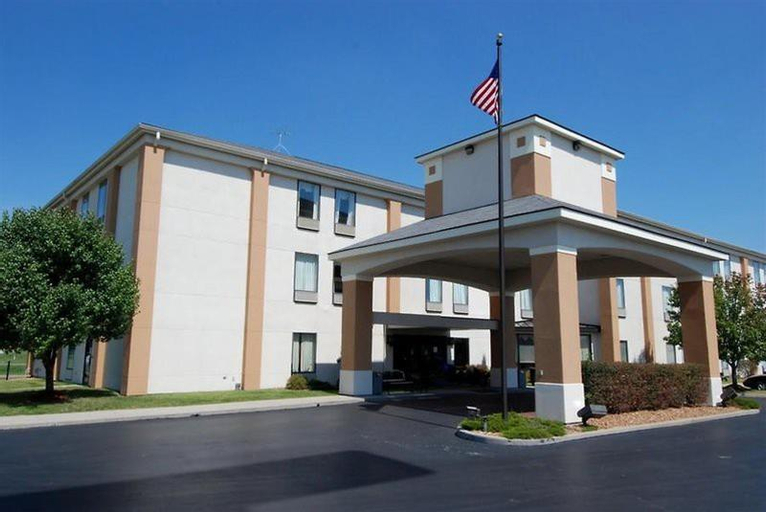
See detailsQuality Inn & Suites near St. Louis and I-255
Enjoy recreational amenities such as an indoor pool and fitness center. A complimentary on-the-go breakfast is served weekdays from 6:00 AM to 9:00 AM. Featured amenities include a 24-hour business center, 24-hour front desk, and safe deposit boxes. Free self-parking is available onsite. Make yourself at home in one of the 70 guestrooms featuring refrigerators and microwaves. Flat-screen televisions with cable programming provide entertainment, while complimentary wireless Internet access keeps you connected. Private bathrooms with shower/tub combinations feature complimentary toiletries and hair dryers. Conveniences include desks, separate sitting areas, and phones with free local calls. Distances are displayed to the nearest 0. 1 mile and kilometer: Mississippi River - 6. 5 km / 4 mi; Gateway Arch National Park - 8. 7 km / 5. 4 mi; Old Cathedral of St. Louis of France - 10. 1 km / 6. 3 mi; Museum at the Gateway Arch - 10. 2 km / 6. 3 mi.
See detailsQuality Inn
This lovely hotel can be found in O'Fallon Area. Pets are not allowed at this establishment.
FAQ about Hotels in Saint Clair

How to Book Hotels on tiket.com
1. Find the hotelEnter the name of the city, area, or hotel to find the place you want.
2. Select a roomOn the hotel detail page, you will see the available room options. Select a room that suits your needs.
3. Complete the booking detailsInput the contact details (the person who will be contacted by tiket.com and the hotel about the booking) and the guests’ details.
4. Select Add-onsYou can also buy additional services such as meal packages, transportation, and many more.
5. Pay your bookingSelect the payment method and complete your transaction. Don’t forget to use the promo code to get a cheaper hotel price at tiket.com.
6. Get the reservation e-voucherAfter the payment is successful, the e-voucher will be available on the Your Orders menu and sent to the email listed in the contact details.