



Apartments in Longgang

Special offers for you





1/5
Showing 57 Apartments in Longgang
 Longgang, Shenzhen
 Longgang, Shenzhen
 Longgang, Shenzhen
 Longgang, Shenzhen
 Longgang, Shenzhen
 Longgang, Shenzhen
 Longgang, Shenzhen
 Longgang, Shenzhen
 Longgang, Shenzhen
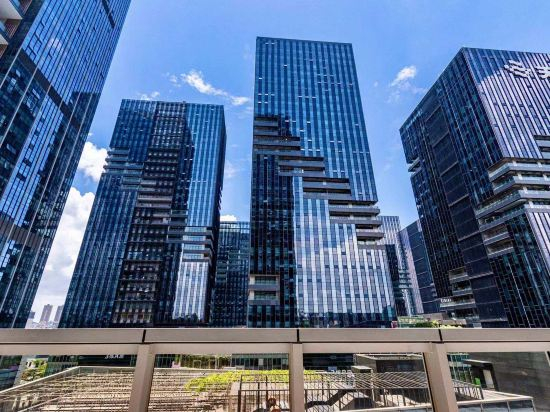 Longgang, Shenzhen
 Longgang, ShenzhenSee details
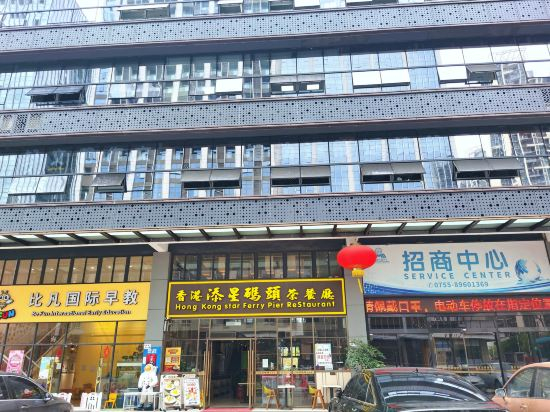 Longgang, ShenzhenLonggang, Shenzhen
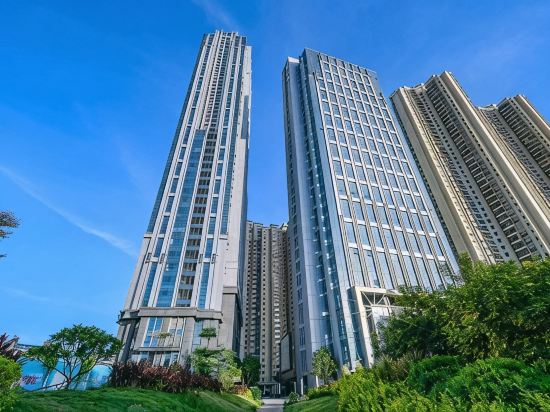 Longgang, Shenzhen
 Longgang, Shenzhen
 Longgang, Shenzhen
 Longgang, Shenzhen
 Longgang, Shenzhen
 Longgang, Shenzhen
Yage Zhixuan Apartment (Shenzhen Ailian Metro Station)
Apartment
Su Wu You Apartment (Jixiang Subway Station Zhengzhong Fenglin International Center)
Apartment
Yuansu Apartment (Shenzhen Bus Terminal)
Apartment
Yunshangju Theme Apartment
Apartment
M·Yuju Executive Apartment (Shenzhen Xinghe ico)
Apartment
Shenzhen Yisu Cliff Scenic Apartment
Apartment
Bontmino Executive Apartment (Longgang, Shenzhen)
Apartment
Shenzhen Sunnyday Apartment
Apartment
Weili Royal Apartment
Apartment
Shenzhen Yungu Manli Executive Apartment (Huawei Tianan Yungu Branch)
Apartment
Young Space Apartment (Shenzhen South China Chengmu Ancient Subway Station)
Apartment
Hotel Introduction Description
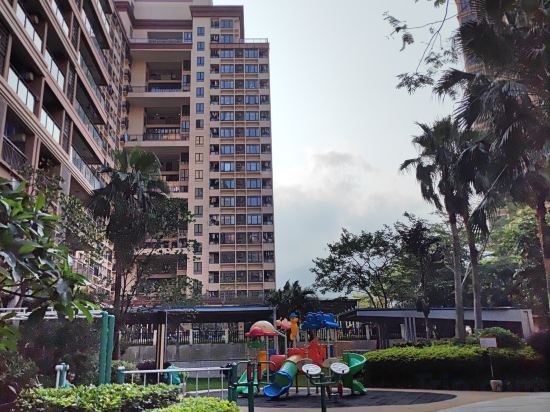
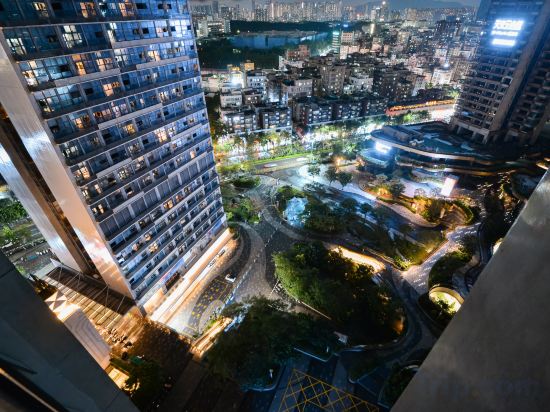
Located on Caizi South Road, Shangmugu, Pinghu Street; adjacent to the well-known modern comprehensive trade and logistics city - South China City, Hualijia Electronic Trading Market, Wanda Shopping Center, the location is superior, and it is near Exit D of Mugu Metro Station, with convenient transportation. It takes about 5 minutes to walk to Pinghu Ecological Park, where you can see green mountains and green waters, and enjoy fishing and jogging. The rooms are equipped with LCD digital TV, air conditioning, and kitchen facilities, providing you with warm and warm service, bringing you the warmth and comfort of home.
BONTO Meinuo Executive Apartment (Huawei store, Bantian, Shenzhen)
Apartment
Shenzhen Jitian Light Luxury Theme Apartment
Apartment
Yuanyang Post Apartment (Yuanyang New World)
Apartment
Kaisa Love Home Boutique Apartment
Apartment
Wanmao Executive Apartment (Longgang Vanke Plaza Jixiang Subway Station)
Apartment
Qingheyu Apartment
Mingyu Qihongge Apartment (Shenzhen Longgang Children's Park Yuyuan Subway Station)
Apartment
Shenzhen Akanala Lanan Scenic Apartment
Apartment
Galory Serviced Apartment (Kuiyong Branch, Dapeng New District)
Apartment
Apartments in Longgang
Don't feel hesitant to book Apartments in Longgang at tiket.com! We'll make sure to provide all conveniences you need when doing a room reservation. Book your favourite hotel now only at tiket.com!

How to Book Accommodations on tiket.com
1. Find the accommodationEnter the name of the city, area, or accommodation to find the place you want.
2. Select a roomOn the accommodation detail page, you will see the available room options. Select a room that suits your needs.
3. Complete the booking detailsInput the contact details (the person who will be contacted by tiket.com and the accommodation about the booking) and the guests’ details.
4. Select Add-onsYou can also buy additional services such as meal packages, transportation, and many more.
5. Pay your bookingSelect the payment method and complete your transaction. Don't forget to use the promo code to get a cheaper accommodation price at tiket.com.
6. Get the reservation e-voucherAfter the payment is successful, the e-voucher will be available on the Your Orders menu and sent to the email listed in the contact details.