



Apartments in Shenzhen

Special offers for you





1/5
Showing 283 Apartments in Shenzhen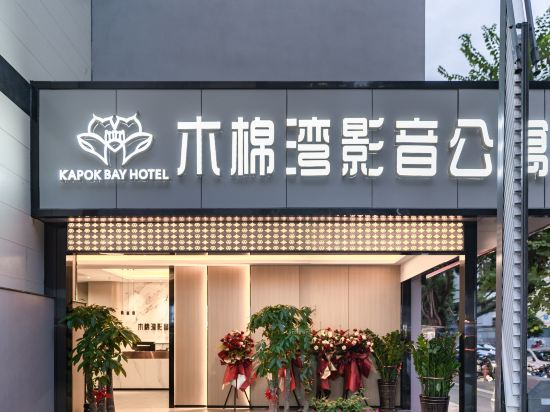
 Luohu, Shenzhen
 Nanshan, Shenzhen
 Nanshan, Shenzhen
 Futian, Shenzhen
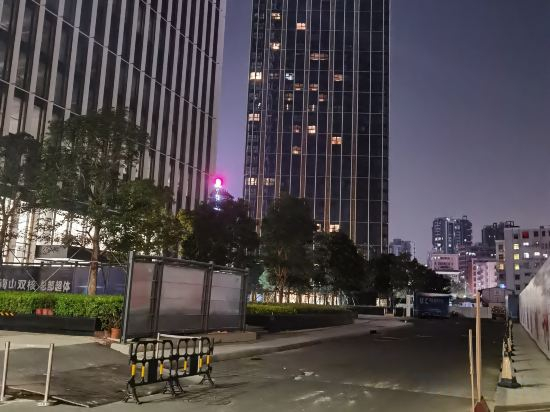 Nanshan, Shenzhen
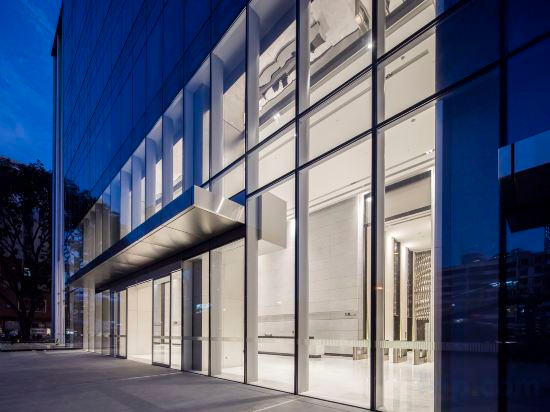 Luohu, Shenzhen
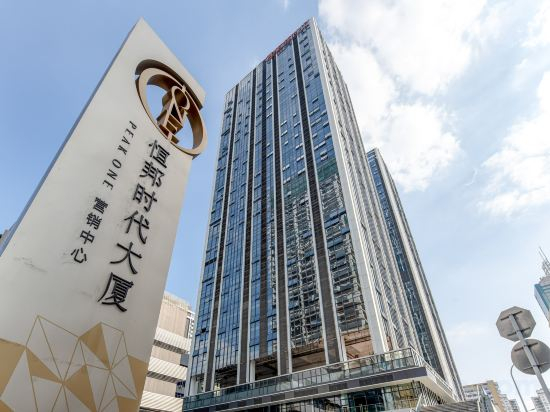 Futian, Shenzhen
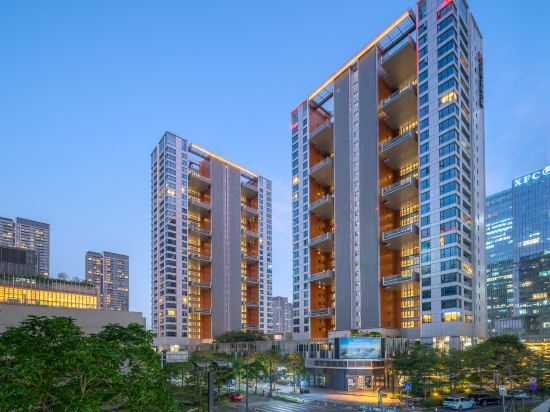 Nanshan, Shenzhen
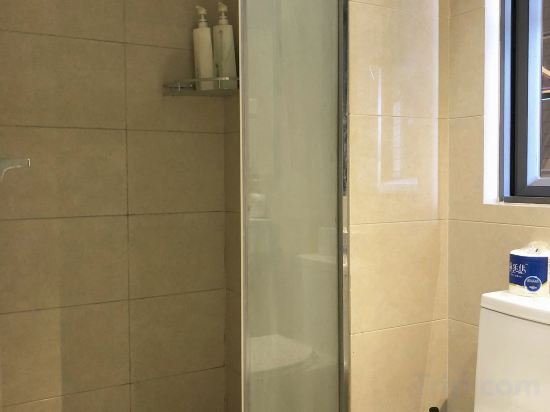 Futian, Shenzhen
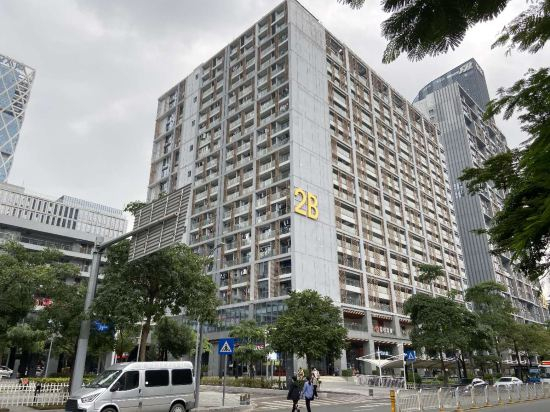 Nanshan, Shenzhen
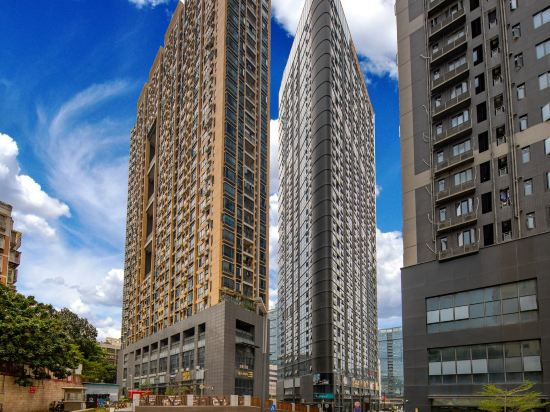 Futian, Shenzhen
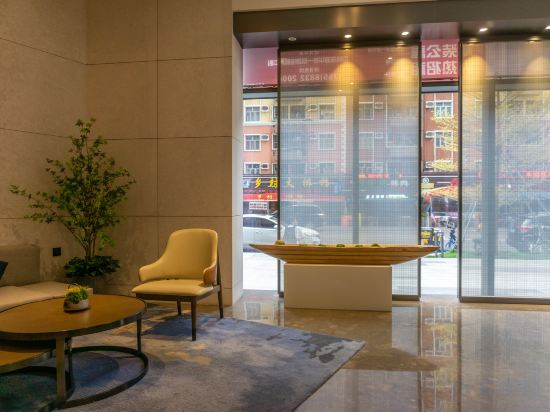 Futian, Shenzhen
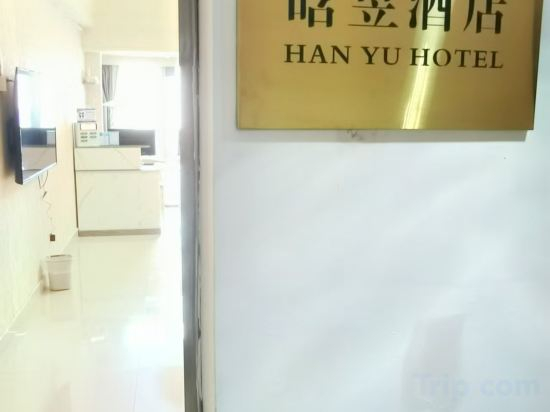 Nanshan, Shenzhen
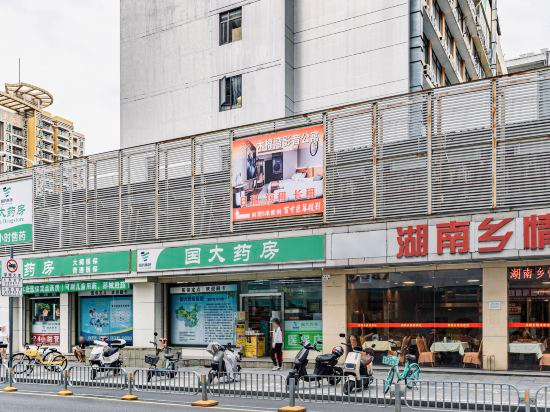 Luohu, Shenzhen
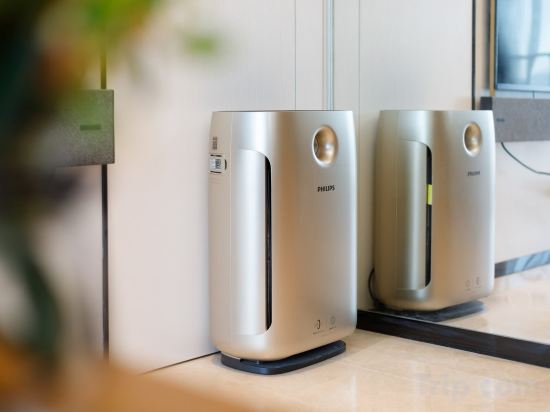 Futian, Shenzhen
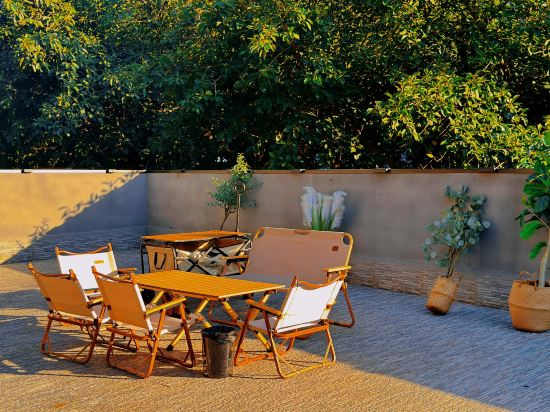 Nanshan, Shenzhen
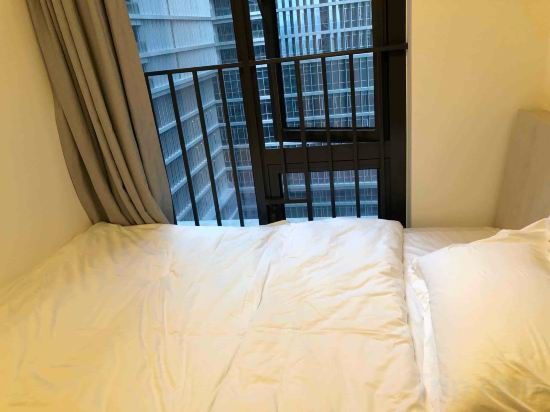 Nanshan, Shenzhen
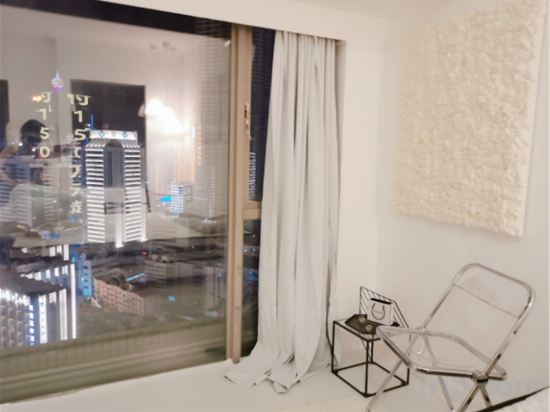 Luohu, Shenzhen
 Nanshan, Shenzhen
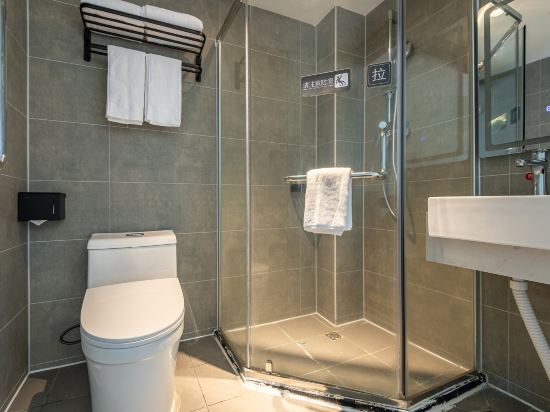 Luohu, Shenzhen
Mumianwan Audio & Video Apartment (Shenzhen Luohu Railway Station Vientiane City Branch)
Apartment
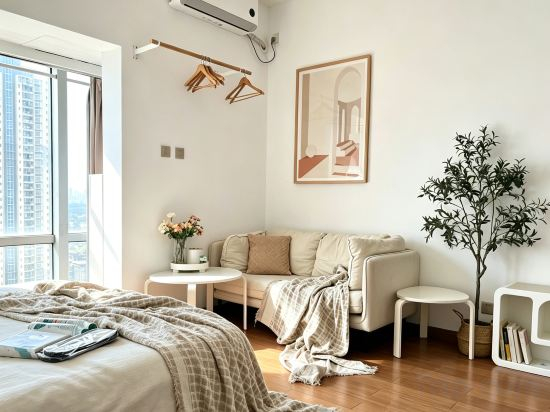
Bayan Shisu Apartment (Shizhou Middle Road Branch)
Apartment
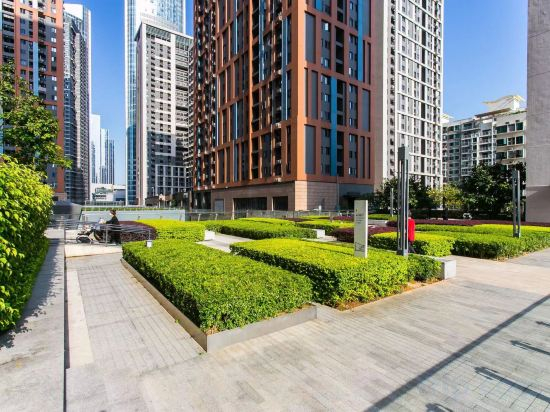
Shenzhen Dachao Apartment
Apartment
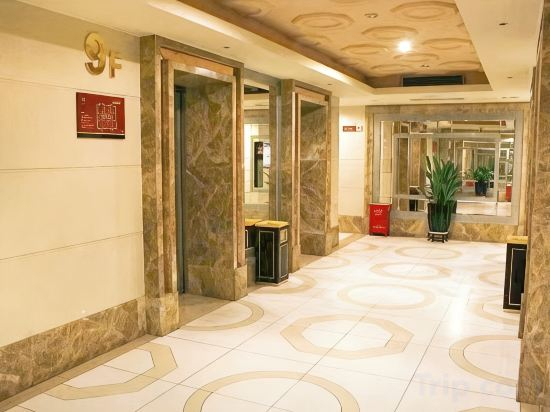
Shenzhen Style Apartment (Huaqiangbei Science Museum Subway Station)
Apartment
Xinxin Business Apartment
Apartment
Cresher Serviced Apartment
Apartment
Meitu Time Apartment (Shenzhen Futian Store)
Apartment
Qiwanyaju Executive Apartment (Railway Park Subway Station)
Apartment
Weipin Apartment (KKONE Xiasha Metro Station Branch)
Apartment
Yidai Apartment (Shenzhen Science and Technology Park Branch)
Apartment
XingFuLi Service Apartment
Apartment
Shenzhen M Apartment (Futian Port Xiasha Subway Station)
Apartment
Hanyu Apartment
Apartment
Mumian Bay · Video Apartment (Shenzhen Hubei Subway Station Store)
Apartment
Rabbit Apartment (Shenzhen Huaqiangbei Branch)
Apartment
Wesu Micro Stay Luxury Apartment (Nantou Ancient City Branch, Shenzhen)
Apartment
Bi'ai Executive Apartment
Apartment
Yundi Apartment
Apartment
Haise Youth Apartment (Shenzhen Baishizhou Metro Stn, Int'l Mayors Exchange Ctr Branch)
Apartment
Diandian Apartment (Shenzhen Luohu Control Point, Lo Wu Railway Station)
Apartment
Apartments in Shenzhen
Don't feel hesitant to book Apartments in Shenzhen at tiket.com! We'll make sure to provide all conveniences you need when doing a room reservation. Book your favourite hotel now only at tiket.com!

How to Book Accommodations on tiket.com
1. Find the accommodationEnter the name of the city, area, or accommodation to find the place you want.
2. Select a roomOn the accommodation detail page, you will see the available room options. Select a room that suits your needs.
3. Complete the booking detailsInput the contact details (the person who will be contacted by tiket.com and the accommodation about the booking) and the guests’ details.
4. Select Add-onsYou can also buy additional services such as meal packages, transportation, and many more.
5. Pay your bookingSelect the payment method and complete your transaction. Don't forget to use the promo code to get a cheaper accommodation price at tiket.com.
6. Get the reservation e-voucherAfter the payment is successful, the e-voucher will be available on the Your Orders menu and sent to the email listed in the contact details.