



Apartments in Chongqing

Special offers for you





1/5
Showing 142 Apartments in Chongqing
 Yuzhong, Chongqing
 Jiulongpo, Chongqing
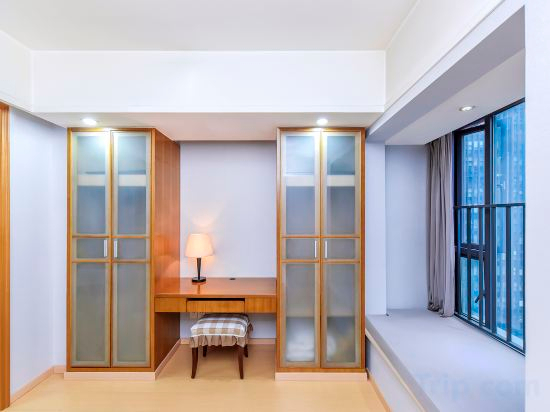 Jiangbei, Chongqing
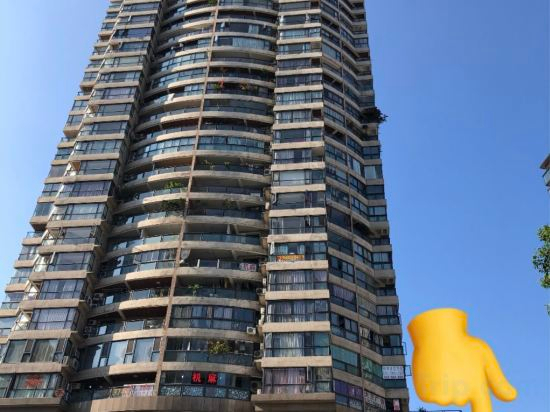
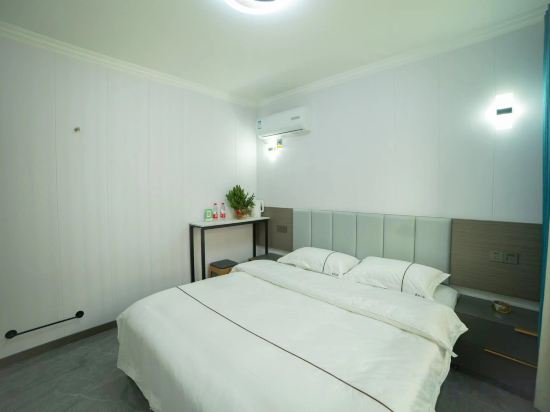
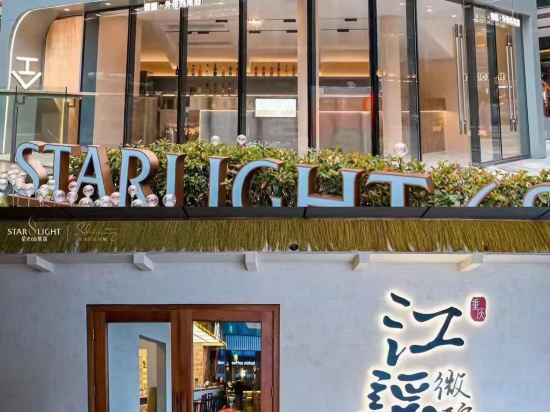 Jiangbei, Chongqing
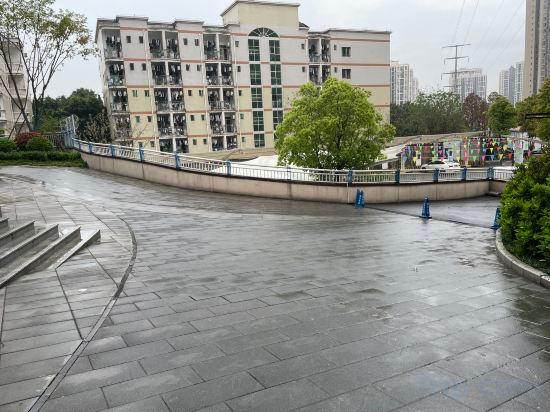 Nan'an, Chongqing
 Qijiang, Chongqing
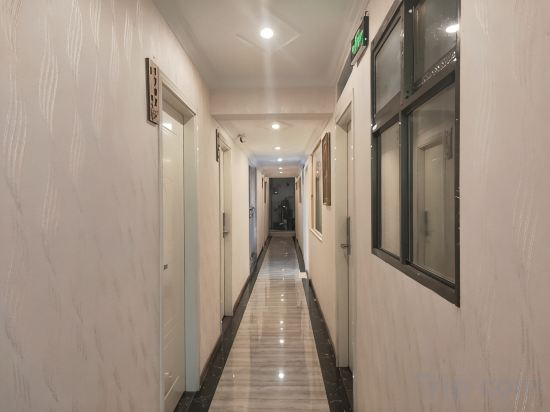 Nanchuan, Chongqing
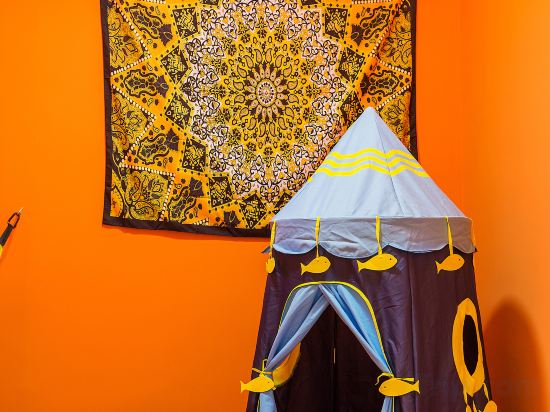 Yuzhong, Chongqing
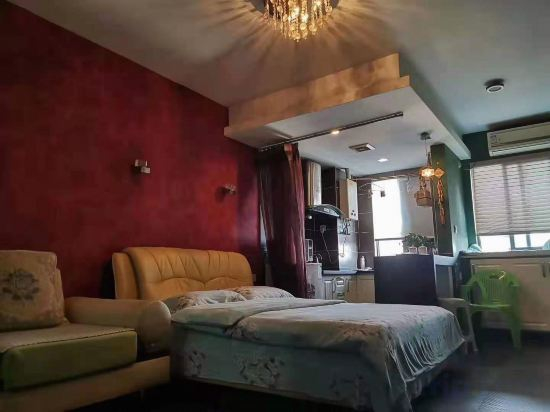 Jiulongpo, Chongqing
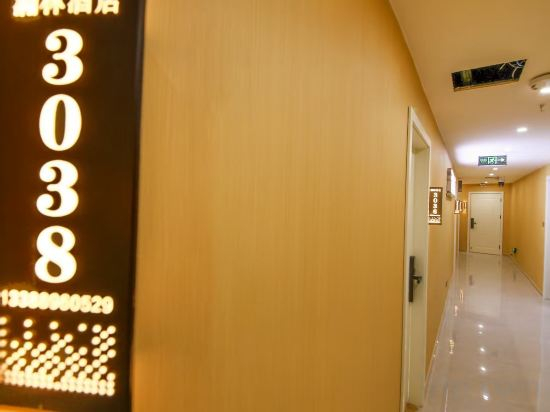 Yuzhong, Chongqing
 Shapingba, Chongqing
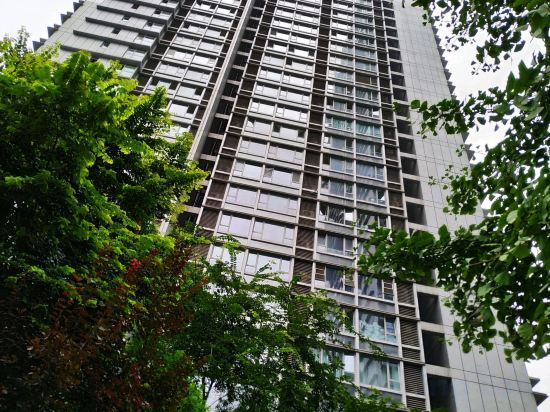 Yuzhong, Chongqing
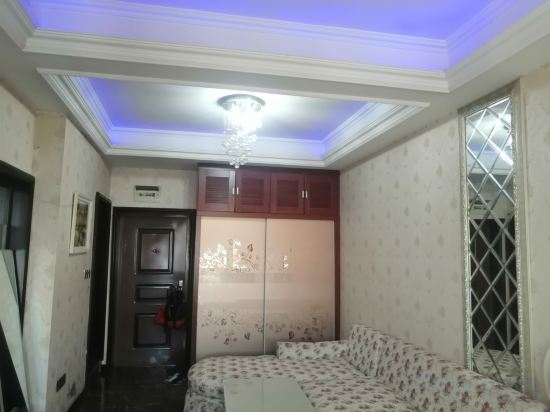
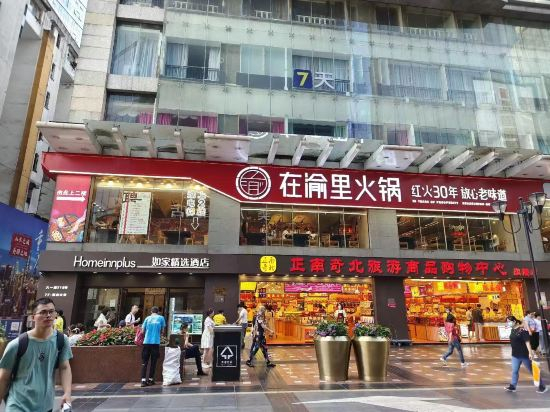 Yuzhong, Chongqing
 Nan'an, Chongqing
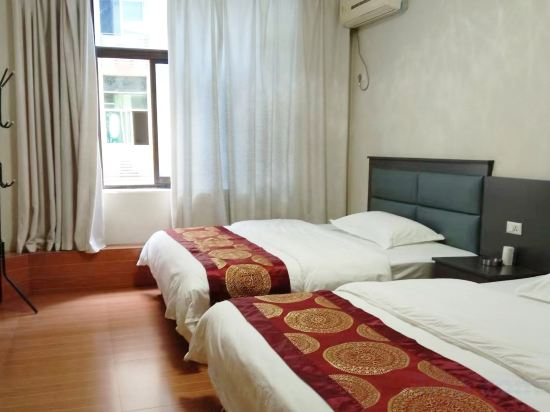 Wulong, Chongqing
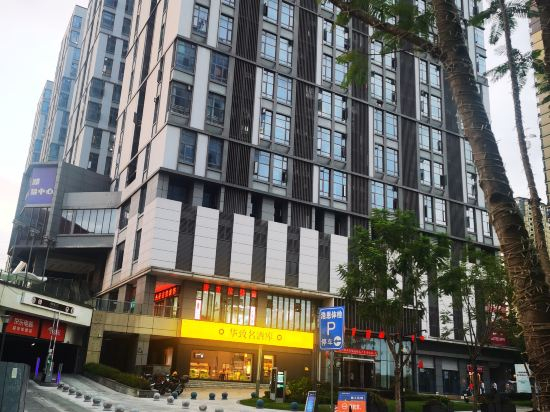 Jiangbei, Chongqing
 Yuzhong, Chongqing
Fructose Art Apartment Homestay (Chongqing Jiefangbei Hong Ya Dong)
Apartment
Sanshe Apartment
Apartment
Chongqing Shangcheng Apartment (Guanyinqiao Beicheng Tianjie)
Apartment
Wuchao Apartment (Chongqing Hongyadong)
Nanchuan Shengxuan Apartment
Chongqing Joy Art Cinema Apartment (Guanyinqiao Pedestrian Street)
Apartment
Memeyan Apartment
Apartment
Chongqing Baihuagu Ecological Vacation Apartment
Apartment
Chongqing Kaihong Apartment
Apartment
ART River View Apartment
Apartment
Baixue Apartment
Apartment
sweet·HL Hanlin High-Rise Scenic Apartment (Jiefangbei Pedestrian Street Hong Ya Dong)
Apartment
Chongqing Ruixiang Apartment (Chongqing West Railway Station Xinqiao Hospital)
Apartment
Chongqing Alijia Resort Apartment (Monument to the people's Liberation Hongyadong Store)
Apartment
Xinghe Mermaid Apartment (Yongchuan Passenger Transport Center)
Wudu Shanshe Apartment (Chongqing Jiefangbei Pedestrian Street Hong Ya Dong)
Apartment
Cloud · MISS High-Rise River View Apartment (Jiefangbei Area/Hong Ya Dong)
Apartment
Shengming apartment
Apartment
Chongqing Piaoxue Apartment
Apartment
Chongqing Yi Su Design apartment
Apartment
Apartments in Chongqing
Don't feel hesitant to book Apartments in Chongqing at tiket.com! We'll make sure to provide all conveniences you need when doing a room reservation. Book your favourite hotel now only at tiket.com!

How to Book Accommodations on tiket.com
1. Find the accommodationEnter the name of the city, area, or accommodation to find the place you want.
2. Select a roomOn the accommodation detail page, you will see the available room options. Select a room that suits your needs.
3. Complete the booking detailsInput the contact details (the person who will be contacted by tiket.com and the accommodation about the booking) and the guests’ details.
4. Select Add-onsYou can also buy additional services such as meal packages, transportation, and many more.
5. Pay your bookingSelect the payment method and complete your transaction. Don't forget to use the promo code to get a cheaper accommodation price at tiket.com.
6. Get the reservation e-voucherAfter the payment is successful, the e-voucher will be available on the Your Orders menu and sent to the email listed in the contact details.