



Apartments in Guangzhou

Special offers for you





1/5
Showing 575 Apartments in Guangzhou
 Haizhu, Guangzhou
 Tianhe, Guangzhou
 Huangpu, Guangzhou
 Yuexiu, Guangzhou
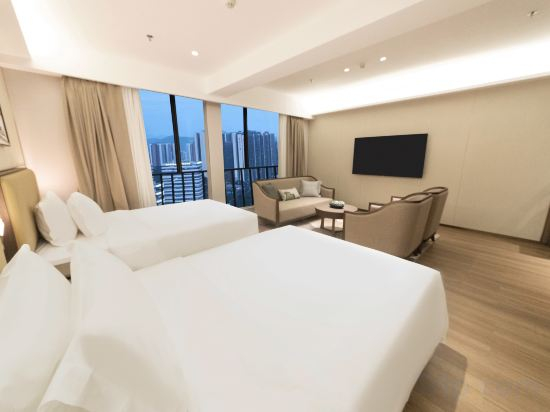 Huangpu, Guangzhou
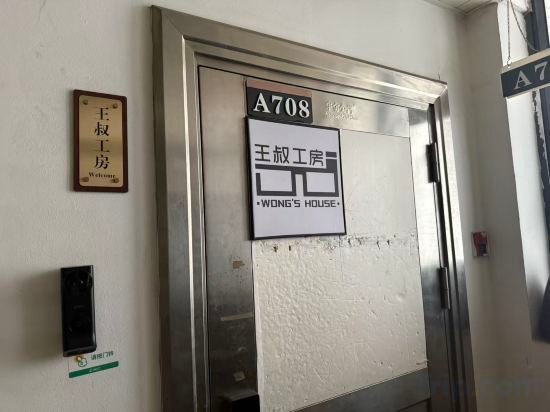
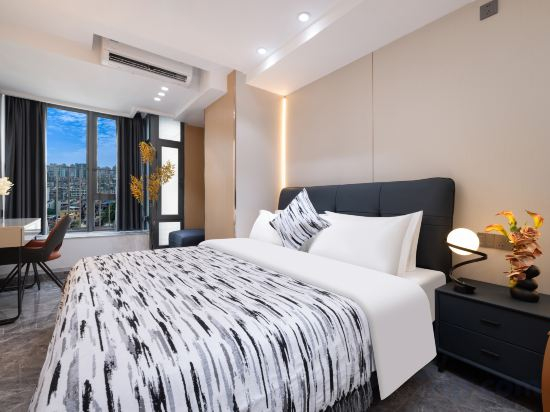 Yuexiu, Guangzhou
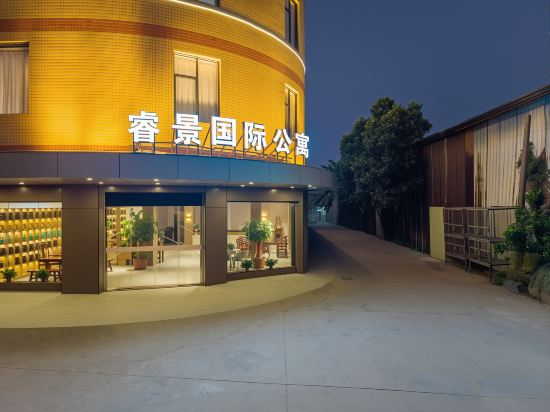 Huadu, Guangzhou
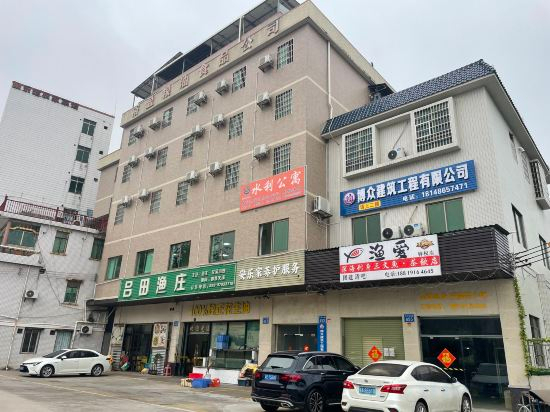 Conghua, Guangzhou
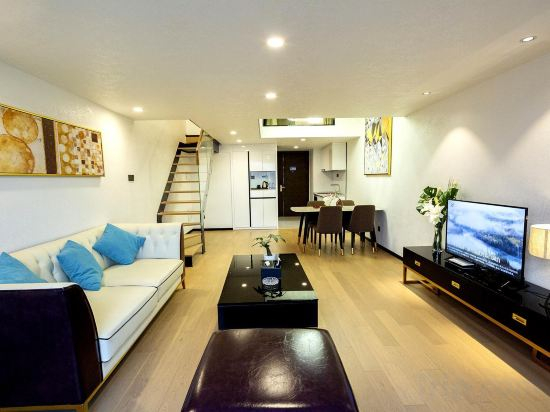 Tianhe, Guangzhou
 Tianhe, Guangzhou
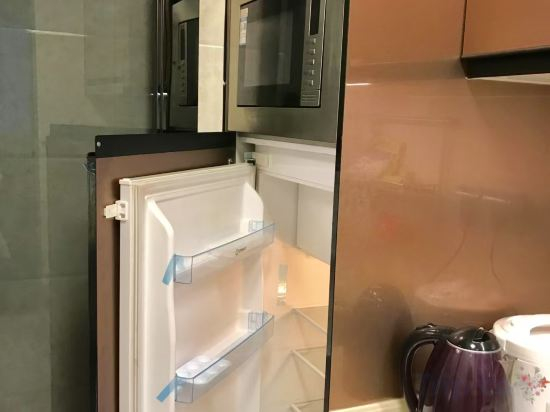 Panyu, Guangzhou

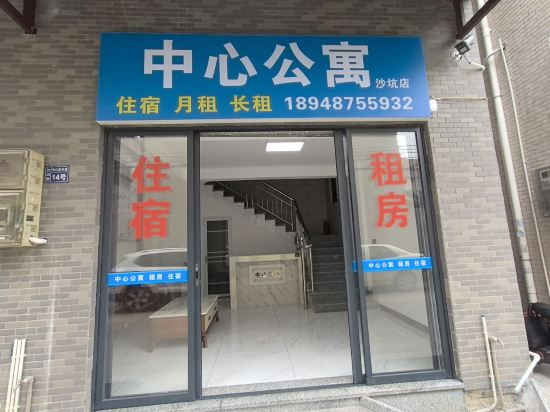 Nansha, Guangzhou
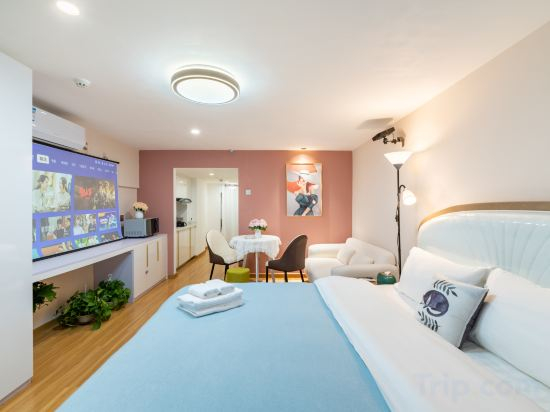 Panyu, Guangzhou
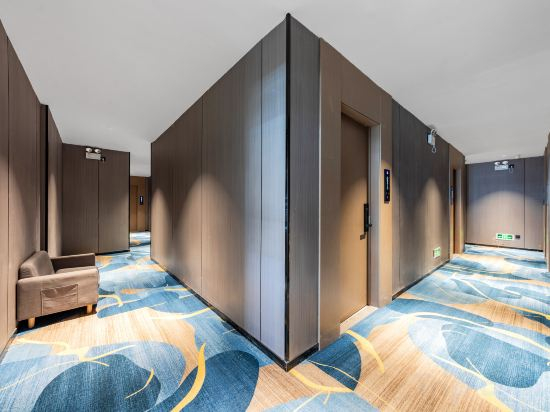 Yuexiu, Guangzhou
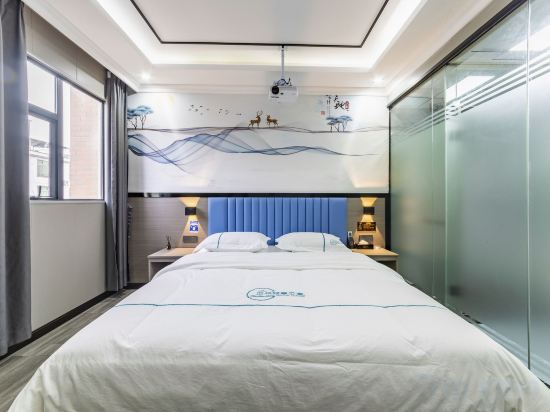 Zengcheng, Guangzhou
 Tianhe, Guangzhou
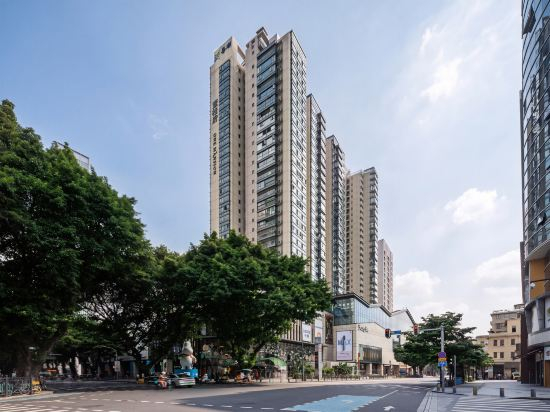 Yuexiu, Guangzhou
Oulai Apartment (Southern Medical University Zhujiang Hospital)
Apartment
Xiyue Apartment (Guangzhou TaiKoo Hui)
Apartment
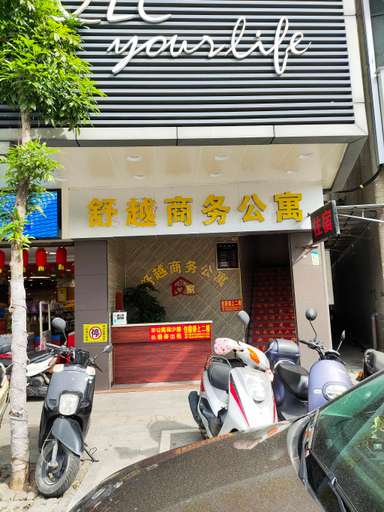
Shuyue Business Apartments
Zhoujing Apartment (Huangpu Military Academy Branch)
Apartment
Yindu Zhenyue BusinessTravel Light Luxury Apartment
Apartment
Zhiyun Apartment (Knowledge City International Convention and Exhibition Center)
Apartment
Wangshu Workshop Apartment (Zhujiang New Town Subway Station)
Mihua International Apartment (Beijing Road Pedestrian Street Mingyue Haoting)
Apartment
Ruijing International Apartment (Guangzhou Huadu District Yingbin Avenue)
Apartment
Shuili Apartment (Guangdong Water Conservancy and Electric Power Technical College)
Apartment
DUOYAPLUS.APartment
Apartment
YUUSHE International Apartment Near Canton Fair Exhibition Center Guangzhou
Apartment
Kaisheng Boutique Holiday Apartment (Qifu Colorful World)
Apartment
Xingyue Audio-visual Apartment (Beijing Road Pedestrian Street)
Central Apartment Sandpit Store
Apartment
Guangzhou Yoyoju Apartment
Apartment
Zhiying Jiachen Apartment (Beijing Road Subway Station Branch)
Apartment
Guangzhou Yunduo Qingxiang Apartment (Zhucun Subway Station)
Apartment
Guangzhou baiyue International Apartment (Financial City)
Apartment
Ketu International Duplex Apartment (Guangzhou Beijing Road Pedestrian Street)
Apartment
Apartments in Guangzhou
Don't feel hesitant to book Apartments in Guangzhou at tiket.com! We'll make sure to provide all conveniences you need when doing a room reservation. Book your favourite hotel now only at tiket.com!

How to Book Accommodations on tiket.com
1. Find the accommodationEnter the name of the city, area, or accommodation to find the place you want.
2. Select a roomOn the accommodation detail page, you will see the available room options. Select a room that suits your needs.
3. Complete the booking detailsInput the contact details (the person who will be contacted by tiket.com and the accommodation about the booking) and the guests’ details.
4. Select Add-onsYou can also buy additional services such as meal packages, transportation, and many more.
5. Pay your bookingSelect the payment method and complete your transaction. Don't forget to use the promo code to get a cheaper accommodation price at tiket.com.
6. Get the reservation e-voucherAfter the payment is successful, the e-voucher will be available on the Your Orders menu and sent to the email listed in the contact details.