



Apartments in Harbin

Special offers for you





1/5
Showing 77 Apartments in Harbin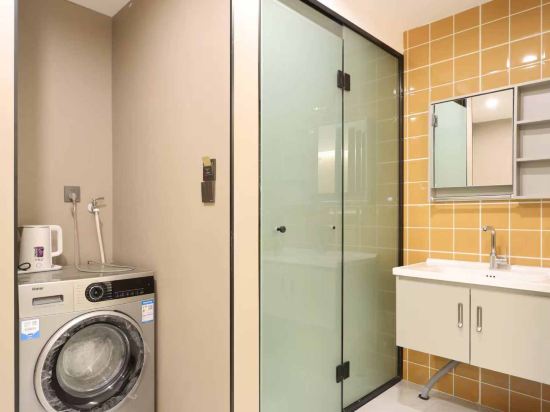
 Harbin, Harbin
 Harbin, Harbin
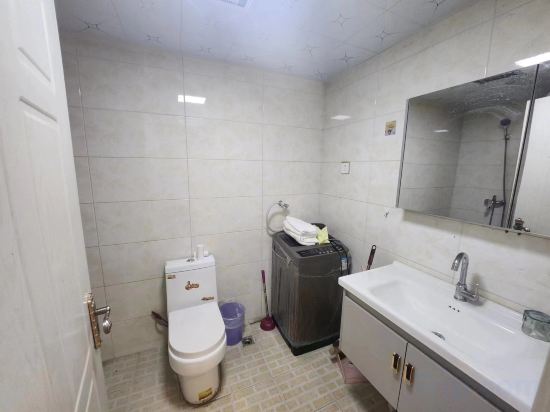 Harbin, Harbin
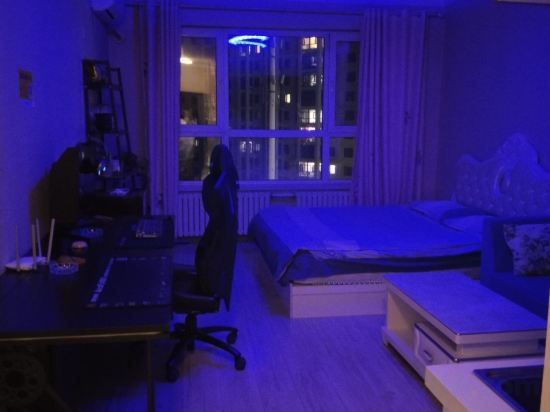 Harbin, Harbin
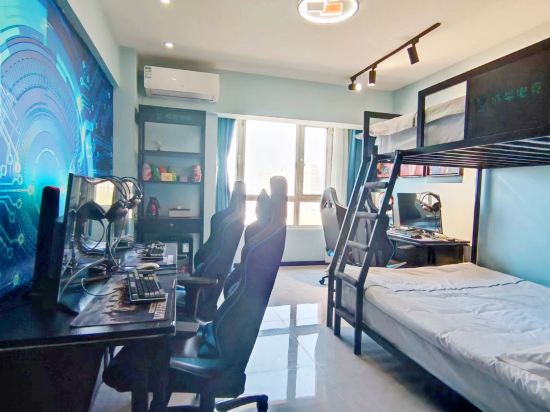 Acheng, Harbin
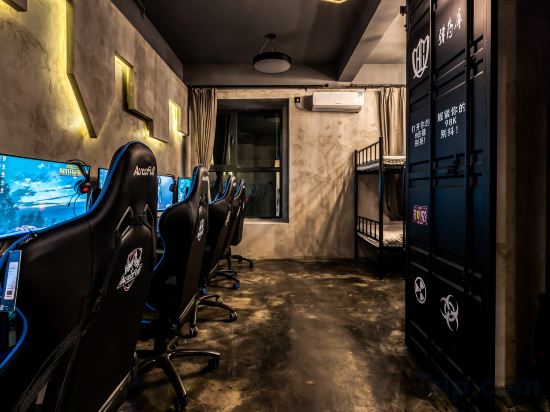 Harbin, Harbin
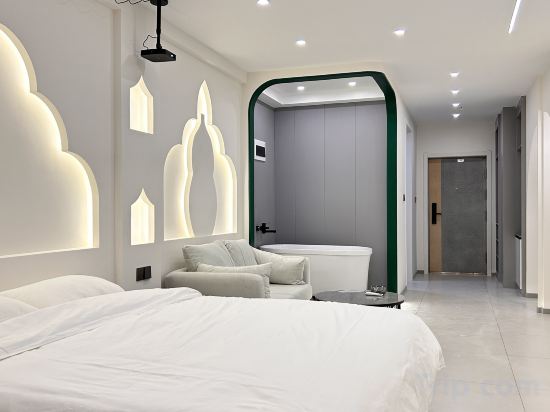 Harbin, Harbin
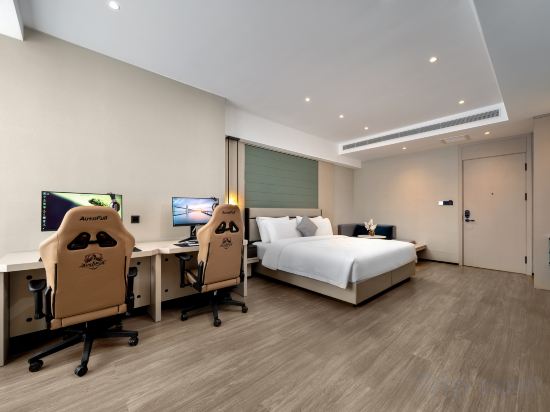 Shuangcheng, Harbin
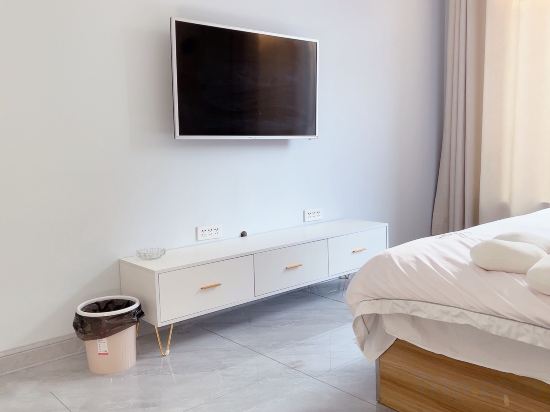 Hulan, Harbin
 Harbin, Harbin
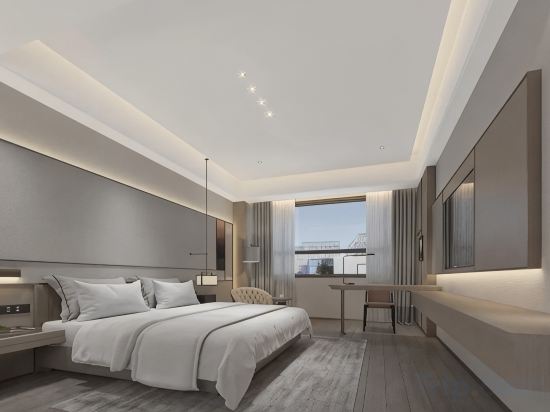 Harbin, Harbin
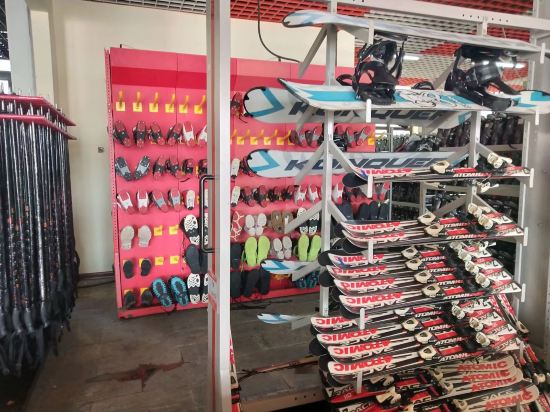 Shangzhi, Harbin
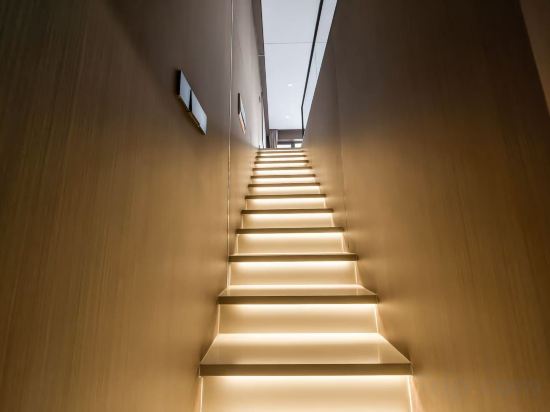 Harbin, Harbin
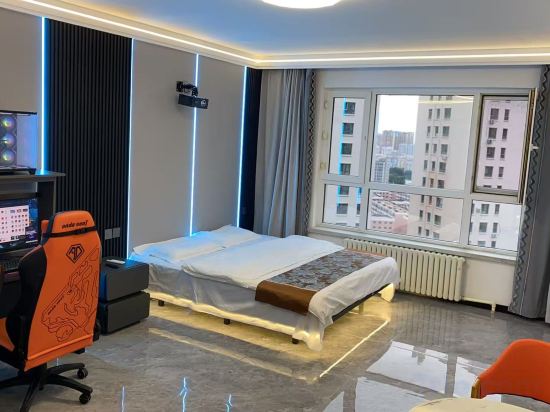 Harbin, Harbin
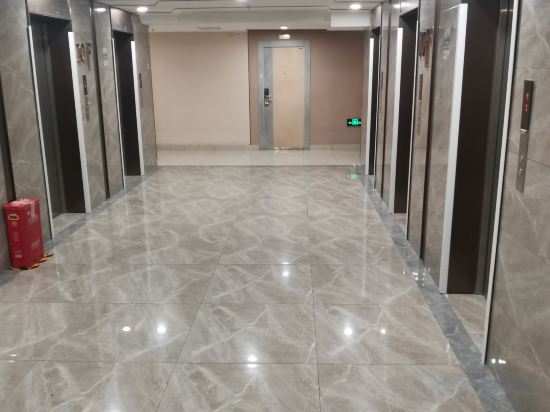 Harbin, Harbin
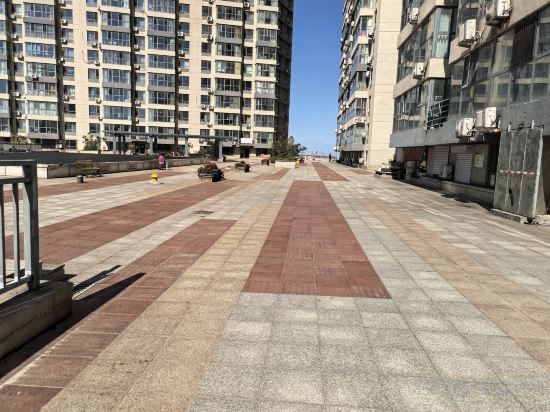 Harbin, Harbin
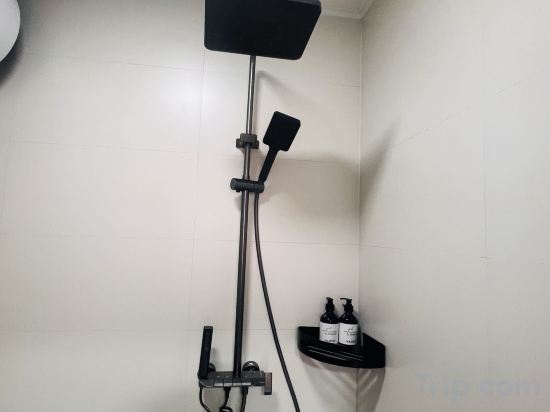 Wuchang, Harbin
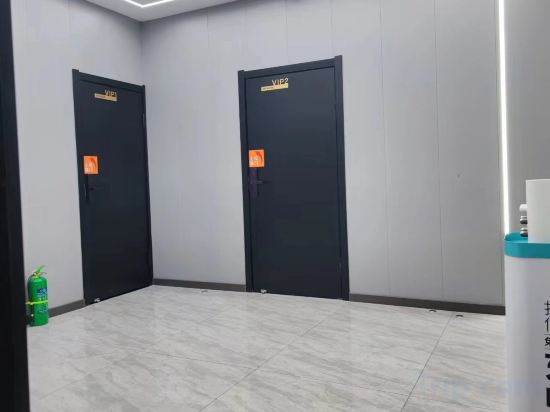 Hulan, Harbin
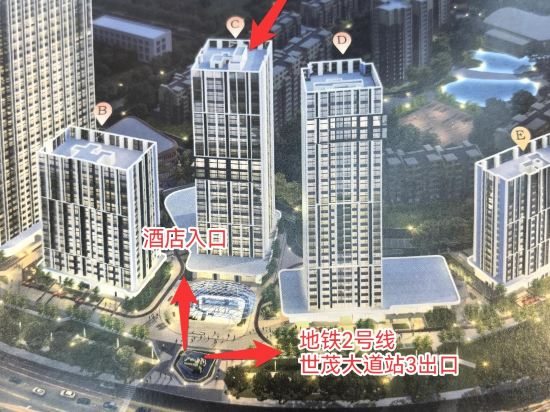 Harbin, Harbin
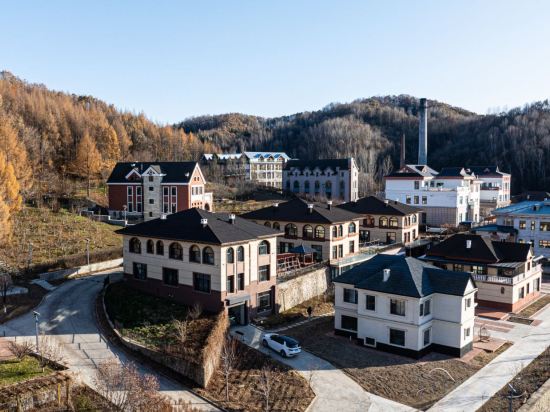 Shangzhi, Harbin
Harbin Qiduo Apartment
Apartment
Yilin E-sports Apartment (Harbin Institute of Technology)
Apartment
Haiyue Apartment (Harbin Ice and Snow World Rongchuang Park Branch)
Apartment
Bingcheng Electrical Sports Apartment
Apartment
Yuan Award E-sports Apartment
Apartment
Bochen Apartment (Qunli Music Park)
Apartment
Siyu Holiday Apartment (Harbin West Railway Station)
Apartment
Harbin Shuangcheng Perfect Park Hyatt Sue Gaming Apartment
Apartment
His and her net red theme apartment
Apartment
Harbin Time Stay Apartment
Apartment
Impression Audiovisual Apartment
Apartment
Yabuli Lucheng Snow View Apartment
Apartment
Muyan Self-service Apartment (Harbin Ice and Snow World Sunac Paradise Park Branch)
Apartment
Yunlining Jing Apartment (Harbin University of Technology Shop)
Apartment
Yipin Lanting Apartment (Harbin Haxi Station)
Apartment
Xibeibei Designer Apartment
Apartment
Snow Valley · Zero Kilometer Aurora | Warm Home Vacation Apartment (Snow Town Scenic Area)
Apartment
G+ E-sports Apartment (Jiangbei University Town Subway Station)
Apartment
Duoerman Apartment (Harbin Ice and Snow World Shimao Avenue Subway Station Branch)
Apartment
Xueyu Mountain Residence Vacation Apartment (Yabuli Water Park)
Apartment
Apartments in Harbin
Don't feel hesitant to book Apartments in Harbin at tiket.com! We'll make sure to provide all conveniences you need when doing a room reservation. Book your favourite hotel now only at tiket.com!

How to Book Accommodations on tiket.com
1. Find the accommodationEnter the name of the city, area, or accommodation to find the place you want.
2. Select a roomOn the accommodation detail page, you will see the available room options. Select a room that suits your needs.
3. Complete the booking detailsInput the contact details (the person who will be contacted by tiket.com and the accommodation about the booking) and the guests’ details.
4. Select Add-onsYou can also buy additional services such as meal packages, transportation, and many more.
5. Pay your bookingSelect the payment method and complete your transaction. Don't forget to use the promo code to get a cheaper accommodation price at tiket.com.
6. Get the reservation e-voucherAfter the payment is successful, the e-voucher will be available on the Your Orders menu and sent to the email listed in the contact details.