



Apartments in Fujian

Special offers for you





1/5
Showing 239 Apartments in Fujian
 Zhangzhou
 Huli, Xiamen
 Zhangzhou

 Siming, Xiamen
 Putian, Putian
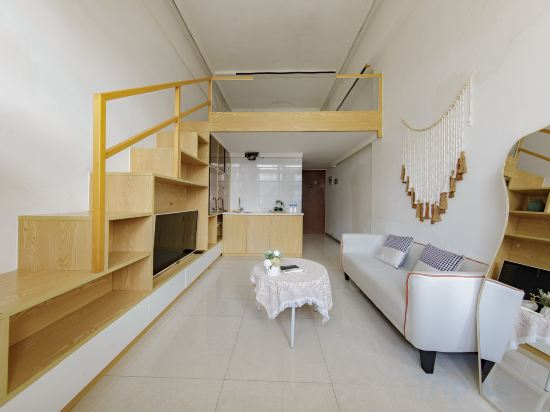 Huli, Xiamen
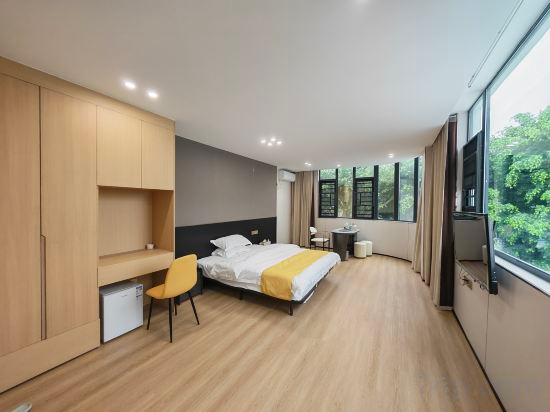 Sanyuan, Quanzhou
 Xiuyu, Putian
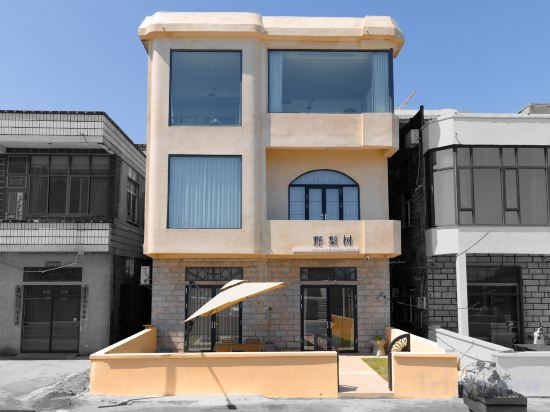
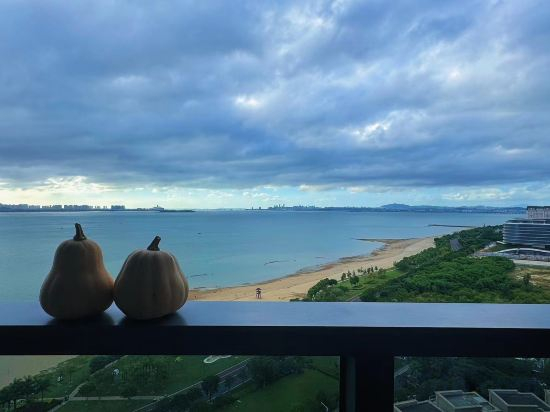
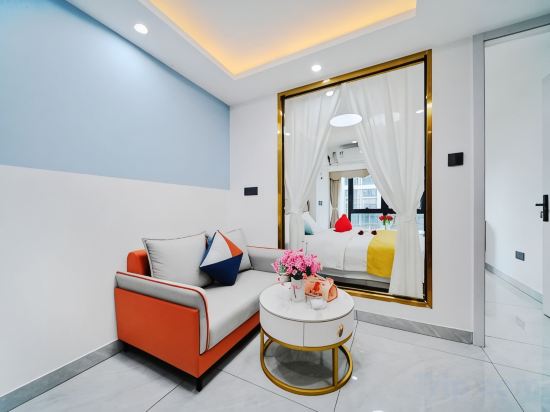 Jimei, Xiamen
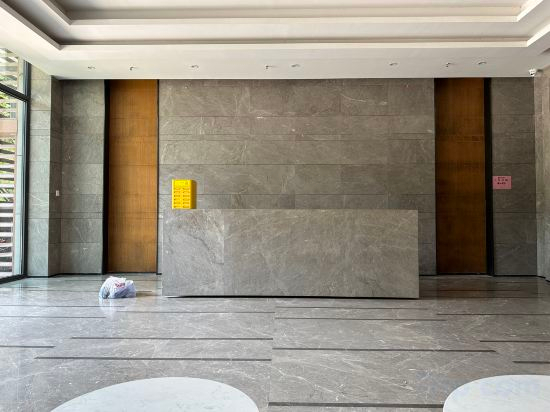 Tong'an, Xiamen
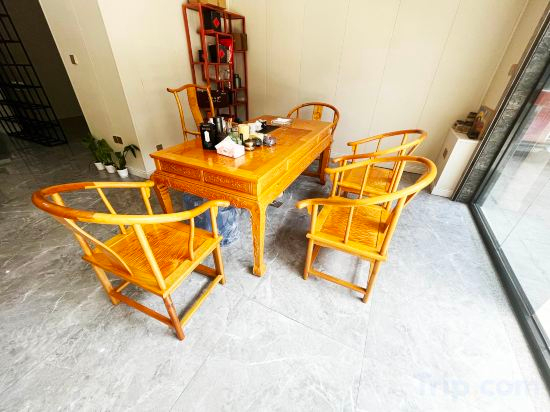 Haicang, Xiamen
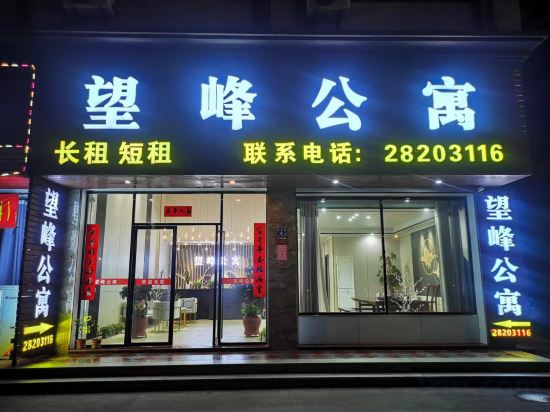 Changle, Fuzhou
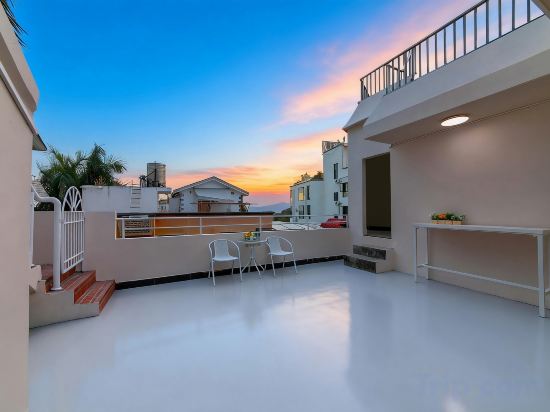
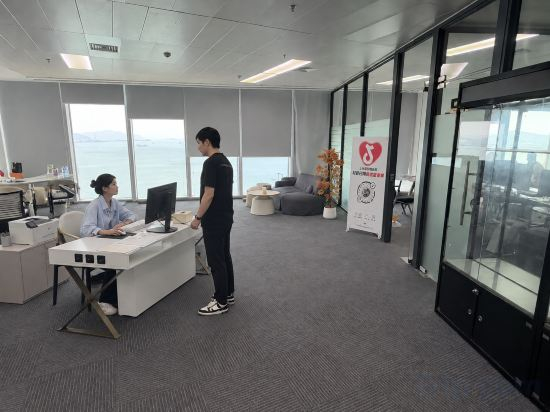 Siming, Xiamen
 Luojiang, Longyan
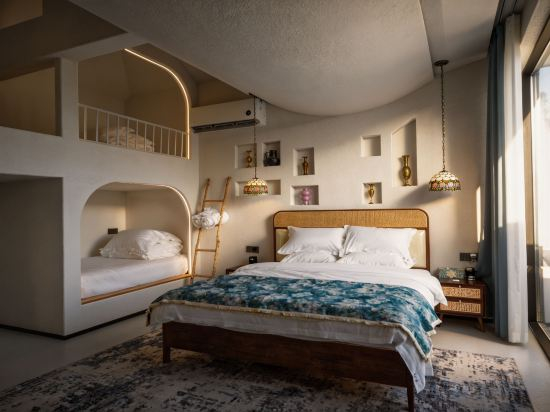 Ningde
Haiwan Seaview Apartment
Apartment
Lupinju Apartment
Apartment
Shanhai Bieyuan · 180-Degree Scenic Apartment
Apartment
Xiamen Qiyue Apartment (Jimei School Village)
Qinghaiwan Sea View Apartment (Xiamen University Shimao Twin Towers Branch)
Apartment
Chujian Apartment (Putian Chengxiang Wanda Plaza)
Apartment
Manju SOHO Smart Apartment (Xiamen Gaoqi International Airport Wuyuanwan Branch)
Apartment
Quanzhou Chengnan Siqi Apartment
Apartment
Meizhou Island · Slow Life Scenic Apartment (Lianchi Ao Beach)
Apartment
Meizhou Island · Lanyue Holiday Villa 270° Luxury Seaside Vacation Apartment (Lianchi'ao Beach)
Villa · Yelishu Pingtan Scenic Apartment
Xiamen Guanhai Funeng Apartment
Yingjie Cozy Apartment (Xiamen North Railway Station)
Apartment
Xiamen Bozhou Scenic Apartment
Apartment
Funny Designer Apartment (Xiamen Haitanghe Plaza)
Apartment
Wangfeng Apartment (Changle South Station)
Apartment
Tinghai Bay Scenic Apartment (Island Ring Road Huangcuo Beach)
Xiamen 52 Hertz Scenic Apartment (Shimao Twin Towers)
Apartment
Hotel Introduction Description
Chengyue Apartment (Longyan Railway Station Shop)
Apartment
Youjian · Designer Scenic Apartment (Dajing Beach)
Apartment
Apartments in Fujian
Don't feel hesitant to book Apartments in Fujian at tiket.com! We'll make sure to provide all conveniences you need when doing a room reservation. Book your favourite hotel now only at tiket.com!

How to Book Accommodations on tiket.com
1. Find the accommodationEnter the name of the city, area, or accommodation to find the place you want.
2. Select a roomOn the accommodation detail page, you will see the available room options. Select a room that suits your needs.
3. Complete the booking detailsInput the contact details (the person who will be contacted by tiket.com and the accommodation about the booking) and the guests’ details.
4. Select Add-onsYou can also buy additional services such as meal packages, transportation, and many more.
5. Pay your bookingSelect the payment method and complete your transaction. Don't forget to use the promo code to get a cheaper accommodation price at tiket.com.
6. Get the reservation e-voucherAfter the payment is successful, the e-voucher will be available on the Your Orders menu and sent to the email listed in the contact details.