



Apartments in Jiangsu

Special offers for you





1/5
Showing 169 Apartments in Jiangsu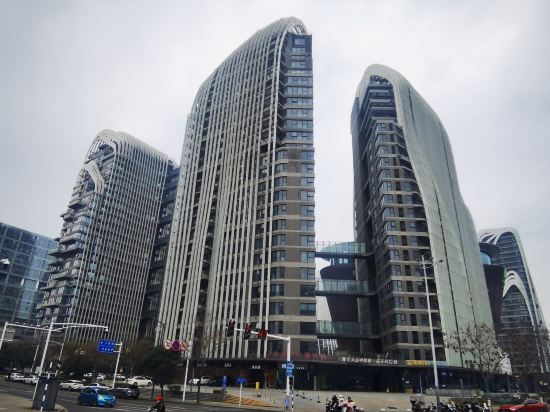
 Jiangning, Nanjing
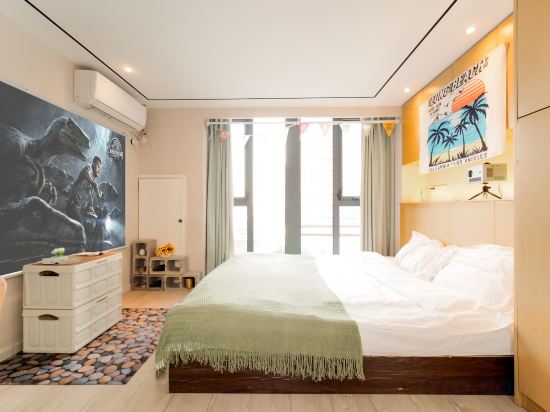 Jiangning, Nanjing
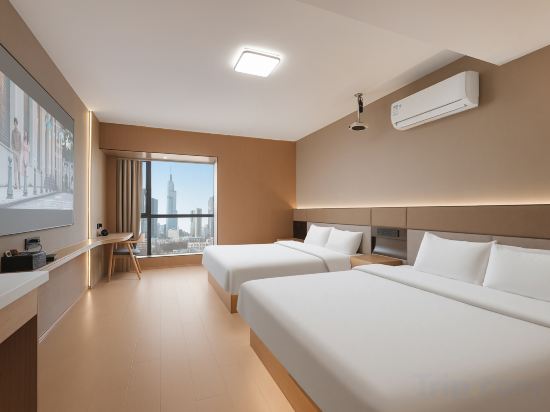
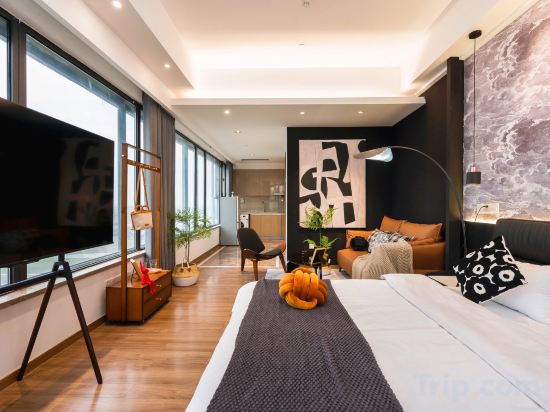 Wuxian, Suzhou
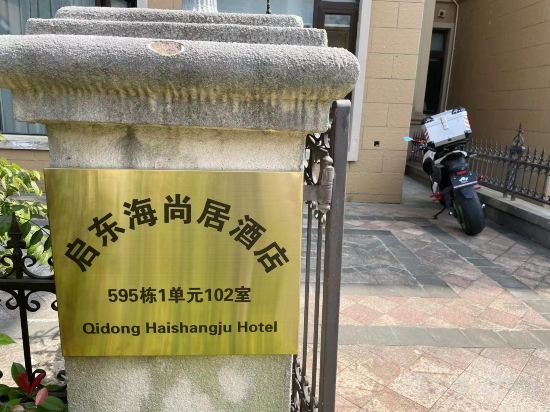 Nantong
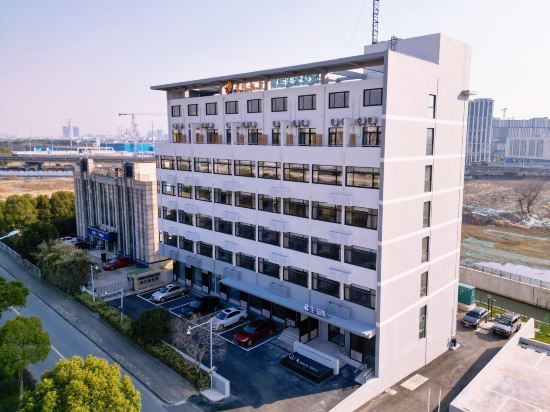 Wuxi, Wuxi
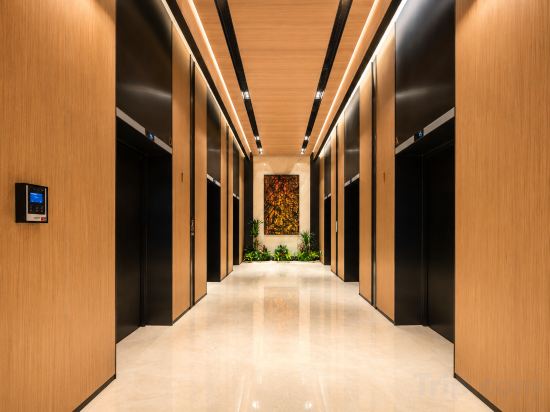 Wuxian, Suzhou
 Jiangning, Nanjing
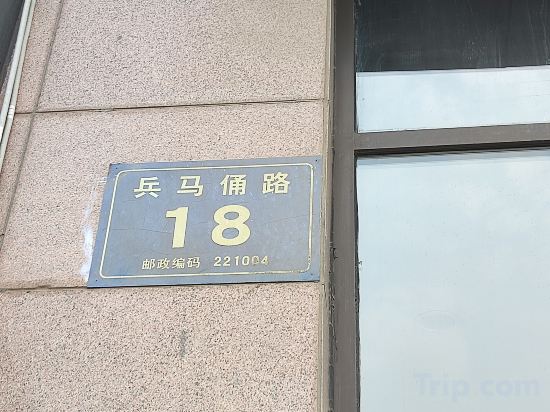 Xuzhou, Xuzhou
 Suyu, Suqian
 Jiangning, Nanjing
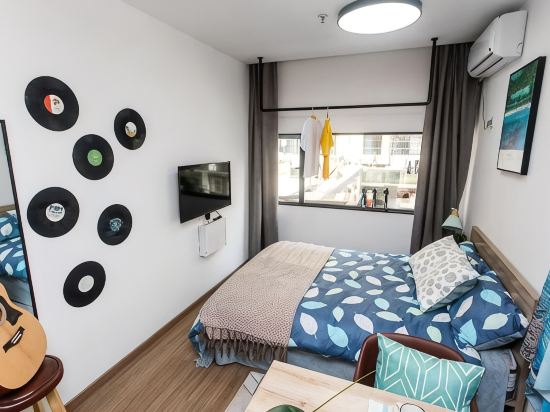
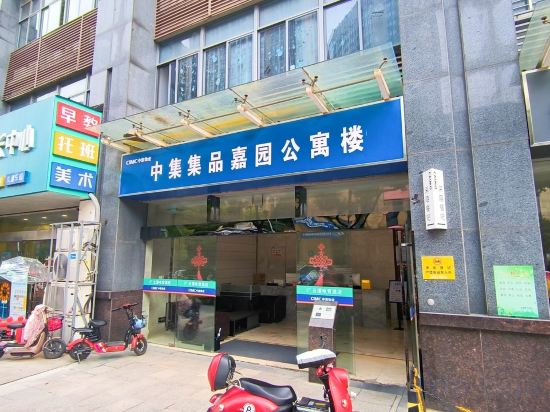
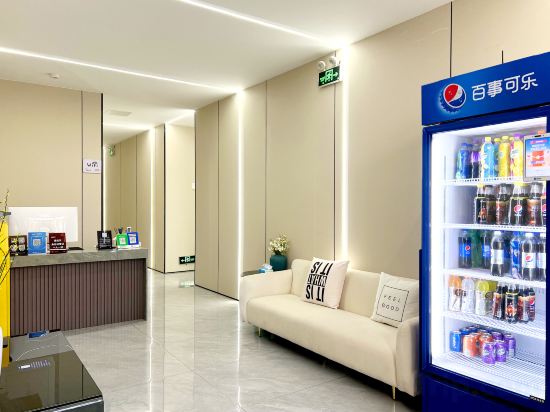 Nanjing, Nanjing
 Nantong
 Jiangning, Nanjing
 Suzhou, Suzhou
Six Dynasties Tales - Cultural Tourism Experience Apartment
Apartment
Manmanzhu Movie Apartment
Apartment
Nanjing Yiting Apartment (Xinjiekou Zhujiang Road Subway Station)
Yancheng goodnight Cinema Apartment (Zhongnan Century City Branch)
Thirty Ersu Apartment (Suzhou High-Speed Rail North Station)
Apartment
Qidong Haishangju Holiday Apartment (Hengda Venice)
Apartment
eSheng · Zhiyu Apartment (Wuxi Taihu International Expo Center Huaqing Bridge Subway Station)
Apartment
Chaowu City Apartment (Dushu Lake Higher Education Area)
Apartment
Huamanli apartment
Apartment
Candy House Boutique Homestay (World Trade Diamond Apartment)
Apartment
City Comfort Inn (Suqian Hongzehu East Road Diamond Apartment)
Apartment
Nanjing Jiayue Self-checkin Apartment (Mozhou Dong Road Zheshang Dasha)
Apartment
Leju Apartment (Nanjing University of the Arts)
Jun Shejia Apartment
Nanjing Xinjiekou Yipin Lanting Apartment
Apartment
Tianhai Vacation Apartment
Apartment
Boyue Apartment (Wuxi Donggang Hongdou Wanhua City)
Changying Apartment (Nanjing South Railway Station Duxu Tiandi Branch)
Apartment
Suzhou Muston Executive Apartment (Jinji Lake Expo Center Branch)
Apartment
Apartments in Jiangsu
Don't feel hesitant to book Apartments in Jiangsu at tiket.com! We'll make sure to provide all conveniences you need when doing a room reservation. Book your favourite hotel now only at tiket.com!

How to Book Accommodations on tiket.com
1. Find the accommodationEnter the name of the city, area, or accommodation to find the place you want.
2. Select a roomOn the accommodation detail page, you will see the available room options. Select a room that suits your needs.
3. Complete the booking detailsInput the contact details (the person who will be contacted by tiket.com and the accommodation about the booking) and the guests’ details.
4. Select Add-onsYou can also buy additional services such as meal packages, transportation, and many more.
5. Pay your bookingSelect the payment method and complete your transaction. Don't forget to use the promo code to get a cheaper accommodation price at tiket.com.
6. Get the reservation e-voucherAfter the payment is successful, the e-voucher will be available on the Your Orders menu and sent to the email listed in the contact details.