



Villas in Fujian

Special offers for you





1/5
Showing 182 Villas in Fujian
 Siming, Xiamen
 Xiuyu, Putian
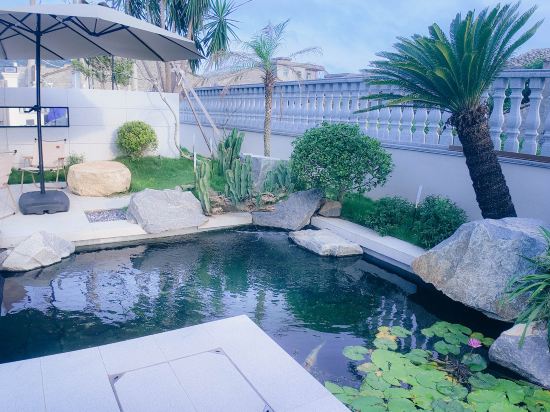 Fuqing, Fuzhou
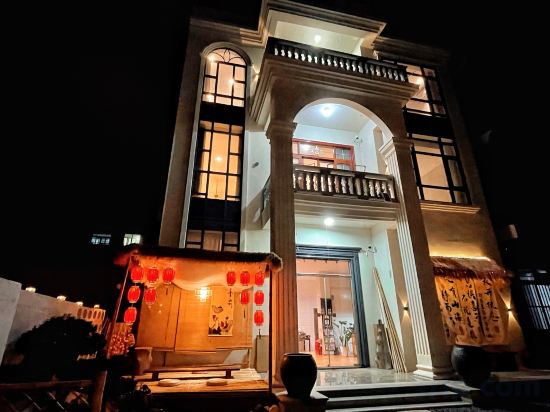 Xiuyu, Putian
 Chongan, Nanping
 Fuzhou
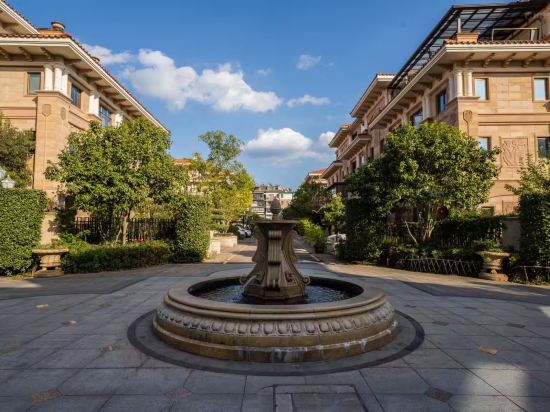 Chongan, Nanping
 Shanghang, Longyan
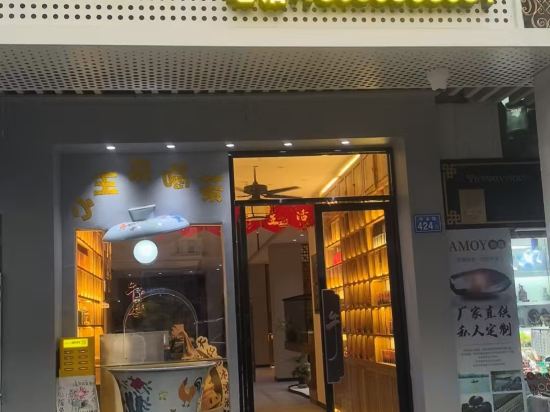 Siming, Xiamen
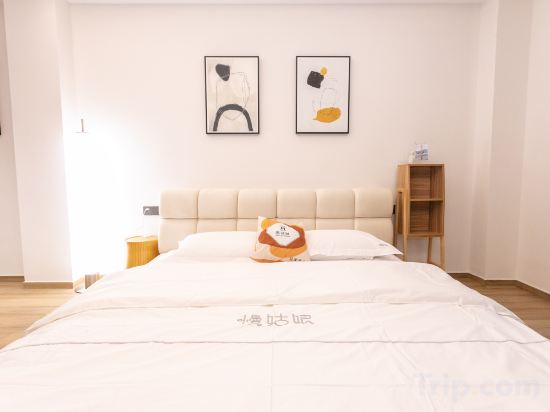 Chongan, Nanping
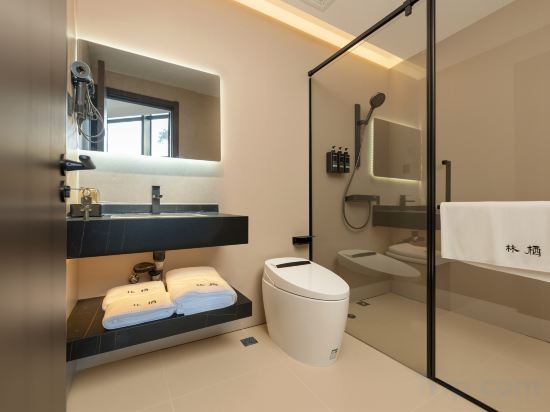 Fuzhou, Fuzhou
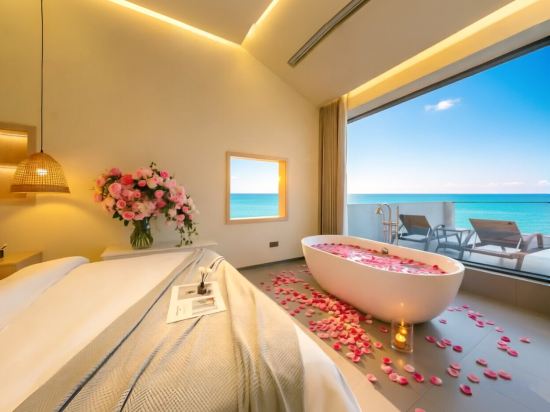 Fuzhou
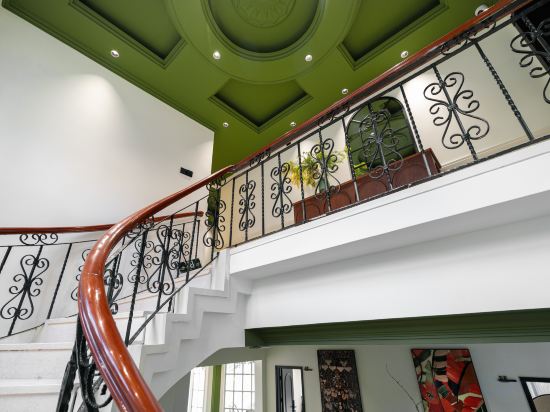 Siming, Xiamen
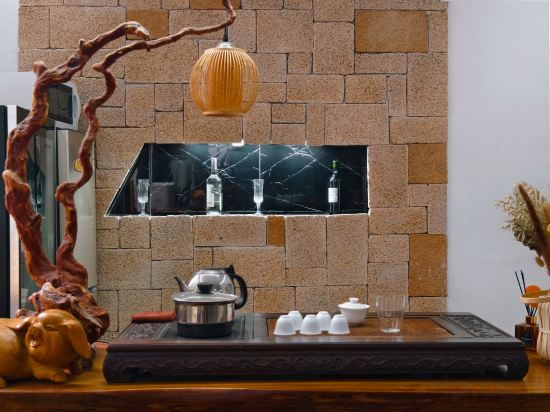 Siming, Xiamen
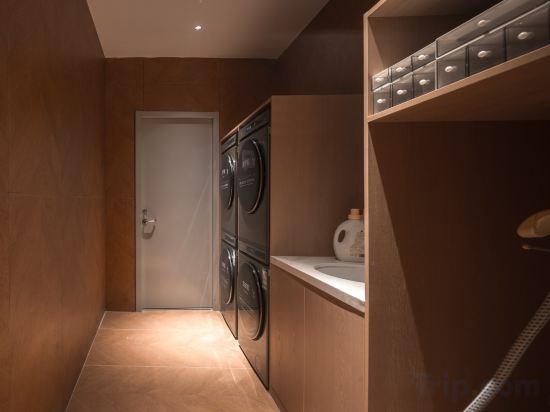 Siming, Xiamen
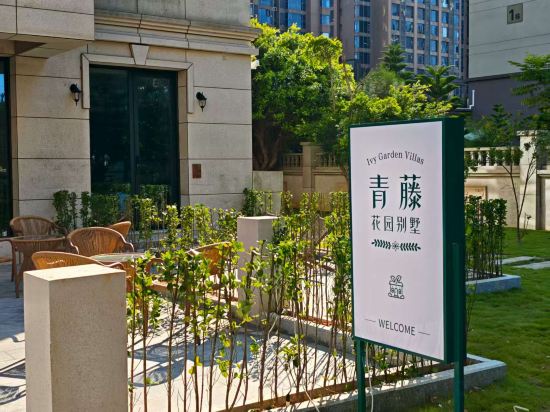 Fuqing, Fuzhou
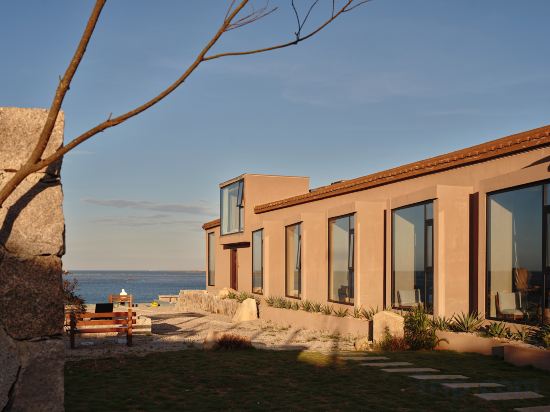 Fuzhou
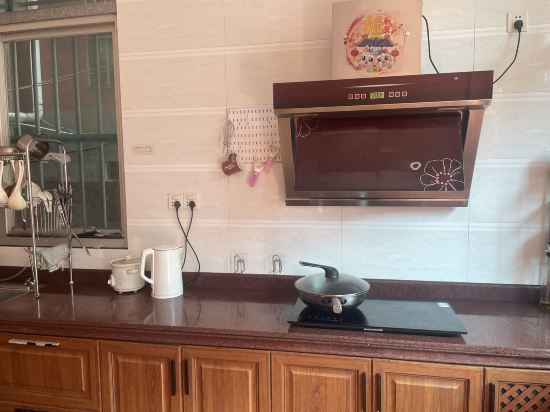 Xiuyu, Putian
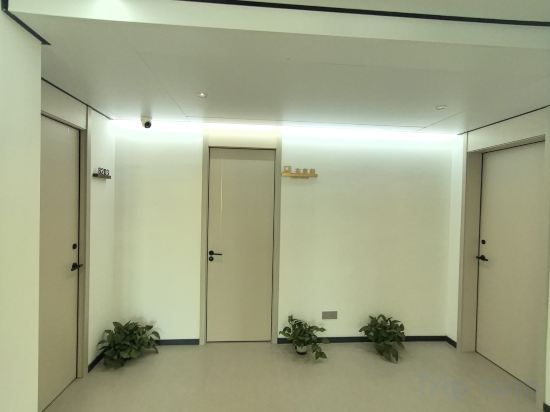 Hui'an, Quanzhou
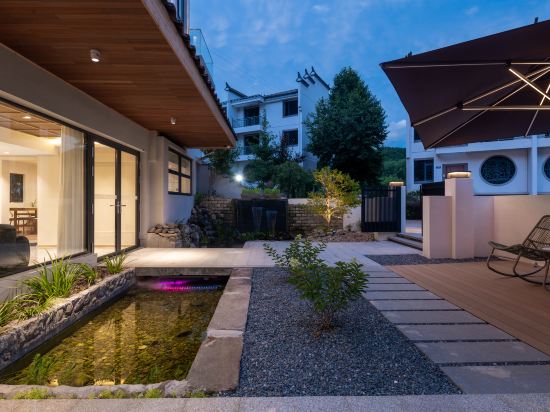 Taining, Sanming
Kulangsu Ningyuan Building Villa (Riguangyan Store)
Villa
Meizhou Island · Mountain and Sea Leisure Resort Villa Seaside Boutique Stay (Lianchi'ao Beach)
Villa
Lanting Shiguang Villa Sea View Resort Homestay
Villa
Island Diary • Leisure Vacation Villa Homestay (Meizhou Island Branch)
Villa
Chunshan Beautiful Villa
Villa
Pingtan Yishu seaview Villa
Villa
Wuyishan Xishanyun Villa Vacation Boutique Stay (Sangu Resort Area)
Villa
Shanghang Longling Mountain Villa
Villa
Zui Mei Bamin · Tea-themed Villa (Zhongshan Road)
Villa
Xianqu Wuyishan Party Holiday Villa
Villa
Linqi · VILLA · Boutique Stay (Fuzhou West Lake Park Panda World)
Villa
Pingtan Front-Sea View · Yuhai Qingtian Sunrise Villa | Hillside Homestay (Beigang Village)
Villa
Gulangyu Nanyang Yusheng mei Villa (Sunlight Rock Store)
Villa
Xiamen Yushan Villa
Villa
Zhu Yue · Yun Lu Contemporary Villa (Zhongshan Road Pedestrian Street Ferry Terminal Branch)
Villa
Pingtan Qingteng Garden Resort Villa
Villa
JiaoYin cliffside seaview villa
Villa
Gao Family Villa, Meizhou Island, Putian City
Villa
Xiangwang · Castle Seaview · Resort Sea Villa (Oleborg Ocean Kingdom Park)
Villa
Taining No.7 Villa
Villa
Villas in Fujian
Don't feel hesitant to book Villas in Fujian at tiket.com! We'll make sure to provide all conveniences you need when doing a room reservation. Book your favourite hotel now only at tiket.com!

How to Book Accommodations on tiket.com
1. Find the accommodationEnter the name of the city, area, or accommodation to find the place you want.
2. Select a roomOn the accommodation detail page, you will see the available room options. Select a room that suits your needs.
3. Complete the booking detailsInput the contact details (the person who will be contacted by tiket.com and the accommodation about the booking) and the guests’ details.
4. Select Add-onsYou can also buy additional services such as meal packages, transportation, and many more.
5. Pay your bookingSelect the payment method and complete your transaction. Don't forget to use the promo code to get a cheaper accommodation price at tiket.com.
6. Get the reservation e-voucherAfter the payment is successful, the e-voucher will be available on the Your Orders menu and sent to the email listed in the contact details.