


Hotels in Toronto

Special offers for you








1/10
Showing 1.000+ hotels in Toronto





Dan Leckie Apartments
City Center Suites
Located in Toronto, City Center Suites offers accommodation with easy access to Toronto’s best spots. The property features swimming pool, WiFi, and parking.
Peaceful Serenity House Toronto
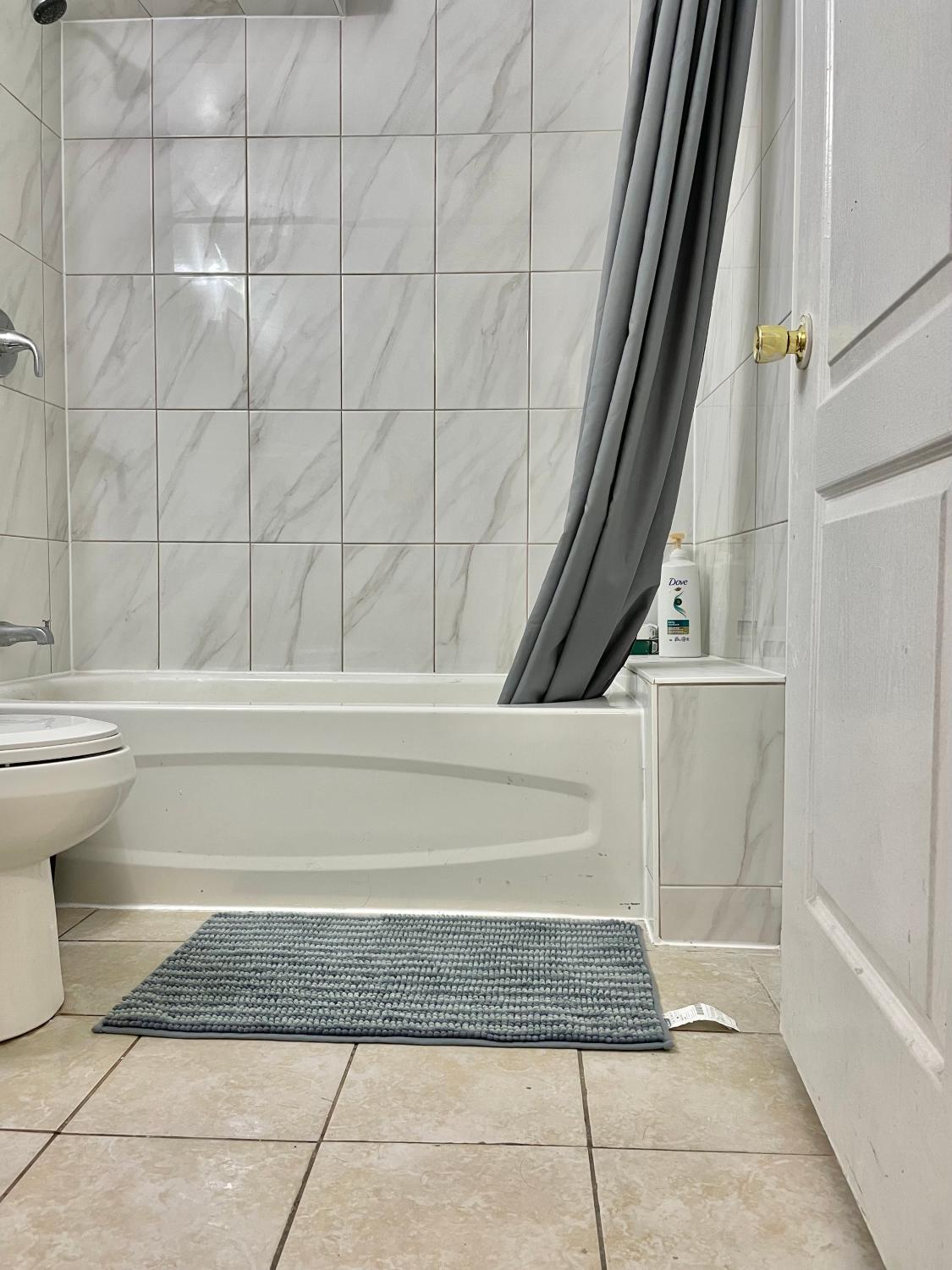
Each room is equipped with AC. The bathroom comes with shower.
Vihome-22M- Cozy nice townhouse in DT Toronto near Wellesley and Jarvis
Vihome-325-Nice cozy home at North York near Finch ave and Bayview
Each room is equipped with AC. The bathroom comes with shower.
Vihome-110 Mcnicoll cozy home near Finch and Don mills
Toronto Metropolitan University- Pitman Hall Residence
Each room is equipped with AC. The bathroom comes with free toiletries.
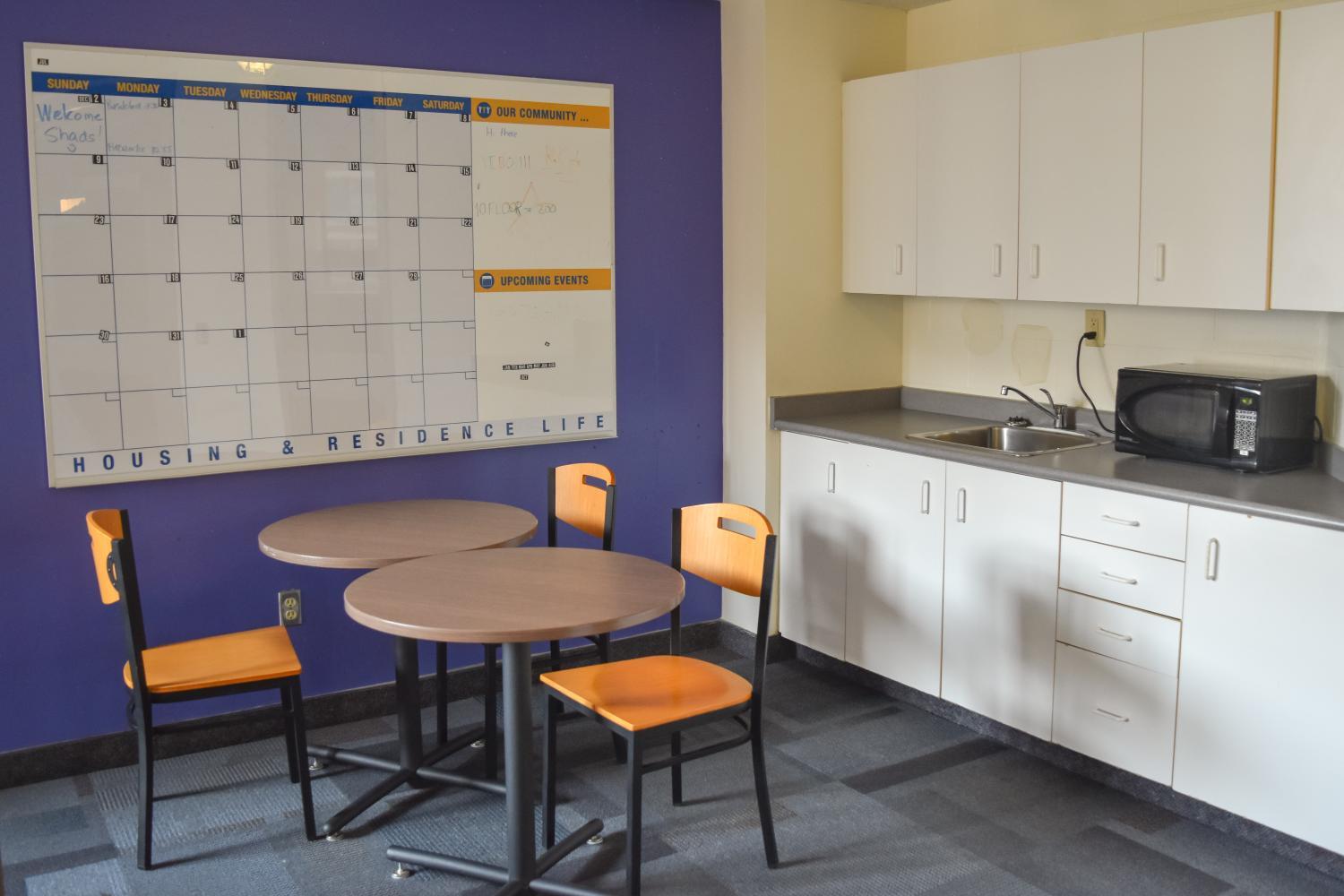
The property offers washing machine and separate sitting area. Other facilities include 24-hour front desk, luggage storage, and laundry service/dry cleaning.
See detailsVihome-34- Double Bed room Near Finch and 404 BSMT
New Queen Bedroom with Private Bathroom in central Toronto
Each room is equipped with AC. The bathroom comes with shower.
Nice Room at York University
Hotels in Toronto
Don't feel hesitant to book hotels in Toronto at tiket.com! We'll make sure to provide all conveniences you need when doing a room reservation. Book your favourite hotel now only at tiket.com!

How to Book Hotels on tiket.com
1. Find the hotelEnter the name of the city, area, or hotel to find the place you want.
2. Select a roomOn the hotel detail page, you will see the available room options. Select a room that suits your needs.
3. Complete the booking detailsInput the contact details (the person who will be contacted by tiket.com and the hotel about the booking) and the guests’ details.
4. Select Add-onsYou can also buy additional services such as meal packages, transportation, and many more.
5. Pay your bookingSelect the payment method and complete your transaction. Don’t forget to use the promo code to get a cheaper hotel price at tiket.com.
6. Get the reservation e-voucherAfter the payment is successful, the e-voucher will be available on the Your Orders menu and sent to the email listed in the contact details.