



Hotels in Bao'an
Showing 853 hotels in Bao'an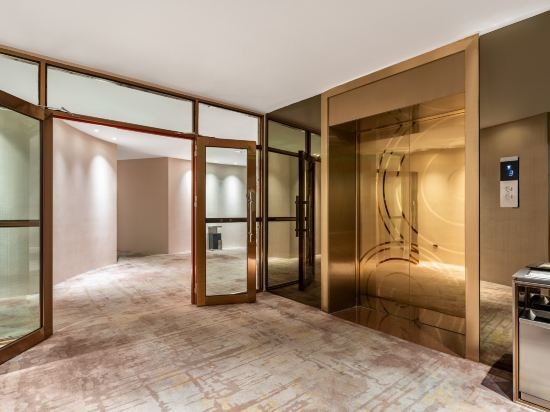
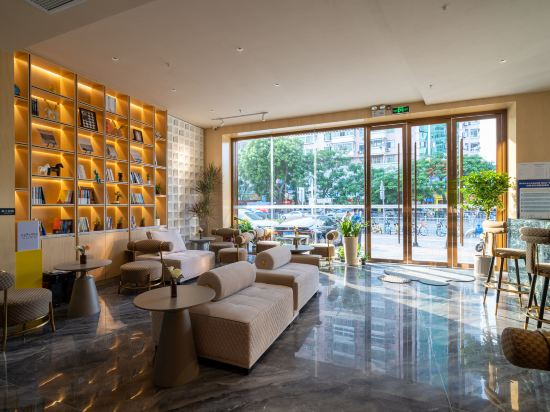
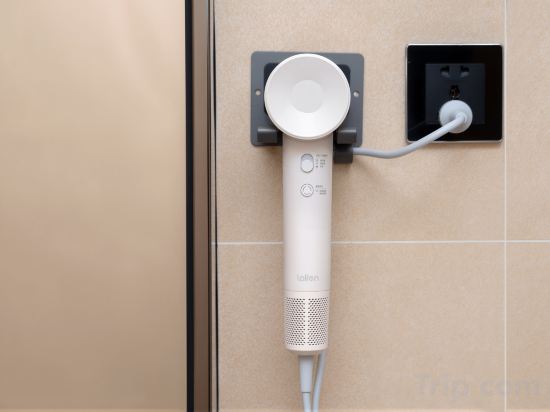
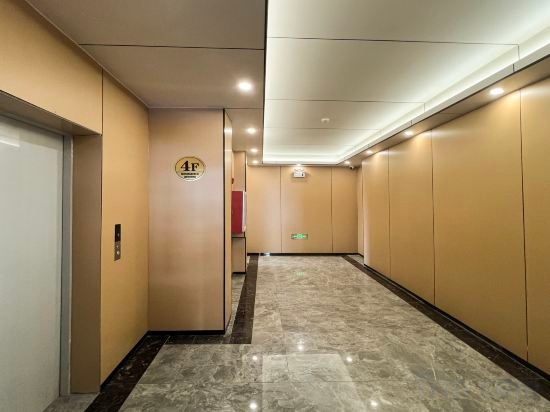
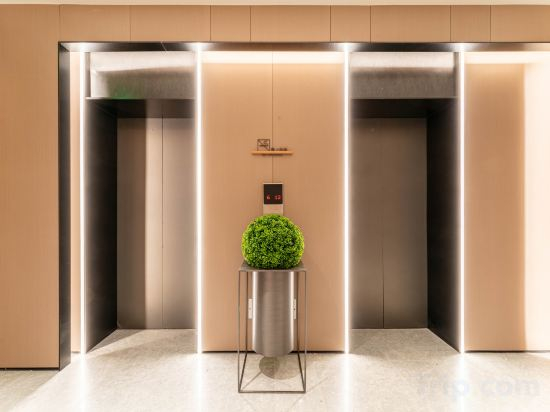

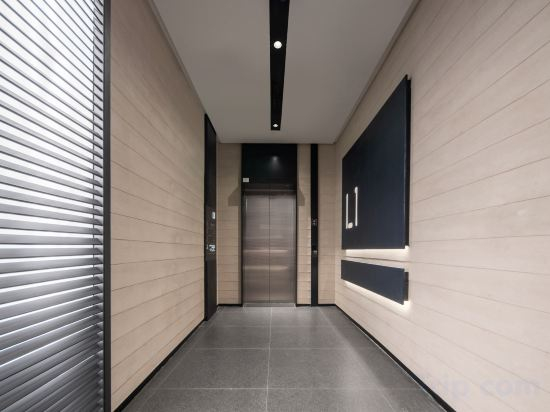
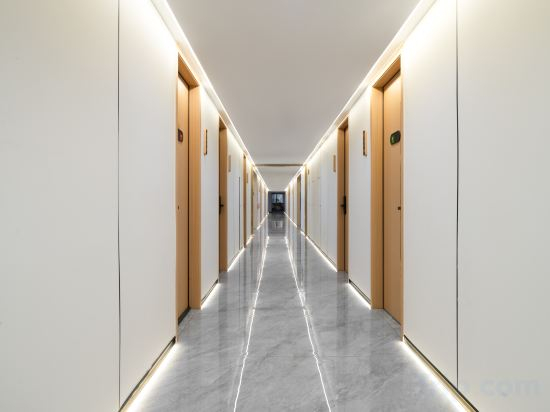
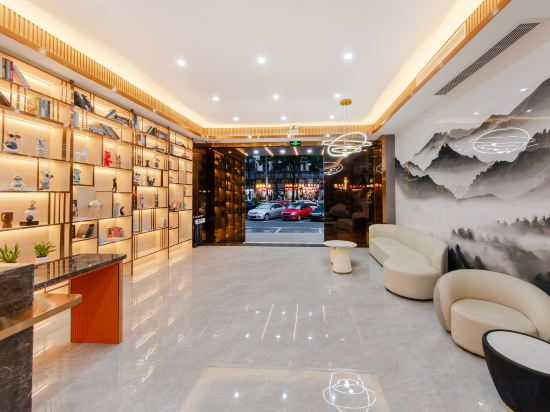
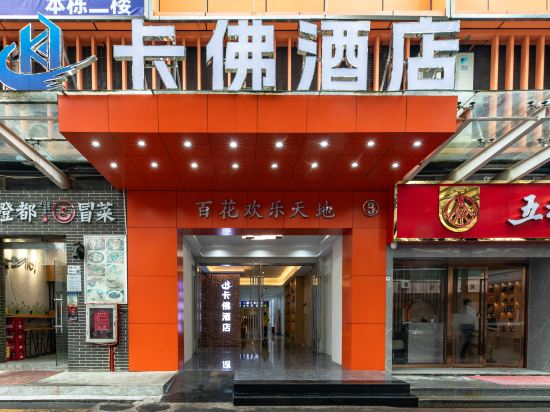
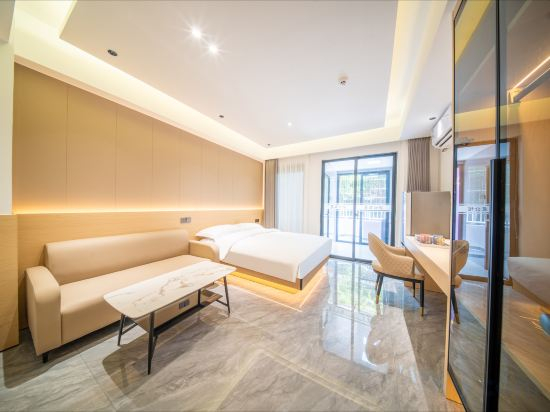
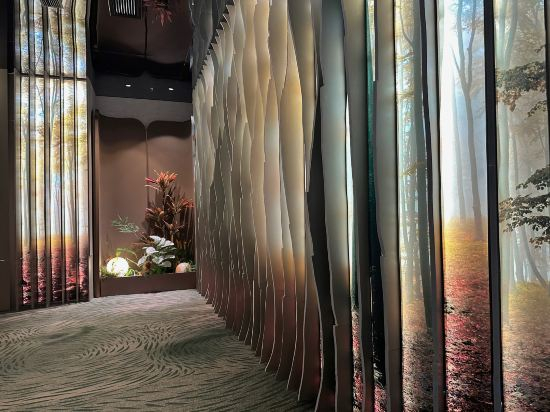
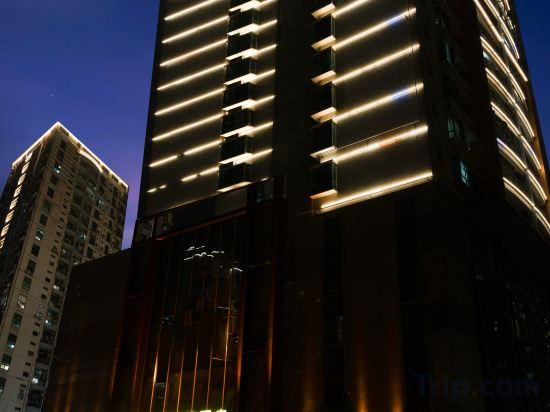
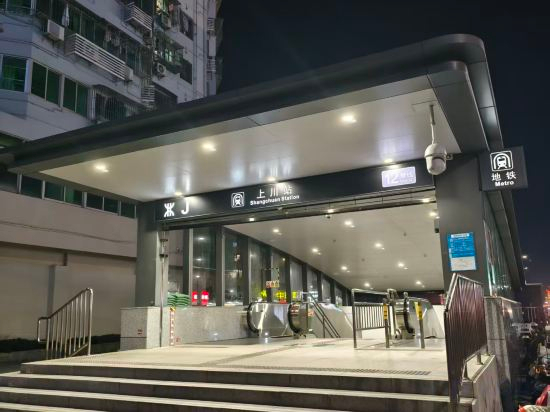
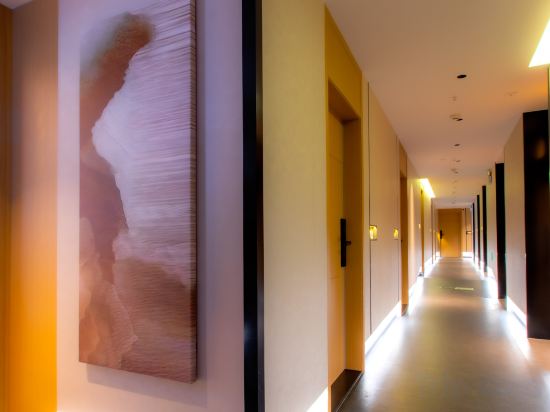
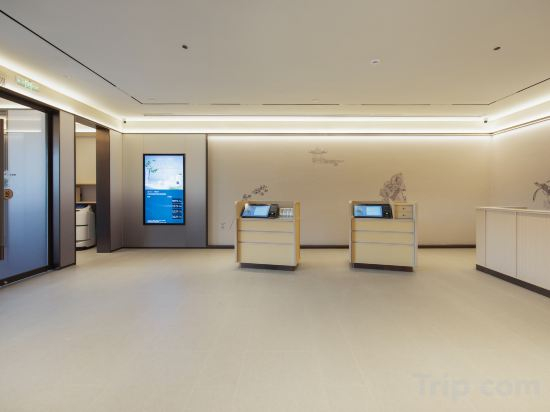
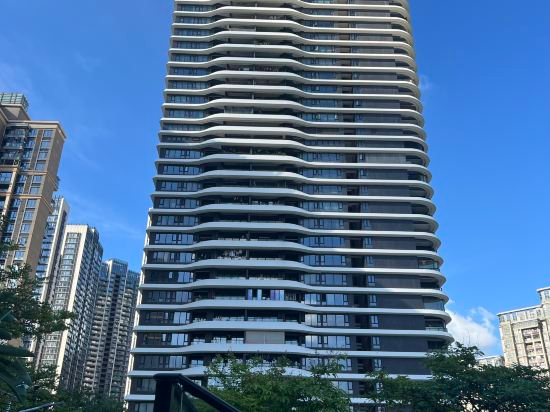
Lanhua Hotel
Yalan S Garden Hotel (Shenzhen Baoan Center Fanshen Subway Station Branch)
Shenzhen Xilai Hotel (Shiyan Subway Station)
Kailisi Hotel (Hongfa Dashiye)
Hotel Introduction Description
JI Hotel (Shenzhen Bao'an Haiya Binfen City)
MOTRI Mori Hotel (Bao'an Haiya Binfen City)
Atour Light Hotel HaiYa Mega Mall Baoan District,SHENZHEN
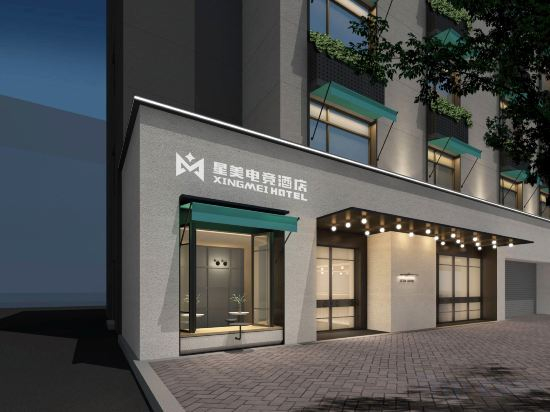
Xingmei Esports Hotel (Fenshun Road Branch)
Jinsha Hui Residence (Baohui Building)
Bozhen Hotel (Lingzhi Subway Station)
CRAWFORD HOTEL
At CRAWFORD HOTEL (Shenzhen Qianhai Bao'an Center Yifang City Store), exceptional service and top-notch amenities create a memorable experience for guests.Complimentary internet access is available in the hotel to ensure you stay connected during your visit. For guests with their own vehicle, parking facilities are provided.Continuously receive the support you require through front desk amenities such as luggage storage.Accommodations come equipped with all the conveniences required for a restful night's slumber.A selection of rooms at CRAWFORD HOTEL (Shenzhen Qianhai Bao'an Center Yifang City Store) come furnished with air conditioning to cater to your needs and comfort.CRAWFORD HOTEL (Shenzhen Qianhai Bao'an Center Yifang City Store) offers toiletries and towels in the restrooms of specific accommodations.
See detailsMoyuan Residences (Fanshen Metro Station, Bao'an Center, Shenzhen)
Muyunxi Hotel (Yifang City Bao'an Central Subway Station)
SHEN ZHEN BENADE HOTEL
Alice Light Enjoyment Hotel (Shangchuan Subway Station Joy City)
Qi'an Light Hostel (Shenzhen Bao'an Shangchuan Metro Station Branch)
Quanji Hotel (Shenzhen Bao'an Honglang North Subway Station Branch)
Yushe Hostel
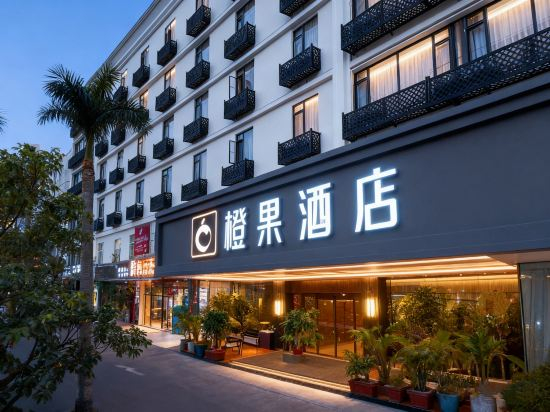
Chengguo Hotel (Shenzhen Qianhai Yifang City)
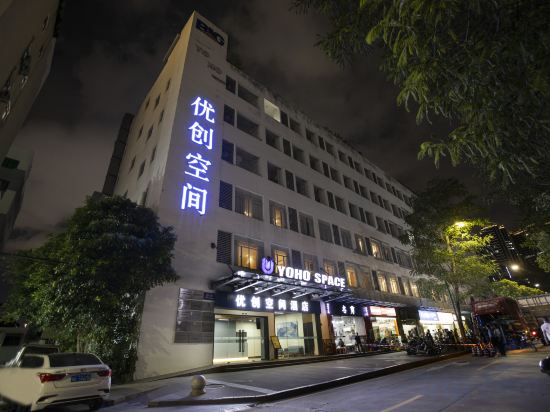
Youchuang Space Hotel (Shenzhen Xingdong Subway Station)
Hotels in Bao'an
Don't feel hesitant to book hotels in Bao'an at tiket.com! We'll make sure to provide all conveniences you need when doing a room reservation. Book your favourite hotel now only at tiket.com!

How to Book Hotels on tiket.com
1. Find the hotelEnter the name of the city, area, or hotel to find the place you want.
2. Select a roomOn the hotel detail page, you will see the available room options. Select a room that suits your needs.
3. Complete the booking detailsInput the contact details (the person who will be contacted by tiket.com and the hotel about the booking) and the guests’ details.
4. Select Add-onsYou can also buy additional services such as meal packages, transportation, and many more.
5. Pay your bookingSelect the payment method and complete your transaction. Don’t forget to use the promo code to get a cheaper hotel price at tiket.com.
6. Get the reservation e-voucherAfter the payment is successful, the e-voucher will be available on the Your Orders menu and sent to the email listed in the contact details.