



Hotels in Dayong

Special offers for you










1/10
Showing 1.000+ hotels in Dayong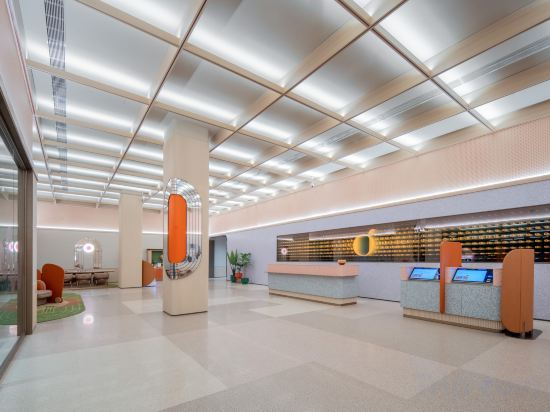
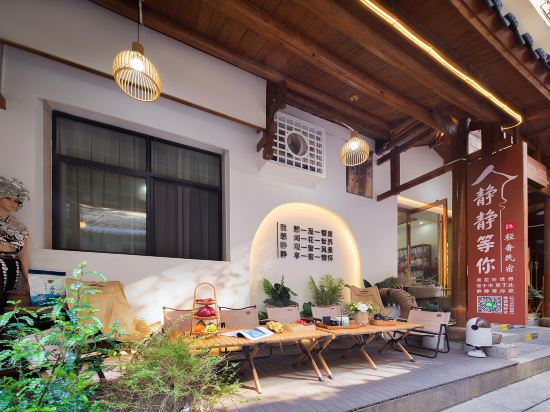
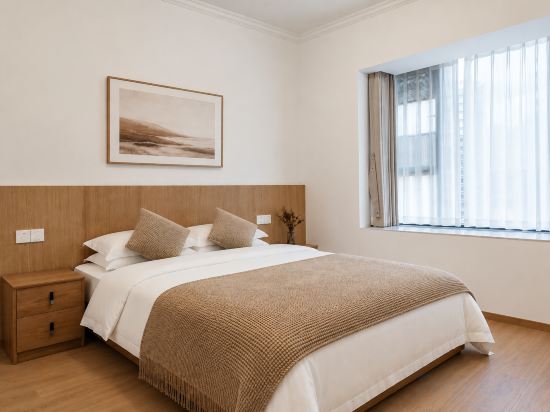
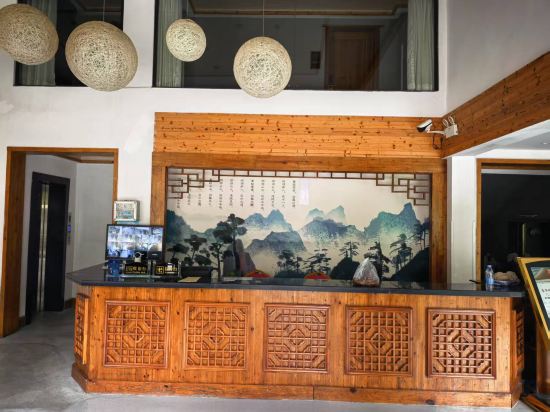

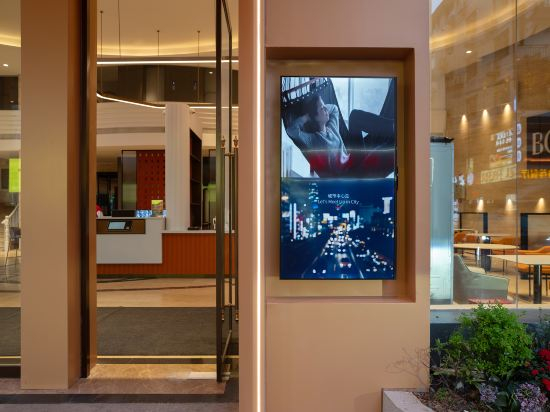
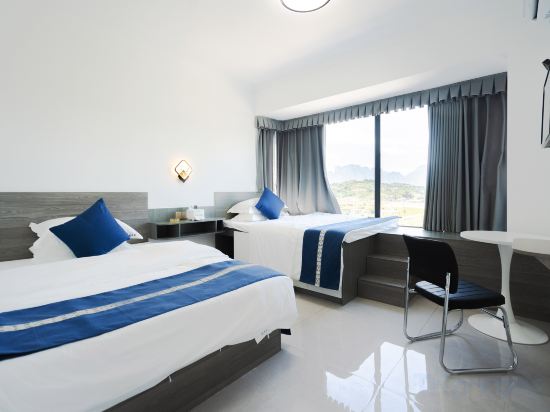
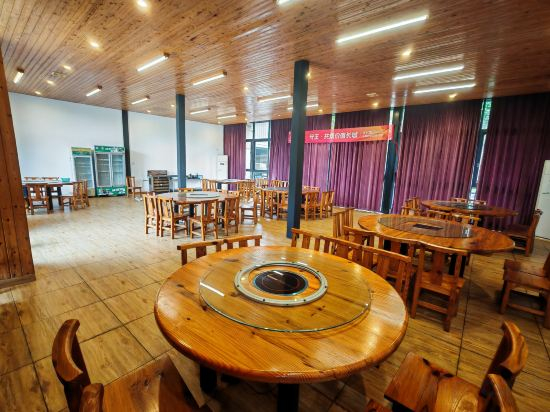
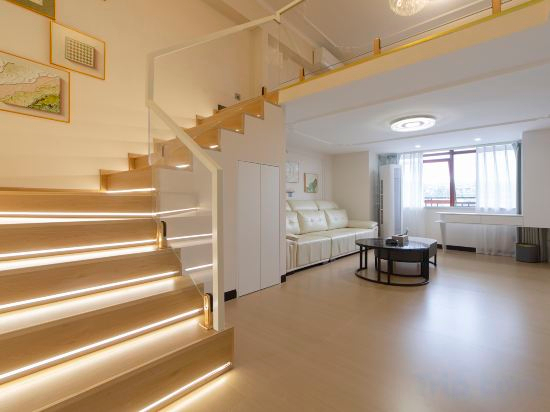

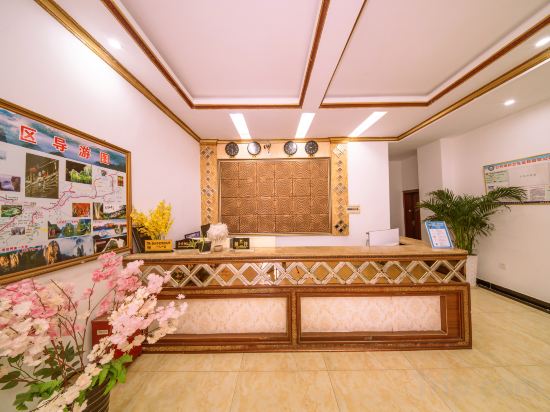


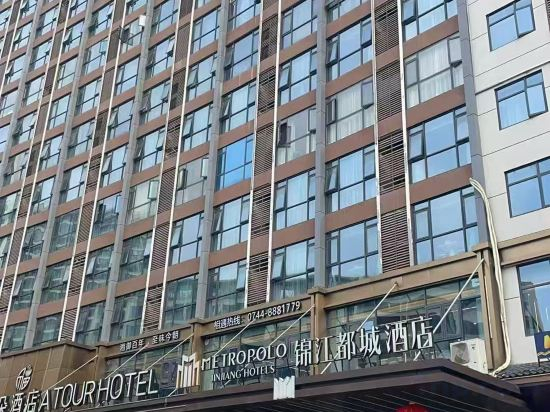
Orange Hotel (Zhangjiajie Tianmen Mountain Cableway Station Dayong Road)
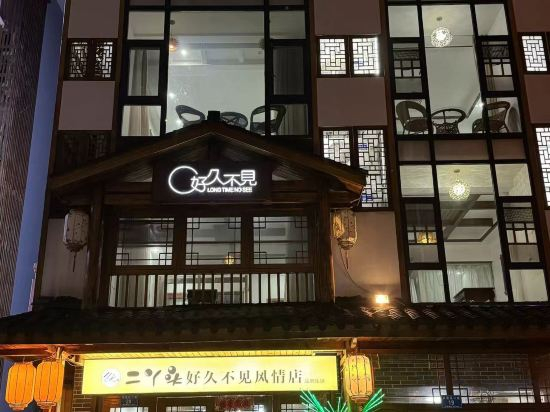
Long Time No See Guesthouse
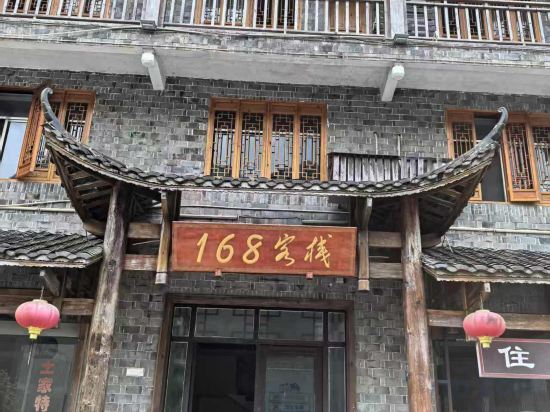
168 Chinese Inn
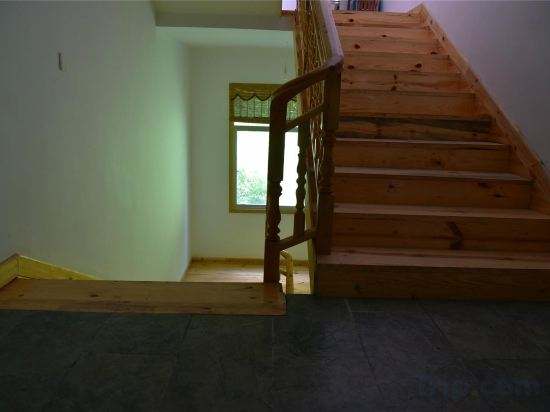
Zhangjiajie Latitude 30 Degree North Farm Stay
Wo Xiang Jingjing Audio & Video Homestay (Zhangjiajie Tianmenshan Cableway Store)
Qiyue Shiguang Homestay (Zhangjiajie High-Speed Railway West Station)
Qinghe · Residence Decentralized Vacation Apartment (Tianmenshan Cableway Station)
Pausing Clouds Mountain Lodge
Mo Shanju Swimming Pool Courtyard homestay(Zhangjiajie Tianmen Mountain Branch)
Borrman International Hotel (Zhangjiajie National Forest Park Biaozhimen)
Tianzhi Blue Homestay (Zhangjiajie West Station)
Anbang Jiayuan Homestay (Zhangjiajie West Station)
JinYu HOTEL
Mountain Breeze and Moon Homestay (72 Wonder Tower Scenic Area)
Zhangjiajie Guochen Smart Hotel (Tianmen Mountain Ziwu Road Branch)
Zhangjiajie Tianyuan Hotel (Tianmenshan Branch)
Qianhe Smart Theme Hotel
Zhangjiajie Duyusheng Homestay (National Forest Park Wulingyuan Landmark Gate)
Wulingyuan Guiyuan Mountain Lodge
Yunyu · Boutique Stay Homestay (Zhangjiajie Tianmenshan Cableway)
Hotels in Dayong
Don't feel hesitant to book hotels in Dayong at tiket.com! We'll make sure to provide all conveniences you need when doing a room reservation. Book your favourite hotel now only at tiket.com!

How to Book Hotels on tiket.com
1. Find the hotelEnter the name of the city, area, or hotel to find the place you want.
2. Select a roomOn the hotel detail page, you will see the available room options. Select a room that suits your needs.
3. Complete the booking detailsInput the contact details (the person who will be contacted by tiket.com and the hotel about the booking) and the guests’ details.
4. Select Add-onsYou can also buy additional services such as meal packages, transportation, and many more.
5. Pay your bookingSelect the payment method and complete your transaction. Don’t forget to use the promo code to get a cheaper hotel price at tiket.com.
6. Get the reservation e-voucherAfter the payment is successful, the e-voucher will be available on the Your Orders menu and sent to the email listed in the contact details.