



Hotels in Nanshan

Special offers for you









1/10
Showing 760 hotels in Nanshan
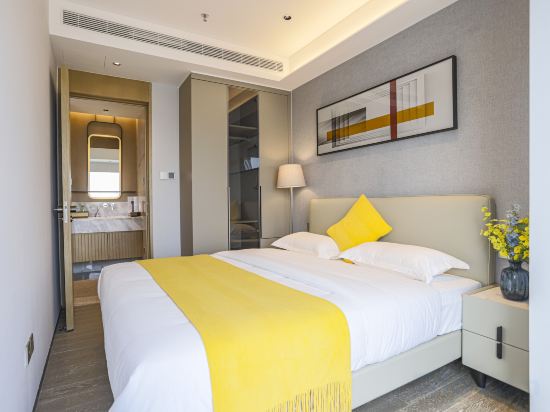
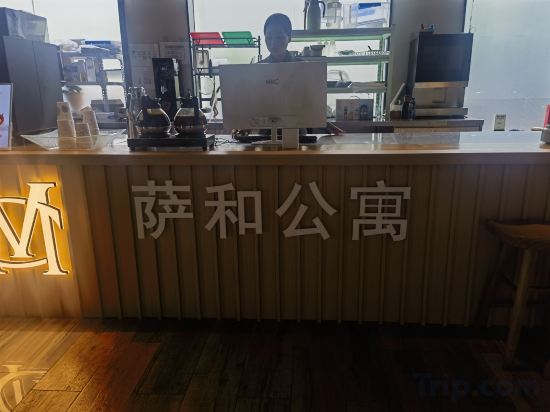
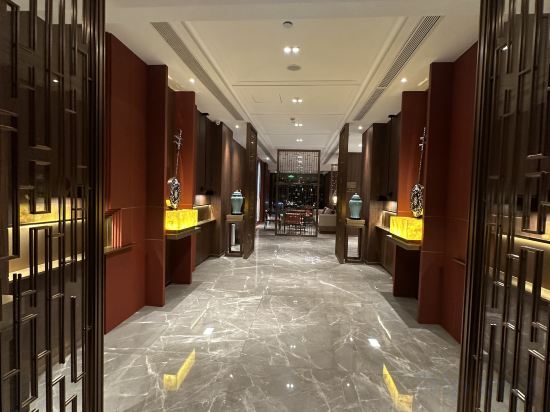
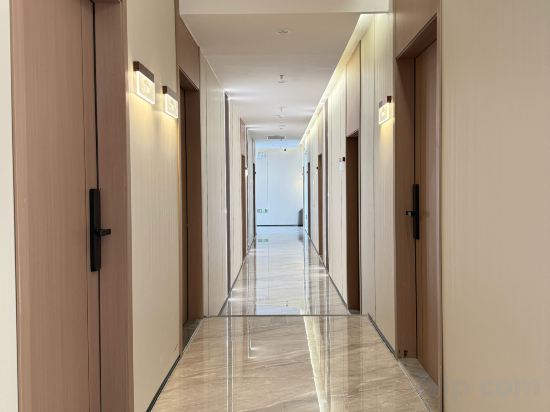
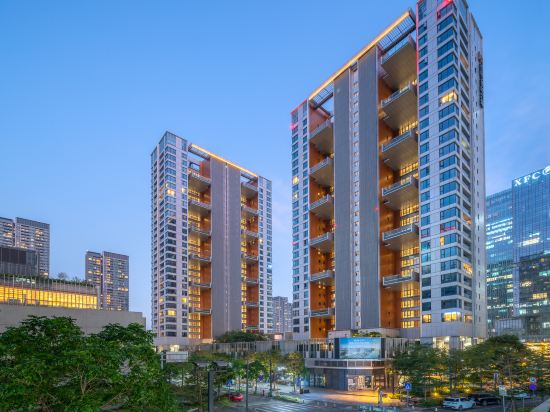
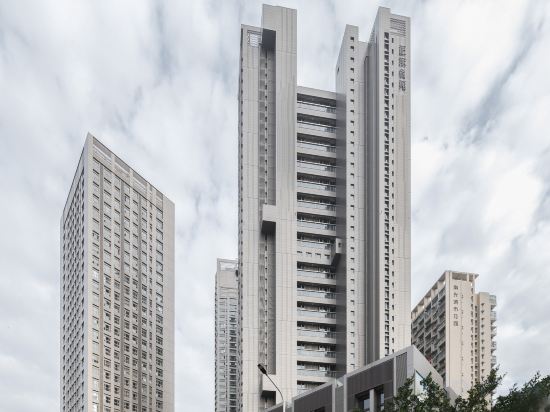
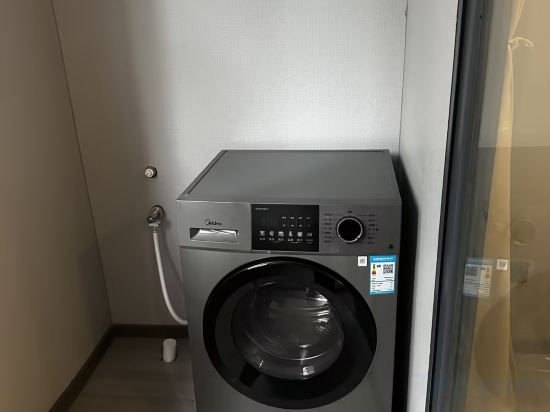
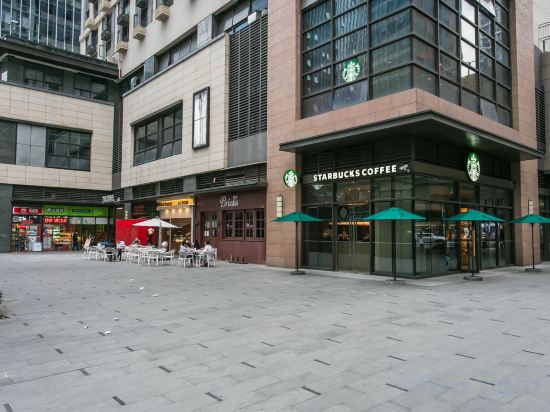
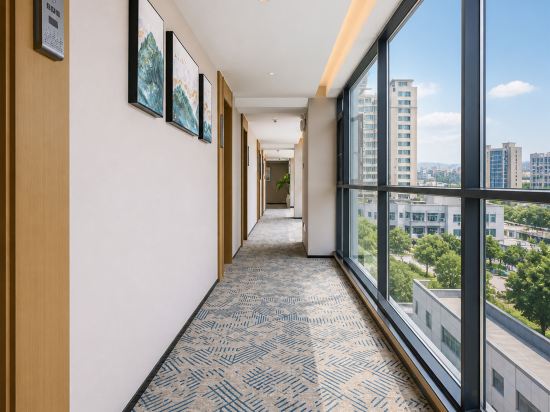


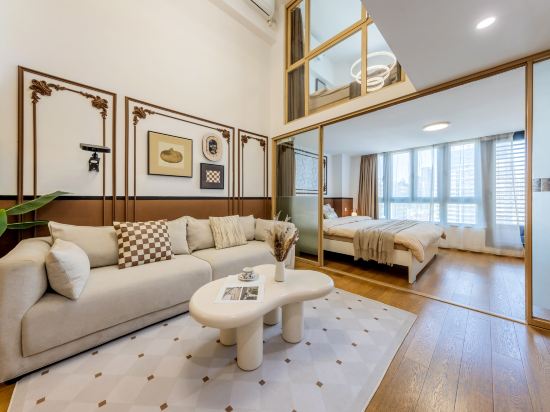

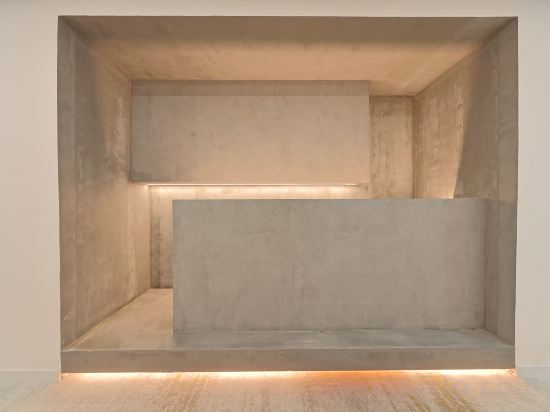
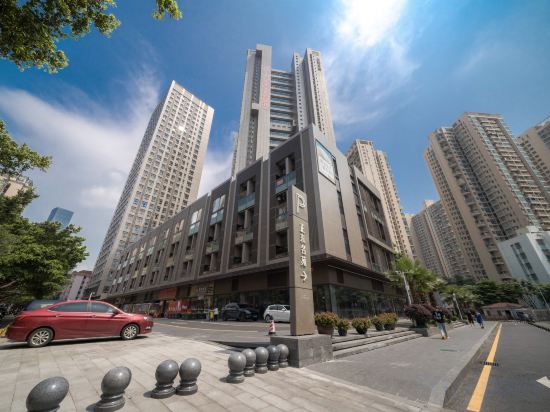

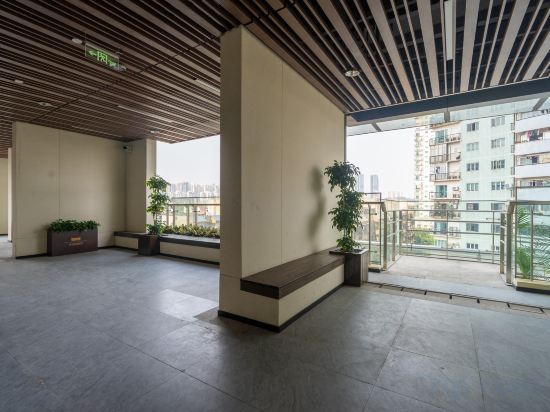
Wesu Micro Stay Luxury Apartment (Nantou Ancient City Branch, Shenzhen)
Bangtomino Executive Apartment (Shenzhen Overseas Chinese Town Branch)
Sahe Executive Serviced Apartment (Science and Technology Park Gaoxinbei Metro Station)
Shenzhen XinChao Light Luxury Apartment (Sea World)
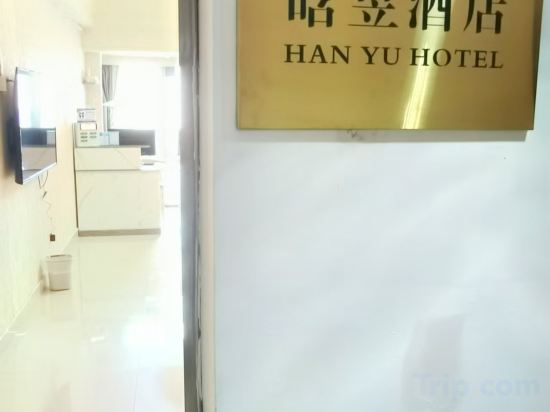
Hanyu Apartment
Meiyu Serviced Apartment (Zhongshan Park Subway Station)
Qiwanyaju Executive Apartment (Railway Park Subway Station)
Yunding Executive Apartment (Shenzhen Nanshan Subway Station Coast City)
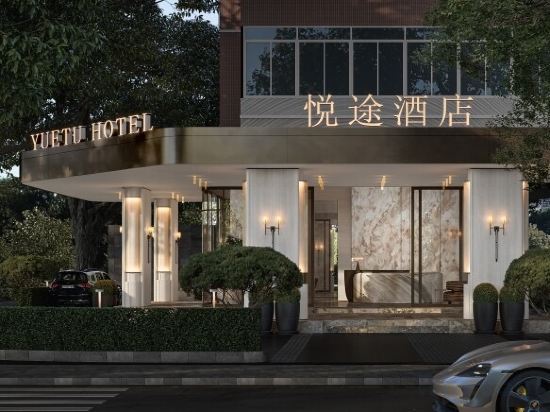
Yuetu Hotel (Shenzhen University Nantou Ancient City Branch)
HEYSTON Apartment (Shenzhen Nantou Ancient City Zhongshan Park Subway Station)
Shenzhen Boju Apartment
Yuechen Executive Apartment (Chuangwei Innovation Valley, Yingshishi Metro Station)
Youmi All-Female Youth Apartment
eStay Executive Apartment (Nanshan Science and Technology Park Shenda South Subway Station)
Aney International Hotel Apartment (Shenzhen Nanshan Subway Station)
KK E-sports Apartment,Liling Metro Station,Nanshan District ,shenzhen
VC Service Apartment (Shenzhen Polytechnic University Xili Metro Station Branch)
Hemu Holiday Apartment (Shenzhen Nanshan Zhengdong Famous Garden)
WESU Microsuite Service Apartment (Shenzhen University Branch)
Runxuan Executive Apartment (Shenzhen Window of the World Happy Valley Branch)
Hotels in Nanshan
Don't feel hesitant to book hotels in Nanshan at tiket.com! We'll make sure to provide all conveniences you need when doing a room reservation. Book your favourite hotel now only at tiket.com!

How to Book Hotels on tiket.com
1. Find the hotelEnter the name of the city, area, or hotel to find the place you want.
2. Select a roomOn the hotel detail page, you will see the available room options. Select a room that suits your needs.
3. Complete the booking detailsInput the contact details (the person who will be contacted by tiket.com and the hotel about the booking) and the guests’ details.
4. Select Add-onsYou can also buy additional services such as meal packages, transportation, and many more.
5. Pay your bookingSelect the payment method and complete your transaction. Don’t forget to use the promo code to get a cheaper hotel price at tiket.com.
6. Get the reservation e-voucherAfter the payment is successful, the e-voucher will be available on the Your Orders menu and sent to the email listed in the contact details.