



Hotels in Sanya
Showing 1.000+ hotels in Sanya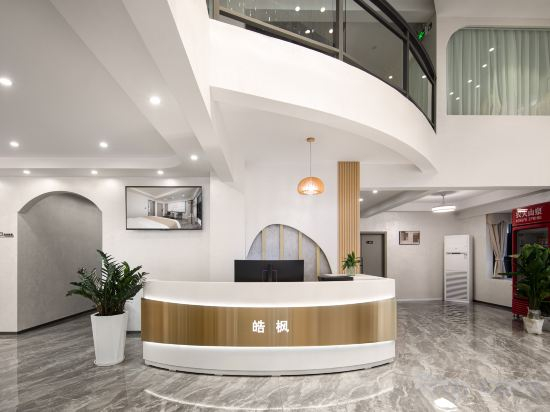

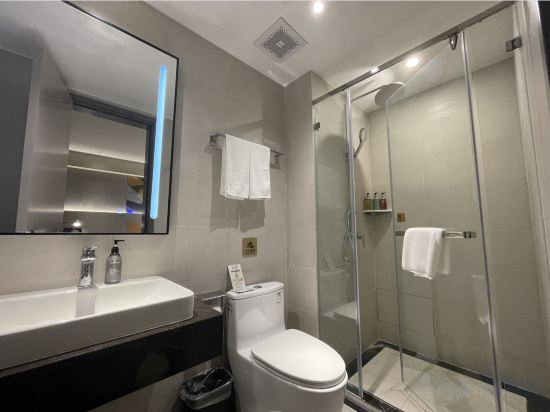
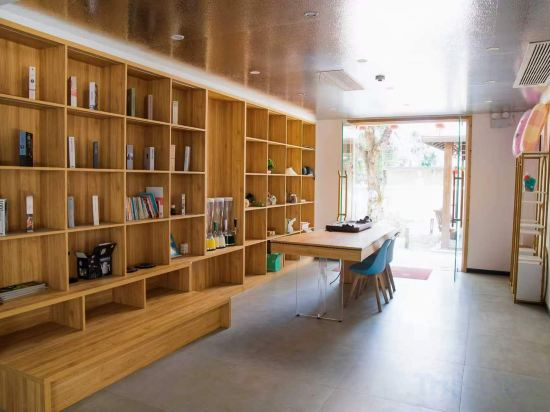
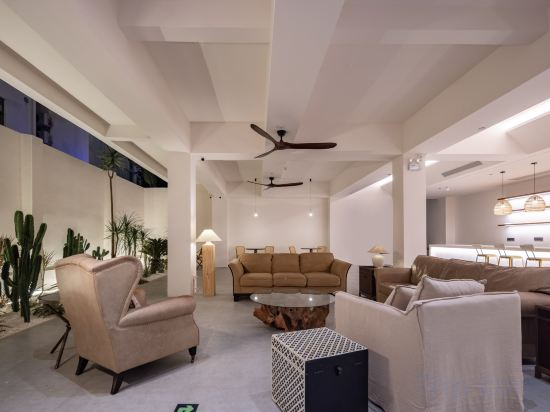
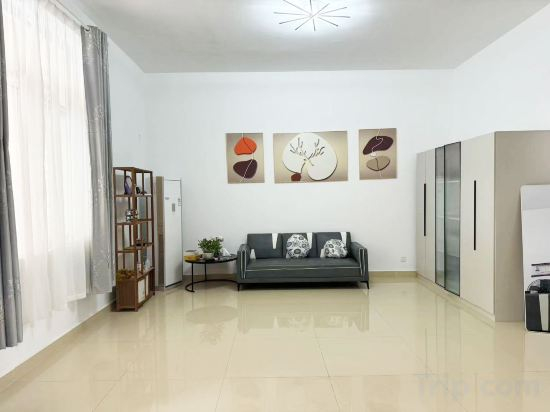

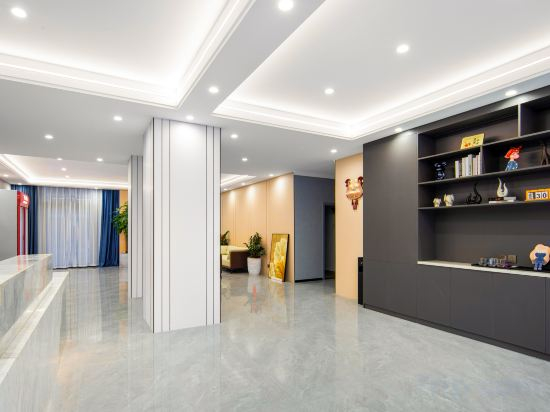
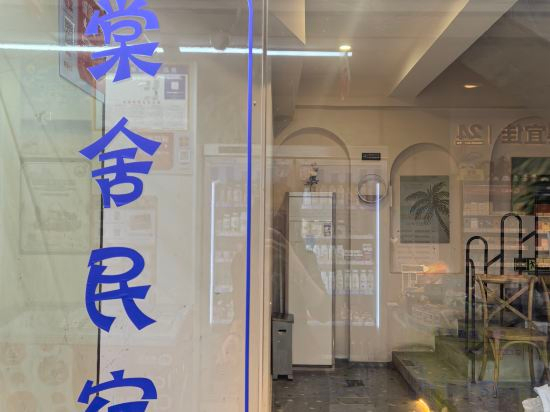
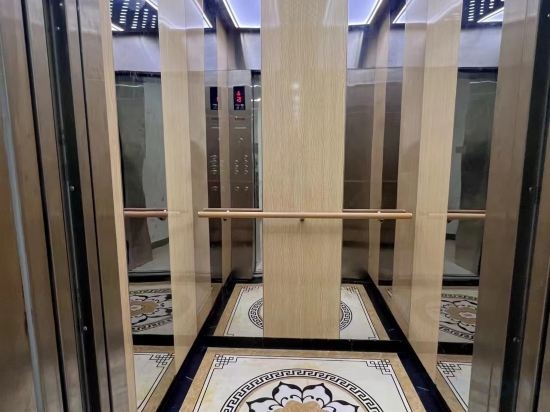
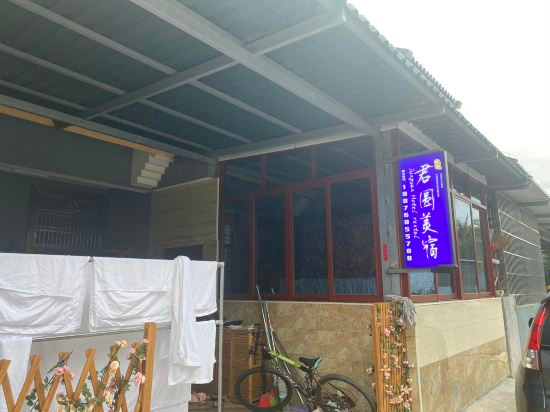


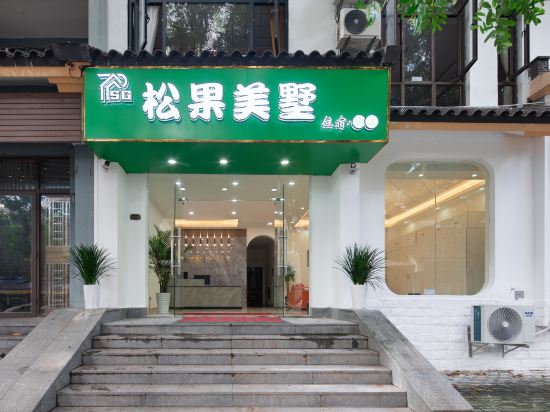


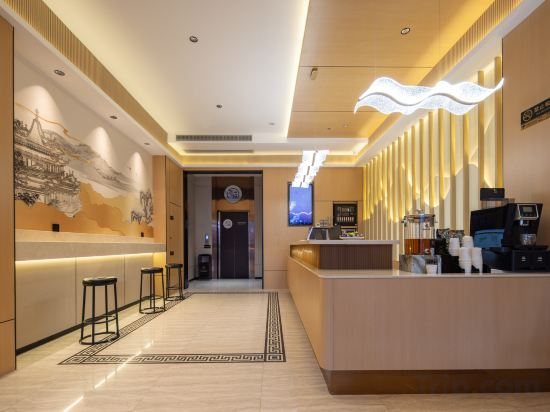
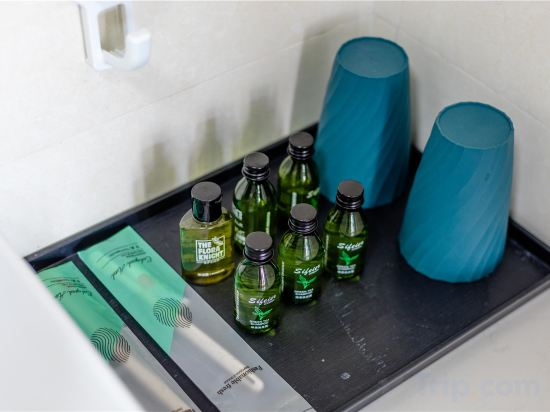
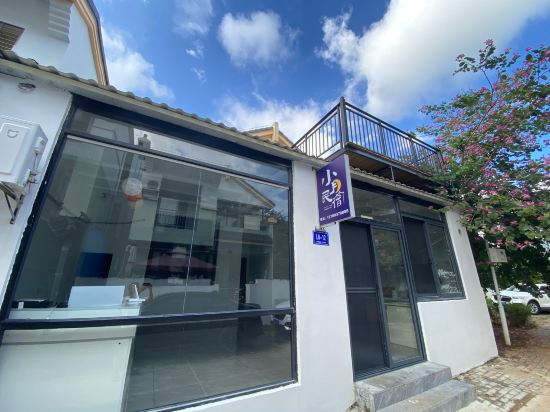

Sanya Haofeng Homestay (Yalong Bay Tropical Forest Park)
Sanya Alley Mo Homestay (Wuzhizhou Island Back Bay Branch)
Home Inn Business Hotel (Sanya Haitang Bay Linwang Night Market Branch)
Sanya Xiaolequ Homestay (Yalong Bay Bohou Village)
Lanhaiju Homestay(Houhai Village, Sanya)
Chun Residence Homestay
Houhai Time Hotel
Jiaduo Hotel (Yalong Bay Eternal Love Branch)
Sanya Tangshe Travel Rental (Wuzhizhou Island Houhai Branch)
Sanya Yixin Homestay (Haitang Bay International Duty Free City Branch)
Junyuan Guesthouse
Home Inn & Hotels Management Ltd. Neo (Sanya Haitang Bay Linwang Night Market Branch)
Sanya Dajishu Homestay (Haitang Bay Duty Free City Shop)
Sanya Songguo Meishu (Sanya International Duty Free City Branch)
Sanya Haitang Time Holiday Meisu (Yate Duty Free City Shop)
Sanya Haimiya Seaview Surf Hotel (Houhai Village Branch)
Sanya MC Meichen Hotel (Haitang Bay Linwang Night Market Branch)
Sanya Funi Yipin Meisu (Haitangwan Duty Free City Shop)
Sanya Xiaoyue Homestay (Haitang Bay International Duty Free City Branch)
AROMA · Hanxiang Smart Audio-Visual Boutique Stay (Sanya Haitang Bay CDF Mall)
Hotels in Sanya
Don't feel hesitant to book hotels in Sanya at tiket.com! We'll make sure to provide all conveniences you need when doing a room reservation. Book your favourite hotel now only at tiket.com!

How to Book Hotels on tiket.com
1. Find the hotelEnter the name of the city, area, or hotel to find the place you want.
2. Select a roomOn the hotel detail page, you will see the available room options. Select a room that suits your needs.
3. Complete the booking detailsInput the contact details (the person who will be contacted by tiket.com and the hotel about the booking) and the guests’ details.
4. Select Add-onsYou can also buy additional services such as meal packages, transportation, and many more.
5. Pay your bookingSelect the payment method and complete your transaction. Don’t forget to use the promo code to get a cheaper hotel price at tiket.com.
6. Get the reservation e-voucherAfter the payment is successful, the e-voucher will be available on the Your Orders menu and sent to the email listed in the contact details.