



Hotels in Shangrao Xiàn

Special offers for you









1/10
Showing 498 hotels in Shangrao Xiàn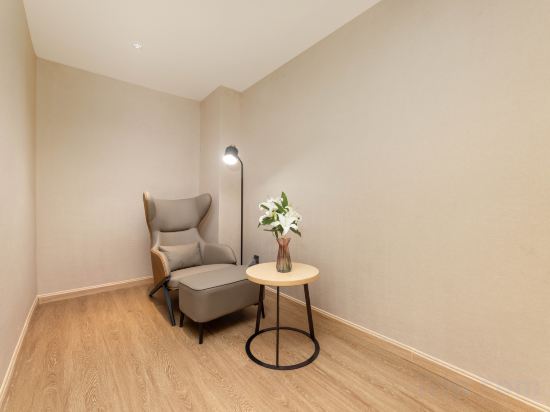
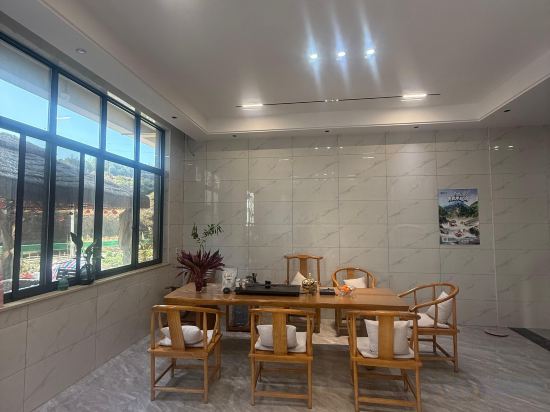
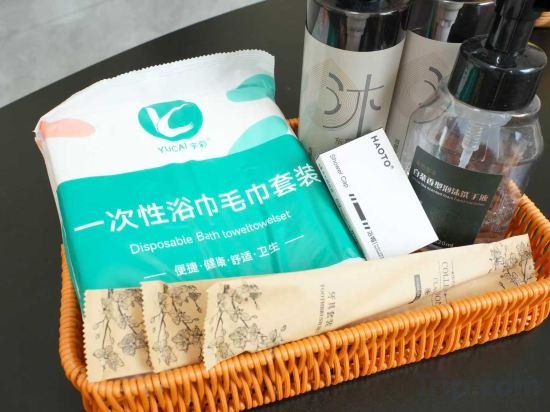
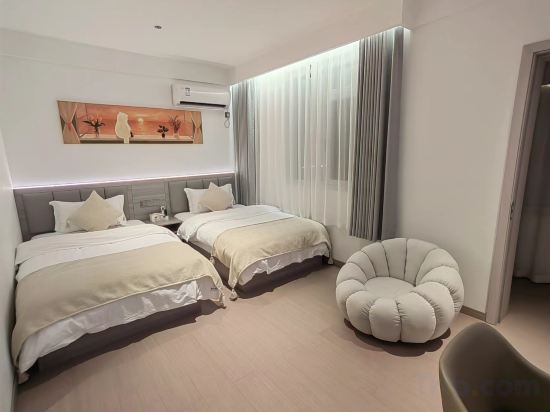
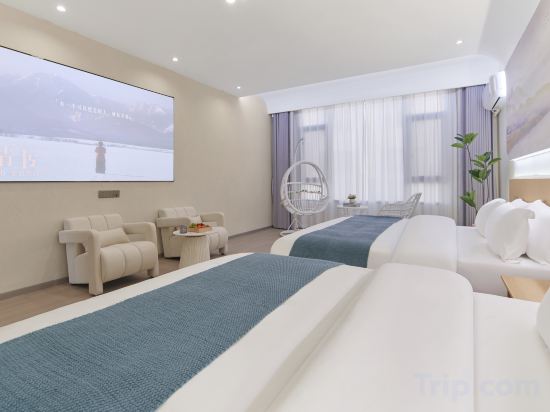
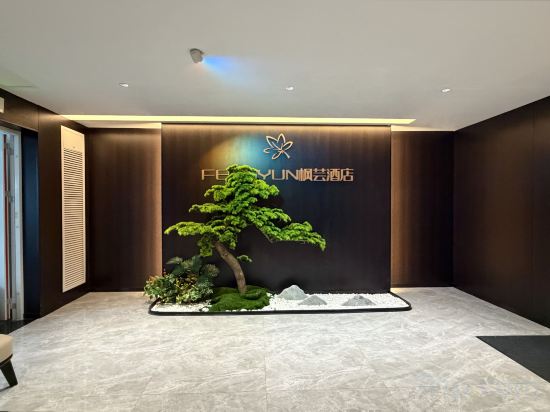
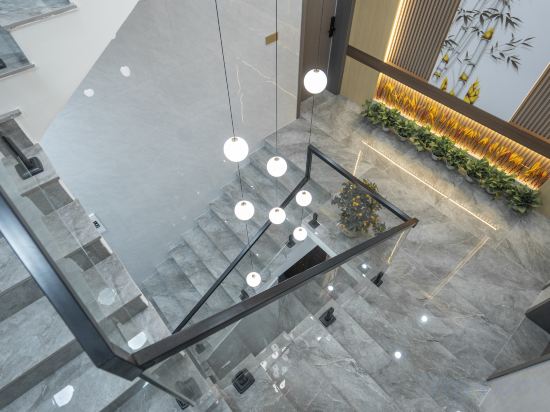
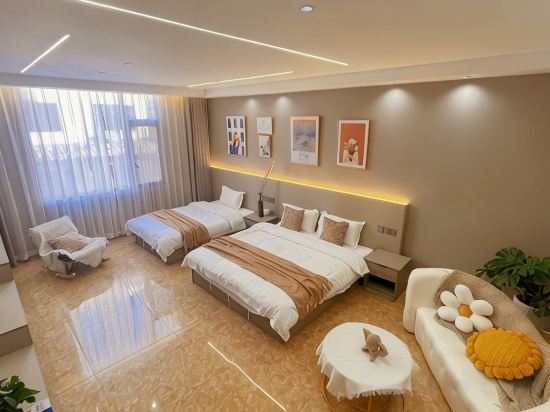
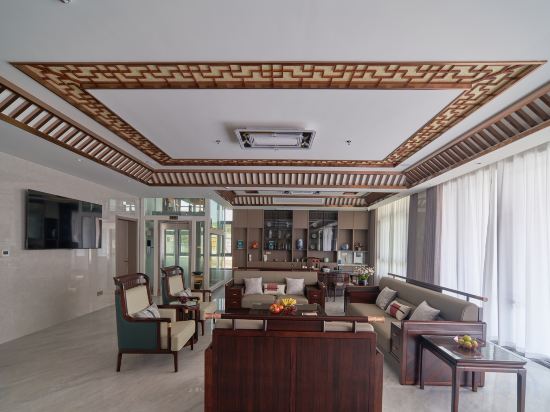

Vienna International Hotel (Shangrao Economic Development Zone)
Jiuyun Mountain Accommodation
Wangxianpan Yunshuixuan Homestay
Anxin Nature Smart Luxury Holiday Stay (Shangrao Wangxiangu Scenic Area Branch)
Wanggu Homestay (Wang Xian Gu Scenic Area)
Mantu Homestay (Wangxian)
Fengyun Hotel (Shangrao High-Speed Railway Station East Bus Station)
Senxia Homestay
Vagoo Scenic Area · Fujia | Mountain · Moon · Meditation Homestay (Wang Xian Gu Scenic Area)
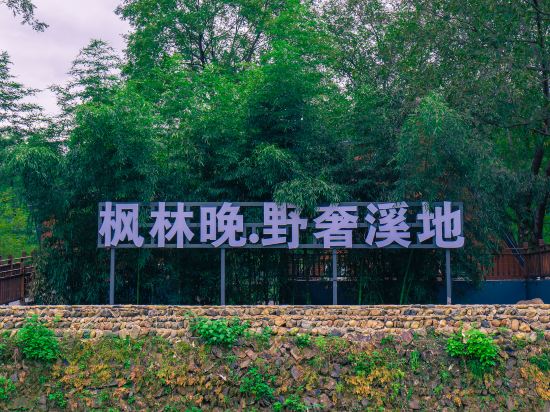
Maple Forest Evening - Wild Luxury Streamside Homestay
Chun He Hotel
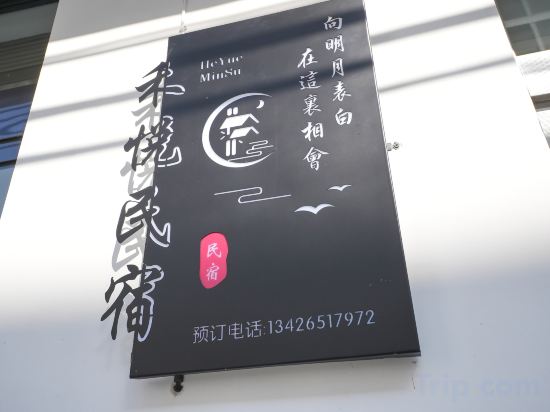
Shangrao Heyue Villa Homestay (Wangxian Valley Scenic Area Branch)
Guyu Seasons · Secret Oasis with Designer Pool & Garden Retreat (Wangxian Valley Branch)
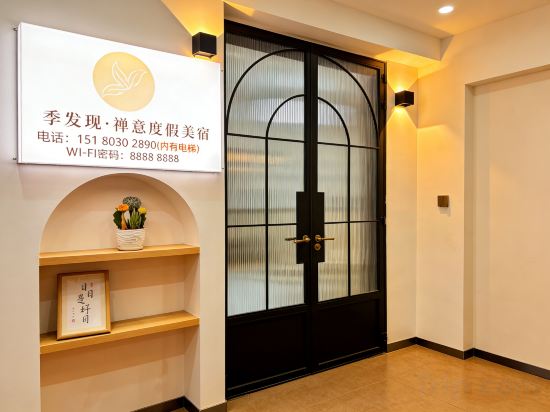
Four Seasons Discovery · Zen Holiday Homestay
Shankee Hotel (Shangrao Jingkai Dadao)
Yunman Songjian Homestay (Wang Xian Gu Scenic Area)
Wangshan Yunju CloudDwell Smart Holiday Homestay (Wangxiangu Scenic Area Branch)
ordinary person
Junyi Hotel (Shangrao Shengqi Optical Industrial Park Store)
Yu Jia · Serence | Pillow Mountain Retreat and Leisure Inn (Venue in Wang Xian Gorge Scenic Area)
Hotels in Shangrao Xiàn
Don't feel hesitant to book hotels in Shangrao Xiàn at tiket.com! We'll make sure to provide all conveniences you need when doing a room reservation. Book your favourite hotel now only at tiket.com!

How to Book Hotels on tiket.com
1. Find the hotelEnter the name of the city, area, or hotel to find the place you want.
2. Select a roomOn the hotel detail page, you will see the available room options. Select a room that suits your needs.
3. Complete the booking detailsInput the contact details (the person who will be contacted by tiket.com and the hotel about the booking) and the guests’ details.
4. Select Add-onsYou can also buy additional services such as meal packages, transportation, and many more.
5. Pay your bookingSelect the payment method and complete your transaction. Don’t forget to use the promo code to get a cheaper hotel price at tiket.com.
6. Get the reservation e-voucherAfter the payment is successful, the e-voucher will be available on the Your Orders menu and sent to the email listed in the contact details.