



Hotels in Shenzhen

Special offers for you








1/10
Showing 1.000+ hotels in Shenzhen

 See details
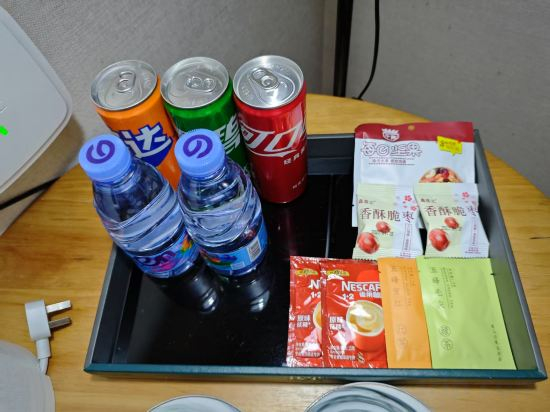
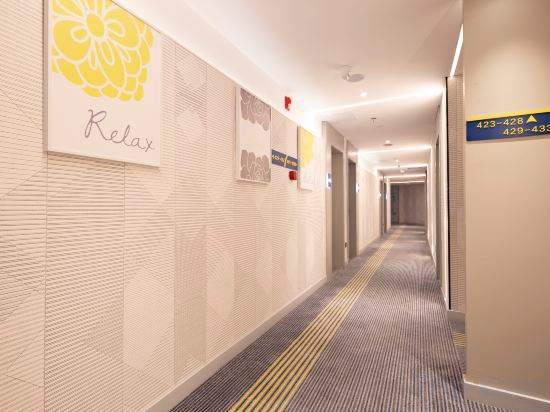
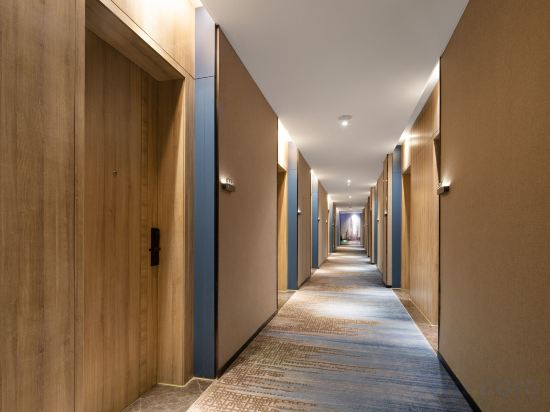
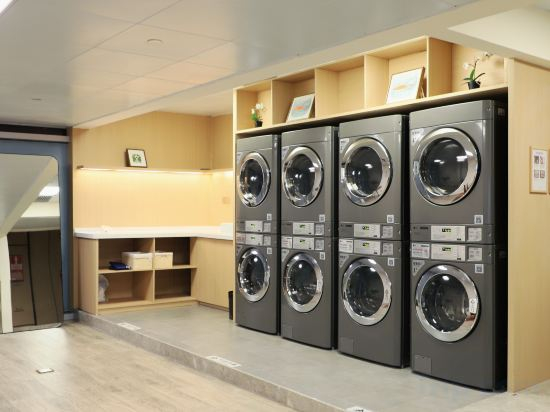
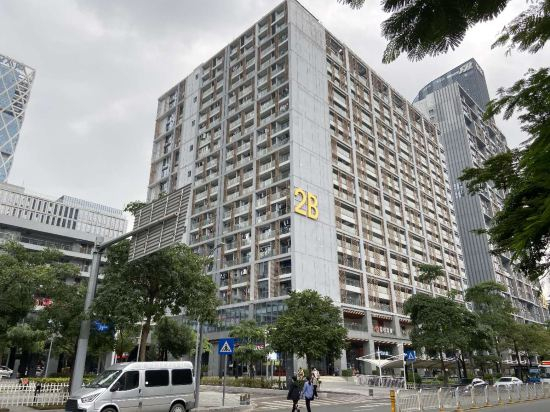
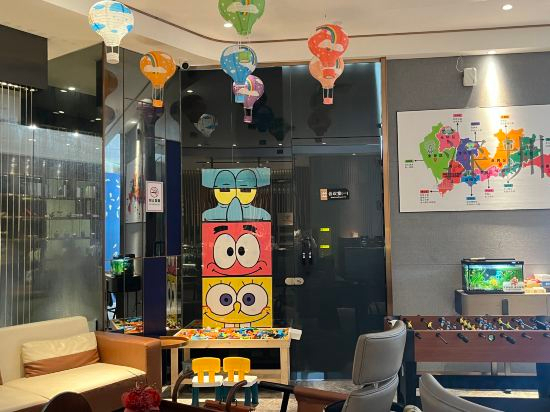
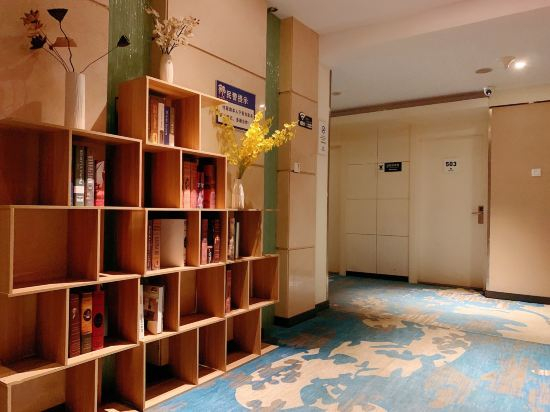

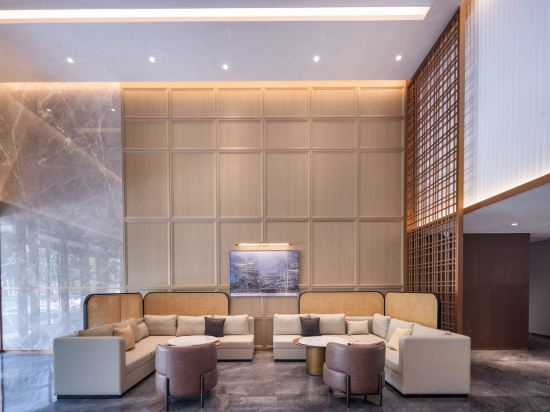


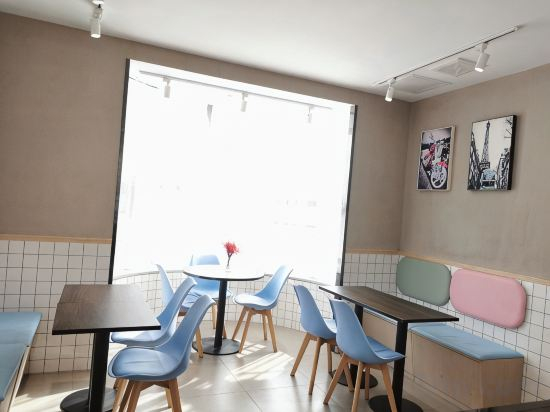
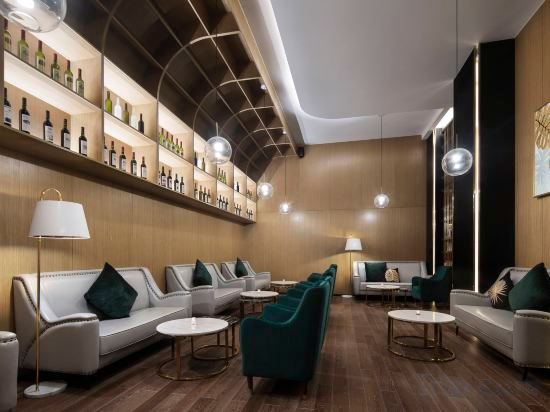
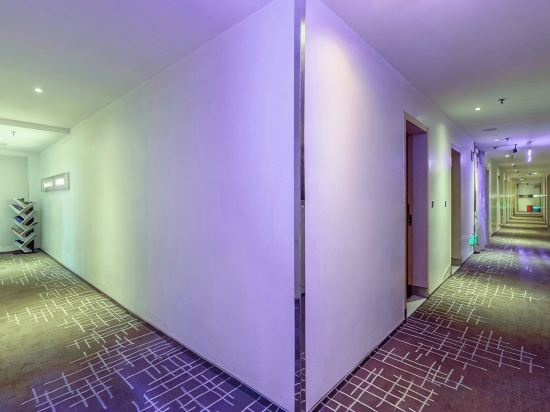
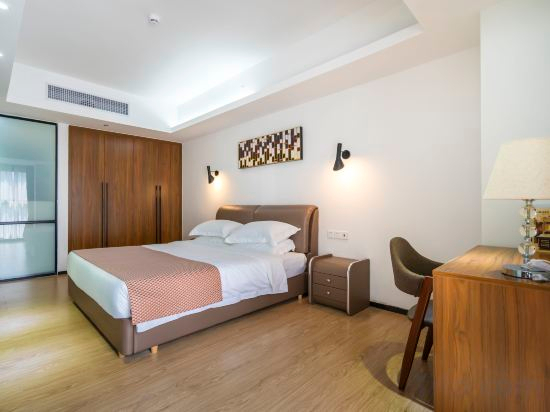
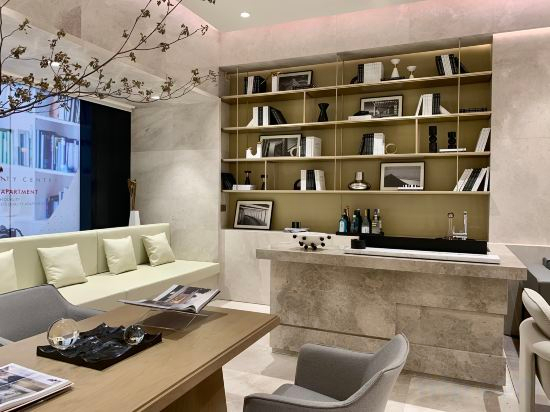
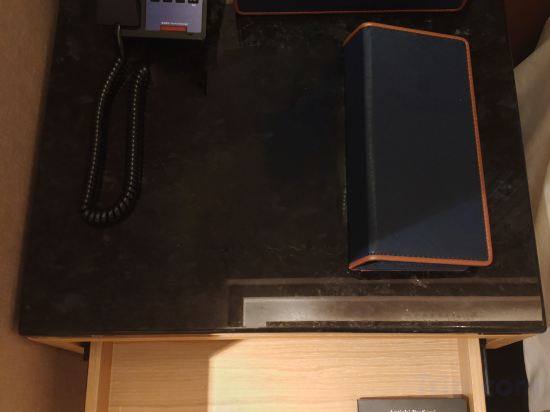
Leader Art Hotel(Shenzhen University and Nantou Ancient City Metro Station Store))
Aite International Apartments (Shenzhen Window of the World Branch)
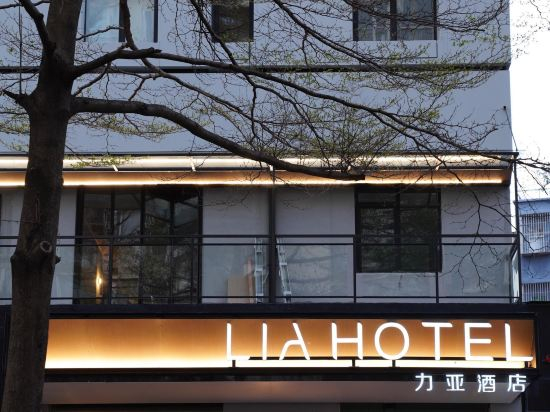
LIA Lia Hotel (Xili Metro Station Shenzhen Vocational College store)
Hotel Introduction Description
The hotel is located at No. 24, Tongsha Road, Xili Street, Nanshan District, Shenzhen, with complete facilities. It is very convenient for dining and shopping. It only takes 5 minutes to walk to Shenzhen Vocational College, 20 minutes to drive to Shenzhen North Railway Station, and 30 minutes to drive to the airport
McLaren Hotel (Haiyue Metro Station, Shenzhen Bay Port)
7 Days Inn Shenzhen Nantou Ancient Town Nanshan Subway Station
Naiwei S Hotel (Xili Metro Station) Shenzhen Nanshan District
Kaisa Keyu Hotel (Shenzhen Nanshan Qianhai Free Trade Zone)
Yidai Apartment (Shenzhen Science and Technology Park Branch)
Shenzhen Century Garden Hotel (Nanshan Window of the World)
Qianhaiwan Boutique Hotel (Shenzhen Qianhai Free Trade Zone)
Pu'er Apartment (Shuibei Jewelry City Tianbei Subway Station)
Atour Hotel Shenzhen Sports Center Nigang West Road
Shangke Express Hotel (Xili Metro Station Branch of Shenzhen Vocational College)
Fenghuang Impression Apartment (Shenzhen Huangbeiling Metro Station)
Homeinn Selected Hotel (Shenzhen Dayuecheng Lingzhi Subway Station)
CNHÓL S Hotel (Shenzhen Convention and Exhibition Center Futian Port Store)
Colour Boutique Hotel (Shenzhen Shekou Sea World, Shuiwan Metro Station)
Shenzhen Kaian Bay Hotel (Luohu Guomao Street Subway Station)
Sunmei international hotel apartment (Shenzhen Nanyou Hotel)
Joy Holiday Hotel Shenzhen (Luohu Port Huangbeiling Subway Station)
Hotels in Shenzhen
Don't feel hesitant to book hotels in Shenzhen at tiket.com! We'll make sure to provide all conveniences you need when doing a room reservation. Book your favourite hotel now only at tiket.com!

How to Book Hotels on tiket.com
1. Find the hotelEnter the name of the city, area, or hotel to find the place you want.
2. Select a roomOn the hotel detail page, you will see the available room options. Select a room that suits your needs.
3. Complete the booking detailsInput the contact details (the person who will be contacted by tiket.com and the hotel about the booking) and the guests’ details.
4. Select Add-onsYou can also buy additional services such as meal packages, transportation, and many more.
5. Pay your bookingSelect the payment method and complete your transaction. Don’t forget to use the promo code to get a cheaper hotel price at tiket.com.
6. Get the reservation e-voucherAfter the payment is successful, the e-voucher will be available on the Your Orders menu and sent to the email listed in the contact details.