



Hotels in Shenzhen

Special offers for you









1/10
Showing 2.000+ hotels in Shenzhen




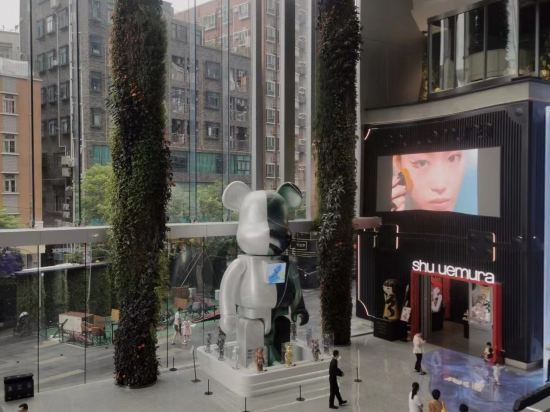
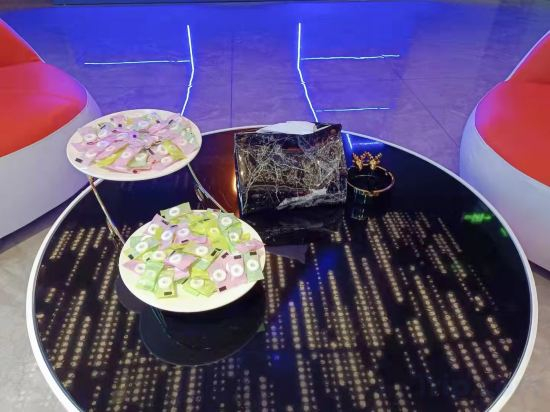
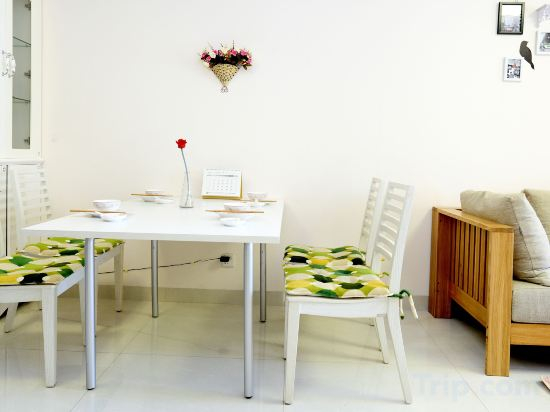
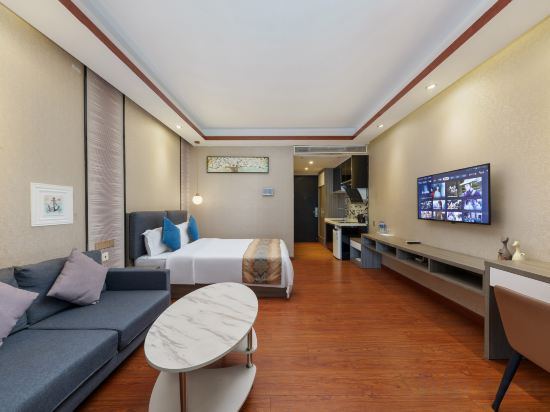
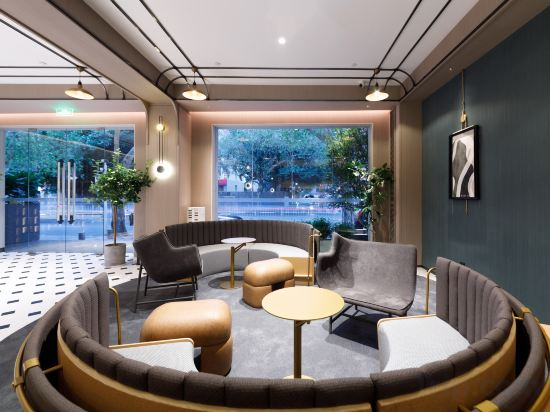


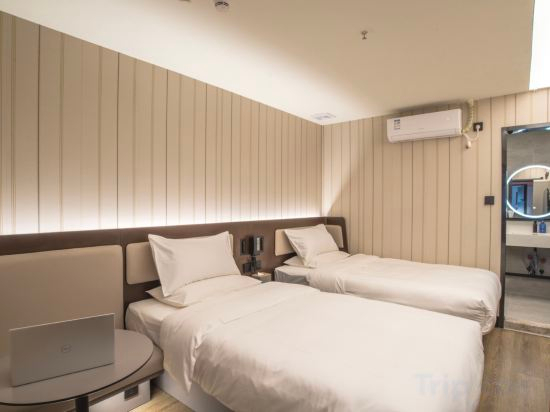


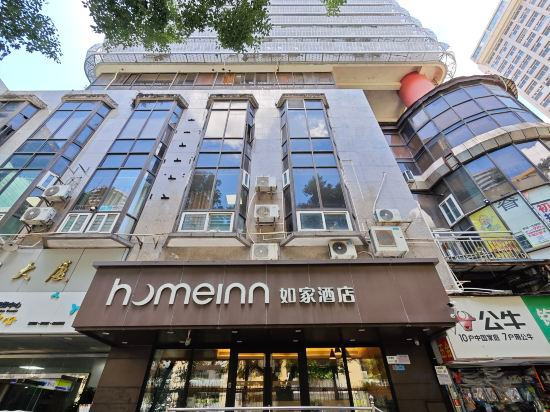
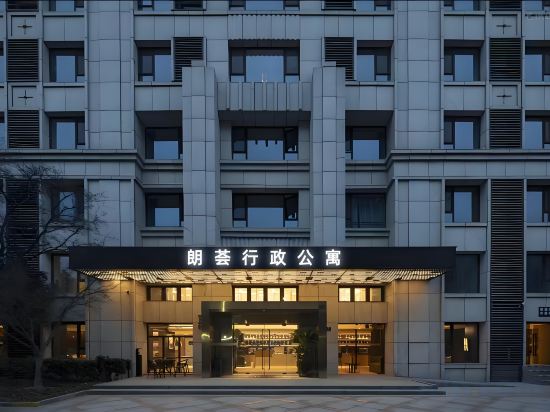
Rabbit Apartment (Shenzhen Huaqiangbei Branch)
Zhijian Audio & Video · city View Minimal Stay (Futian Huaqiang North Exhibition Center Branch)
Tata Apartment Hotel (Shenzhen Shenda Metro Station)
TRUE GO Hotel (Shenzhen Convention & Exhibition Center Gangxiabei Subway Station)
Pu'er Apartment (Shuibei Jewelry City Tianbei Subway Station)
Riverfront Times Hesheng Superior Business Apartment
Meili Yangguang Business Hostel
Dream House Boutique Short Term Rental Apartment (Shenzhen Coast City)
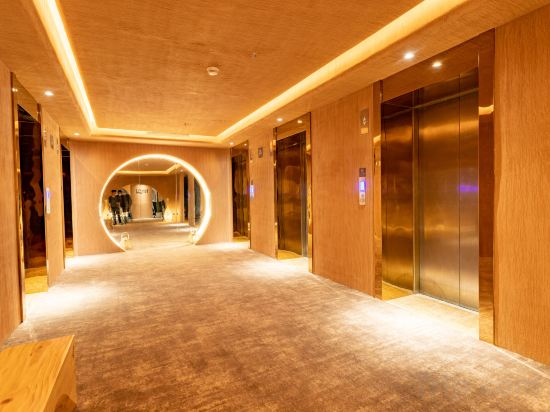
Leader Art Hotel(Shenzhen University and Nantou Ancient City Metro Station Store))
Xingyu Xingyuan Apartment Hotel (Shenzhen Shuiwan Metro Station)
RANZ Lanz Hotel Shenzhen Xili Vanke Yuncheng
Tips Youth Hotel (Shenzhen Nanyou Subway Station Shop)
Fenghuang Impression Apartment (Shenzhen Huangbeiling Metro Station)
HanTing Hotel (The MIXC Shenzhen)
Borisi · Video X (Shenzhen convention and exhibition center Gangxia subway shop)
Time ONE International Apartment (Shenzhen Qianhai Free Trade Zone)
Homeinn · neo (Shenzhen Luohu Control Point Guomao Subway Station)
Time ONE International Apartment (Shenzhen Huaqiangbei Branch)
Langhui Executive Apartment (Shenzhen Nanshan Metro Station Raffles Square)
Shenzhen Seattle Hotel(Exhibition Center)
Hotels in Shenzhen
Don't feel hesitant to book hotels in Shenzhen at tiket.com! We'll make sure to provide all conveniences you need when doing a room reservation. Book your favourite hotel now only at tiket.com!

How to Book Hotels on tiket.com
1. Find the hotelEnter the name of the city, area, or hotel to find the place you want.
2. Select a roomOn the hotel detail page, you will see the available room options. Select a room that suits your needs.
3. Complete the booking detailsInput the contact details (the person who will be contacted by tiket.com and the hotel about the booking) and the guests’ details.
4. Select Add-onsYou can also buy additional services such as meal packages, transportation, and many more.
5. Pay your bookingSelect the payment method and complete your transaction. Don’t forget to use the promo code to get a cheaper hotel price at tiket.com.
6. Get the reservation e-voucherAfter the payment is successful, the e-voucher will be available on the Your Orders menu and sent to the email listed in the contact details.