



Hotels in Xinzheng

Special offers for you










1/10
Showing 174 hotels in Xinzheng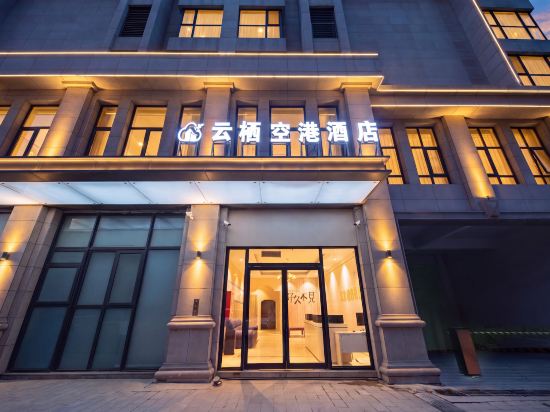
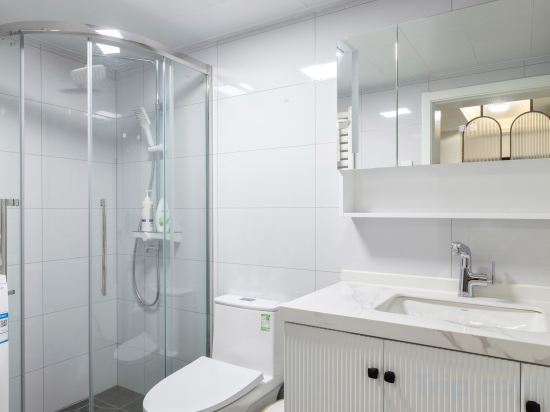
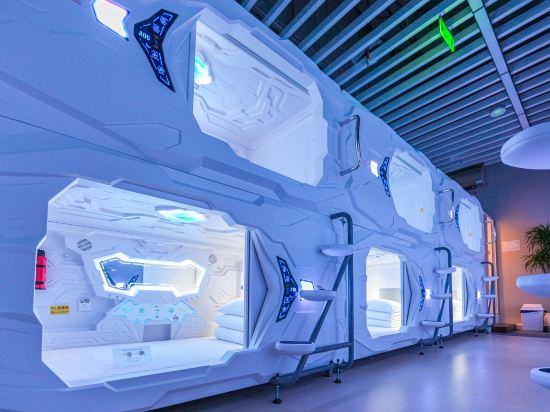


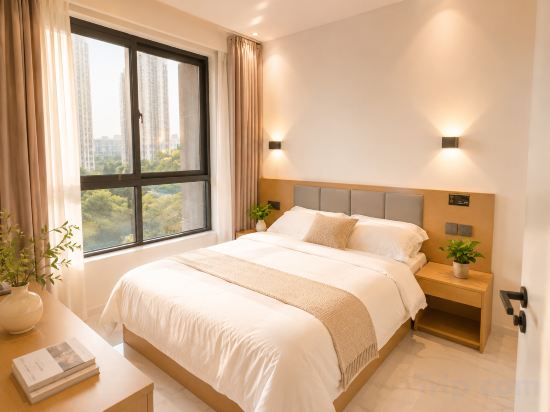
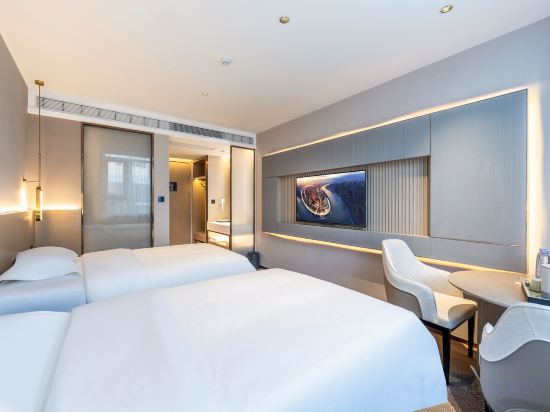
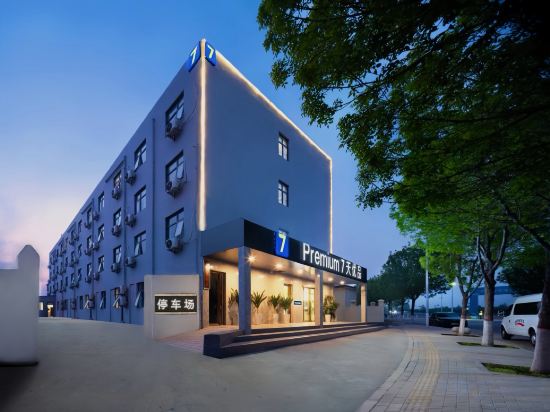
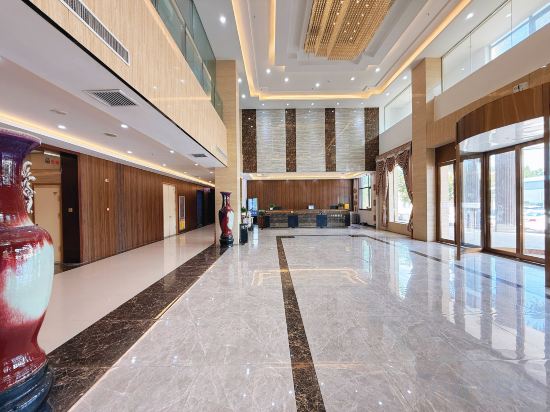
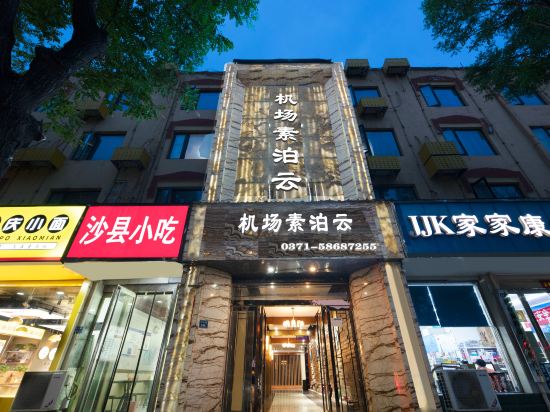

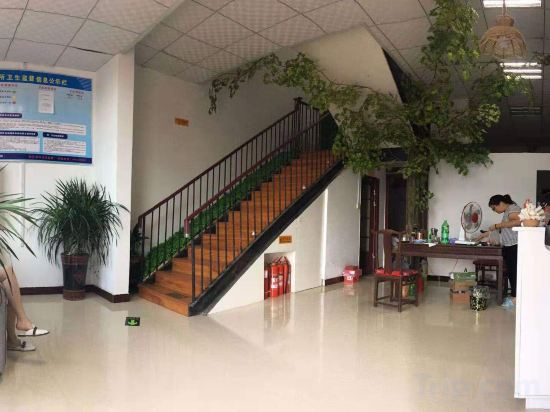

Yunqi Konggang Hotel (Zhengzhou Xinzheng International Airport T2 Terminal)
Yinxiang Youxiang Hotel (Xinzheng Airport)
Hourly Rest (Xinzheng Airport)
Aircrew Hotel
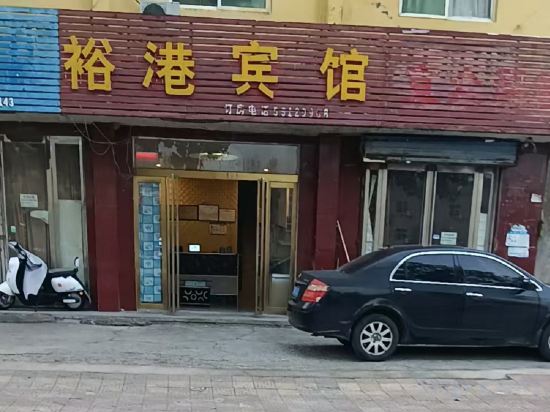
Yugang Hotel (Xinzheng International Airport)
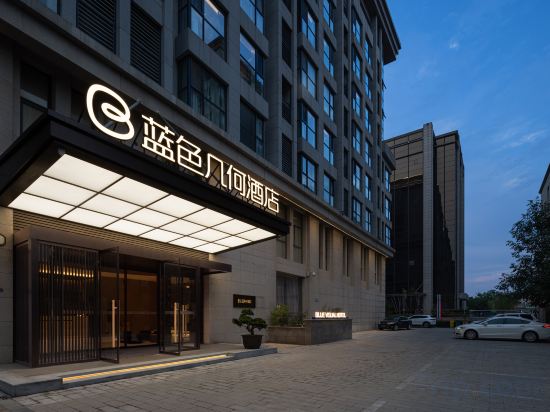
Blue Geometry Hote!Zhengzhou XinzhengInternational AirportBranch
Yungang International · Holiday Hotel (Zhengzhou Xinzheng International Airport)
Hanting Hotel Zhengzhou Xinzheng Airport Jingang Avenue
Town Impression Homestay
GreenTree Eastern Hotel (Zhengzhou Xinzheng International Airport)
Xu You Homestay (Zhengzhou Xinzheng Airport)
Lavande Hotel (Zhengzhou Xinzheng International Airport Terminal)
7 Days Premium Hotel (Zhengzhou Xinzheng International Airport)
Qiyuan International Hotel (Zhengzhou Xinzheng Airport Branch)
Subo Cloud Hotel (Zhengzhou Xinzheng International Airport T2 Terminal)
GREENTREE INN ZHENGZHOU XINGZHENG CITY LONGHU TOWN
Xinzheng Fuyuan Hotel
Jinjiang Inn Fashion Hotel (Xinzheng International Airport)
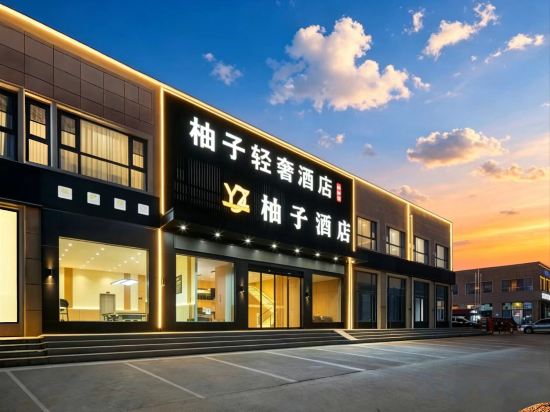
Yuzu Light Luxury Hotel (Zhengzhou Xinzheng International Airport Branch)
Qingle Homestay (Renmin Road Zhengzhou Sias College)
Hotels in Xinzheng
Don't feel hesitant to book hotels in Xinzheng at tiket.com! We'll make sure to provide all conveniences you need when doing a room reservation. Book your favourite hotel now only at tiket.com!

How to Book Hotels on tiket.com
1. Find the hotelEnter the name of the city, area, or hotel to find the place you want.
2. Select a roomOn the hotel detail page, you will see the available room options. Select a room that suits your needs.
3. Complete the booking detailsInput the contact details (the person who will be contacted by tiket.com and the hotel about the booking) and the guests’ details.
4. Select Add-onsYou can also buy additional services such as meal packages, transportation, and many more.
5. Pay your bookingSelect the payment method and complete your transaction. Don’t forget to use the promo code to get a cheaper hotel price at tiket.com.
6. Get the reservation e-voucherAfter the payment is successful, the e-voucher will be available on the Your Orders menu and sent to the email listed in the contact details.