



Hotels in Changsha

Special offers for you









1/10
Showing 1.000+ hotels in Changsha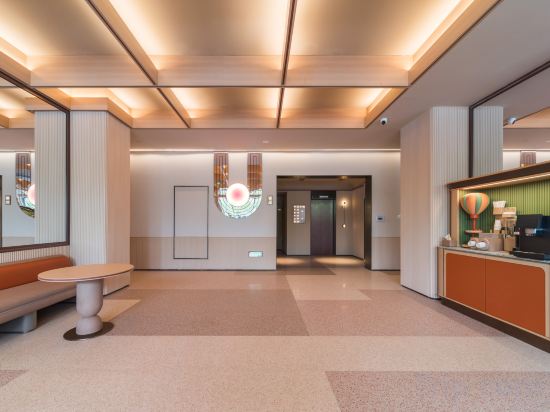

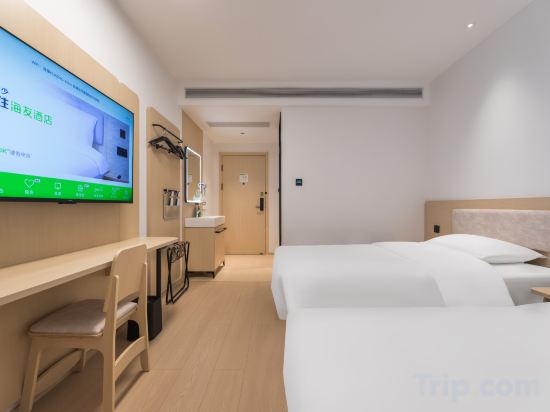
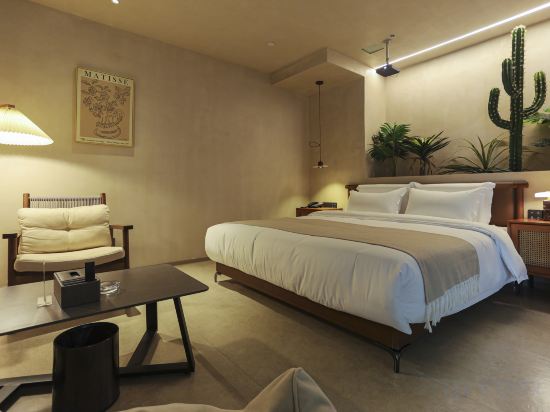
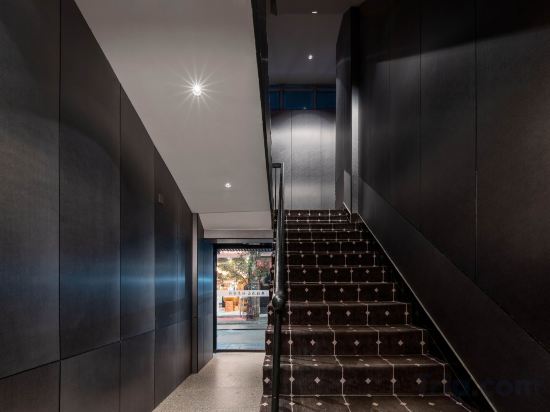
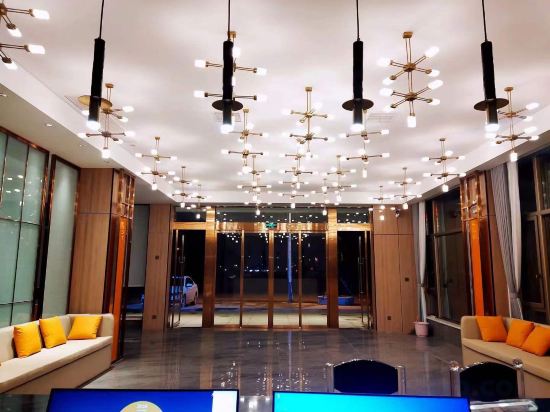
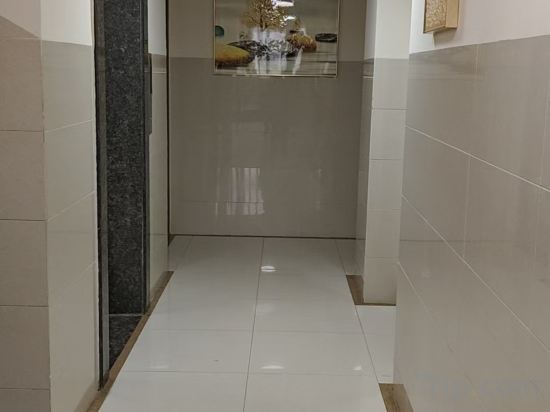
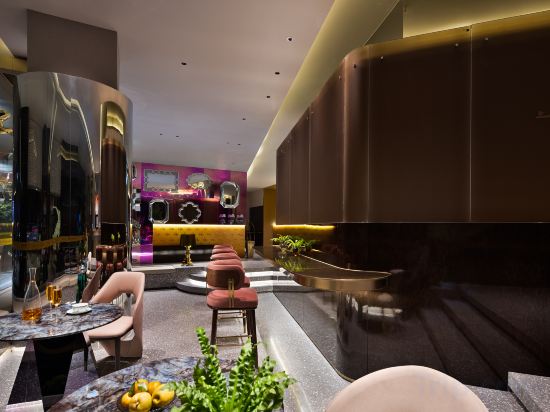
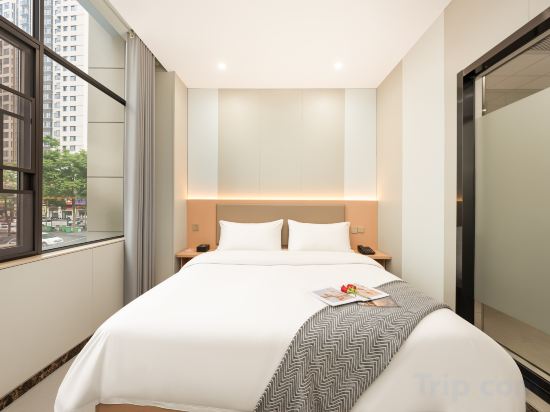
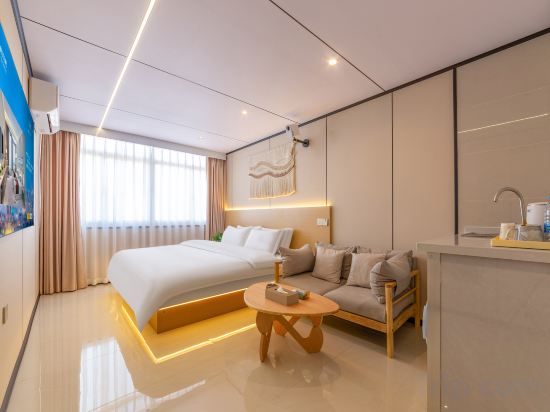
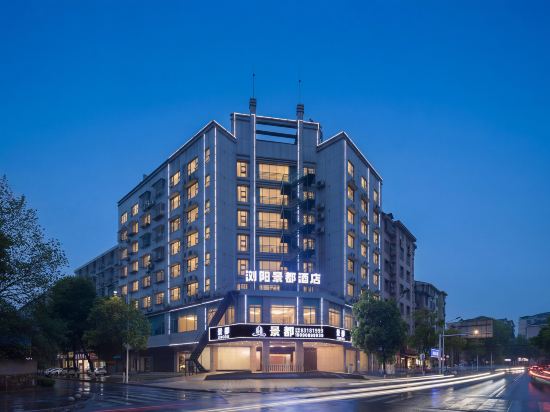
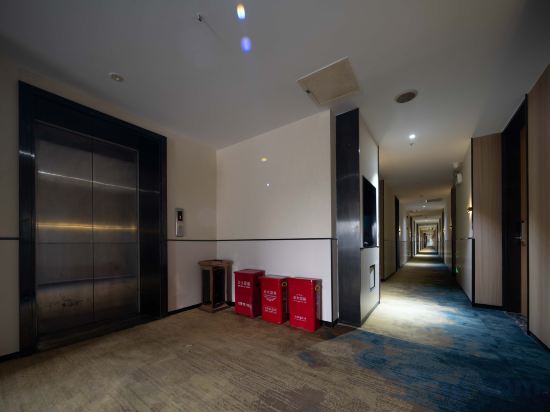
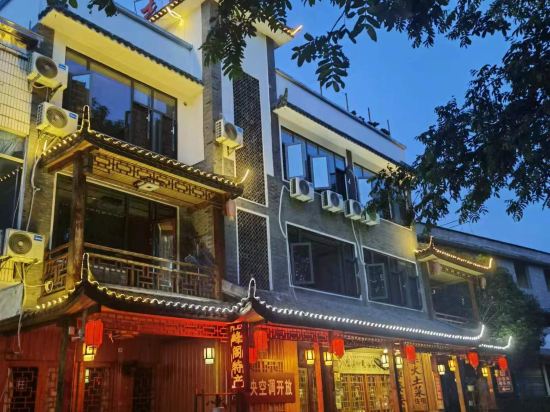
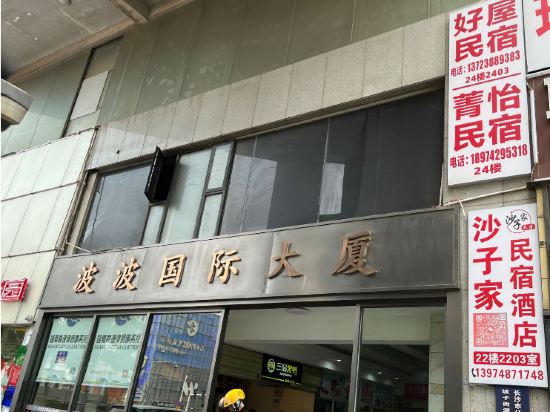


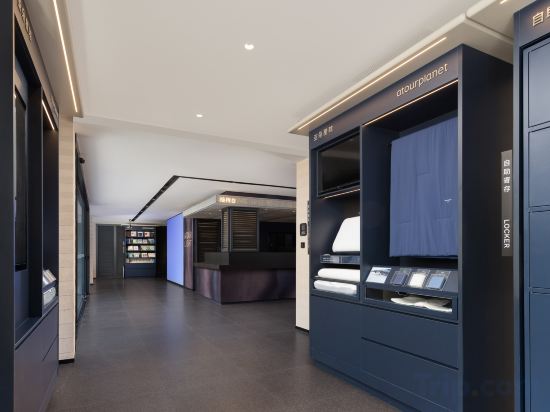

Orange Hotel (Changsha Bubugao Meixi Xintiandi)
Lianjiangyuan Hotel
boxi.1925 Hotel (IFS Guojin Center Wuyi Square Subway Station Branch)
Hanting Hotel Changsha Yaoling The Second Xiangya Hospital Metro Station
At Hanting Hotel Changsha Yaoling The Second Xiangya Hospital Metro Station, exceptional service and top-notch amenities create a memorable experience for guests. Complimentary internet access is available in the hotel to ensure you stay connected during your visit.
See detailsHi Inn (Liuyang River Bridge Liuyang Pedestrian Street)
Changsha Fangtang Migu · THE CLOUD Hotel
Xiangxiang Hotel (Wuyi Square IFS)
GerLaiman Hotel
Changsha Jiaru Hotel (Provincial Tumor Hospital Baigezui Subway Station)
Changsha Jinyi·Joy Designer Hotel
Yijiu Business Hotel (Liuyang Economic Development Zone Lens Technology)
Zhezhi Hui Homestay (Changsha IFS Provincial People's Hospital)
Liuyang Jingdu Hotel (Liuyang River Rainbow Shopping Mall Branch)
Yanju Hotel (Changsha South Railway Station International Convention and Exhibition Center Branch)
Zhouluo Feipu Rafting Zhufengge Homestay
Nice House Homestay (Changsha Wuyi Square IFS International Finance Center Store)
Campanile Changsha Red Star Desiqin Plaza
Located in Changsha, Campanile Changsha Red Star Desiqin Plaza offers accommodation with easy access to Changsha’s best spots. The property features restaurant, WiFi, and parking.
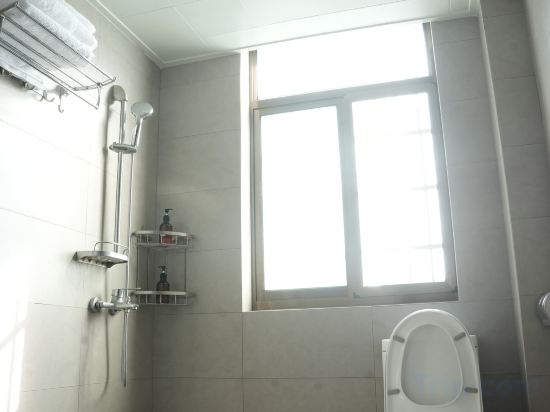
Each room is equipped with AC. The bathroom comes with shower.
See detailsMingfa Xiangjiang Hotel
Changsha Wu Yi Square Yuanjialing Subway Station Residence Hotel
Runwu Homestay (Wuyi Square & IFS Center)
Hotels in Changsha
Don't feel hesitant to book hotels in Changsha at tiket.com! We'll make sure to provide all conveniences you need when doing a room reservation. Book your favourite hotel now only at tiket.com!

How to Book Hotels on tiket.com
1. Find the hotelEnter the name of the city, area, or hotel to find the place you want.
2. Select a roomOn the hotel detail page, you will see the available room options. Select a room that suits your needs.
3. Complete the booking detailsInput the contact details (the person who will be contacted by tiket.com and the hotel about the booking) and the guests’ details.
4. Select Add-onsYou can also buy additional services such as meal packages, transportation, and many more.
5. Pay your bookingSelect the payment method and complete your transaction. Don’t forget to use the promo code to get a cheaper hotel price at tiket.com.
6. Get the reservation e-voucherAfter the payment is successful, the e-voucher will be available on the Your Orders menu and sent to the email listed in the contact details.