



Hotels in Changsha
Showing 2.000+ hotels in Changsha

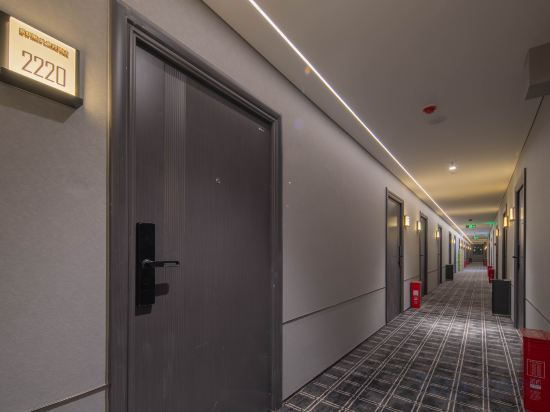
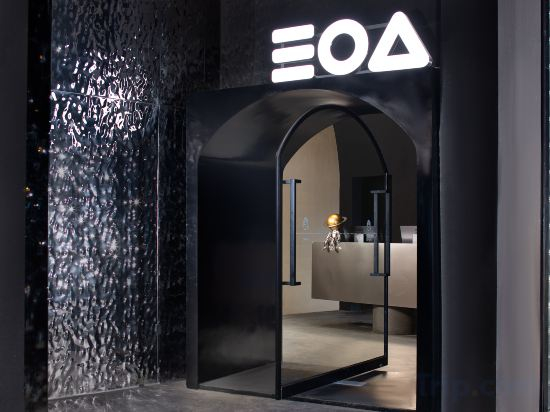
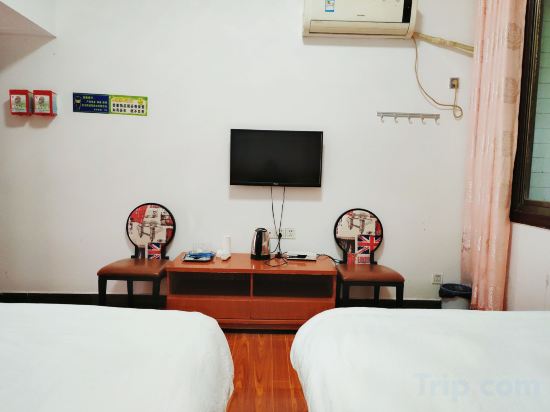
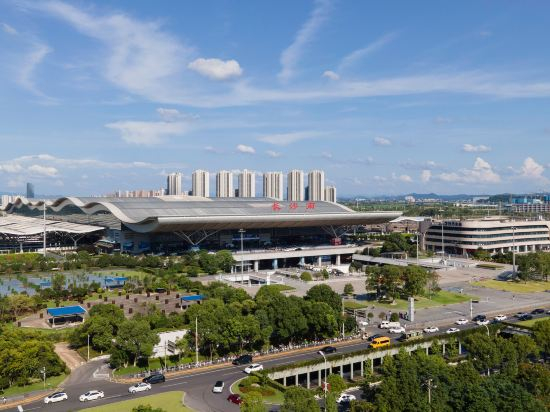
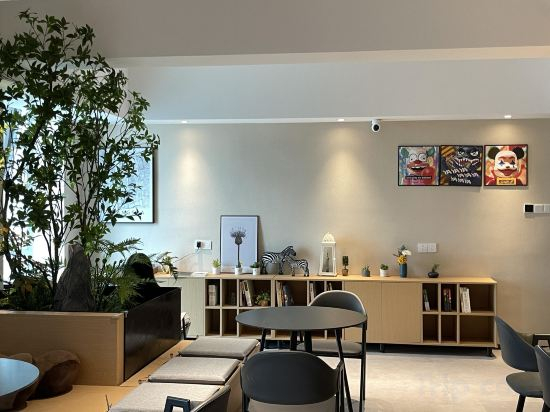
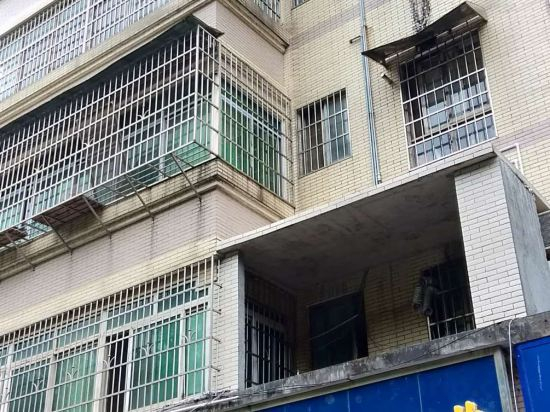
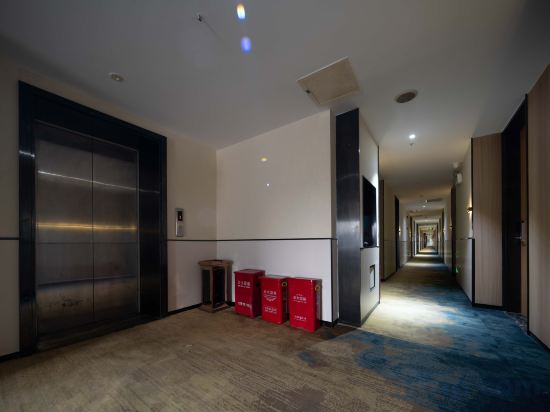
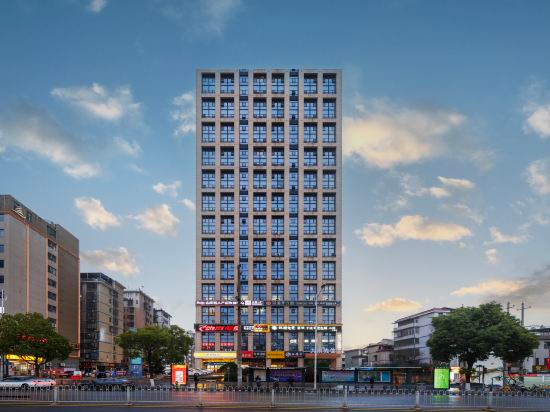


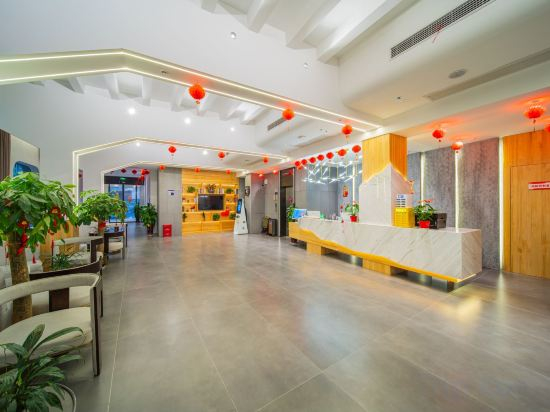

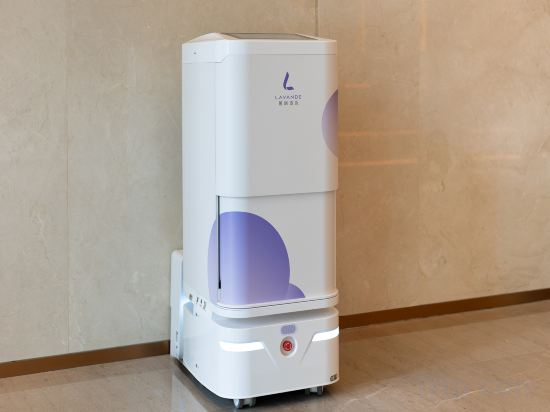
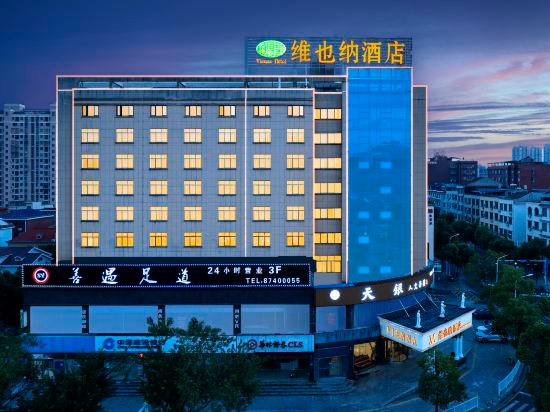
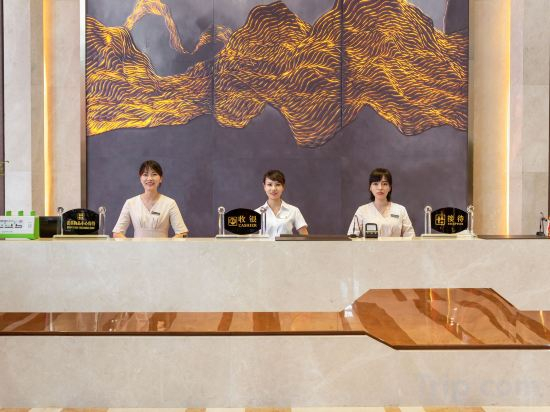
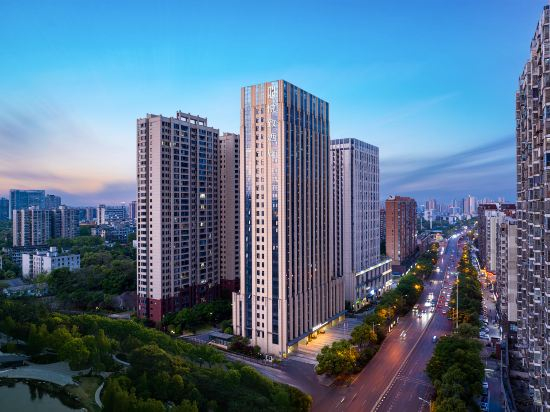
She and Fanhua•RARAHOTEL(Wuyi Square Guojin Center Store)
Neyar Light‑Luxury Hotel (Wuyi Square IFS)
Pipixiong E-Sports Hotel (South Railway Station Changsha Convention Center)
XHotel (Changsha Wuyi Square IFS International Financial Center)
Xinwang Family Hotel
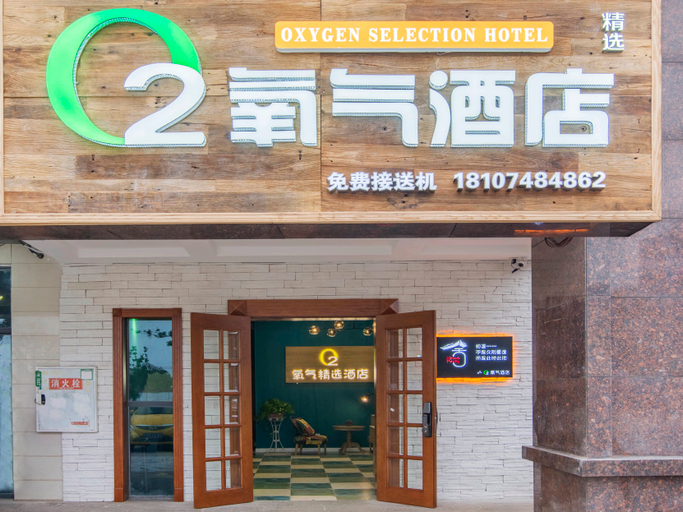
Oxygen Selection Hotel
Lavande Hotel (Changsha High-speed Railway South Station Branch)
Dream Pillow Hotel (Wuyi Square Branch)
Changsha Lanlan Guest House
Yanju Hotel (Changsha South Railway Station International Convention and Exhibition Center Branch)
Ginkgo Hotel (Changsha Civil Affairs College)
Weishan Pearl Bed and Breakfast
Meicheng Hotel (Changsha Meixi Lake Branch of Hunan University of Foreign Economics)
Shangshe Hotel (Changsha Wuyi Square IFS International Financial Center)
Homeinn Selected Hotel (Changsha Lugu High-tech Zone Leifeng Memorial Hall)
LAVANDE HOTELS Hunan Provincial People's Government Railway College Station
Vienna Hotel (Emerald Lake Branch, Changsha Ningxiang High-speed Railway Weat Station)
Jinhuwan Holiday Hotel (Changsha Yanghu store)
ROYGEM Hotel (Central South University of Forestry & Technology,Changsha)
Hotels in Changsha
Don't feel hesitant to book hotels in Changsha at tiket.com! We'll make sure to provide all conveniences you need when doing a room reservation. Book your favourite hotel now only at tiket.com!

How to Book Hotels on tiket.com
1. Find the hotelEnter the name of the city, area, or hotel to find the place you want.
2. Select a roomOn the hotel detail page, you will see the available room options. Select a room that suits your needs.
3. Complete the booking detailsInput the contact details (the person who will be contacted by tiket.com and the hotel about the booking) and the guests’ details.
4. Select Add-onsYou can also buy additional services such as meal packages, transportation, and many more.
5. Pay your bookingSelect the payment method and complete your transaction. Don’t forget to use the promo code to get a cheaper hotel price at tiket.com.
6. Get the reservation e-voucherAfter the payment is successful, the e-voucher will be available on the Your Orders menu and sent to the email listed in the contact details.