



Hotels in Dalian

Special offers for you








1/10
Showing 1.000+ hotels in Dalian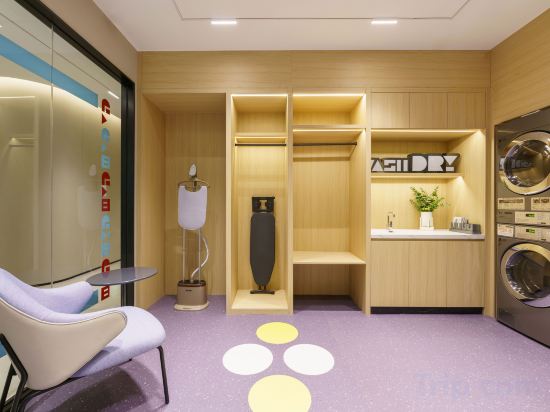

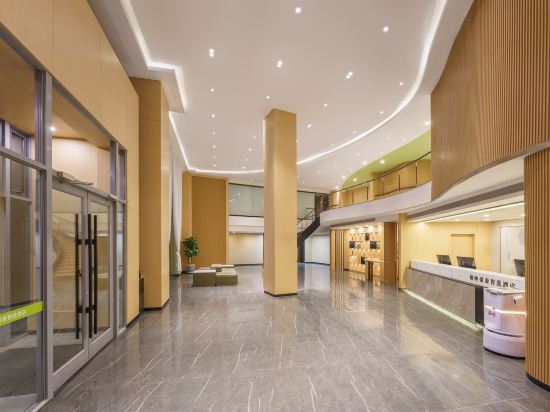

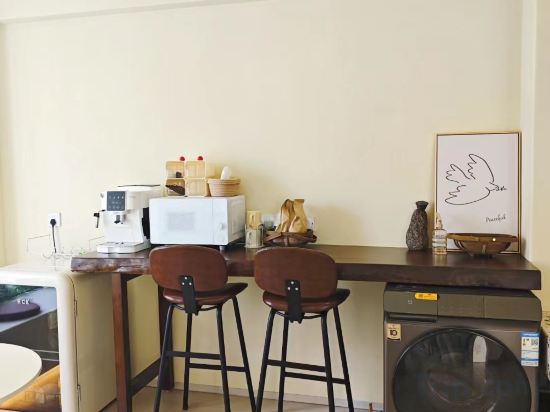
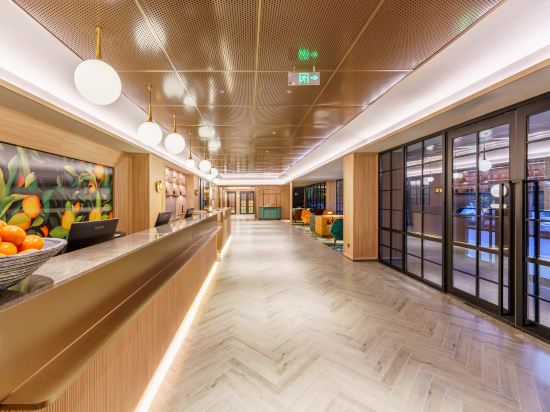
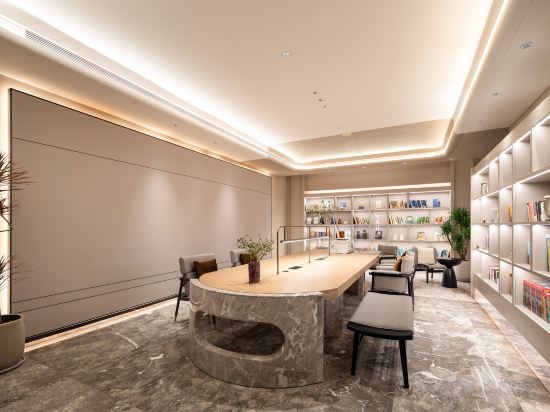

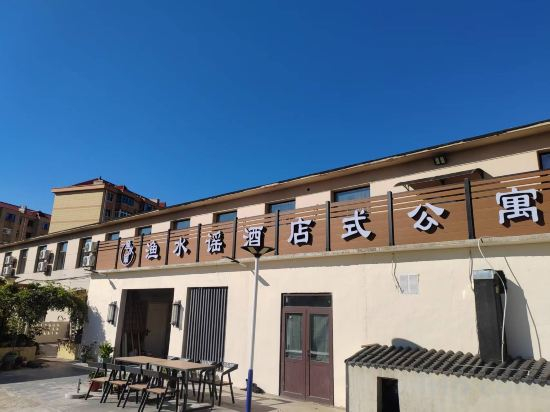
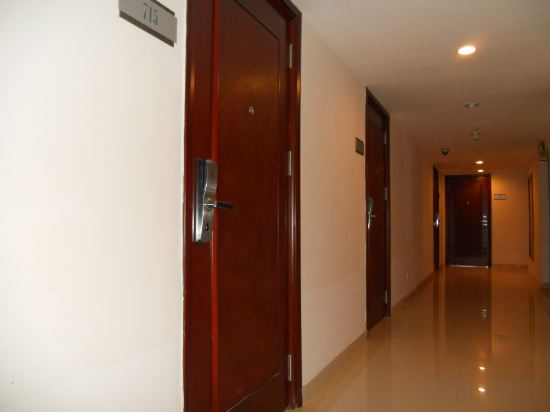
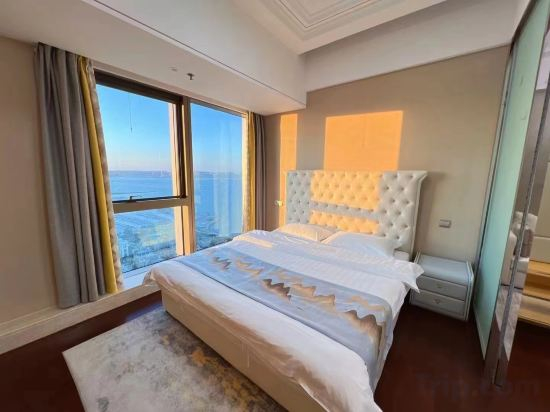
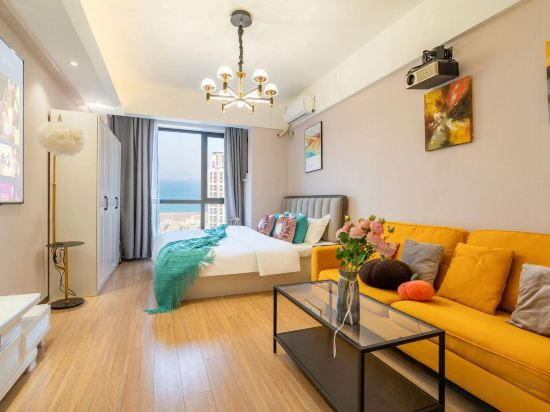
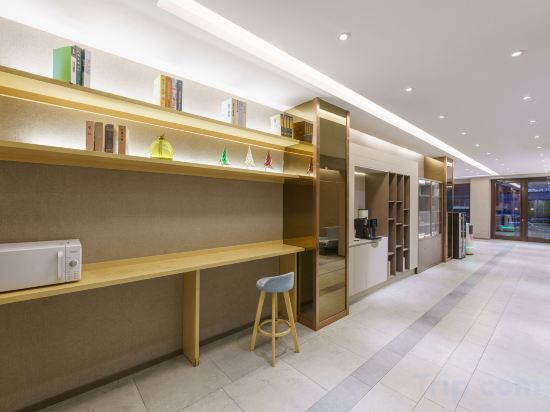
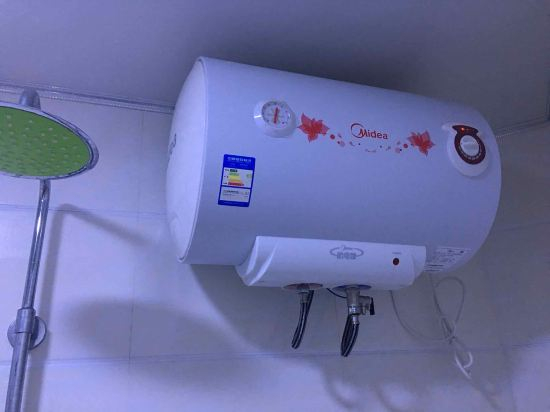
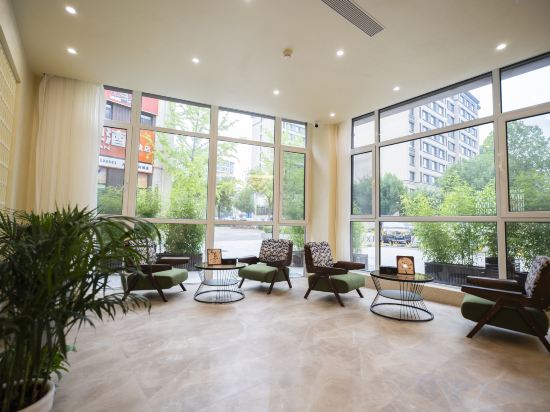
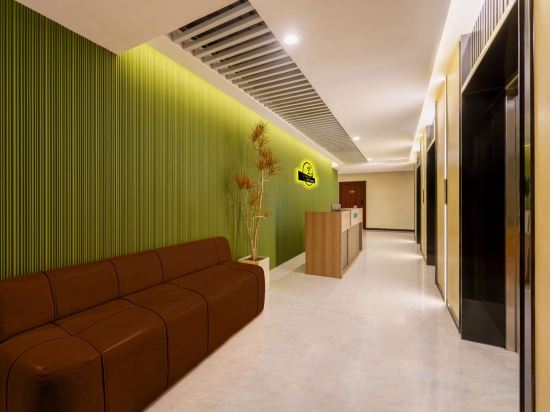
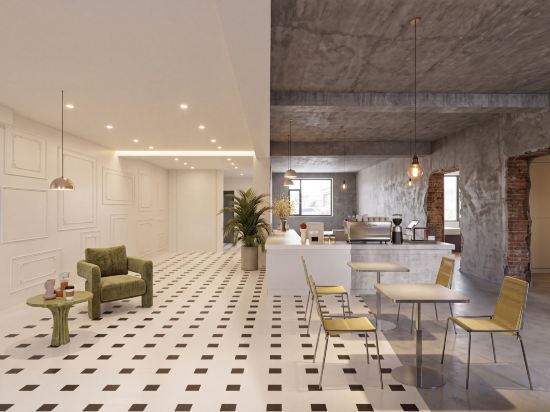
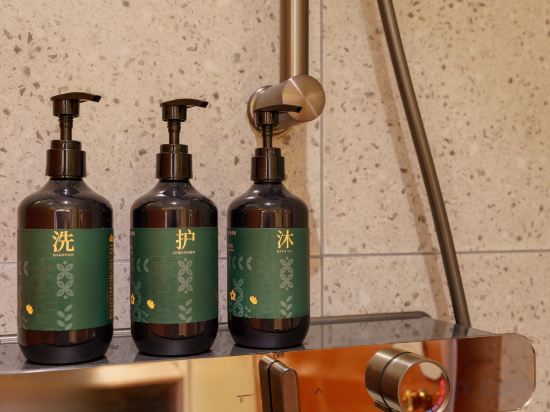
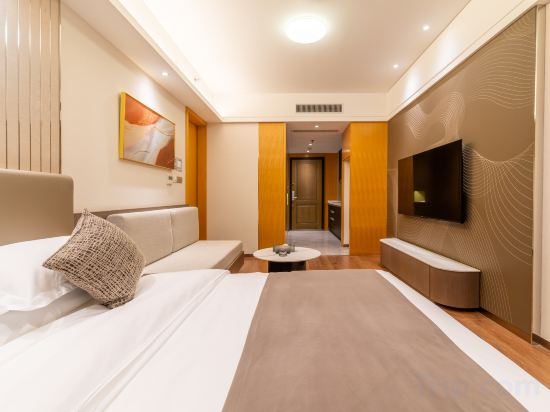
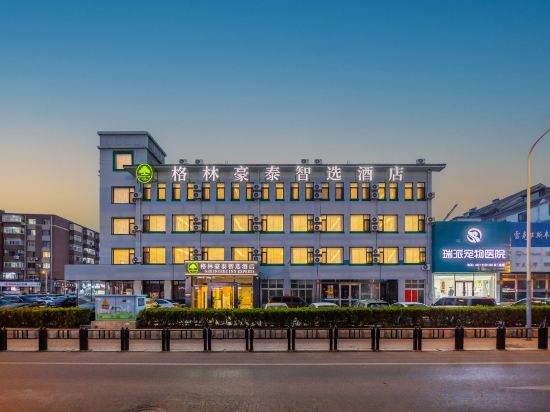
Homeinn Hotel (Dalian Airport Le Du Hui Shopping Plaza)
Moer hotel(Dalian Jinzhou Ansheng Shopping Mall Store)
GreenTree Inn Select (Dalian Railway Station Zhongshan Square Subway Station Hotel)
W·AN Wan'an Hotel (Dalian Suoyuwan Football Stadium)
Hongqiju · Guanlan Bieyuan (Heping Square)
Orange Hotel (Dalian Hi-tech Wanda Plaza)
Dalian Donggang Business District Harbour Square Subway Station Yaduo Hotel
GreenTree Inn Zhixun (Dalian Zhoushuizi Airport Xinzhaizi Metro Station)
Changhai Yushuiyao Homestay (Qingfeng Street)
Dalian Xinghai Style Boutique Homestay (Xinghai Square Branch)
Star Seaview Boutique Hotel (Donggang Venice Water City)
Shiguang Yunhai Seaview Beauty Su (Dalian Donggang Venice Water City Branch)
Homeinn · neo (Dalian Xi'an Road Commercial Street Xi'an Road Subway Station)
Zhuanghe VIP Yuan Hotel
Zhuwu Qingshe
Wanghai Homestay (Dalian Venice Water City)
No.1 Homestay
Yayue Hotel (Dalian Zhongshan Square Branch)
Xinglan Skyline Seaview Hotel (Zhongshan Plaza Furama International Branch)
GreenTree Inn Smart Choice Hotel (Dongwei Road Subway Station Branch)
Hotels in Dalian
Don't feel hesitant to book hotels in Dalian at tiket.com! We'll make sure to provide all conveniences you need when doing a room reservation. Book your favourite hotel now only at tiket.com!

How to Book Hotels on tiket.com
1. Find the hotelEnter the name of the city, area, or hotel to find the place you want.
2. Select a roomOn the hotel detail page, you will see the available room options. Select a room that suits your needs.
3. Complete the booking detailsInput the contact details (the person who will be contacted by tiket.com and the hotel about the booking) and the guests’ details.
4. Select Add-onsYou can also buy additional services such as meal packages, transportation, and many more.
5. Pay your bookingSelect the payment method and complete your transaction. Don’t forget to use the promo code to get a cheaper hotel price at tiket.com.
6. Get the reservation e-voucherAfter the payment is successful, the e-voucher will be available on the Your Orders menu and sent to the email listed in the contact details.