



Hotels in Hangzhou

Special offers for you








1/10
Showing 3.000+ hotels in Hangzhou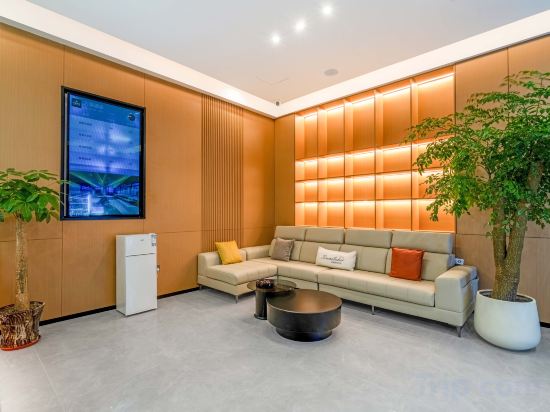
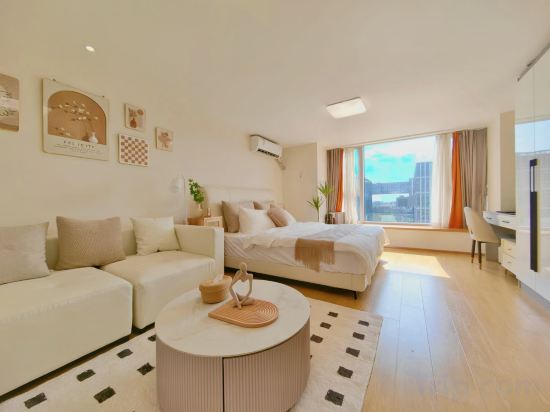
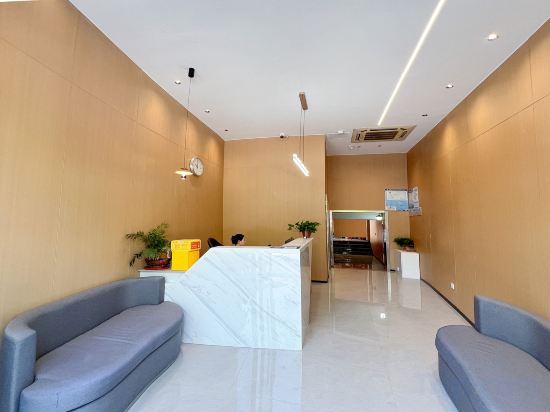
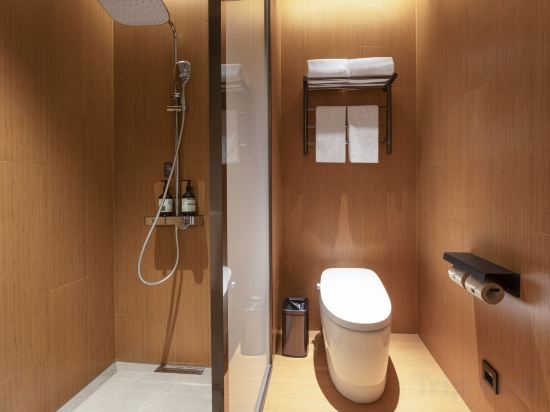

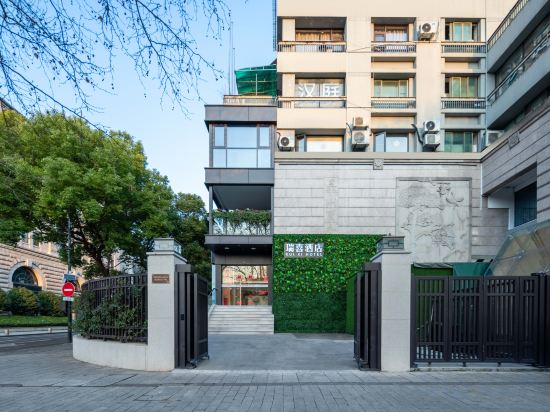
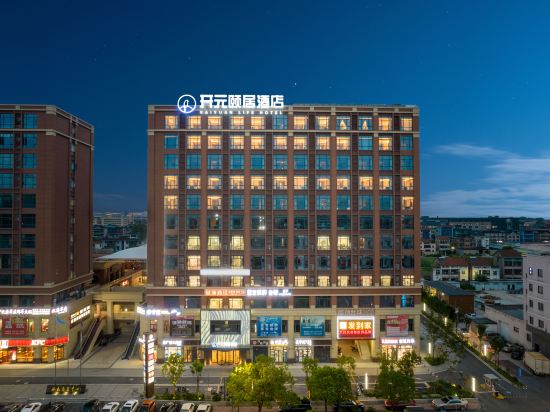

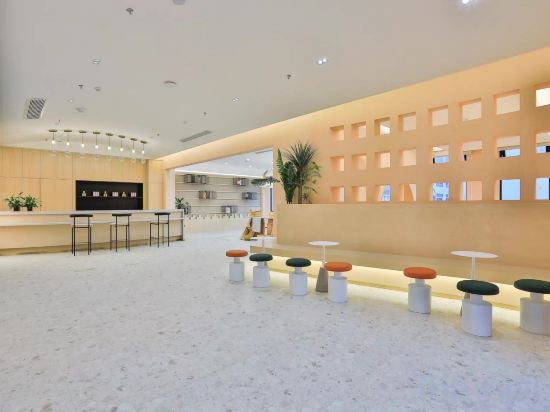
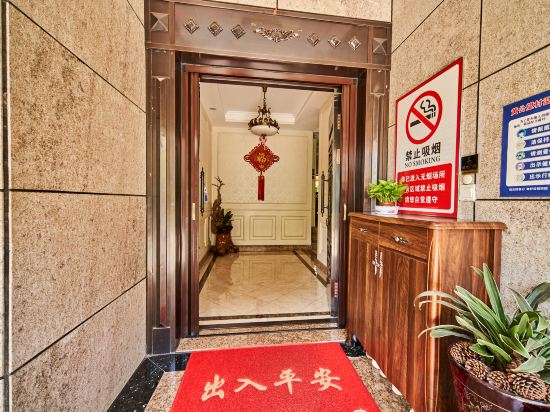
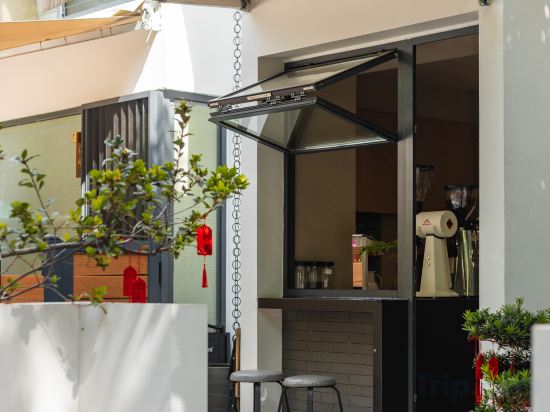


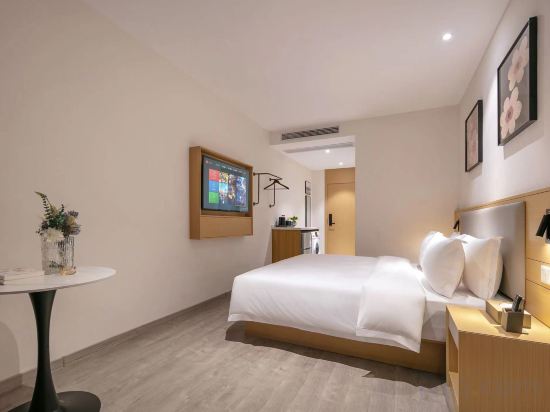
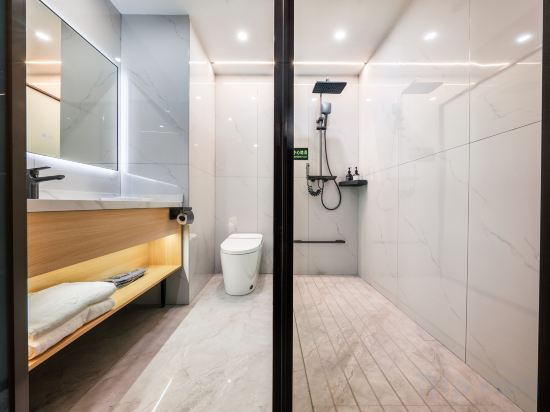
Hangzhou Wantang Hotel (Gongshu Canal Sports Park Huayangang Subway Station)
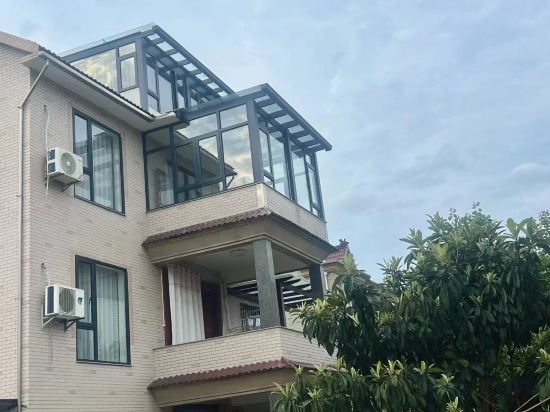
Tonglu Wuyechuan Homestay (Three Kingdoms Adventure Rafting)
Hangzhou Yihu Xiaozhu Apartment (Hangzhou Tianmushan Gudun Road Subway Station Store)
Hangzhou Liyi Four Seasons Hotel (Yintai Department Store)
JI Hotel (Hangzhou Esports Center Xintiandi Hotel)
Hangzhou Yule Water Pavilion Boutique Homestay
Hangzhou Ruixi Hotel (West Lake Lakeside Ding'an Road Subway Station)
YiJu Life Kaiyuan XiaoShan' Airport Hangzhou
Youxing Mountain House · Misty Bamboo Sea · Swimming Pool Creek Tracing Family Boutique Stay
Lusheng Yujian Resort Hotel (Shengxianli)
Lin Yun Shan Ju
Floral Hotel·Qijian hotel (Hangzhou West Lake Lingyin Temple Branch)
Hangzhou Tinghao Smart Hotel (Yingguan Lechuang City Mingxing Road Subway Station Branch)
Yunshang Chunjiang City Homestay (Tonglu Fuchunjiang Branch)
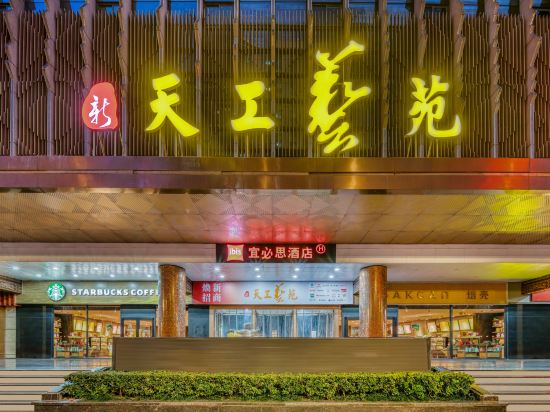
Ibis Hotel (Hangzhou West Lake Jiefang Road)
Encounter Xishe Homestay
Longma Yi Homestay
Huandao International Hotel, Wulin Square, West Lake, Hangzhou
Hotels encountered
Yiduo Hotel (Binjiang Baolong City Branch)
Hotels in Hangzhou
Don't feel hesitant to book hotels in Hangzhou at tiket.com! We'll make sure to provide all conveniences you need when doing a room reservation. Book your favourite hotel now only at tiket.com!

How to Book Hotels on tiket.com
1. Find the hotelEnter the name of the city, area, or hotel to find the place you want.
2. Select a roomOn the hotel detail page, you will see the available room options. Select a room that suits your needs.
3. Complete the booking detailsInput the contact details (the person who will be contacted by tiket.com and the hotel about the booking) and the guests’ details.
4. Select Add-onsYou can also buy additional services such as meal packages, transportation, and many more.
5. Pay your bookingSelect the payment method and complete your transaction. Don’t forget to use the promo code to get a cheaper hotel price at tiket.com.
6. Get the reservation e-voucherAfter the payment is successful, the e-voucher will be available on the Your Orders menu and sent to the email listed in the contact details.