


Hotels in Huangshan

Special offers for you










1/10
Showing 1.000+ hotels in Huangshan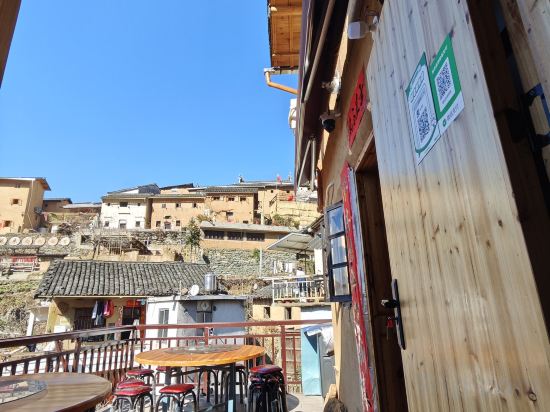

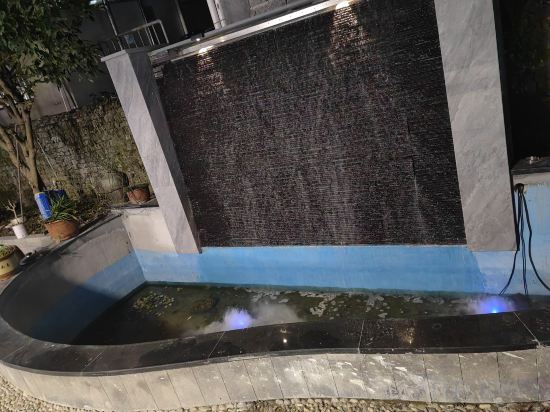
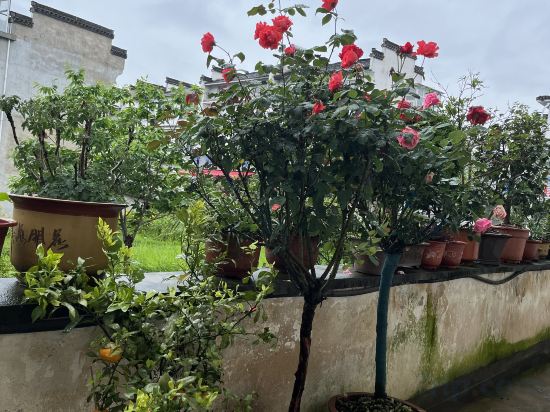
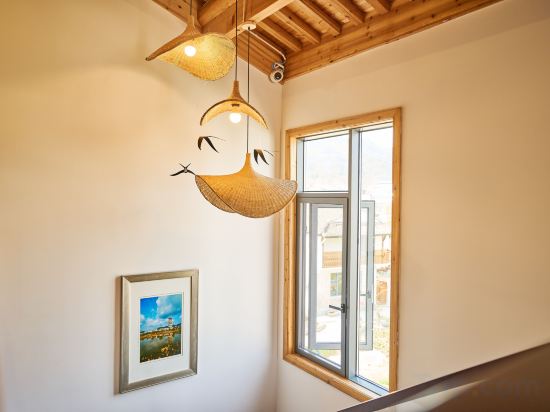
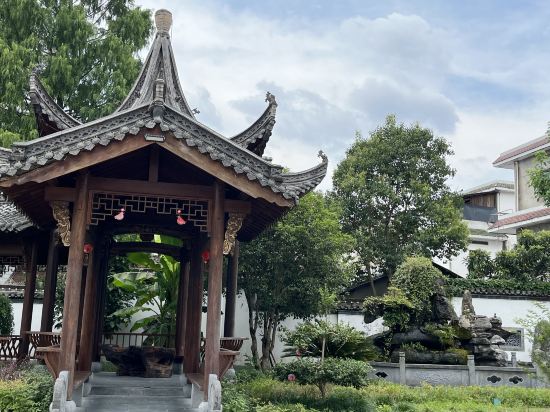
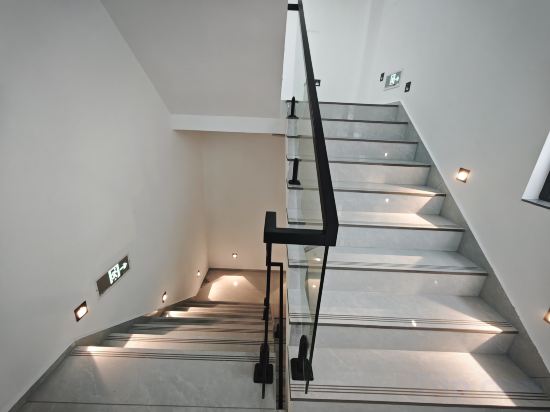
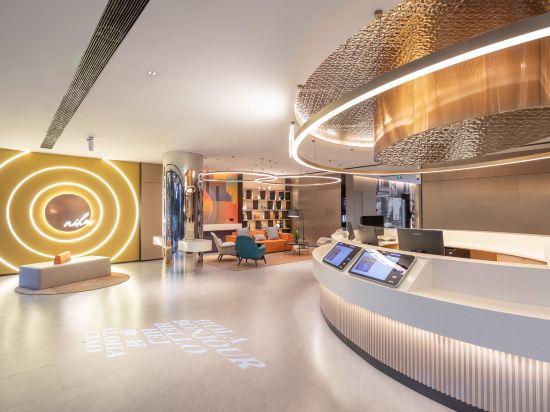

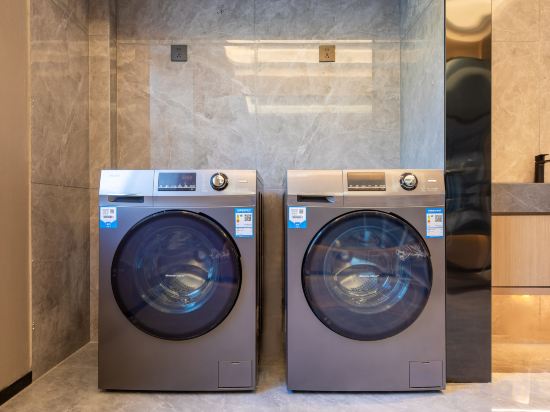
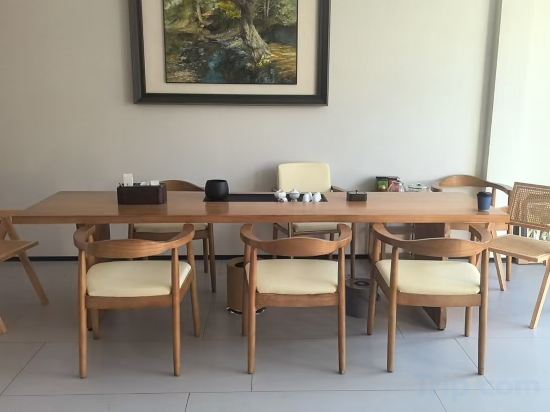

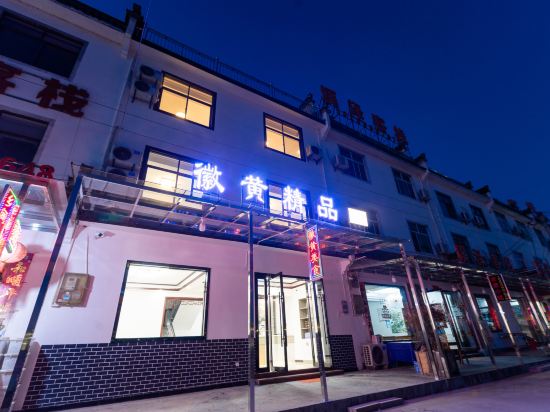
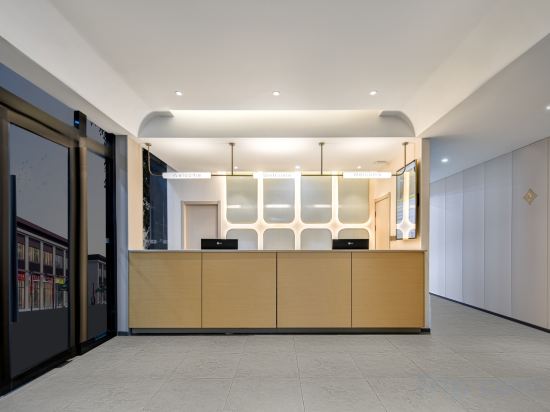

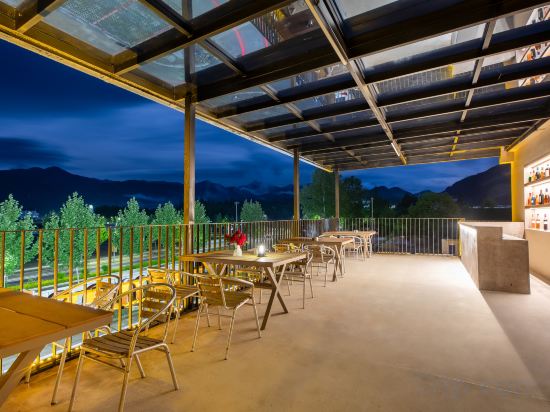
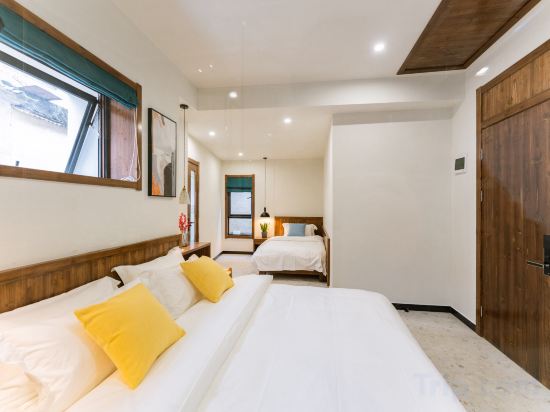
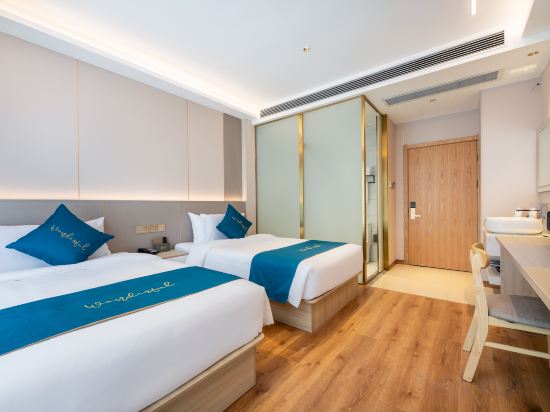
Yangchan Tulou Haofeng Homestay
Hanting Hotel Huangshan Scenic Area South Gate
Great care is taken to ensure guests experience comfort through top-notch services and amenities. Remain linked during your visit by utilizing the complimentary internet access available.
Qingxin Xiaoyuan Homestay
Xianju Renjia
Elong Hotel (Huangshan Shexian Huizhou Ancient City Branch)
Huangshan Chengkan Shuangxianli Homestay (Chengkan Scenic Area)
Xanadu Hotel In Yi County
Huangshan Yaopan Shan Shu Homestay
Xidi Donglipan Homestay
Ni Hao Hotel (Huangshan Tunxi Laojie Xinanjiang Riverside)
Jianguo HIDDEN Hotel (Huangshan City She Huizhou Ancient City)
GreenTree Eastern Hotel (Huangshan Scenic Area)
Hillside Hotel
Huangshan Xinyi House holiday home
Huihuang Boutique Inn (Huangshan North Station)
Jinjiang Inn (Xiaoyaoxi Transfer Center, South Gate of Huangshan Scenic Area)
Yuxi Jianting Homestay Hotel
Yihuiyuan Homestay
Hongcun Xiangye Whole Building Living · Design Courtyard Boutique Stay (Yuezhao Branch)
Huangshan Huiyou Boutique Homestay Hotel (Huangshan South Gate Transfer Center)
Hotels in Huangshan
Don't feel hesitant to book hotels in Huangshan at tiket.com! We'll make sure to provide all conveniences you need when doing a room reservation. Book your favourite hotel now only at tiket.com!

How to Book Hotels on tiket.com
1. Find the hotelEnter the name of the city, area, or hotel to find the place you want.
2. Select a roomOn the hotel detail page, you will see the available room options. Select a room that suits your needs.
3. Complete the booking detailsInput the contact details (the person who will be contacted by tiket.com and the hotel about the booking) and the guests’ details.
4. Select Add-onsYou can also buy additional services such as meal packages, transportation, and many more.
5. Pay your bookingSelect the payment method and complete your transaction. Don’t forget to use the promo code to get a cheaper hotel price at tiket.com.
6. Get the reservation e-voucherAfter the payment is successful, the e-voucher will be available on the Your Orders menu and sent to the email listed in the contact details.