



Hotels in Nanjing

Special offers for you







1/10
Showing 1.000+ hotels in Nanjing
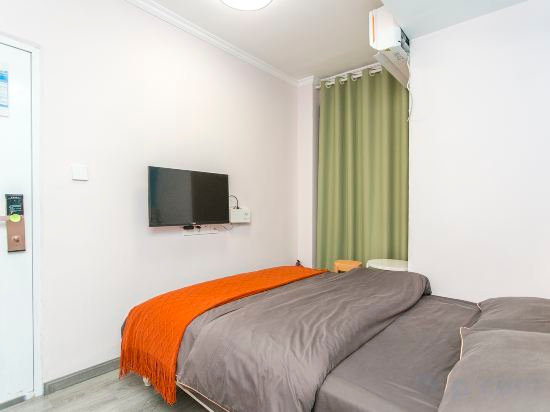

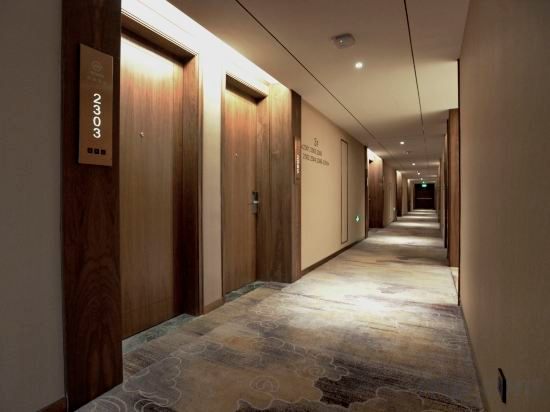
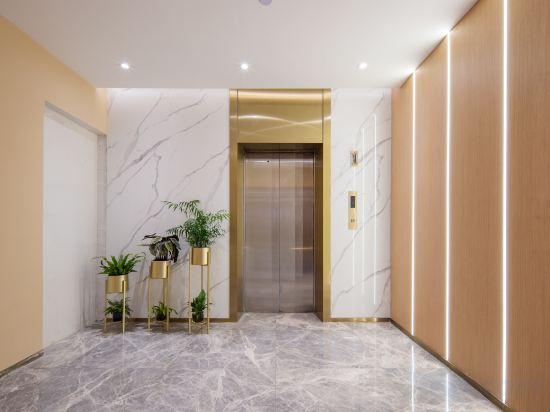
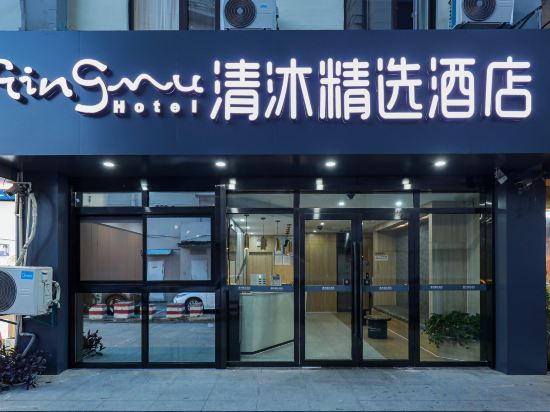
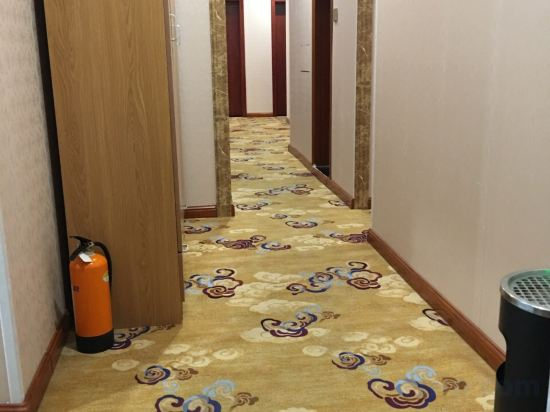
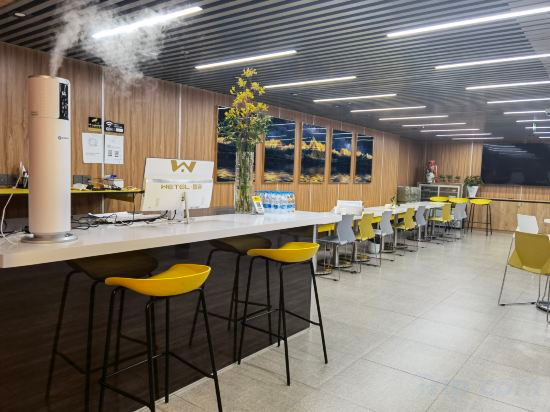

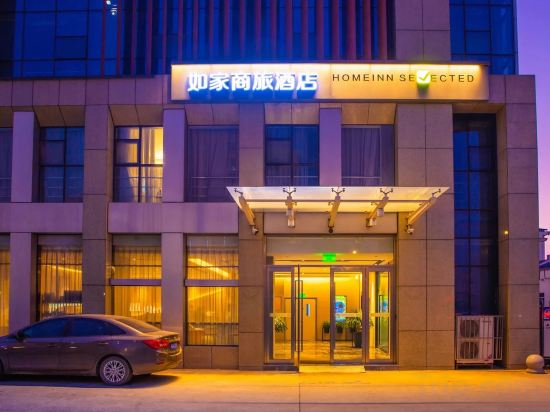
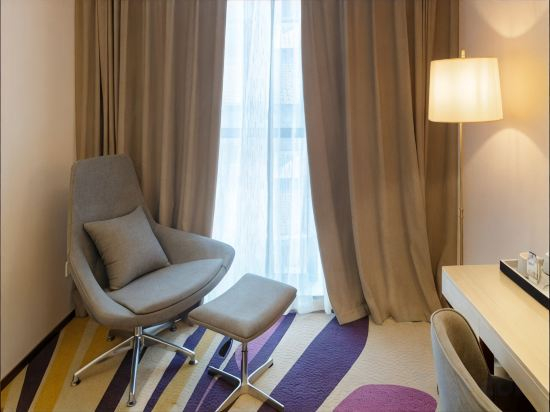

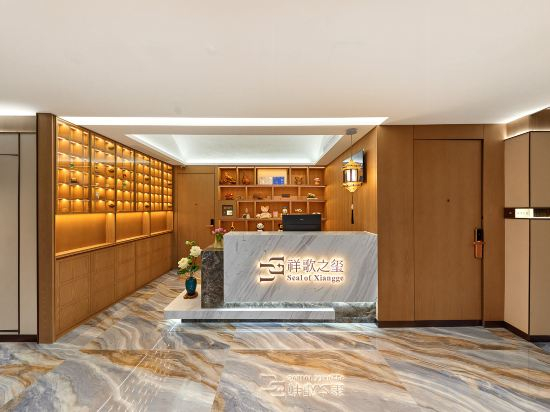

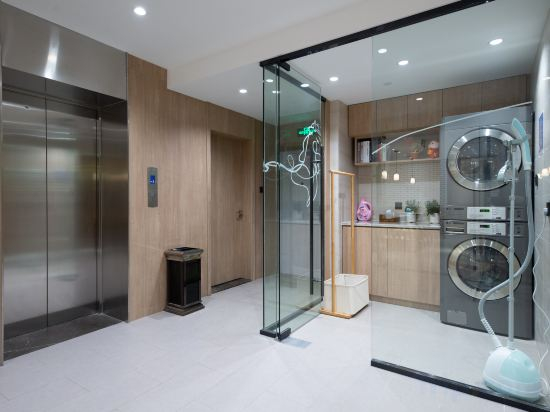
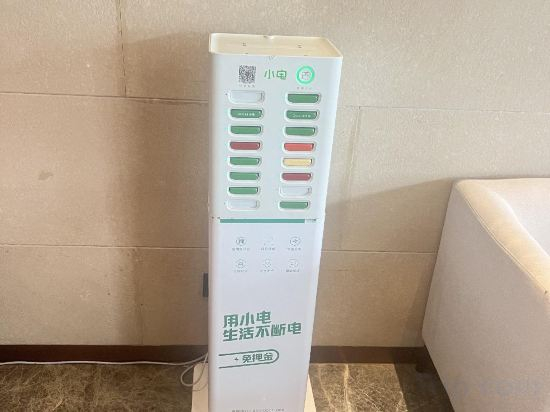
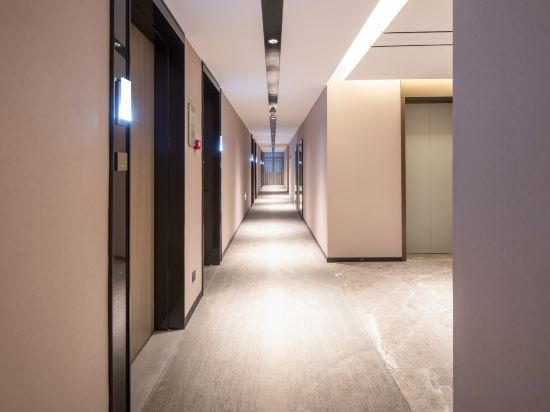


Vienna Classic Hotel (Nanjing Jiangning Southeast University)
Chuxin Wutong Boutique Hotel Apartments (Nanjing Xinjiekou Subway Station Branch)
Floral Hotel · Luxury Designer Art Hotel (Nanjing Ginkgo Lake Shop)
Nan Gang Hotel
Floral Hotel·Nanjing Huakang Hotel (Nanjing Museum & Zhongshan Scenic Area)
Qingmu Select Hotel (Nanjing University of Aeronautics and Astronautics Cuipingshan Subway Station)
Yajie Hostel
Wetel Hotel (Nanjing Confucius Temple Xinjiekou store)
HanTing Nanjing Jiangning Shiyang Road Subway Station Hotel
Daye Xiaozhu B&B (Nanjing Pukou Laoshan National Forest Park)
Homeinn Selected Hotel (Nanjing Jiangning Wanda Plaza Tianyin Avenue)
Lavande Hotel (Nanjing South Station, Hedingqiao Metro Station)
Nanjing Jinfon Crystal Hotel
Xiangge Zhixi Hotel (Nanjing South Railway Station)
Club Med Urban Oasis Xianlin Nanjing Resort
Hanting Youjia (Wan'an West Road Hotel, Tianyin Avenue, Jiangning, Nanjing)
Orange Hotel (Nanjing Sand Boat Future Network Town Store)
Crystal Orange Nanjing Jiangbei New District Gongye University
Chi'en Manor
Zhuyuan Spa Guesthouse
Hotels in Nanjing
Don't feel hesitant to book hotels in Nanjing at tiket.com! We'll make sure to provide all conveniences you need when doing a room reservation. Book your favourite hotel now only at tiket.com!

How to Book Hotels on tiket.com
1. Find the hotelEnter the name of the city, area, or hotel to find the place you want.
2. Select a roomOn the hotel detail page, you will see the available room options. Select a room that suits your needs.
3. Complete the booking detailsInput the contact details (the person who will be contacted by tiket.com and the hotel about the booking) and the guests’ details.
4. Select Add-onsYou can also buy additional services such as meal packages, transportation, and many more.
5. Pay your bookingSelect the payment method and complete your transaction. Don’t forget to use the promo code to get a cheaper hotel price at tiket.com.
6. Get the reservation e-voucherAfter the payment is successful, the e-voucher will be available on the Your Orders menu and sent to the email listed in the contact details.