



Hotels in Sanya

Special offers for you







1/10
Showing 517 hotels in Sanya






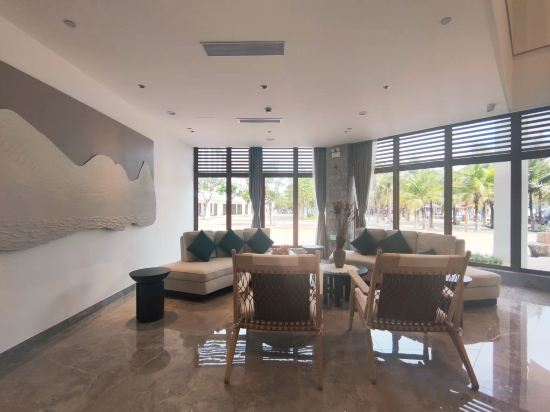




Sanya Bushbushli Resort (Yalong Bay Tropical Paradise Forest Park Branch)
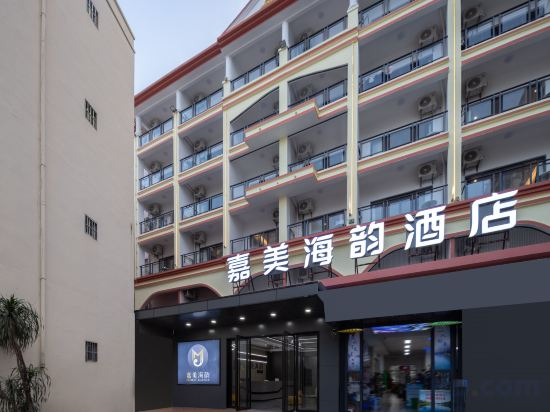
JIAMEI MTOUR HOTEL
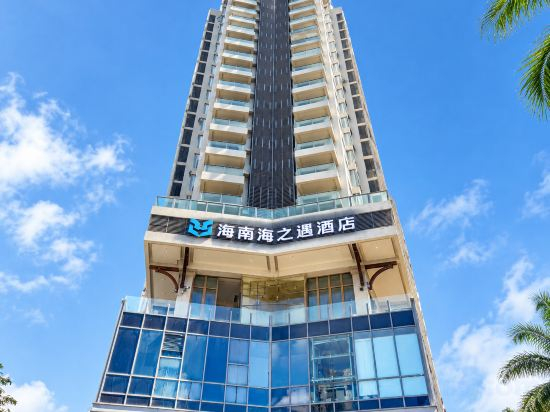
Hai Zhi Yu Hotel (Sanya Bay Jiefang Road Pedestrian Street Store)
SANYA HAITANG BAY MOUTAI PRIME HOTEL
Sunshine Yi Hotel Haitang Bay, Sanya (previously a 1 Hotel)
Sanya Yixi Yixia · Designer Pool Art Villa (Tianya Haijiao)
Sanya ChengHeLi Seaview Homestay
Located in Sanya, Sanya ChengHeLi Seaview Homestay offers accommodation with easy access to Sanya’s best spots. The property features WiFi, elevator, and children facility.
The property offers washing machine and children playground. Other facilities include 24-hour front desk, luggage storage, and tours/ticket assistance.
See detailsCoral Hotel Sanya Wuzhizhou Island
Rhea Boutique Resort Sanya Yalong Bay
Blossom Land Boutique Sanya Yalong Bay Resort
Zhici·Yumo Smart Swimming Pool Vacation Apartment (West Island)
xidaojianma Hotel
三亚融悦庭酒店(动车站店)
Sanya Haitang Bay Seaside Pool Villa (Atlantis Sanya& Duty Free City)
SANYA HAITANG BAY MOUTAI BOUTIQUE HOTEL
Sanya Haitang Bay Moutai Resort Superior Hotel
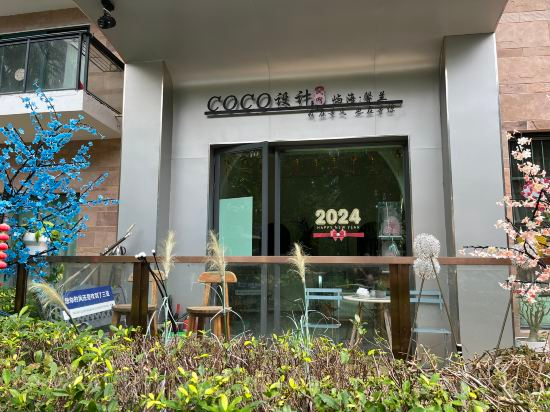
Coco Island Sea View Design Homestay
Hotels in Sanya
Don't feel hesitant to book hotels in Sanya at tiket.com! We'll make sure to provide all conveniences you need when doing a room reservation. Book your favourite hotel now only at tiket.com!

How to Book Hotels on tiket.com
1. Find the hotelEnter the name of the city, area, or hotel to find the place you want.
2. Select a roomOn the hotel detail page, you will see the available room options. Select a room that suits your needs.
3. Complete the booking detailsInput the contact details (the person who will be contacted by tiket.com and the hotel about the booking) and the guests’ details.
4. Select Add-onsYou can also buy additional services such as meal packages, transportation, and many more.
5. Pay your bookingSelect the payment method and complete your transaction. Don’t forget to use the promo code to get a cheaper hotel price at tiket.com.
6. Get the reservation e-voucherAfter the payment is successful, the e-voucher will be available on the Your Orders menu and sent to the email listed in the contact details.