



Hotels in Shenzhen
Showing 4.000+ hotels in Shenzhen
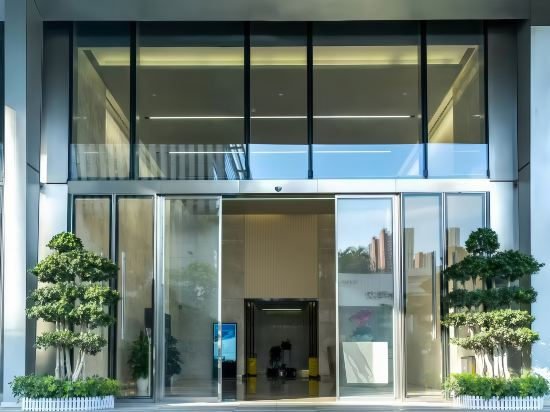


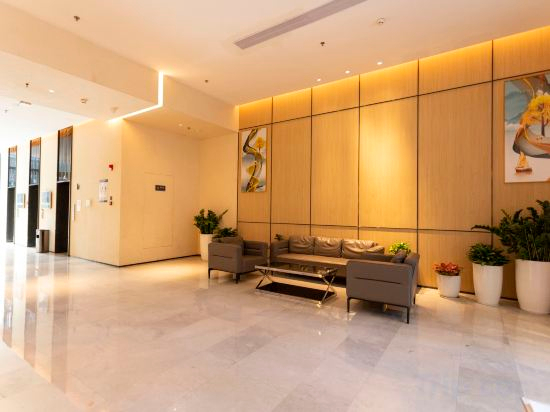
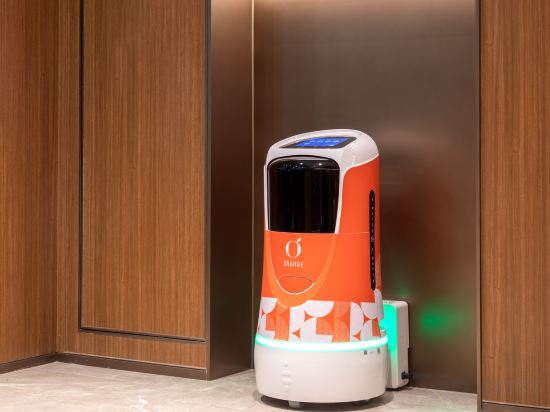
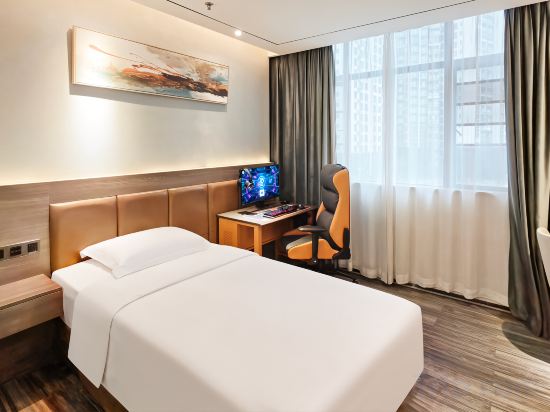
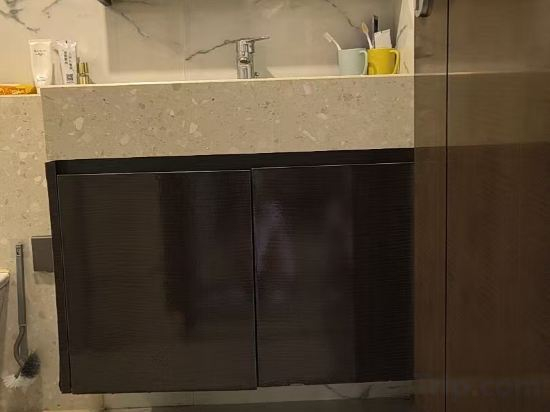
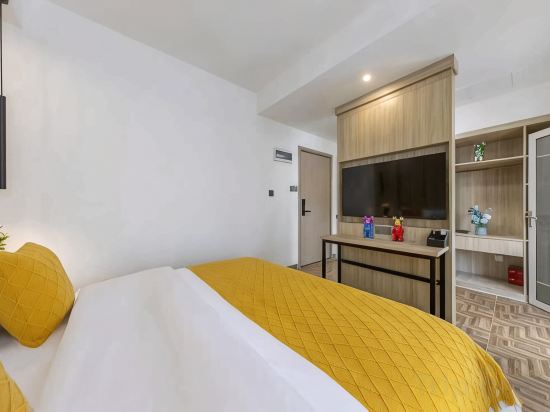
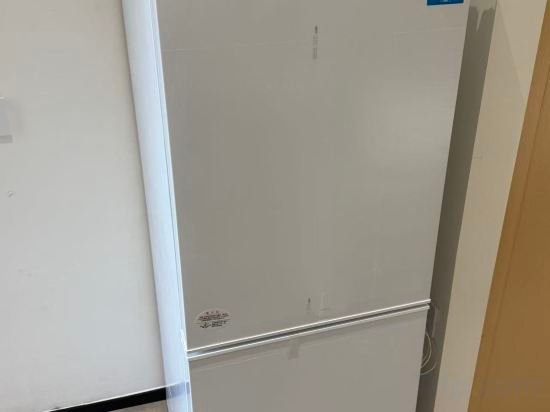
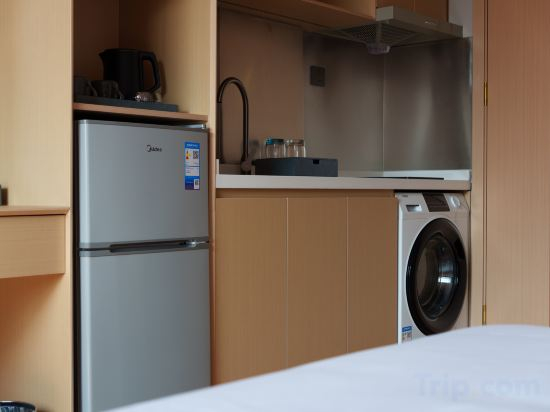
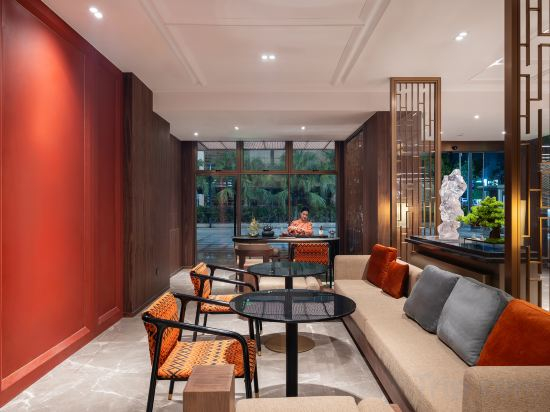

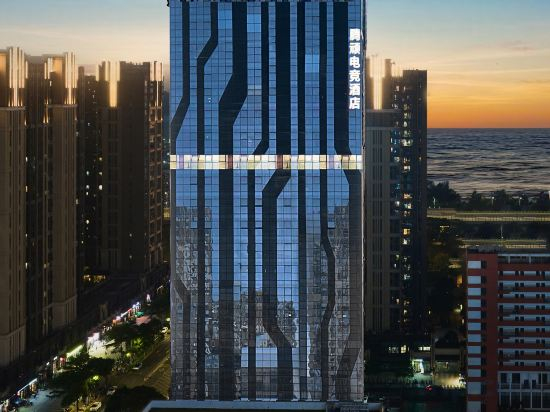

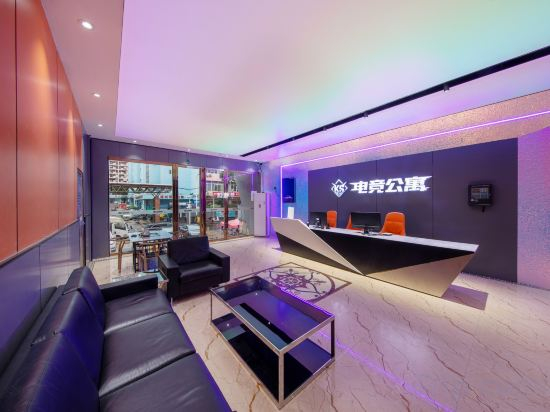

Mango 100 Apartment (Shenzhen Pingshan High-speed Railway Station Cultural Settlement Store)
Time Esports Hotel (Shenzhen Longhua Dalang Commercial Center Branch)
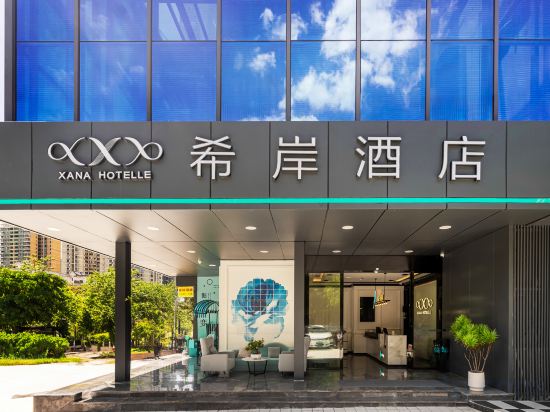
Xana Hotelle (Shenzhen Nonglin Subway Station)
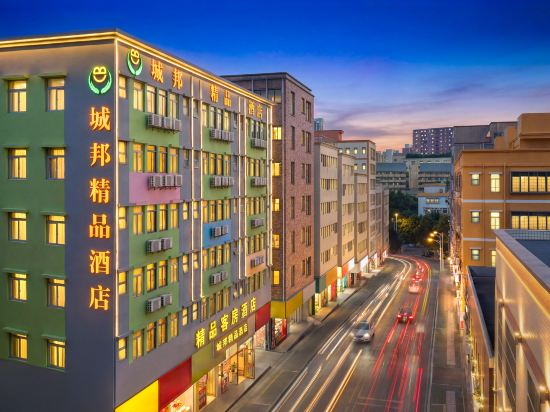
City-state boutique hotel(Shilongzi store)
Aero Stays Serviced Apartment | Refined Skyline LOFT (By S.V. Studio)
Sso·Comfort Sleep Serviced Apartment (Nanshan Tanglang Subway Station)
Qi Shan Hai B&B
Bangtuo MeiNuo Executive Apartment
Orange Hotel (Shenzhen Nanshan Vanke Yuncheng)
Asin E-Sports Hotel (BYD Global R&D Center Pingshan High-Speed Railway Station Branch)
Kexin Hakka Apartment (Shenzhen North Railway Station)
City Bang Qingshe Hotel (Longhua Guanlan Hi-Tech Science Park Shop)
Yiju Light Luxury Apartment
Sanhaoyun Apartment Hotel (Songyuanxia Subway Station Branch)
Maison New Century Hotel(Shekou Shenzhen)
HANGTAI (SHENZHEN WINDOW OF THE WORLD BAISHIZHOUMETRO NO STATION BRANCH)
Tengwan E-Sports Hotel (Shenzhen Bao'an International Airport Bihaiwan Subway Station)
Silver Beach Seaview Hotel
KS E-sports Apartment (Shenzhen East Railway Station Buji Subdistrict)
Lavande Hotels Shenzhen International Convention and Exhibition Center
Hotels in Shenzhen
Don't feel hesitant to book hotels in Shenzhen at tiket.com! We'll make sure to provide all conveniences you need when doing a room reservation. Book your favourite hotel now only at tiket.com!

How to Book Hotels on tiket.com
1. Find the hotelEnter the name of the city, area, or hotel to find the place you want.
2. Select a roomOn the hotel detail page, you will see the available room options. Select a room that suits your needs.
3. Complete the booking detailsInput the contact details (the person who will be contacted by tiket.com and the hotel about the booking) and the guests’ details.
4. Select Add-onsYou can also buy additional services such as meal packages, transportation, and many more.
5. Pay your bookingSelect the payment method and complete your transaction. Don’t forget to use the promo code to get a cheaper hotel price at tiket.com.
6. Get the reservation e-voucherAfter the payment is successful, the e-voucher will be available on the Your Orders menu and sent to the email listed in the contact details.