



Hotels in Shenzhen

Special offers for you










1/10
Showing 4.000+ hotels in Shenzhen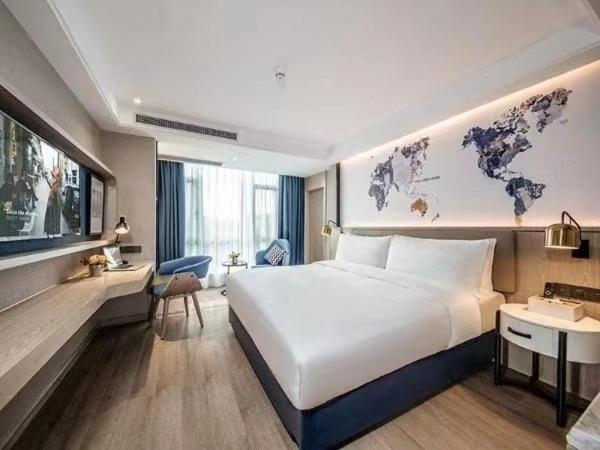
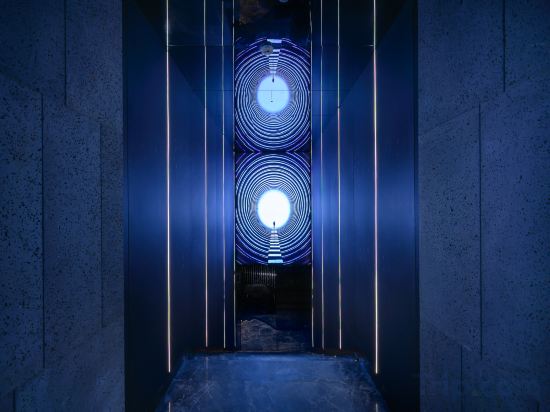
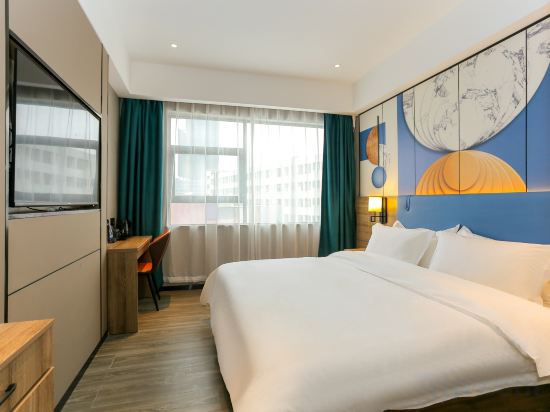
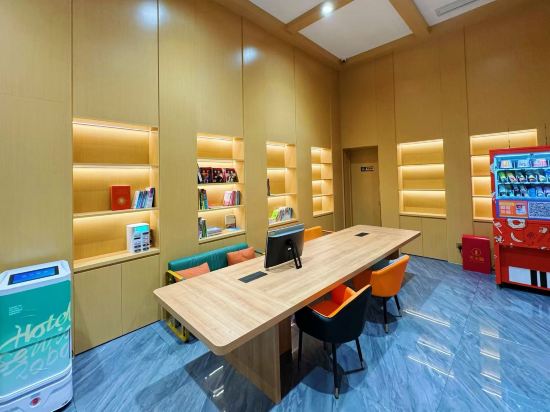
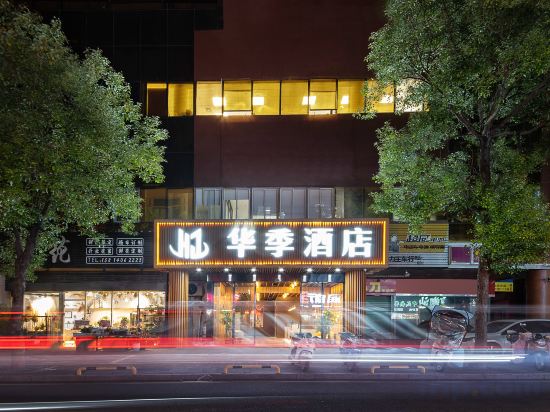

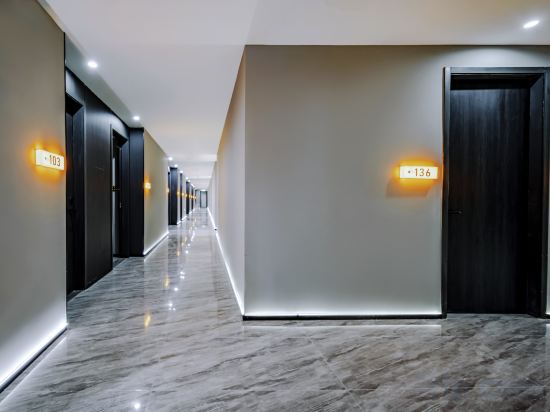
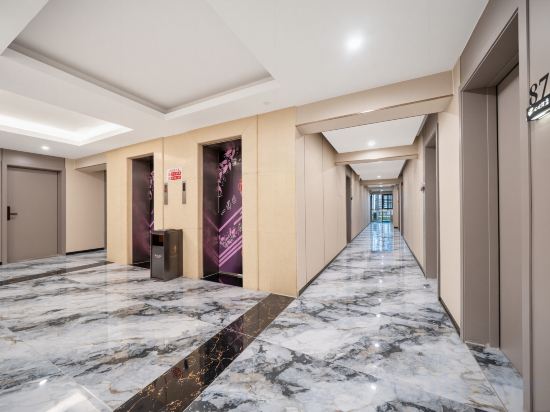
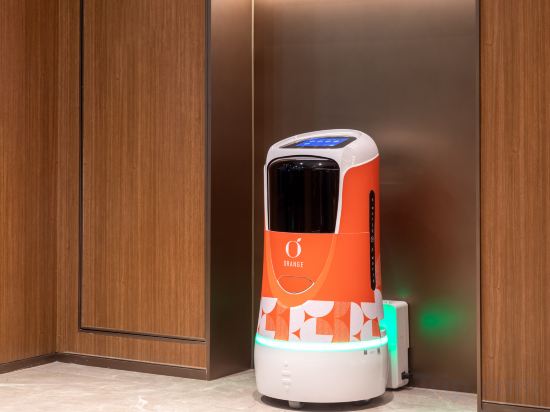

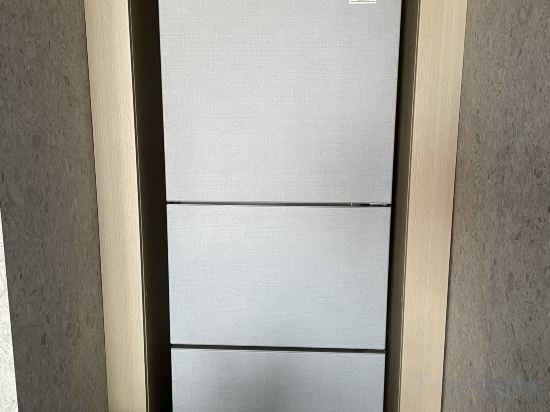
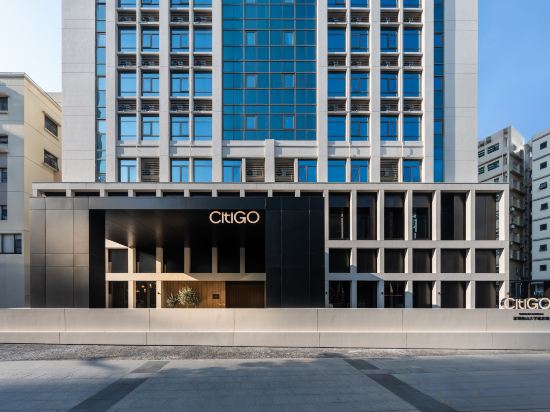
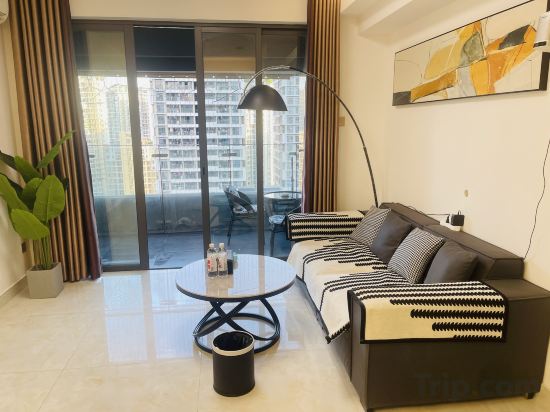
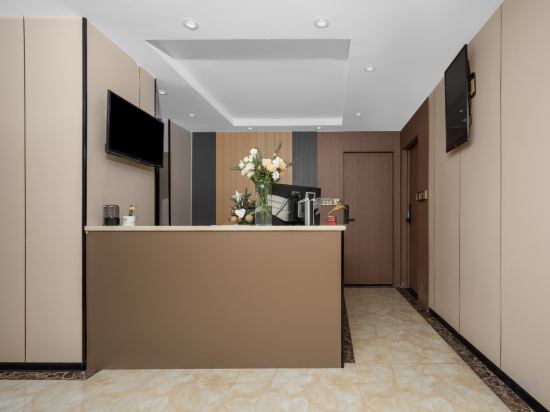
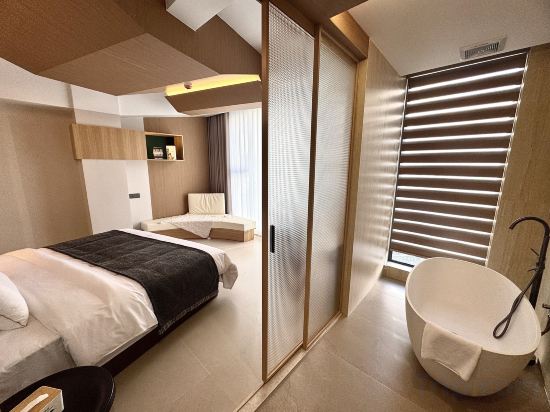
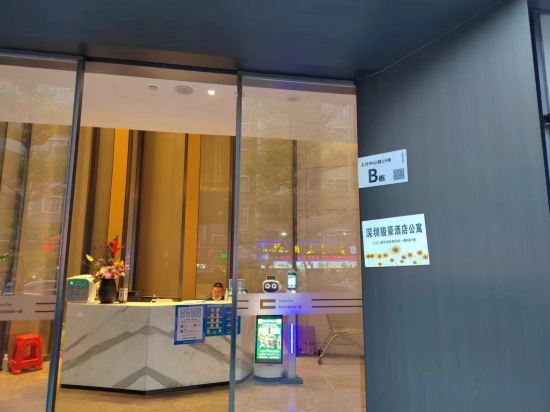
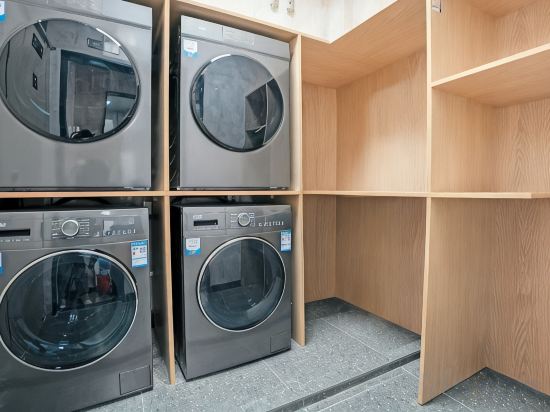
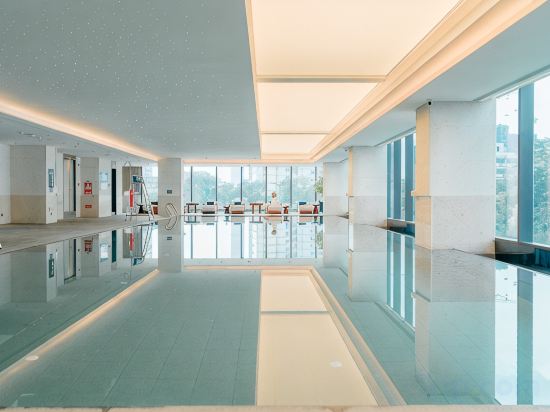
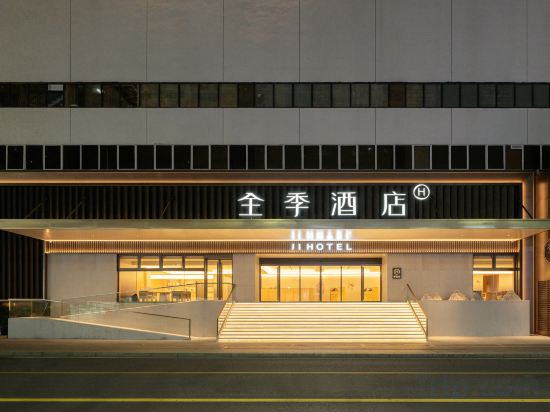
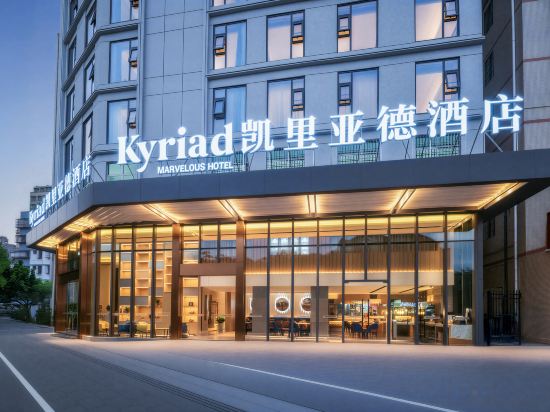
凯里亚德酒店深圳观澜华为店
Located in Shenzhen, 凯里亚德酒店深圳观澜华为店 offers accommodation with easy access to Shenzhen’s best spots. The property features restaurant, WiFi, and parking.
Yueta H Electronics Competition Hotel (Shenzhen University Nanshan Subway Station)
Shenzhen XIYA Hotel (Guangming TianLiao Branch)
Pengfeng Jinchao Hotel (Shenzhen Bao'an International Airport)
Huaji Hotel
SunnyuVIilla
Mowan · ALIENWARE Alien Esports Residence (Nanshan Longjing Subway Station)
Shenzhen Xinxin Hotel (Shuangyong Street Subway Station)
Orange Hotel (Shenzhen Nanshan Vanke Yuncheng)
Shiyuan Seaview Homestay
FURUIS Residence Nanshan
CitiGO Hotel Shenzhen Nanshan University Town
Qixin Executive Apartment (Shenzhen Bay Science and Technology Ecological Park)
Huanyu Hotel (Shenzhen Yantian Hong'anwei Subway Station)
Zhicheng Hotel (Shenzhen Bao'an Xixiang)
Shenzhen Junhao Apartment(Futian Port Xiasha Metro Station
EGONG WAN HOTEL
Wuzhou Sports Center Hotel
Quanji Hotel (Shenzhen Luohu Port Renmin South Subway Station Branch)
Kyriad Marvelous Hotel Shenzhen Gongming Honghuashan Subway Station
Hotels in Shenzhen
Don't feel hesitant to book hotels in Shenzhen at tiket.com! We'll make sure to provide all conveniences you need when doing a room reservation. Book your favourite hotel now only at tiket.com!

How to Book Hotels on tiket.com
1. Find the hotelEnter the name of the city, area, or hotel to find the place you want.
2. Select a roomOn the hotel detail page, you will see the available room options. Select a room that suits your needs.
3. Complete the booking detailsInput the contact details (the person who will be contacted by tiket.com and the hotel about the booking) and the guests’ details.
4. Select Add-onsYou can also buy additional services such as meal packages, transportation, and many more.
5. Pay your bookingSelect the payment method and complete your transaction. Don’t forget to use the promo code to get a cheaper hotel price at tiket.com.
6. Get the reservation e-voucherAfter the payment is successful, the e-voucher will be available on the Your Orders menu and sent to the email listed in the contact details.