


Hotels in Shenzhen

Special offers for you







1/10
Showing 4.000+ hotels in Shenzhen
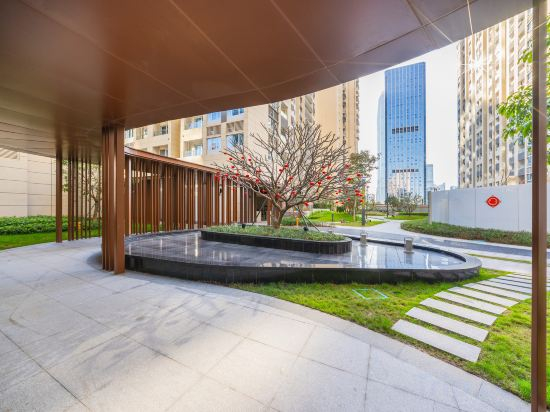
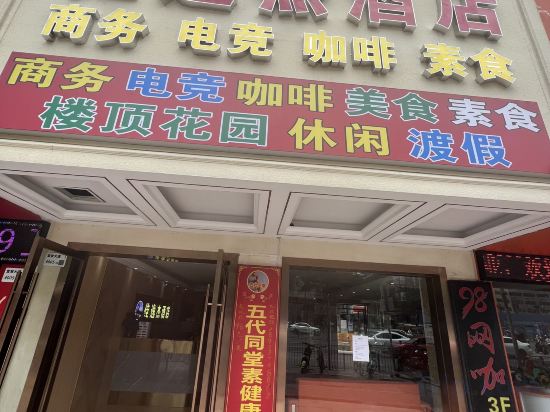
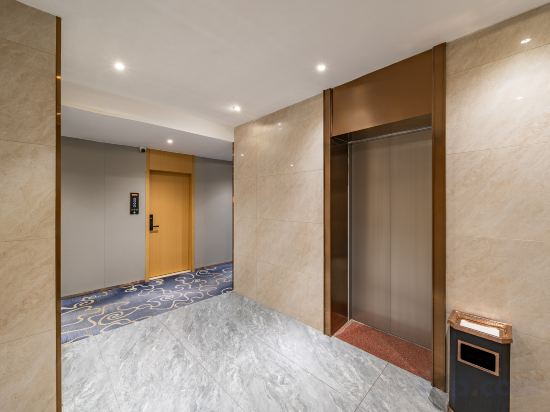
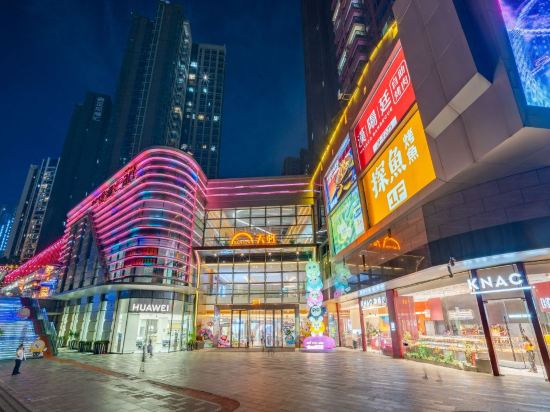
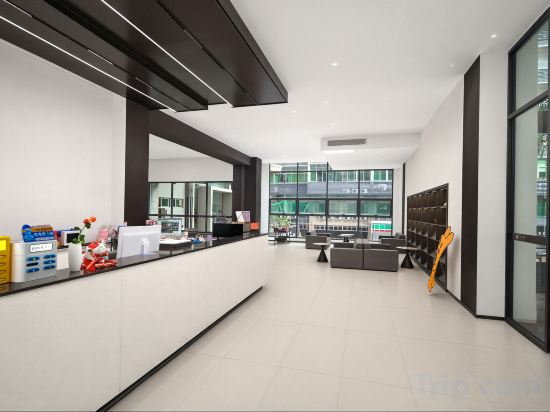
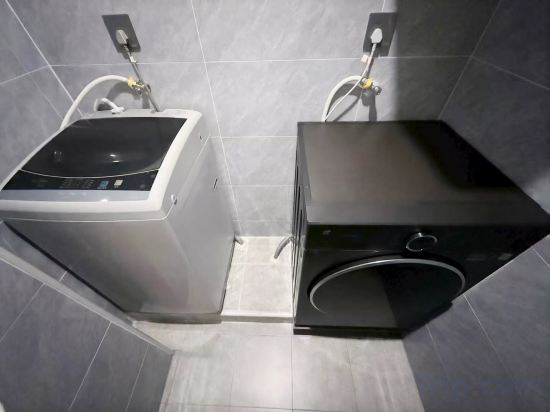
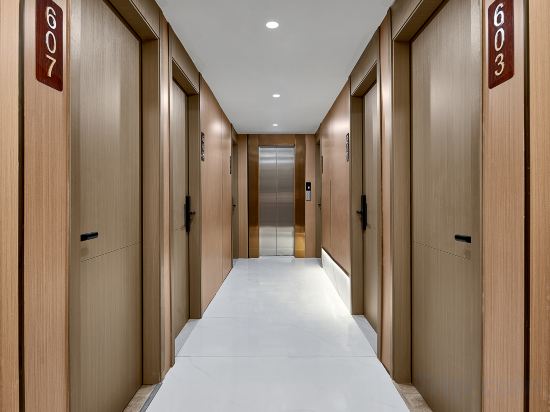
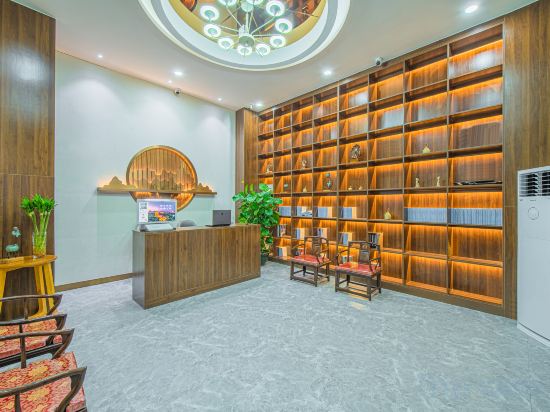
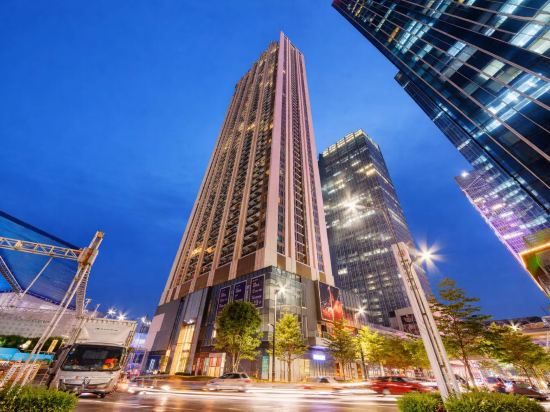
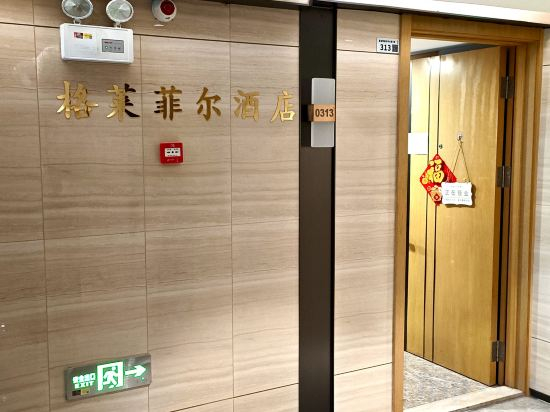
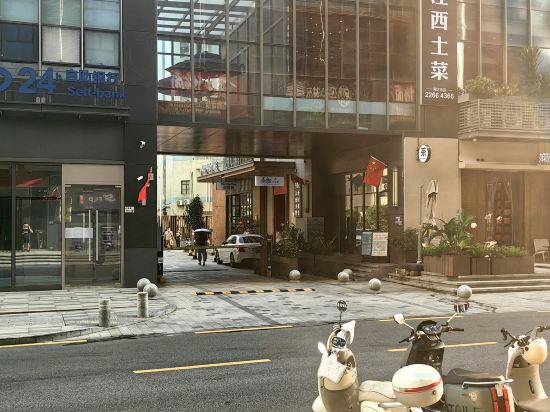
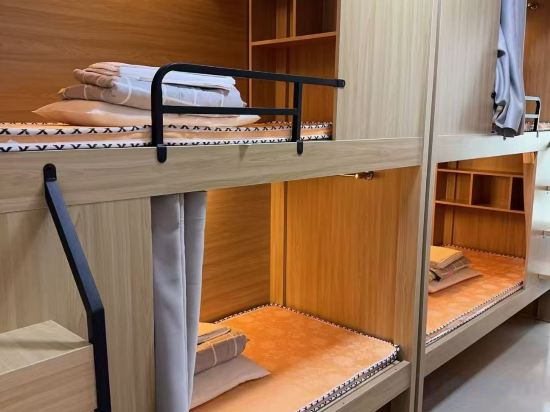

Pengfeng Jinchao Hotel (Shenzhen Bao'an International Airport)
Xingyue · Audio-Visual Stay (Shenzhen Futian Convention & Exhibition Center Gangxia Subway Station)
Jiayijie Hotel (Shenzhen Bao'an International Airport T3 Terminal Xixiang Subway Station)
Time Esports Hotel (Shenzhen Longhua Dalang Commercial Center Branch)
Huilan Light Luxury Hotel Apartment (Li Langzhu Baocheng Branch)
Shenzhen Jingyi Lite Hotel (Xili Metro Station Branch, Shenzhen Polytechnic)
Jingtian Hotel
Qingluan Audio-Visual·Elegant Residence (Shenzhen Polytechnic Xili Campus Branch)
Zhongxinlong Boutique Apartment Hotel (Shenzhen North Railway Station)
Huidelong 180° Skyview International Light Residence
Goodfeel Hotel Apartment (Shenzhen Shangmeilin Metro Station Branch)
Shenzhen Four Seasons Hotel Apartments
Chuyu Hostel (Shenzhen North Railway Station)
Lisux Residence (Shuiwei 1368 Fumin Subway Station)
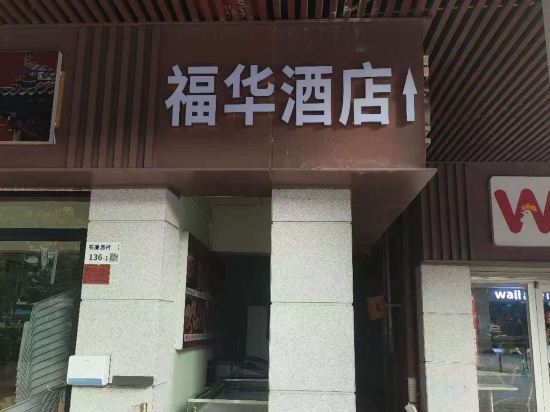
Shenzhen Fuhua Hotel (Shixia Subway Station)
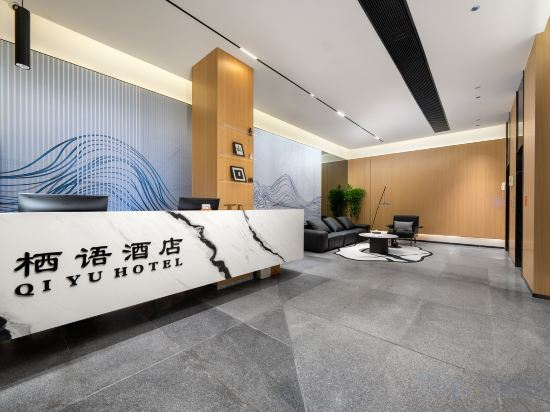
Qiyu Hotel (Futian Port Branch of Shenzhen Convention and Exhibition Center)
Hanna Aiwen Residence (Kingkey Binhe Times Xiasha Subway Station)
Kingmi Hotel (Jingfa Garden Branch, Jingtian Metro Station, Shenzhen)
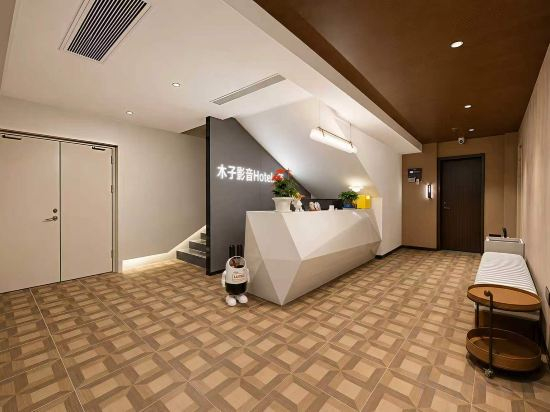
Muzi Audiovisual Hotel (Shenzhen Futian Chegongmiao Metro Station)
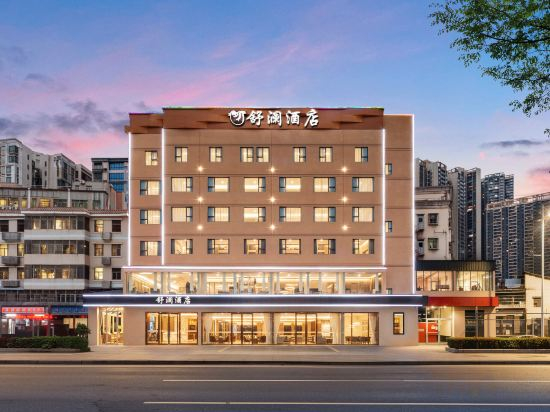
Shulan Hotel (Shenzhen Longhua Changhu Metro Station Branch)
Hotels in Shenzhen
Don't feel hesitant to book hotels in Shenzhen at tiket.com! We'll make sure to provide all conveniences you need when doing a room reservation. Book your favourite hotel now only at tiket.com!

How to Book Hotels on tiket.com
1. Find the hotelEnter the name of the city, area, or hotel to find the place you want.
2. Select a roomOn the hotel detail page, you will see the available room options. Select a room that suits your needs.
3. Complete the booking detailsInput the contact details (the person who will be contacted by tiket.com and the hotel about the booking) and the guests’ details.
4. Select Add-onsYou can also buy additional services such as meal packages, transportation, and many more.
5. Pay your bookingSelect the payment method and complete your transaction. Don’t forget to use the promo code to get a cheaper hotel price at tiket.com.
6. Get the reservation e-voucherAfter the payment is successful, the e-voucher will be available on the Your Orders menu and sent to the email listed in the contact details.