



Hotels in Zhengzhou

Special offers for you









1/10
Showing 1.000+ hotels in Zhengzhou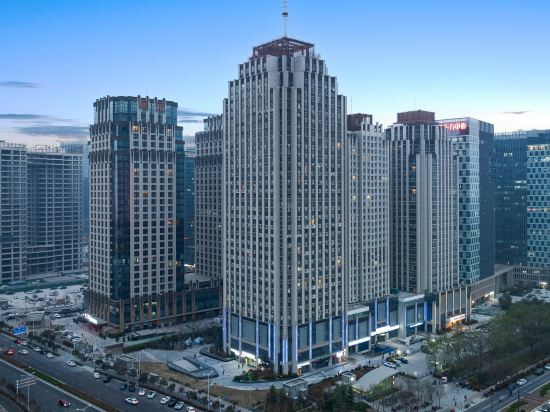
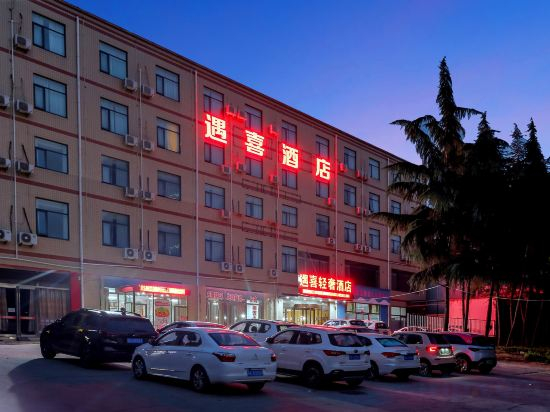
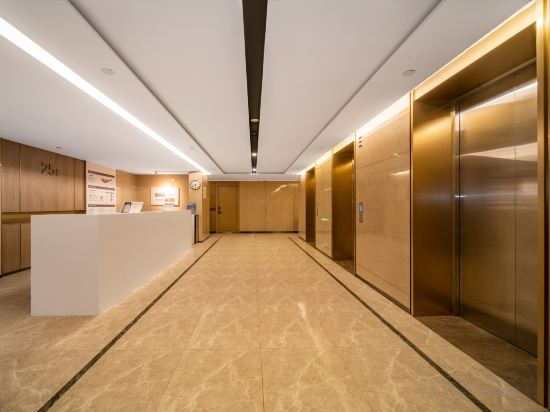
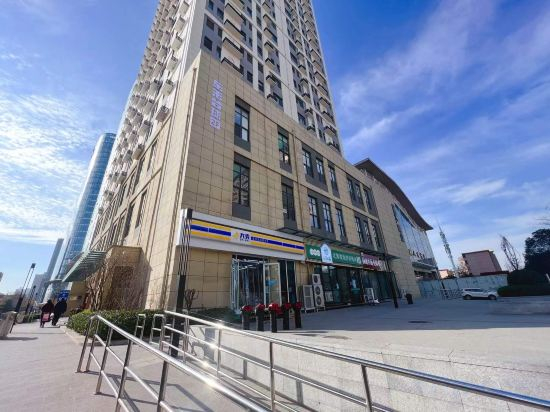
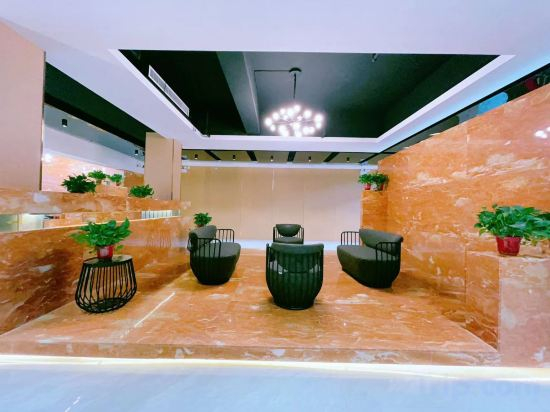
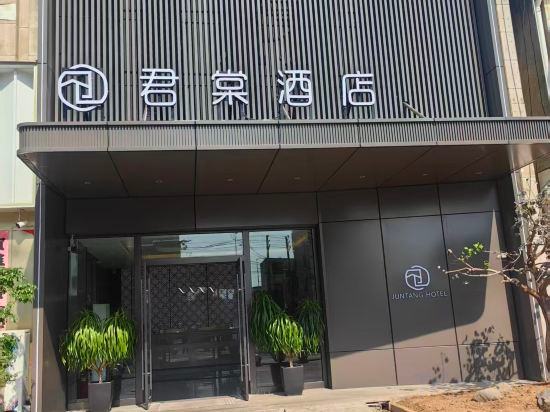

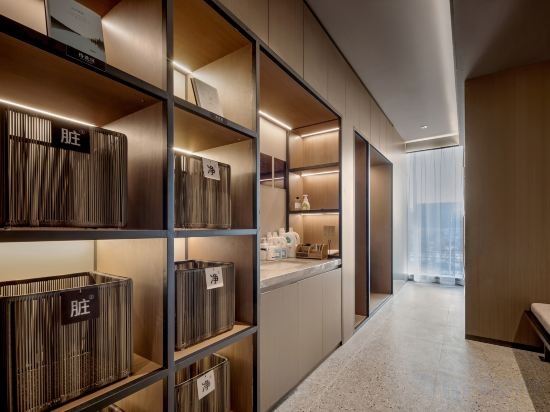
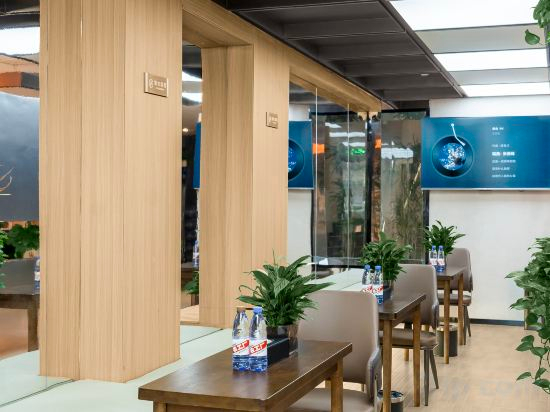
Yujian Hotel
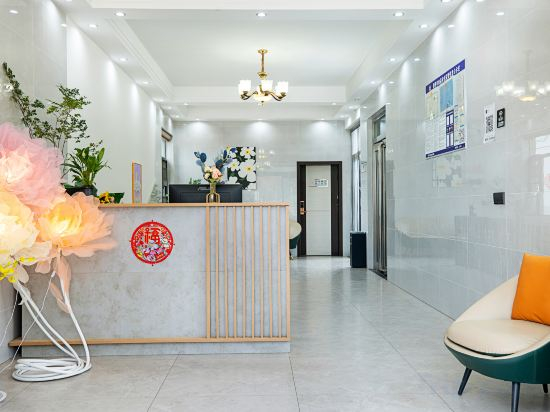
Munanju Homestay
HanTing Zhengzhou Memory Youhuachang Creative Park Rose Park Subway Station Hotel
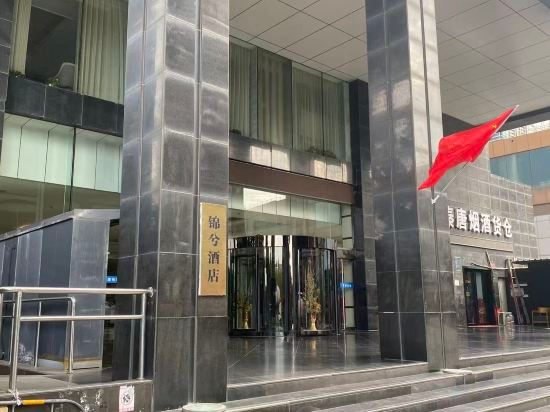
Jinxi Hotel (Zhengzhou CBD International Exhibition Center)
CHEERMAY Hotel (Zhengzhou Gaotie Dongzhan East Square)
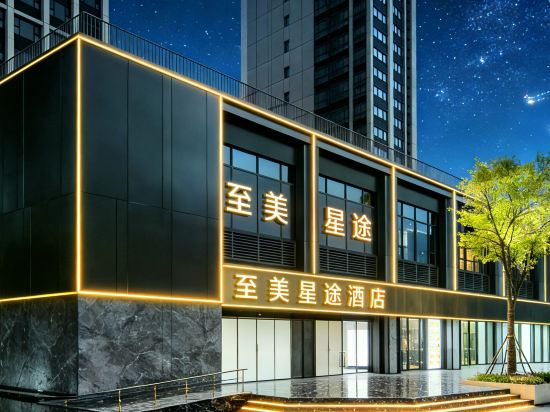
Zhimei·Xingtu Hotel East High-speed Railway Station China Resources New Times Square Branch
Chaoman Hotel (Mixue Ice Cream & Tea Headquarters, Zhengzhou East High-Speed Railway Station)
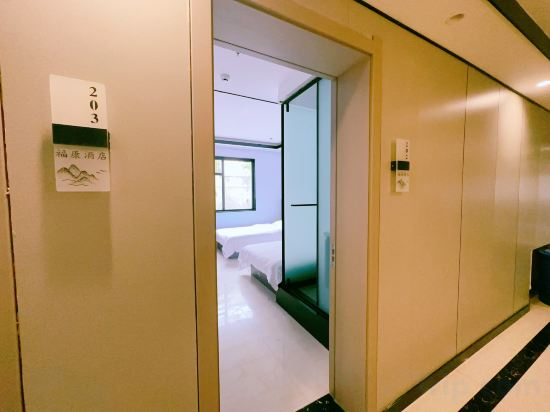
Fukang Hotel (Kangfu Qianjie Zhengzhou University Third Affiliated Hospital)
Home Inn Cloud Seasons Hotel ( Convention and Exhibition Center East Shilipu Metro Station Branch)
Yuxi Light Luxury hotel
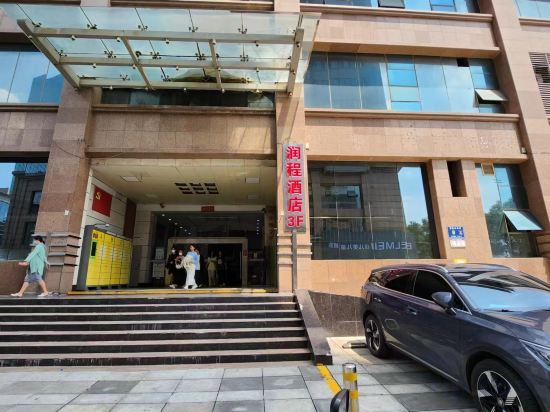
runchenghotel
Zhengzhou Longzihu Mainstay Hotel
Shangya Boutique Hotel
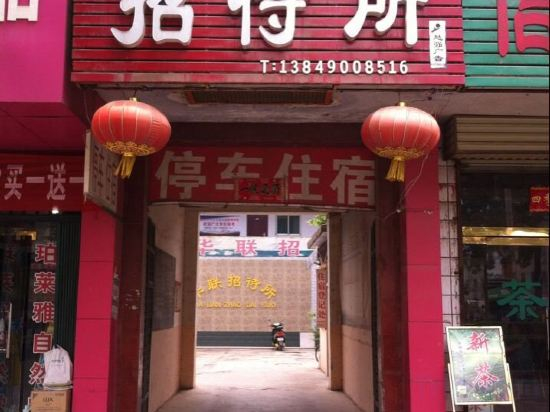
Xingyang Hualian Guesthouse
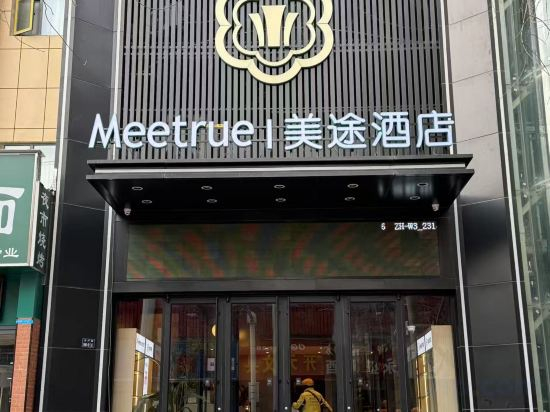
Meitu Hotel (Henan Museum Guomao 360 Branch)
Fengyu Hotel (Gongyi Xingyue Times Square Taobao City)
Juntang Hotel (Xinmi Zhongqiang Guangnian)
Xiyou Hotel (Finance and Political Law University Zhengdong Campus)
Zhengzhou Finance Island Tsinghua Affiliated School Atour Hotel
Xingnai Hotel (Zhongyuan International Expo Center Fenghuangtai South Subway Station)
Hotels in Zhengzhou
Don't feel hesitant to book hotels in Zhengzhou at tiket.com! We'll make sure to provide all conveniences you need when doing a room reservation. Book your favourite hotel now only at tiket.com!

How to Book Hotels on tiket.com
1. Find the hotelEnter the name of the city, area, or hotel to find the place you want.
2. Select a roomOn the hotel detail page, you will see the available room options. Select a room that suits your needs.
3. Complete the booking detailsInput the contact details (the person who will be contacted by tiket.com and the hotel about the booking) and the guests’ details.
4. Select Add-onsYou can also buy additional services such as meal packages, transportation, and many more.
5. Pay your bookingSelect the payment method and complete your transaction. Don’t forget to use the promo code to get a cheaper hotel price at tiket.com.
6. Get the reservation e-voucherAfter the payment is successful, the e-voucher will be available on the Your Orders menu and sent to the email listed in the contact details.