



Hotels in Beijing

Special offers for you










1/10
Showing 4.000+ hotels in Beijing

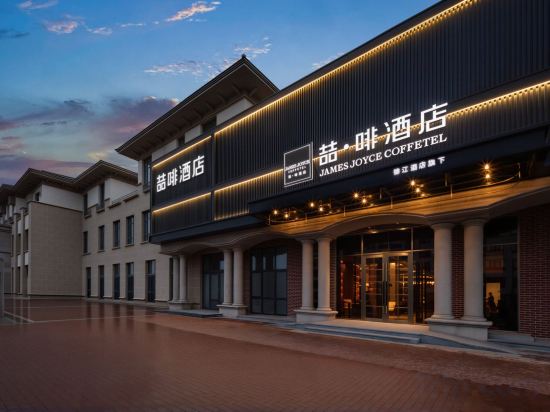

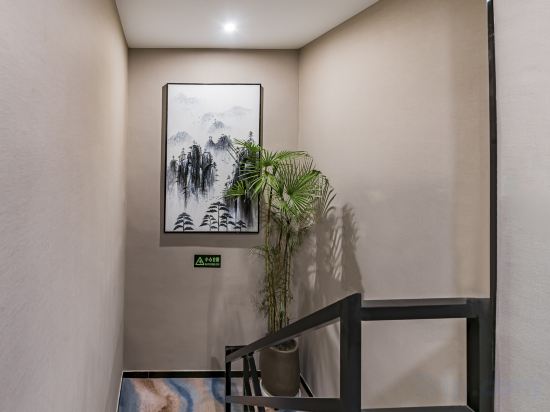
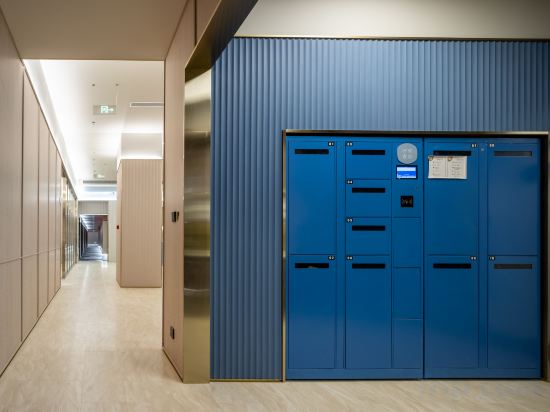
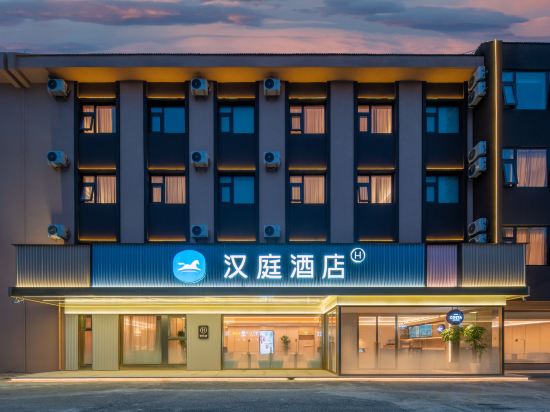
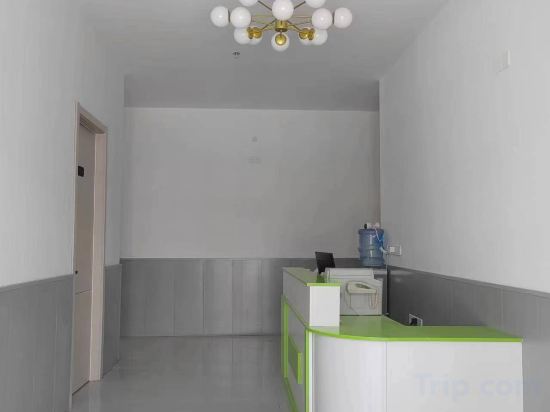
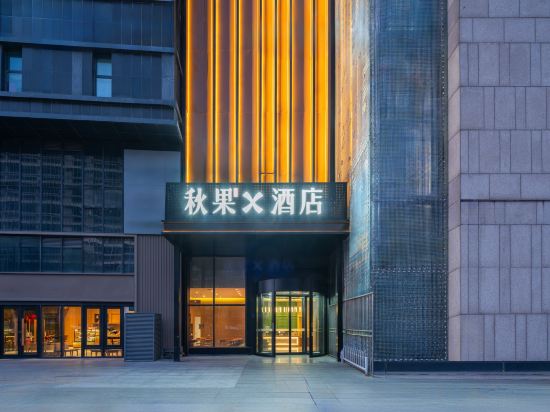
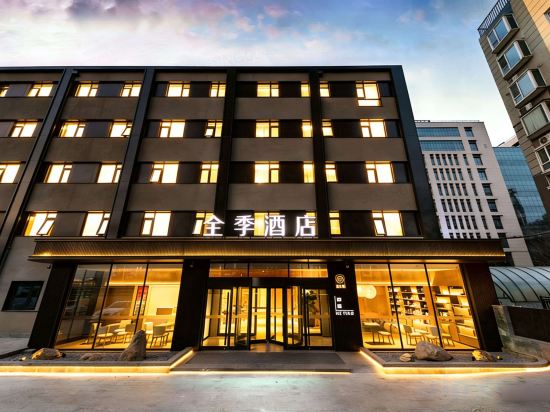

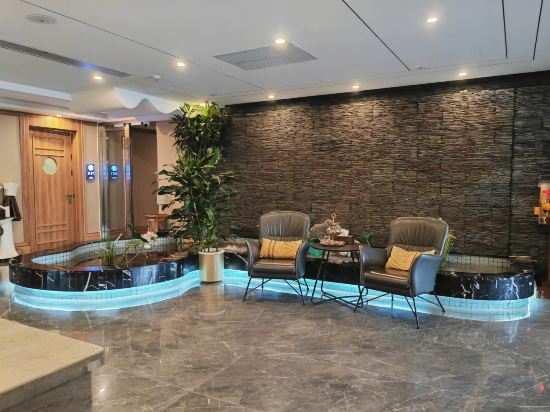
James Joyce Coffetel (Beijing Tongzhou Tuqiao Subway Station)
Beijing Geyafei Hotel (Huoxian People's Government)
Xana Hotelle Hotel (Beijing Daoxianghu Subway Station)
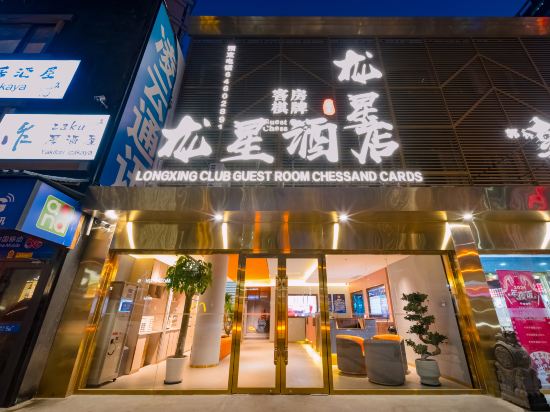
Longxing Hotel (Beijing Yansha Sanyuanqiao Subway Station)
James Joyce Coffetel (Beijing Daxing International Airport/Beijing Wildlife Zoo Branch)
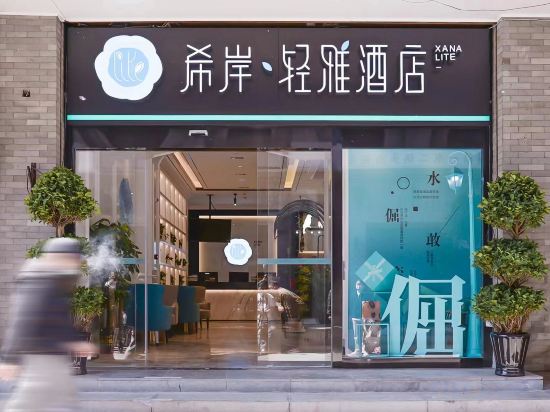
Xana Lite Hotel (Beijing Tiananmen Square Qianmen Subway Station)
Hi Inn (Beijing South Railway Station)
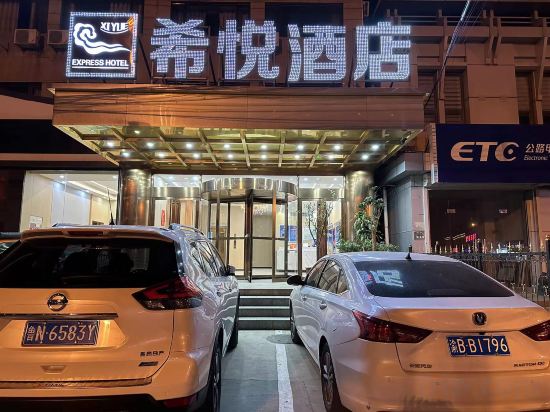
Xiyue Hotel (Beijing Miyun North Railway Station)
XANA Deluxe Hotel (Beijing Daxing International Airport Terminal)
Cloud Home Hotel (Beijing U.S. Embassy)
Jingman Zhilu Hotel (Beijing Qianmen Dashilan)
HanTing Hotel (Beijing Beiqing Road Life Science Park Subway Station)
HanTing Hotel (Beijing Huairou Yangsong Film Academy)
Longshouyuan Hotel
Qiuguo X Hotel (Beijing Dacheng Road 301 PLA General Hospital)
Beijing Wenyang Hotel (Wangjing Subway Station Branch)
Beijing Huare Hotel
JI Hotel (Beijing Zhongguancun Xueyuan South Road)
Milaian Hotel (Dazhongsi Subway Station Branch Zhongguancun Beijing)
Beijing Junxi Hotel (Sanyuanqiao Yansha Embassy Area)
Hotels in Beijing
Don't feel hesitant to book hotels in Beijing at tiket.com! We'll make sure to provide all conveniences you need when doing a room reservation. Book your favourite hotel now only at tiket.com!

How to Book Hotels on tiket.com
1. Find the hotelEnter the name of the city, area, or hotel to find the place you want.
2. Select a roomOn the hotel detail page, you will see the available room options. Select a room that suits your needs.
3. Complete the booking detailsInput the contact details (the person who will be contacted by tiket.com and the hotel about the booking) and the guests’ details.
4. Select Add-onsYou can also buy additional services such as meal packages, transportation, and many more.
5. Pay your bookingSelect the payment method and complete your transaction. Don’t forget to use the promo code to get a cheaper hotel price at tiket.com.
6. Get the reservation e-voucherAfter the payment is successful, the e-voucher will be available on the Your Orders menu and sent to the email listed in the contact details.