



Hotels in Guangdong

Special offers for you










1/10
Showing 18.000+ hotels in Guangdong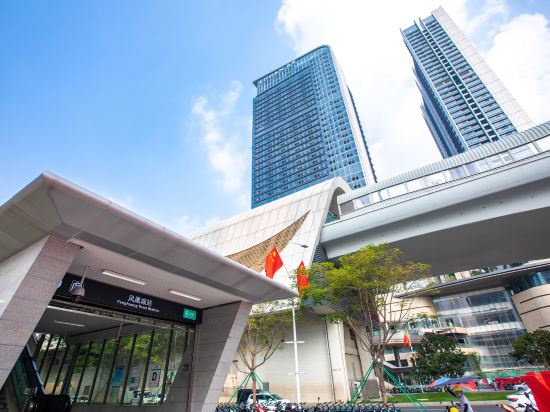
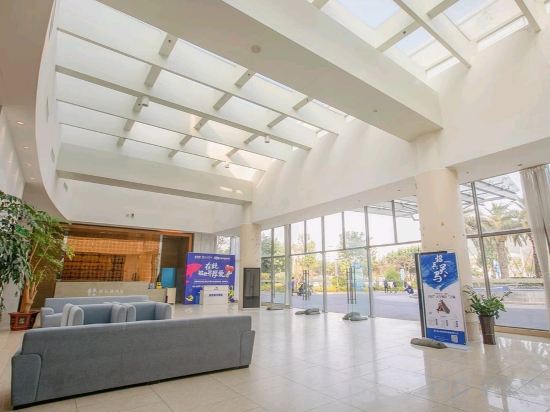
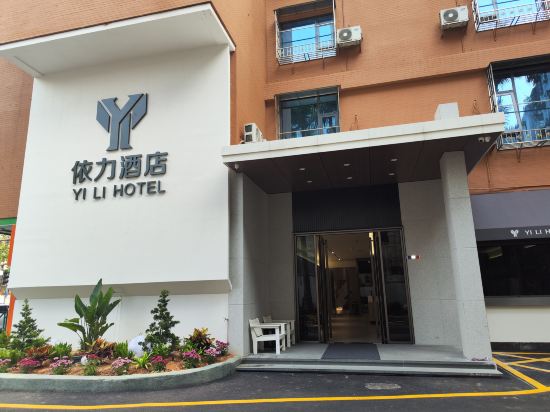
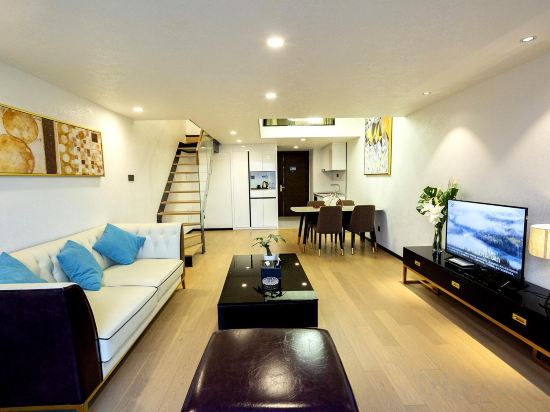
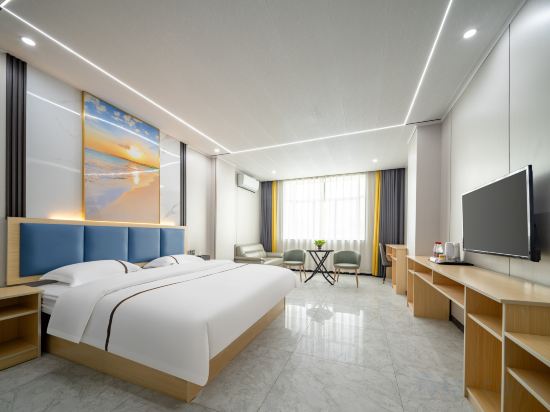

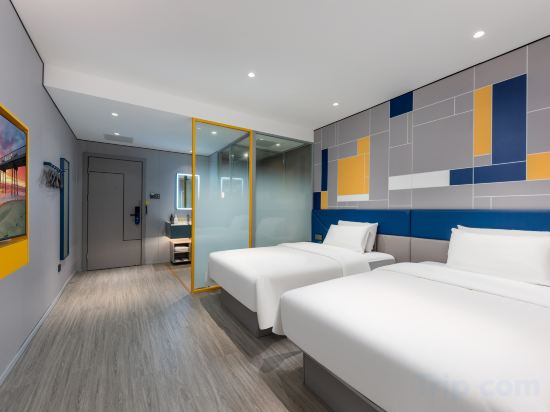
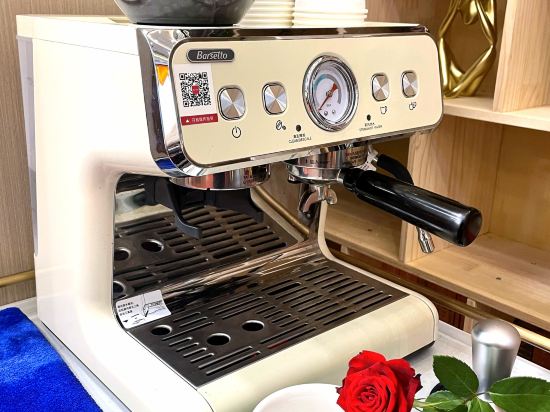
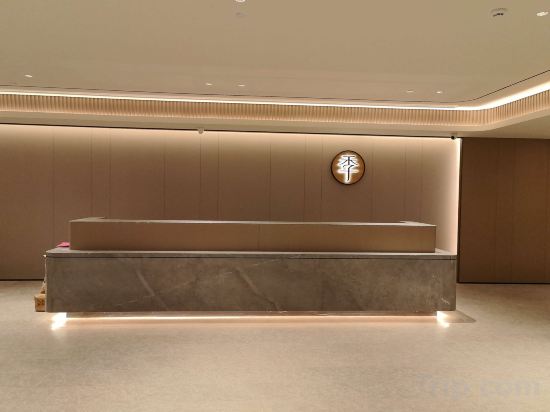
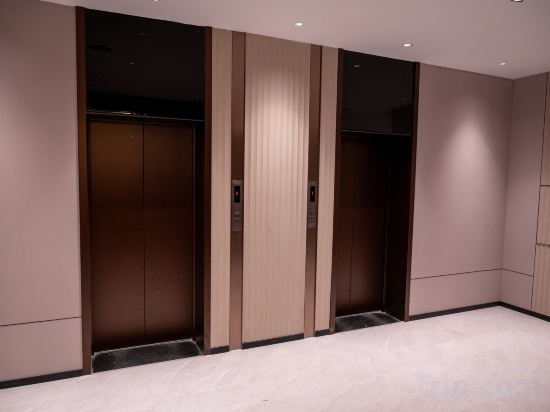
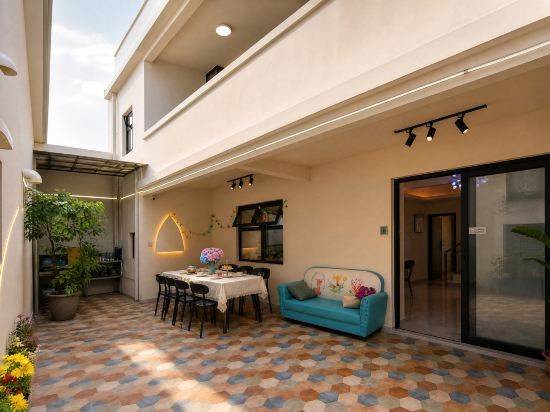

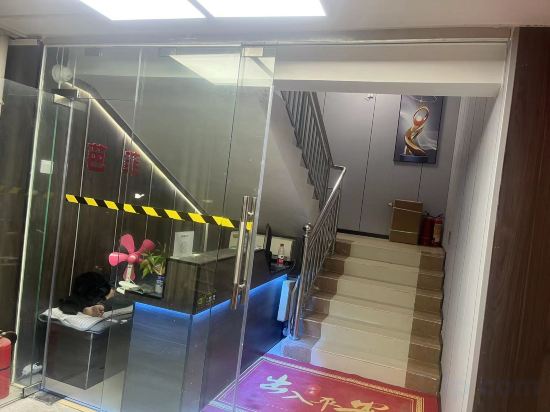
Dolphin International Hotel (Shenzhen Guangming Phoenix City Subway Station)
Quanyueju Hot Springs Apartment (Huangcun Town)
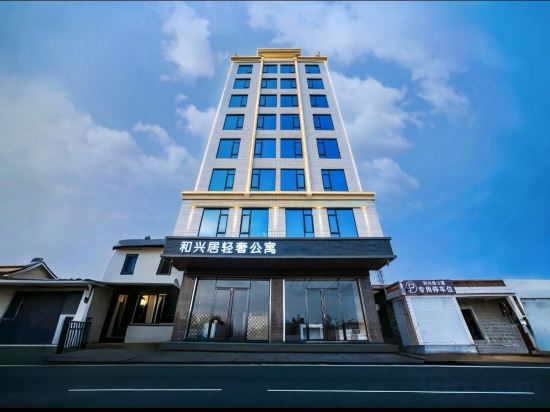
Hexingju Light Luxury Apartment (Guangdong Ketang Jewelry Trading Market)
Bayjoy Court
Huidong Xunliao Bay Haishangmei Scenic Resort Apartment (Haigongyuan)
Yili Hotel (Shiqiao Metro Station, Panyu, Guangzhou)
DUOYAPLUS.APartment
Baili Hotel Apartment (Liaobu Branch)
Wanggu International Hotel (Nanshan Shekou, Shenzhen)
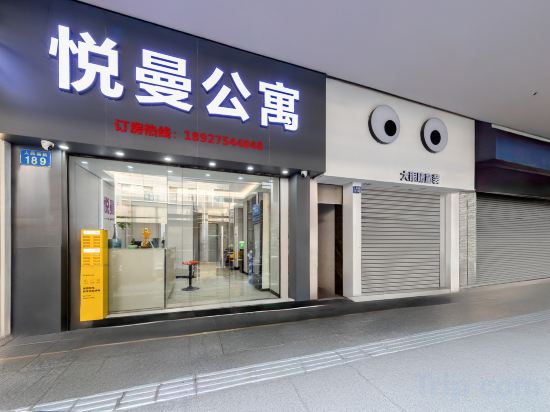
Guangzhou Yueman Apartment (Shangxiajiu Pedestrian Street Yide Road Subway Station)
Shenzhen Yuege Service Apartment
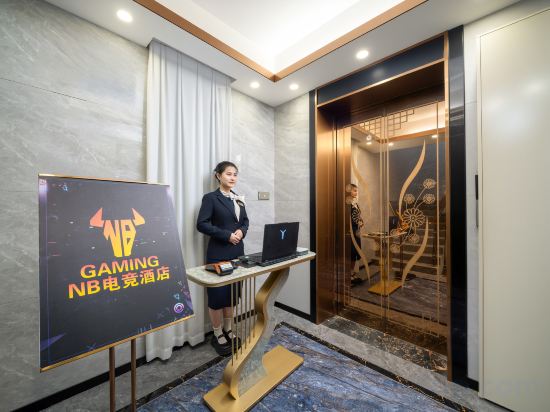
NB Esports Hotel (Dongguan Dalang Branch)
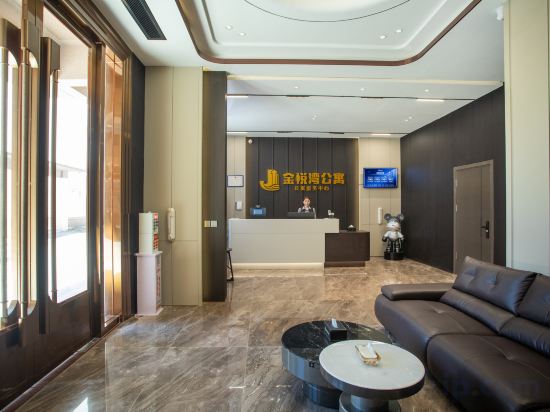
Jinyuewan Apartment (Lianjiang Cheban)
Yuhao Hotel (Shenzhen International Convention and Exhibition Center)
H LAND HOTEL(Yan'gang Station Branch, Zhujiang Hospital of Southern Medical University, Guangzhou)
JI Hotel (Dongguan Nancheng Xiping Subway Station)
Baihui Landscape Hotel (Huizhou West Lake)
Shenzhen Jiaochangwei Yuningju
Xi'an Homestay (Shenshan Special Cooperation Zone Branch)
Zhuhai Bafei Business Accommodation
Hotels in Guangdong
Don't feel hesitant to book hotels in Guangdong at tiket.com! We'll make sure to provide all conveniences you need when doing a room reservation. Book your favourite hotel now only at tiket.com!

How to Book Hotels on tiket.com
1. Find the hotelEnter the name of the city, area, or hotel to find the place you want.
2. Select a roomOn the hotel detail page, you will see the available room options. Select a room that suits your needs.
3. Complete the booking detailsInput the contact details (the person who will be contacted by tiket.com and the hotel about the booking) and the guests’ details.
4. Select Add-onsYou can also buy additional services such as meal packages, transportation, and many more.
5. Pay your bookingSelect the payment method and complete your transaction. Don’t forget to use the promo code to get a cheaper hotel price at tiket.com.
6. Get the reservation e-voucherAfter the payment is successful, the e-voucher will be available on the Your Orders menu and sent to the email listed in the contact details.