



Hotels in Hunan

Special offers for you










1/10
Showing 4.000+ hotels in Hunan
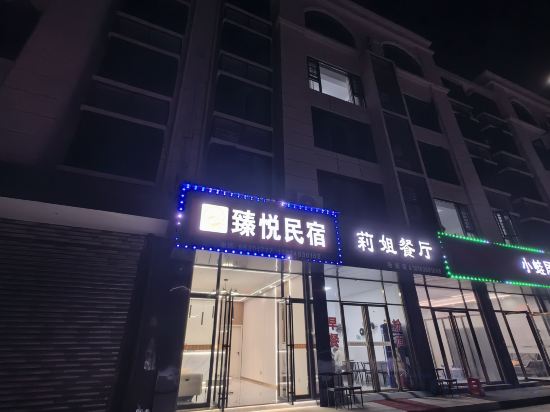
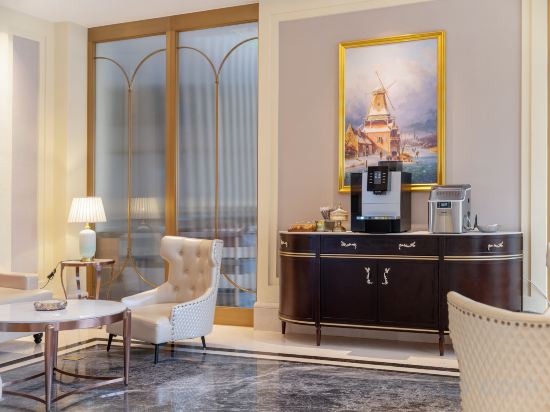

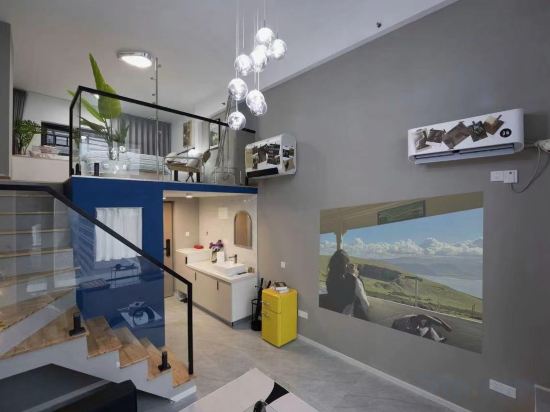
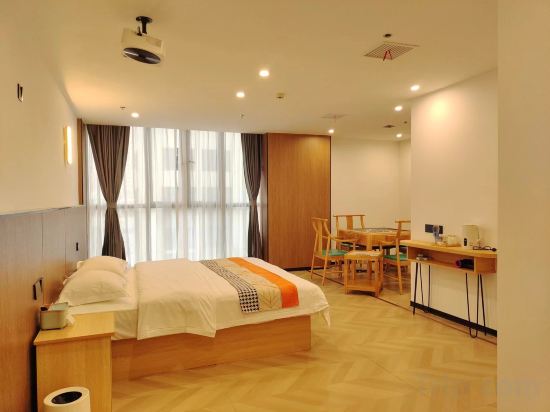

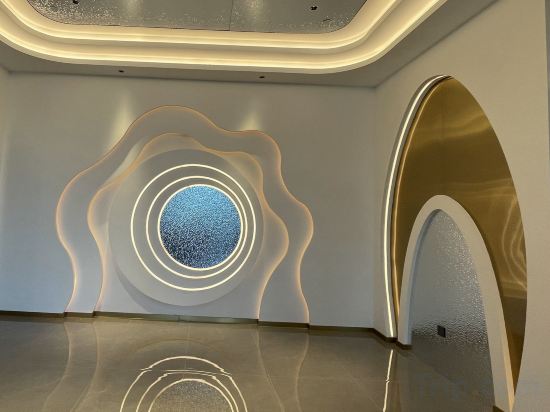
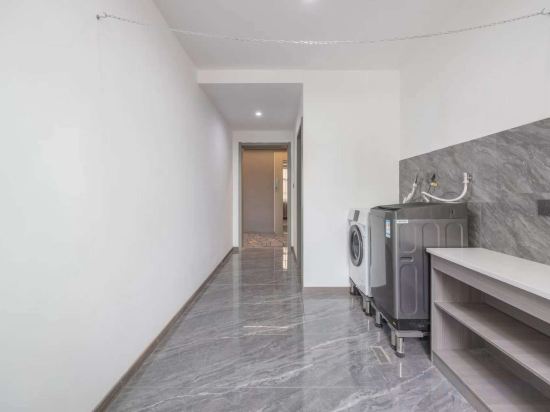

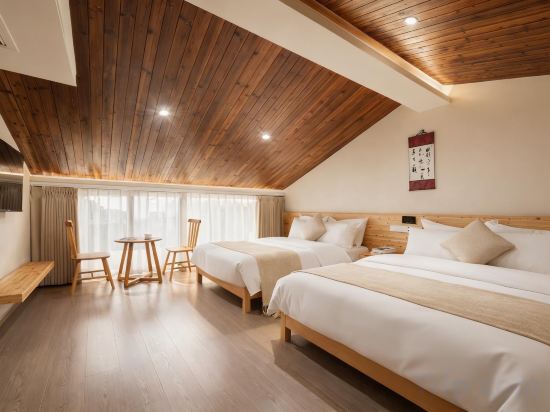
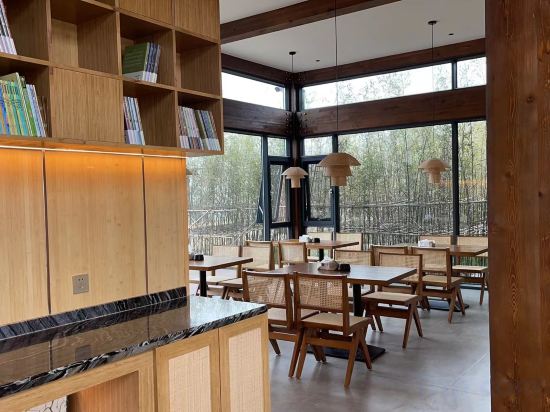
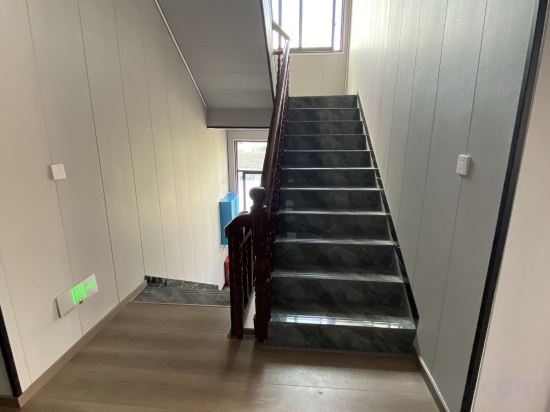

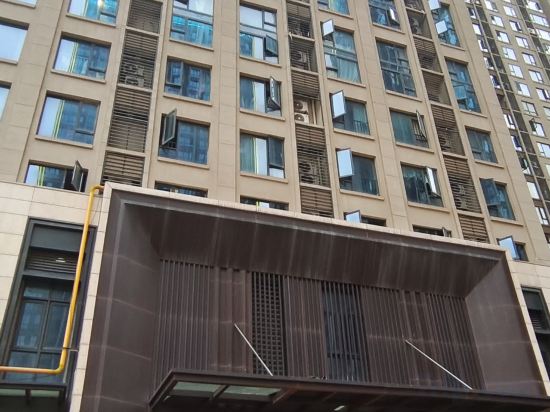

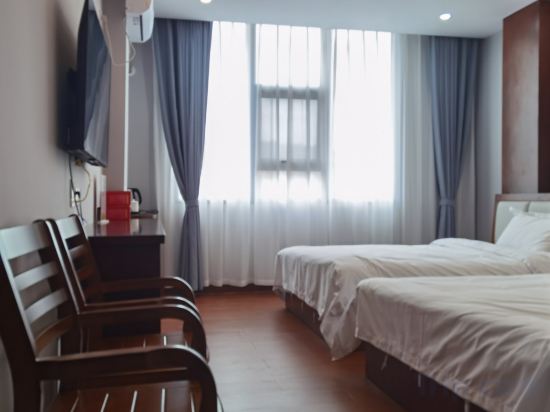
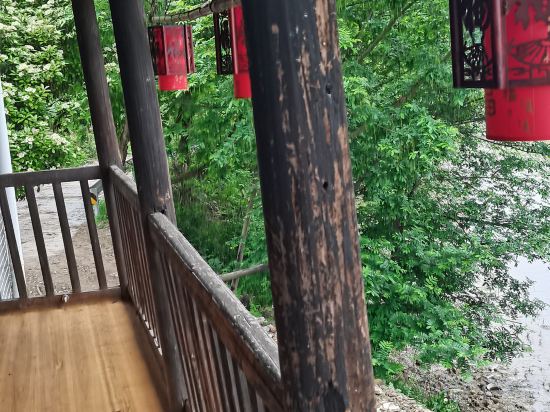
Chenzhou Yueshun Hotel
Yueyue Homestay (Huanghua Airport)
Vienna Hotel (Zhangjiajie National Forest Park Core Scenic Area)
LAMICA Female Only Hotel
LAMICA Female Only Hotel offers top-notch services and amenities, ensuring guests experience utmost comfort. Share your photos and respond to emails at your convenience, thanks to the free Wi-Fi internet access offered by hotel.
Changsha Wanderlus Wuyin Boutique Stay (Kaifu District Government Machang Subway Station)
Zuomingyoushe Hotel
Longshan Tingtaoju
Jinfeng Hotel
Changde Sheffield Hotel
Taike Tribes No.2 Store (Wulingyuan National Forest Park Store)
Transxiqiao Guesthouse (Biancheng Chadong Scenic Area Branch)
Lusu Zhulin Mijing Vacation Apartment
Biancheng Shilixiang Homestay (Branch at Biancheng Chadong Scenic Area)
Zhangjiajie Junlan Hotel (Tianmen Mountain Cableway Station)
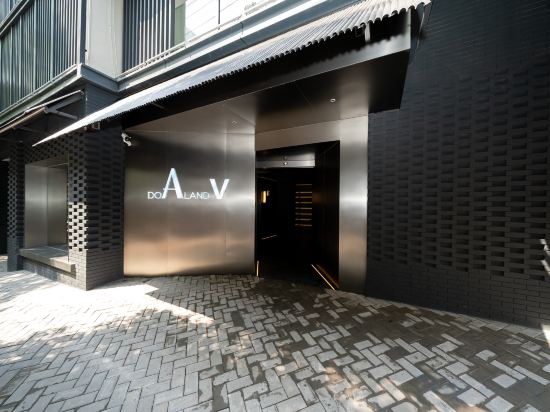
DO A LAND V Hotel (Changsha Wuyi Square Chaozong Street Branch)
Candy Yunqi Apartment Homestay
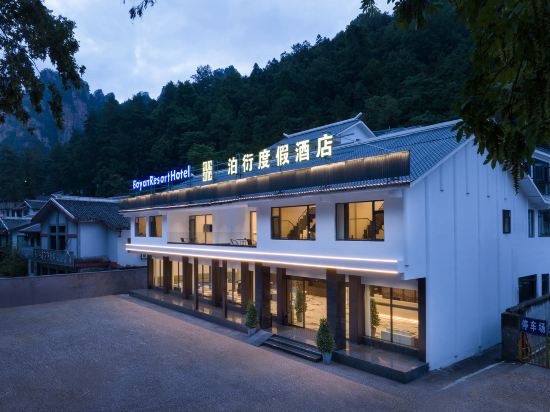
Boyan Resort Hotel
Changsha Wuyi Square Guojin Street Atour Light Hotel
Longhui Tantou Hengwang Hotelel
Xupu Simeng Xiaoxiaochuanerhuaguolai Chinese Inn
Hotels in Hunan
Don't feel hesitant to book hotels in Hunan at tiket.com! We'll make sure to provide all conveniences you need when doing a room reservation. Book your favourite hotel now only at tiket.com!

How to Book Hotels on tiket.com
1. Find the hotelEnter the name of the city, area, or hotel to find the place you want.
2. Select a roomOn the hotel detail page, you will see the available room options. Select a room that suits your needs.
3. Complete the booking detailsInput the contact details (the person who will be contacted by tiket.com and the hotel about the booking) and the guests’ details.
4. Select Add-onsYou can also buy additional services such as meal packages, transportation, and many more.
5. Pay your bookingSelect the payment method and complete your transaction. Don’t forget to use the promo code to get a cheaper hotel price at tiket.com.
6. Get the reservation e-voucherAfter the payment is successful, the e-voucher will be available on the Your Orders menu and sent to the email listed in the contact details.