


Hotels in Jiangxi

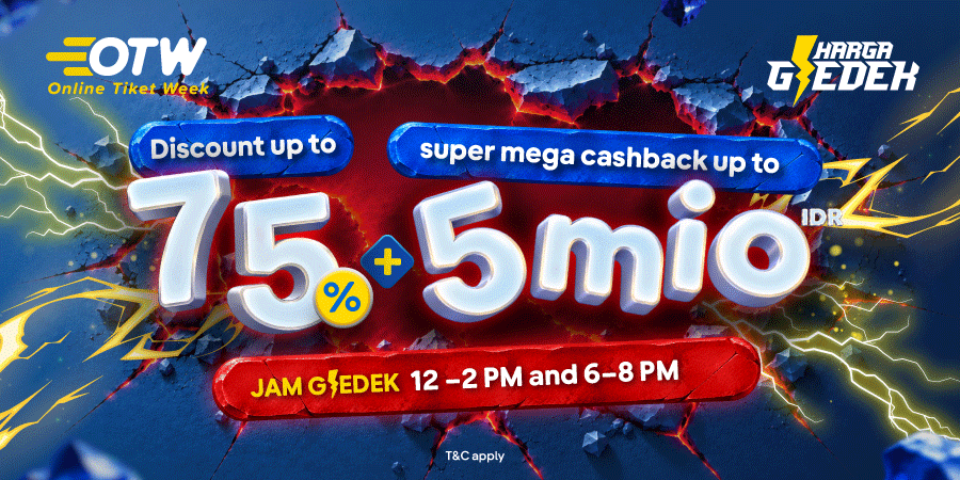
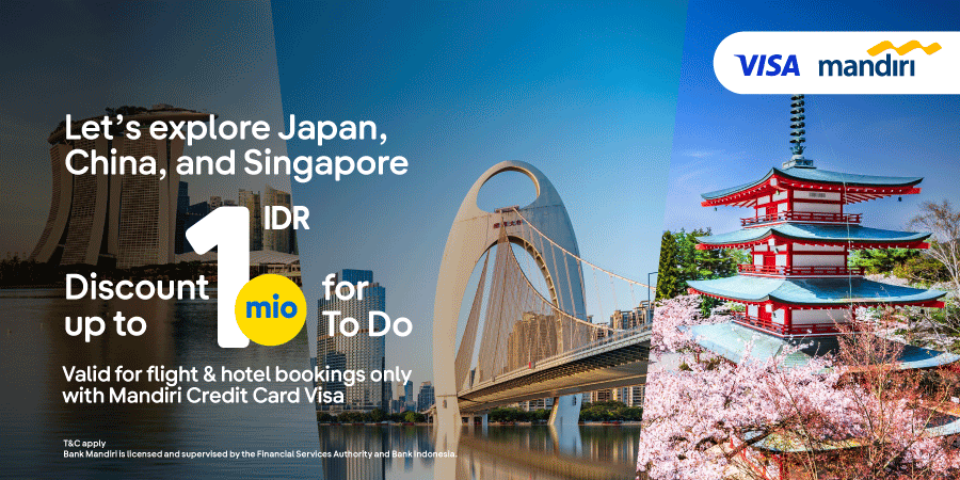
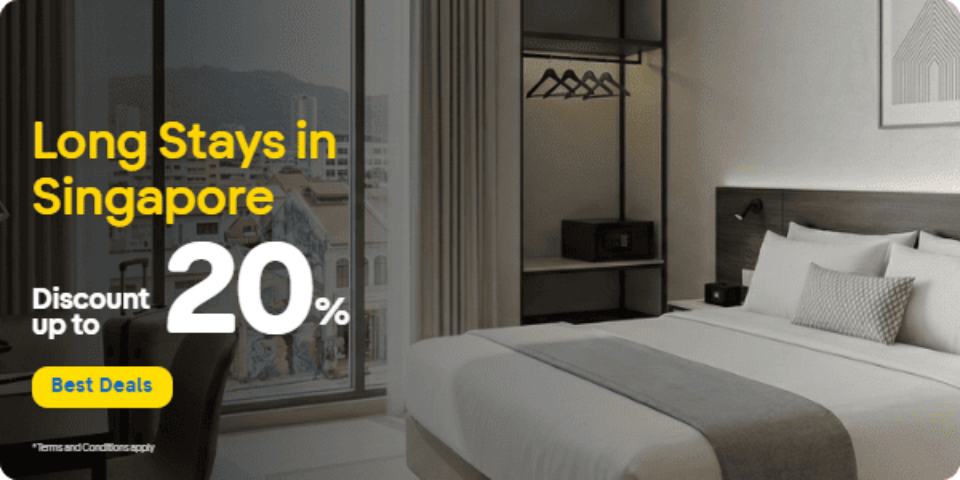
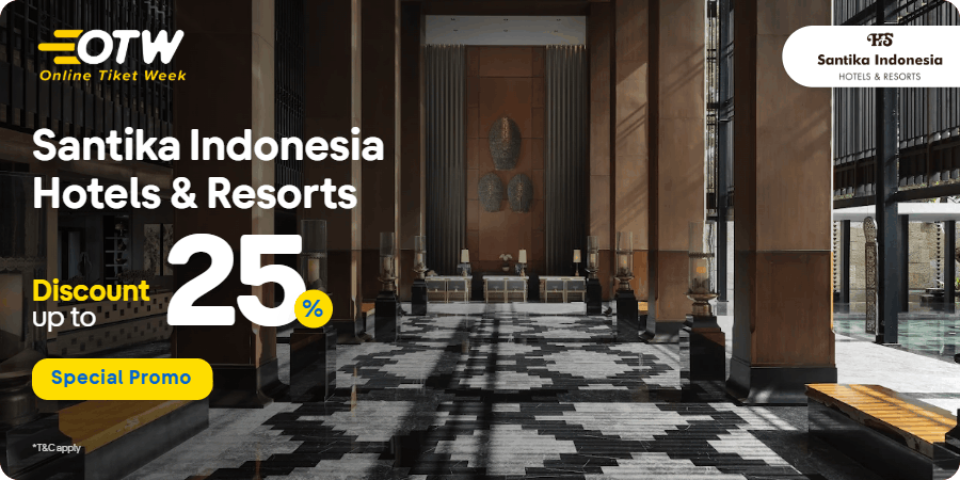
Special offers for you



1/10
Showing 1.000+ hotels in Jiangxi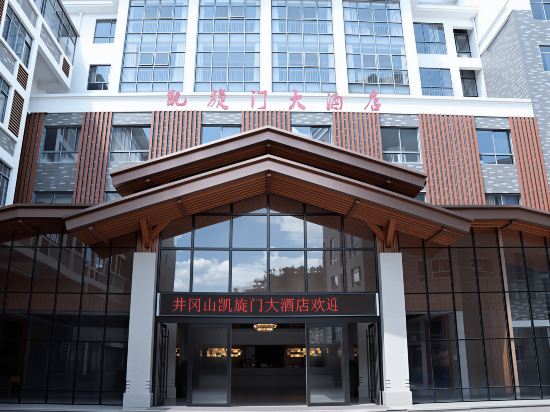

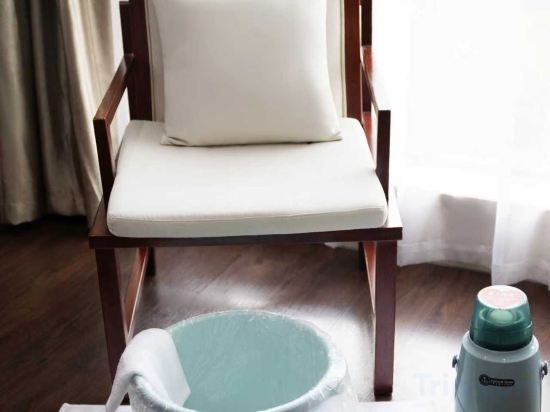
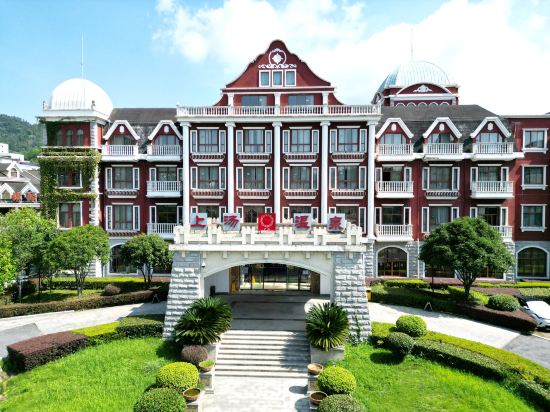
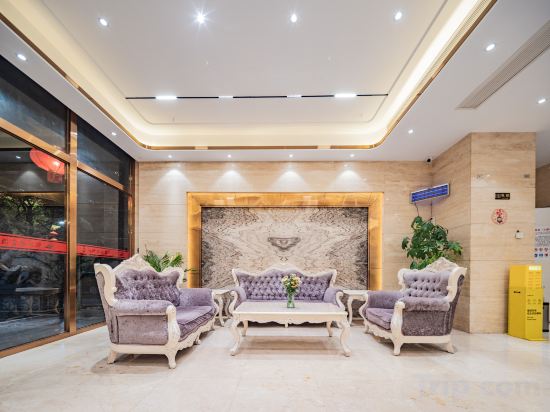
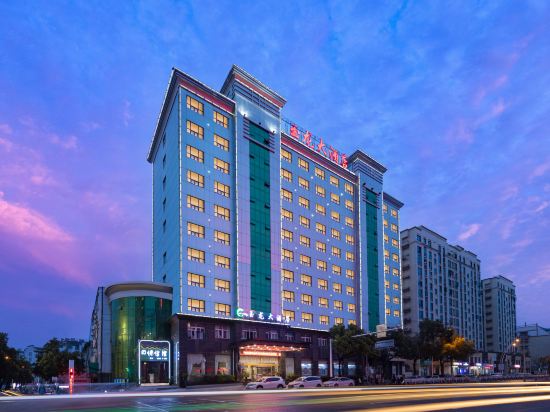


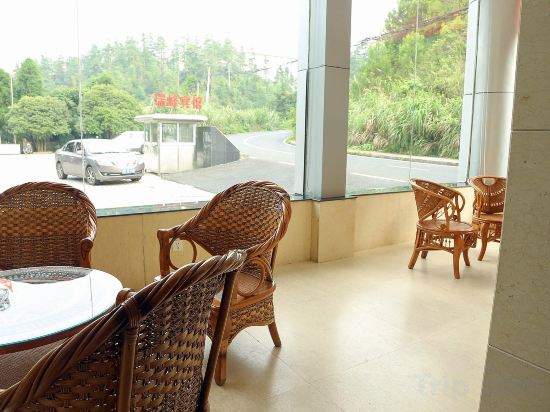

Kaixuanmen Hotel
Hanting Hotel Nanchang Qifeng Road Metro Station
Hanting Hotel Nanchang Qifeng Road Metro Station provides flawless service and all the necessary facilities for visitors. Stay connected with your associates, as complimentary Wi-Fi is available during your entire visit.
Howard Johnson Hotel Lushan Jiahao Huaihai
Shangtang Hot Spring Resort
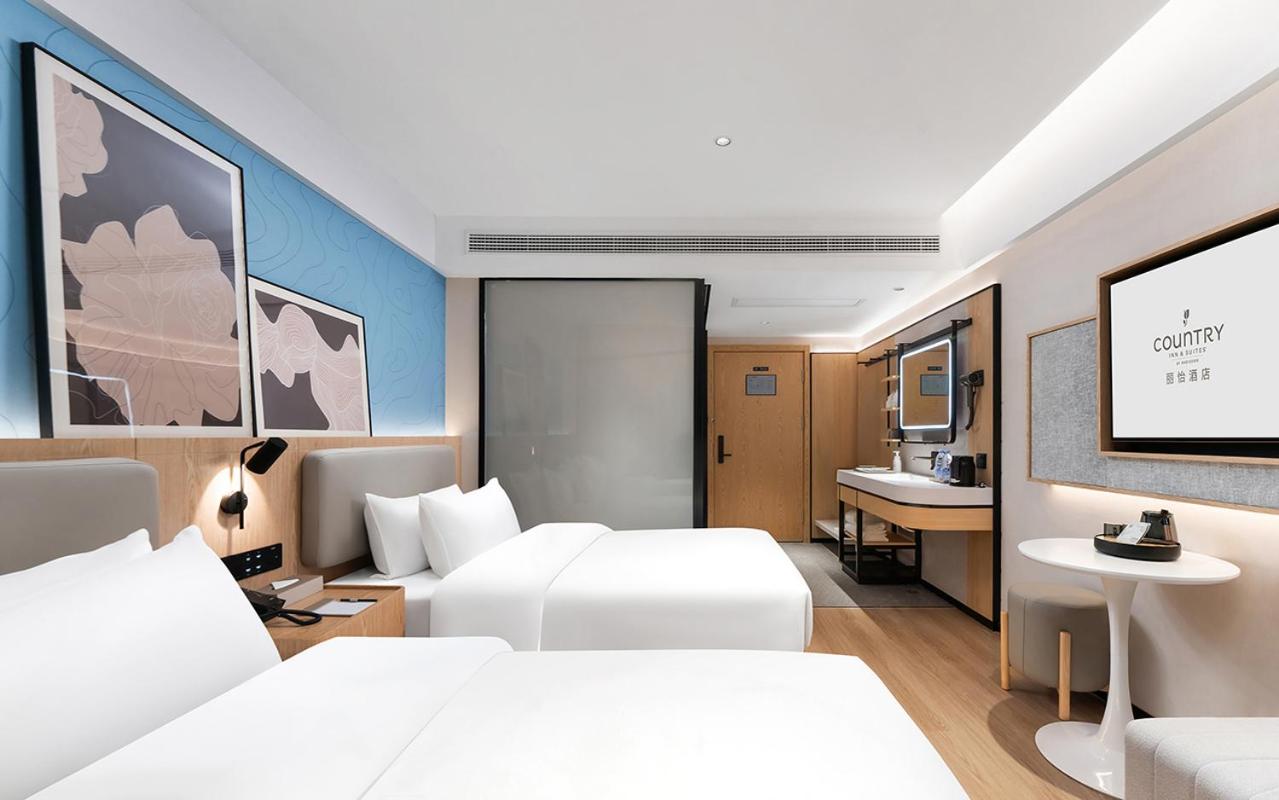
Country Inn & Suite by Radisson, Nanchang Tengwangge Wanshou Palace Subway Station
Located in Nanchang, Country Inn & Suite by Radisson, Nanchang Tengwangge Wanshou Palace Subway Station offers accommodation with easy access to Nanchang’s best spots. The property features restaurant, WiFi, and parking.
Each room is equipped with AC. The bathroom comes with shower.
See detailsJiujiang Hongyun Hotel (Shili Old Street Wanda Plaza)
Yulong Hotel
Zhongtailai International Hotel
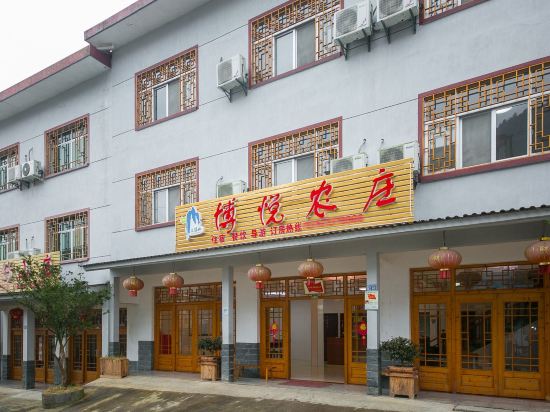
Boyue Hotel
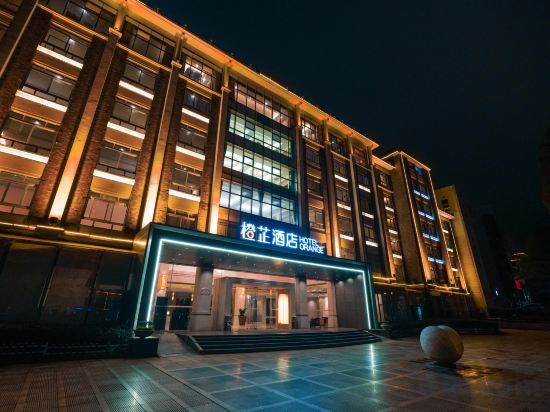
Orange Hotel (Jinggangshan Revolutionary Museum Branch)
Hi Inn Nanchang Liantangzhong Avenue
At Hi Inn Nanchang Liantangzhong Avenue, exceptional service and top-notch amenities create a memorable experience for guests. Complimentary internet access is available in the hotel to ensure you stay connected during your visit.
Hanting Hotel Nanchang Honggutan Wanda Plaza
At Hanting Hotel Nanchang Honggutan Wanda Plaza, exceptional service and top-notch amenities create a memorable experience for guests. Complimentary internet access is available in the hotel to ensure you stay connected during your visit.
Ruifeng Hotel
Ji Hotel Jingdezhen China Ceramic Market
Experience an abundance of unparalleled facilities and features at Ji Hotel Jingdezhen China Ceramic Market. Maintain seamless communication using the complimentary Wi-Fi at hotel.
Hotels in Jiangxi
Don't feel hesitant to book hotels in Jiangxi at tiket.com! We'll make sure to provide all conveniences you need when doing a room reservation. Book your favourite hotel now only at tiket.com!

How to Book Hotels on tiket.com
1. Find the hotelEnter the name of the city, area, or hotel to find the place you want.
2. Select a roomOn the hotel detail page, you will see the available room options. Select a room that suits your needs.
3. Complete the booking detailsInput the contact details (the person who will be contacted by tiket.com and the hotel about the booking) and the guests’ details.
4. Select Add-onsYou can also buy additional services such as meal packages, transportation, and many more.
5. Pay your bookingSelect the payment method and complete your transaction. Don’t forget to use the promo code to get a cheaper hotel price at tiket.com.
6. Get the reservation e-voucherAfter the payment is successful, the e-voucher will be available on the Your Orders menu and sent to the email listed in the contact details.