



Hotels in Shaanxi

Special offers for you










1/10
Showing 4.000+ hotels in Shaanxi











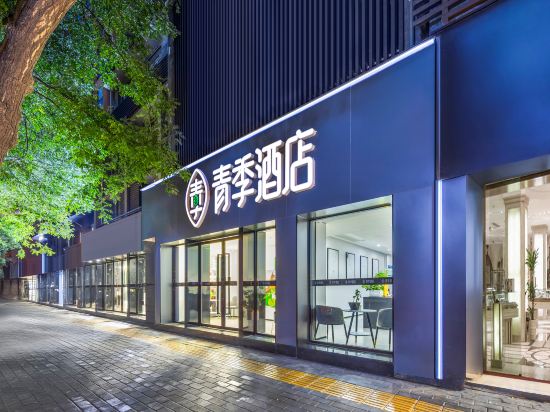


Qing Ju Hotel
Xingyue Homestay (Xi'an Railway Station Wulukou Subway Station)
Wan'ao Hotel (Gaoxin Huanpu Sci-Tech Industrial Park Branch)
JI Hotel (Xi'an Huoche Beizhan Nanguangchang)
Wutu Design Guesthouse (Yanta Shaanxi History Museum)
Baili Orange Hotel (Chang'an University Town Xi'an Aerospace City Subway Station)
Redfield House B&B
Zhenba Tea-themed Stay Courtyard Homestay
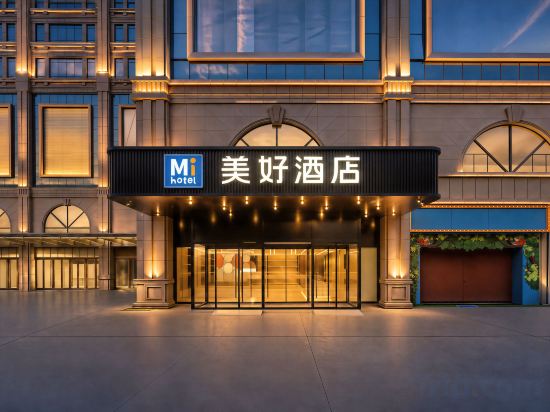
Meihao Hotel Xi'an Tangdu Hospital Textile City Subway Station Branch
Orange Hotel (Huayin Mount Hua North Railway Station Huayue Avenue)
JINGBIANTIANQUE
Chang'an Lido Moment Hotel (Xi'an Bell and Drum Tower Hui Fang)
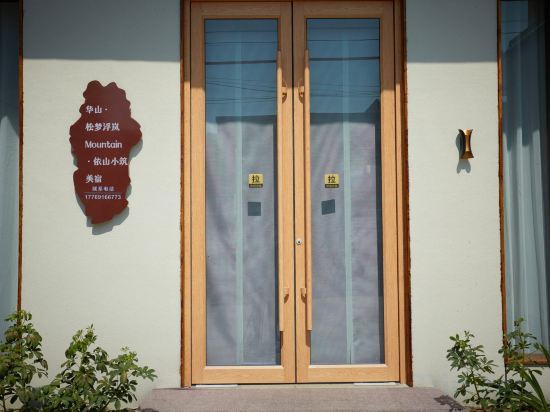
Huashan·Songmeng Fulan Mountain·Yishan Xiaozhu Meisu (Huashan Scenic Area Tourist Center Branch)
PG Barton Lan Designer Hotel (Yan'an Wanda Plaza, Baota Mountain Branch)
Aifeel Hotel (Yan'an Huangling Station)
Changee Hotel (Xi'an Bell Tower Subway Station)
Floral Hotel·Yunshan Yue Hotel (Liuba Branch)
Meilhao Hotel (Zaoyuan Campus of Yan'an University Branch)
JI Hotel (Xi'an North Railway Station Beiyuan Subway Station)
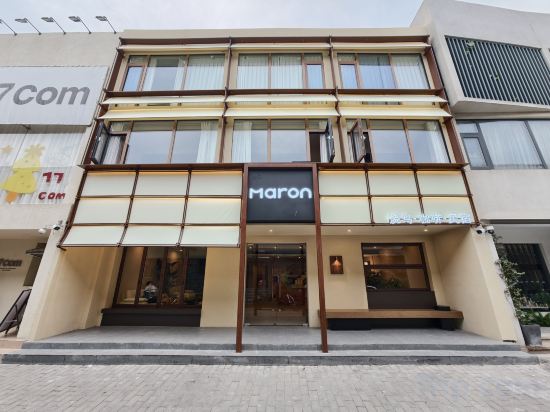
Maron Homestay
Hotels in Shaanxi
Don't feel hesitant to book hotels in Shaanxi at tiket.com! We'll make sure to provide all conveniences you need when doing a room reservation. Book your favourite hotel now only at tiket.com!

How to Book Hotels on tiket.com
1. Find the hotelEnter the name of the city, area, or hotel to find the place you want.
2. Select a roomOn the hotel detail page, you will see the available room options. Select a room that suits your needs.
3. Complete the booking detailsInput the contact details (the person who will be contacted by tiket.com and the hotel about the booking) and the guests’ details.
4. Select Add-onsYou can also buy additional services such as meal packages, transportation, and many more.
5. Pay your bookingSelect the payment method and complete your transaction. Don’t forget to use the promo code to get a cheaper hotel price at tiket.com.
6. Get the reservation e-voucherAfter the payment is successful, the e-voucher will be available on the Your Orders menu and sent to the email listed in the contact details.