



Hotels in Shanghai

Special offers for you






1/10
Showing 5.000+ hotels in Shanghai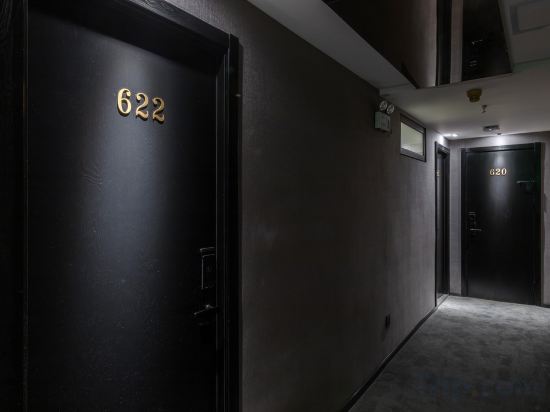



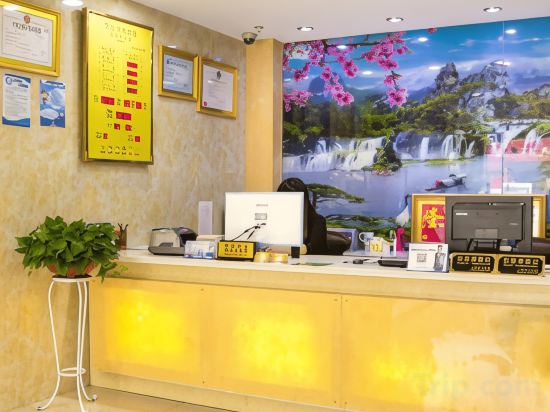
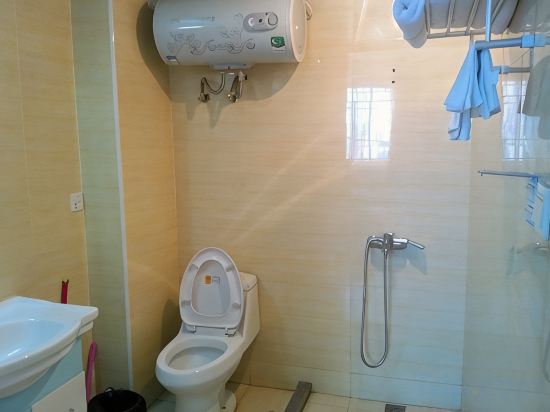
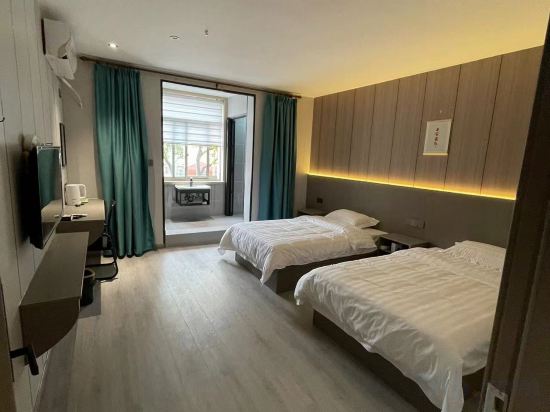


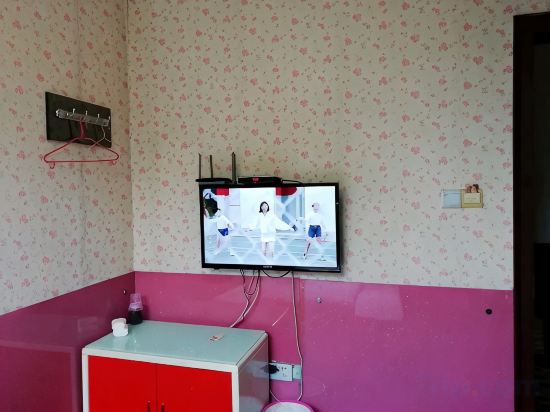
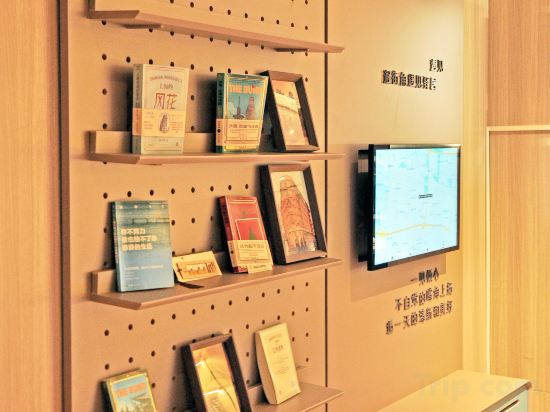
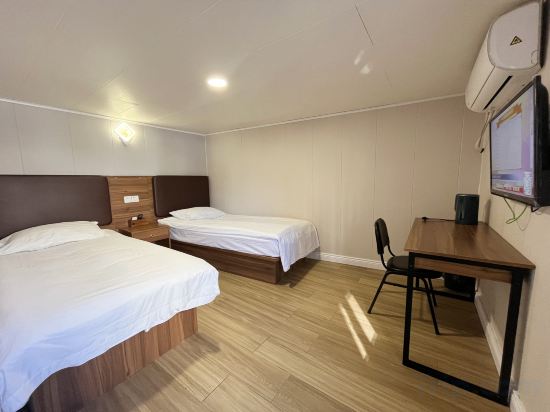
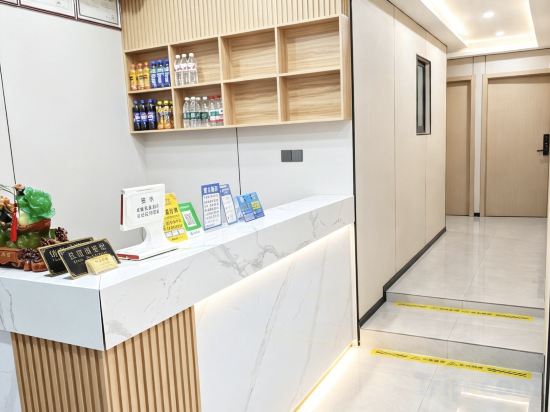


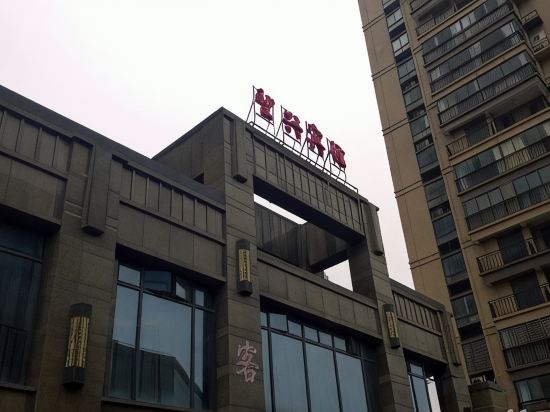
Forest Hotel
Xiangyue Fashion Hotel (Shanghai Xinqiao Branch)
Inn Fan Hotel(Shanghai imixpark store)
Ji Hotel Shanghai New International Expo Center Jinxiu Road
Ji Hotel Shanghai New International Expo Center Jinxiu Road offers top-notch services and amenities, ensuring guests experience utmost comfort. Share your photos and respond to emails at your convenience, thanks to the free Wi-Fi internet access offered by hotel.
See detailsShanghai Sunshine Express Hotel
Hongyunlai Hotel (Shanghai Shangchuan Branch)
Shanghai Yijia Hotel
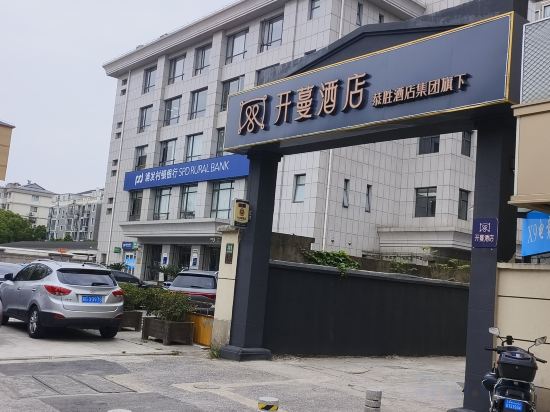
Kaiman Hotel (Shanghai FengxianNangiao Tongyang Road Branch)
Shanghai Jinjiang Metropolo East Nanjing Road Hotel,Off Bund
Shanghai Jinxiang Hotel
Home Inn Hotel (Shanghai Hongqiao Wuzhong Road Hechuan Road Subway Station Branch)
Hi Inn Shanghai Xuhui Dong'an Road Subway Station Hotel
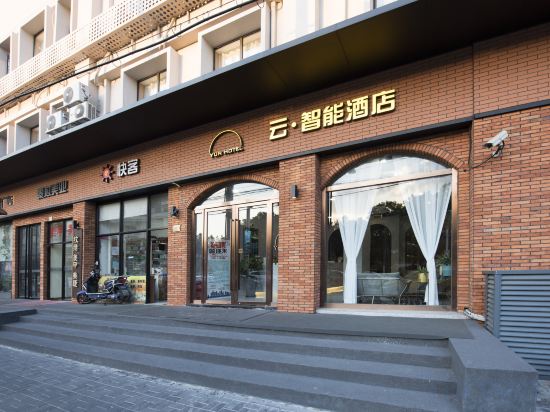
Cloud Smart Hotel (Shanghai Xingzhi Road Subway Station Store)
Shanghai Linxin Hotel
Home Inn Express Jiaiyi Road Metro Station Store
Shanghai Jingting Inn
Shanghai Hayan Hotel
Shanghai Jinhui Hotel
Jtour Inn Hotel (Shanghai University)
Wangxing Hotel
Hotels in Shanghai
Don't feel hesitant to book hotels in Shanghai at tiket.com! We'll make sure to provide all conveniences you need when doing a room reservation. Book your favourite hotel now only at tiket.com!

How to Book Hotels on tiket.com
1. Find the hotelEnter the name of the city, area, or hotel to find the place you want.
2. Select a roomOn the hotel detail page, you will see the available room options. Select a room that suits your needs.
3. Complete the booking detailsInput the contact details (the person who will be contacted by tiket.com and the hotel about the booking) and the guests’ details.
4. Select Add-onsYou can also buy additional services such as meal packages, transportation, and many more.
5. Pay your bookingSelect the payment method and complete your transaction. Don’t forget to use the promo code to get a cheaper hotel price at tiket.com.
6. Get the reservation e-voucherAfter the payment is successful, the e-voucher will be available on the Your Orders menu and sent to the email listed in the contact details.