



Hotels in Grad Zagreb

Special offers for you




1/10
Showing 1.000+ hotels in Grad Zagreb

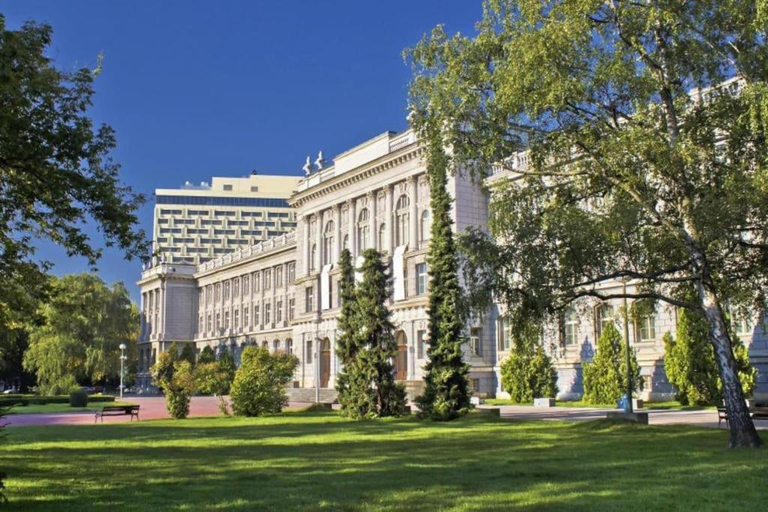


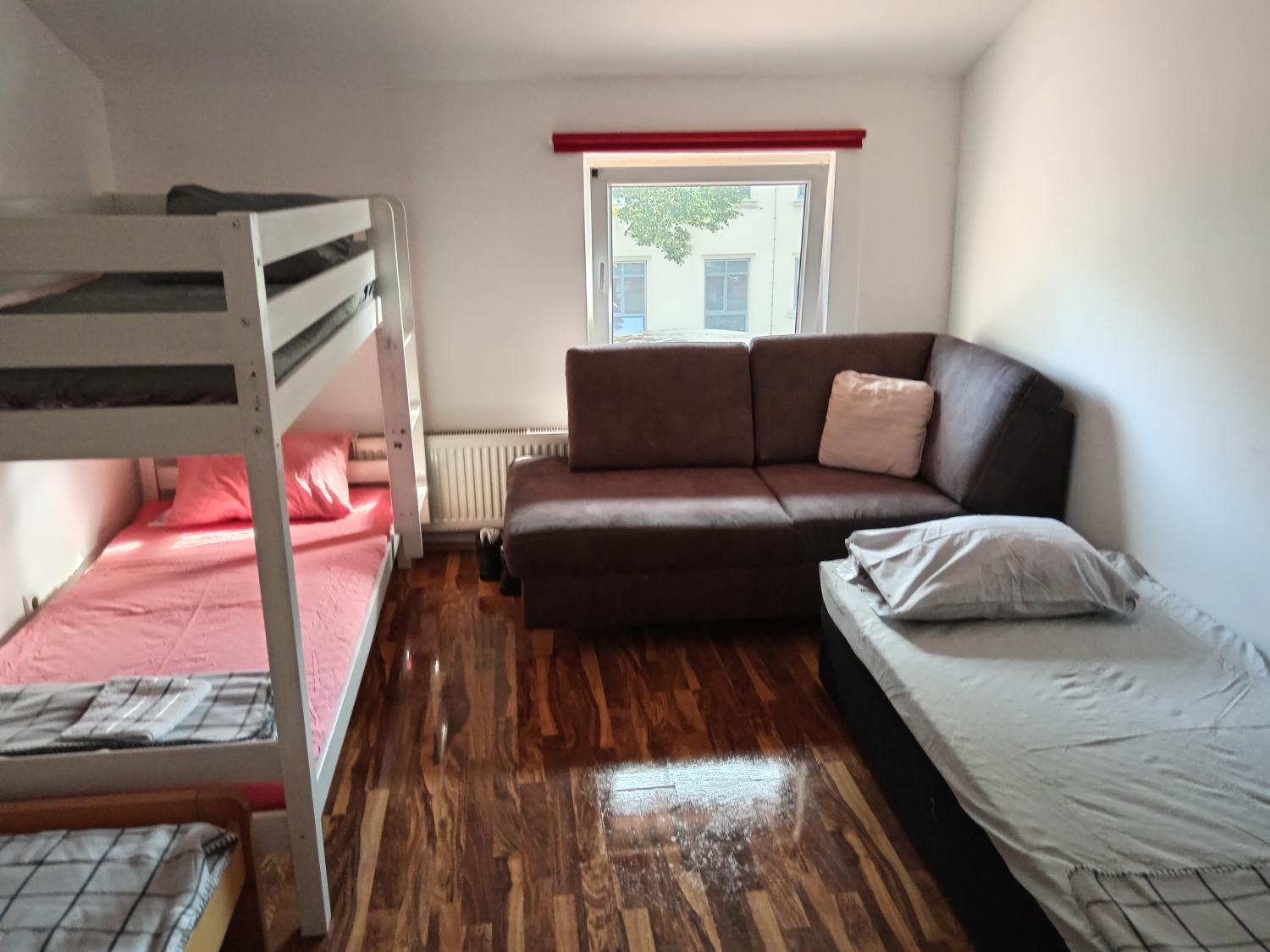


Le Boutique Chambre Vita
Apartman No. 2
Cosy condo in the heart of the Upper town Zagreb
Cosy Lu Apartment
City center 2bedroom apartment
Soul
Grande Maison Contemporaine
Each room is equipped with AC. The bathroom comes with shower.
Apartments Pamer, 4th floor, no elevator
The rooms feature (a) AC, TV, and refrigerator. The en suite bathroom comes with (a) shower, free toiletries, and hair dryer.
Staff at the Apartment can assist you with laundry service/dry cleaning and airport transfer (free). Other facilities include washing machine and iron/ironing board.
See detailsRooms Viktoria
Each room is equipped with AC. The bathroom comes with shower.
Himalyan Curry Hostel Nepali
Located in Zagreb, Himalyan Curry Hostel Nepali offers accommodation with easy access to Zagreb’s best spots. The property features restaurant, WiFi, and children facility.
The property offers washing machine and BBQ facilities. Other facilities include 24-hour front desk, luggage storage, and laundry service/dry cleaning.
See detailsStudio Apartments Lenuzzi Zagreb
Studio Apartments Lenuzzi Zagreb welcomes you to a comfortable stay at Zagreb. The Apartment offers complete facilities to cater to guests’ needs, such as WiFi, children facility, and kitchen.
The rooms feature (a) AC, TV, and refrigerator. The en suite bathroom comes with (a) shower, free toiletries, and hair dryer.
See detailsDouble room Lorene
Hotels in Grad Zagreb
Don't feel hesitant to book hotels in Grad Zagreb at tiket.com! We'll make sure to provide all conveniences you need when doing a room reservation. Book your favourite hotel now only at tiket.com!
How to Book Hotels on tiket.com
1. Find the hotelEnter the name of the city, area, or hotel to find the place you want.
2. Select a roomOn the hotel detail page, you will see the available room options. Select a room that suits your needs.
3. Complete the booking detailsInput the contact details (the person who will be contacted by tiket.com and the hotel about the booking) and the guests’ details.
4. Select Add-onsYou can also buy additional services such as meal packages, transportation, and many more.
5. Pay your bookingSelect the payment method and complete your transaction. Don’t forget to use the promo code to get a cheaper hotel price at tiket.com.
6. Get the reservation e-voucherAfter the payment is successful, the e-voucher will be available on the Your Orders menu and sent to the email listed in the contact details.