



4 Star Hotels in Dresden

Special offers for you





1/10
Showing 104 hotels in Dresden



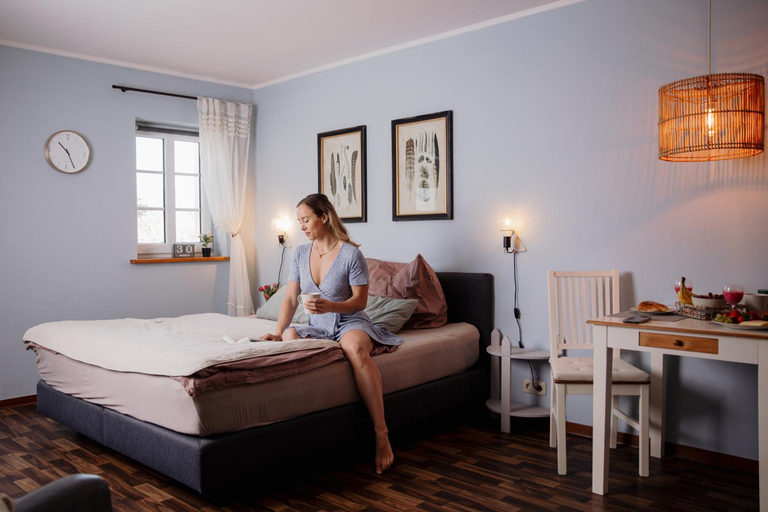


Ferienwohnungen Landeskrone Dresden
Strohhutmanufaktur
Modernes Cityapartment nahe Schloss Pillnitz
Ferienhaus Zur Ausspanne
Campus Apartment Martin
NP-Apartments Blasewitz
Pension Adele - Ruhig, direkt am Elberadweg & Badesee mit Balkon
Apartment der Villa Elsa
Schloss - Apartments an der Uni - Klinik
Modernes Apartment am Neumarkt
Cozy studio apartment - City CentreTerrace Apt3
Queen Loui: Comfy Apartment mit Tiefgarage
Laurin Apartment L65
Modernes Apartment An der Frauenkirche II
PINEAPPLE APARTMENTS - Palais am Neumarkt
PINEAPPLE APARTMENTS - Dresden Mitte - free parking
Innenstadt-Apartments Klinik Friedrichstadt
home2stay Apartments in Dresden Altstadt
Campus Apartment Alexander
Cozy Modern City Apartment

How to Book Hotels on tiket.com
1. Find the hotelEnter the name of the city, area, or hotel to find the place you want.
2. Select a roomOn the hotel detail page, you will see the available room options. Select a room that suits your needs.
3. Complete the booking detailsInput the contact details (the person who will be contacted by tiket.com and the hotel about the booking) and the guests’ details.
4. Select Add-onsYou can also buy additional services such as meal packages, transportation, and many more.
5. Pay your bookingSelect the payment method and complete your transaction. Don’t forget to use the promo code to get a cheaper hotel price at tiket.com.
6. Get the reservation e-voucherAfter the payment is successful, the e-voucher will be available on the Your Orders menu and sent to the email listed in the contact details.