



Hotels near Fukuyama Managura Station

Special offers for you






1/10
Showing 67 hotels near Fukuyama Managura Station
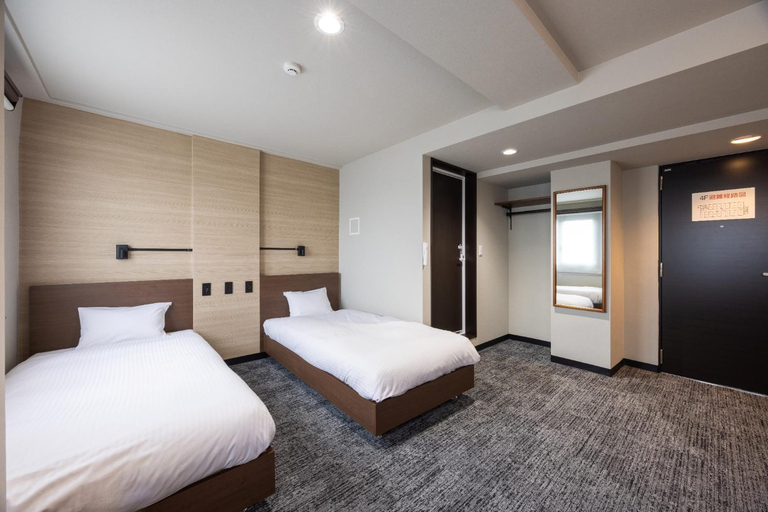
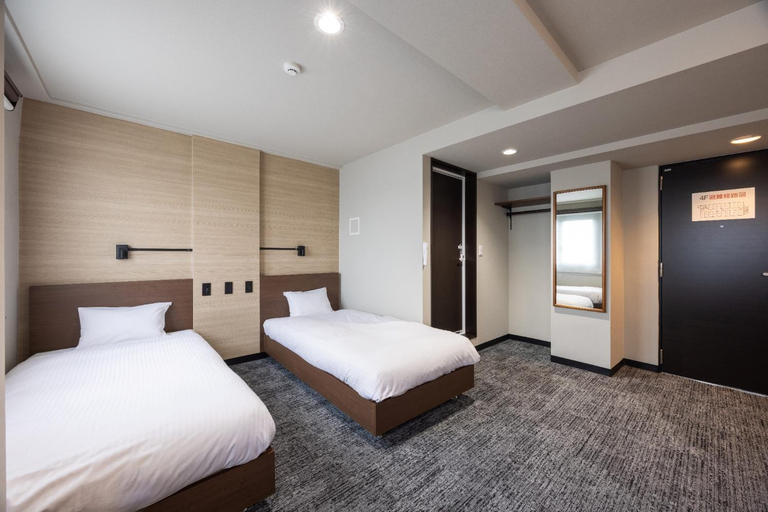

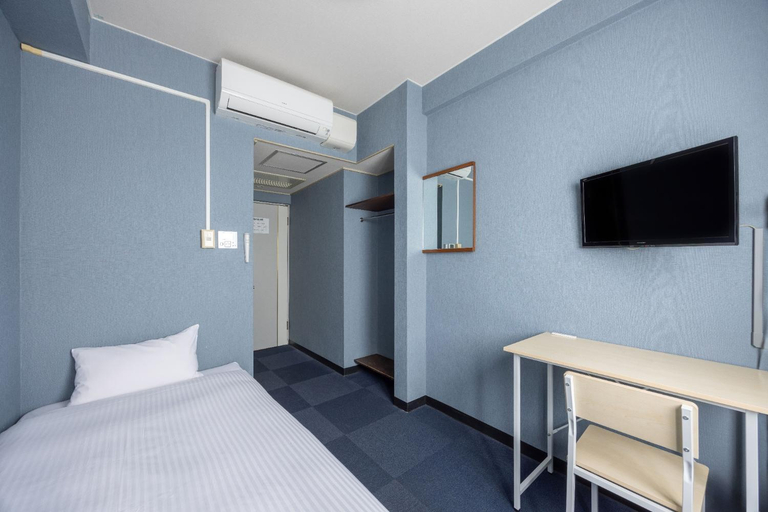


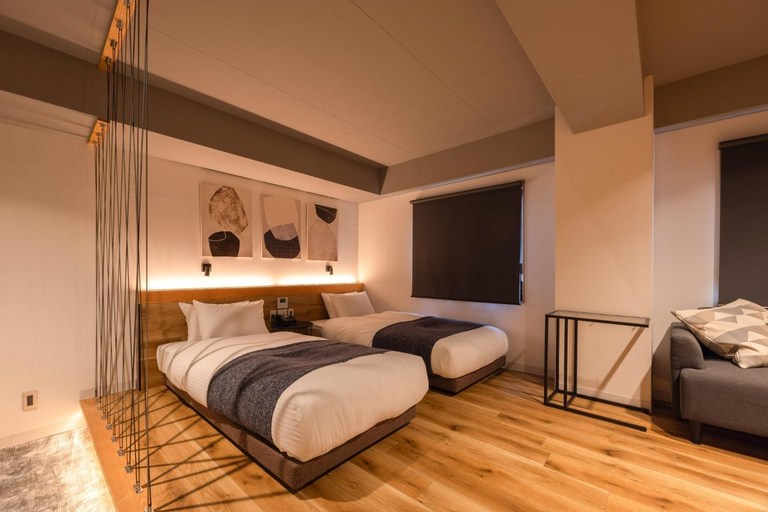
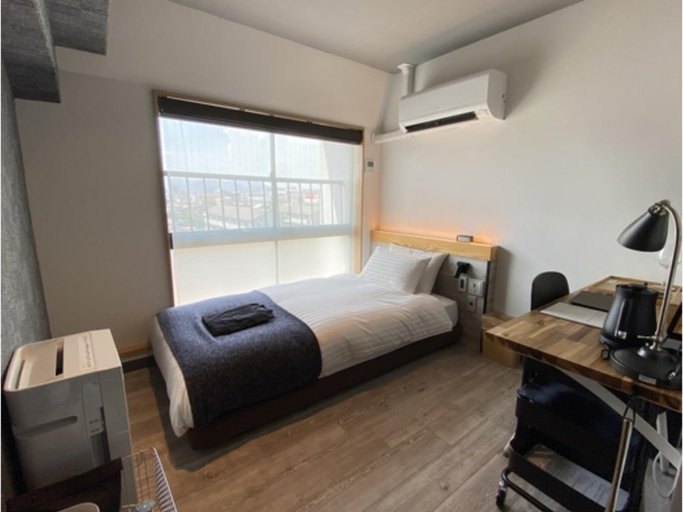
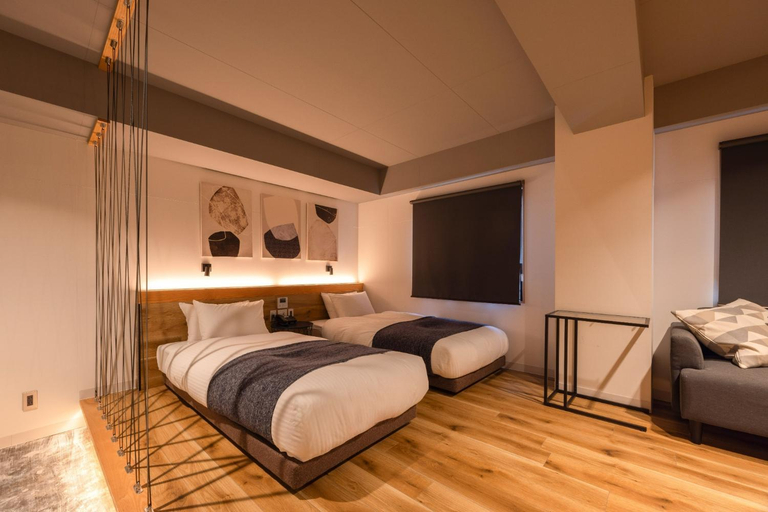
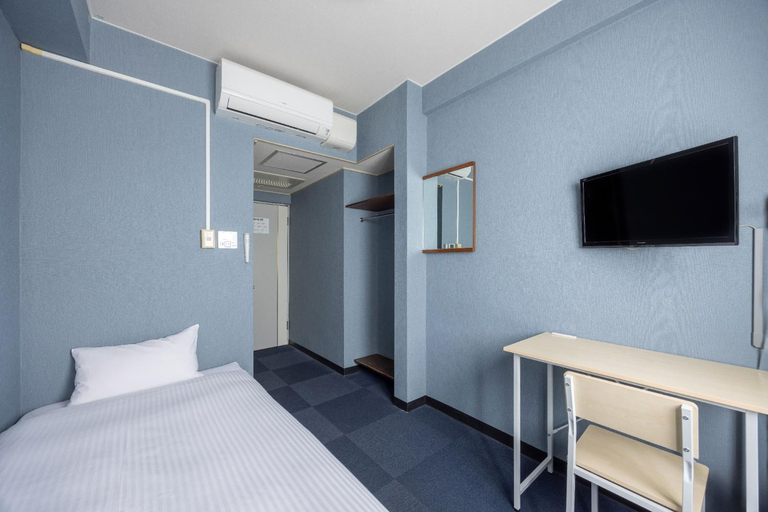
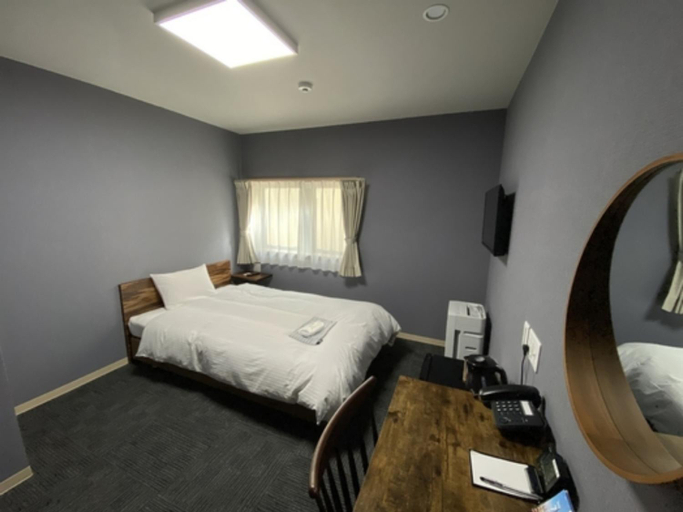
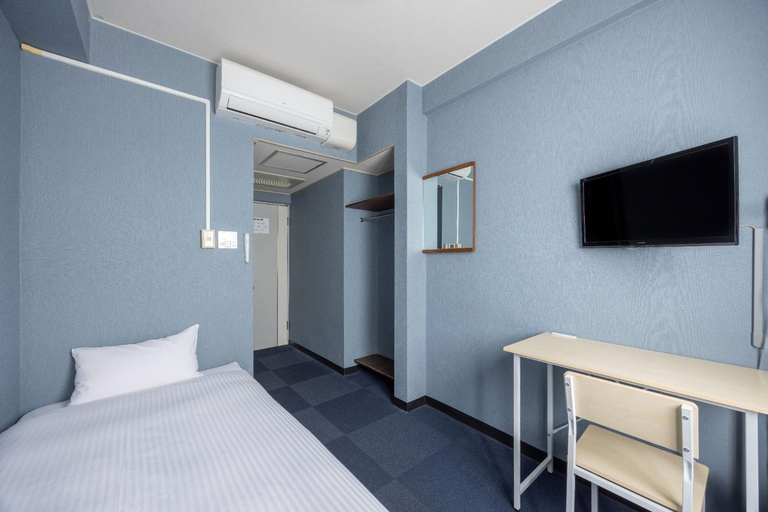
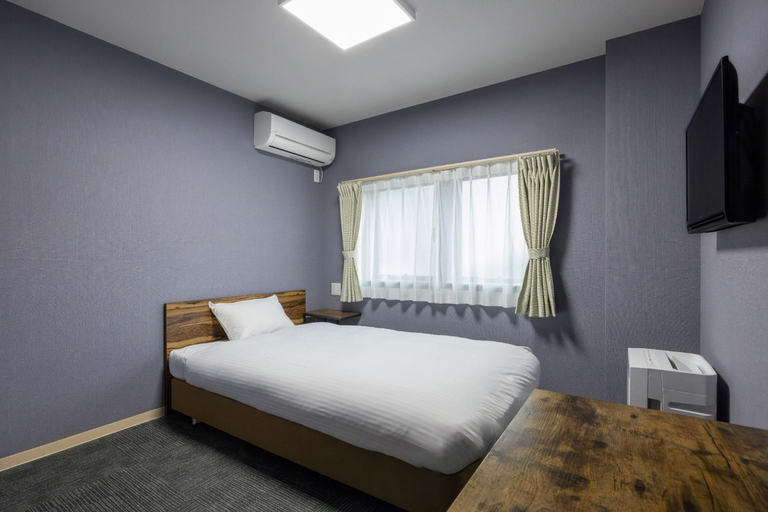
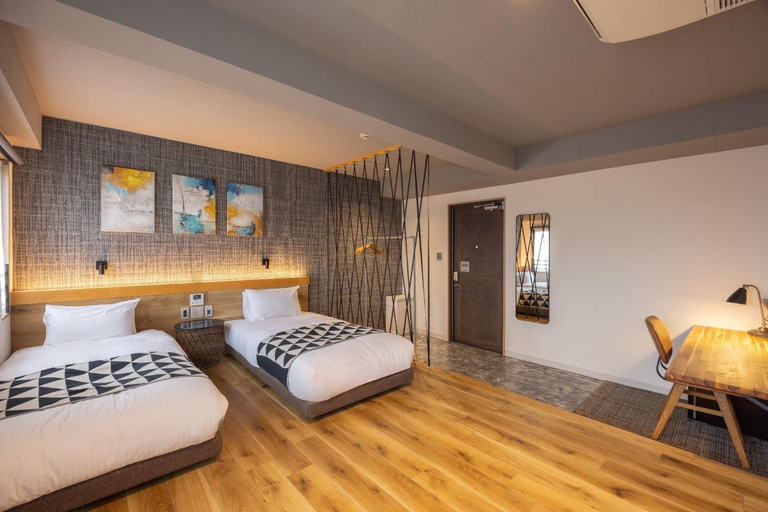
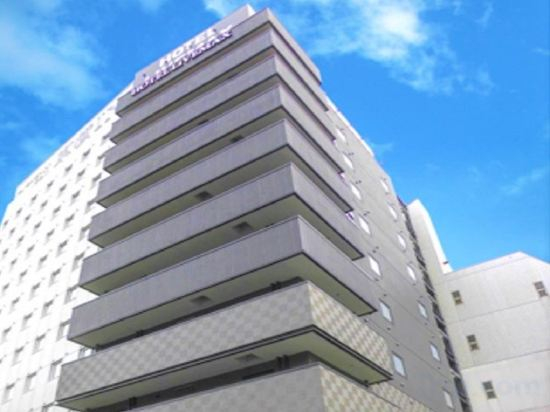
Fukuyama Royal Hotel - Vacation STAY 36222v
Fukuyama Royal Hotel - Vacation STAY 46765v
Fukuyama Royal Hotel - Vacation STAY 28791v
Fukuyama Royal Hotel - Vacation STAY 46781v
Fukuyama Royal Hotel - Vacation STAY 28773v
Fukuyama Royal Hotel - Vacation STAY 36210v
Fukuyama Royal Hotel - Vacation STAY 28748v
Fukuyama Royal Hotel - Vacation STAY 33880v
Fukuyama Royal Hotel - Vacation STAY 33872v
Fukuyama Royal Hotel - Vacation STAY 46684v
Fukuyama Royal Hotel - Vacation STAY 36228v
Fukuyama Royal Hotel - Vacation STAY 46674v
Fukuyama Royal Hotel - Vacation STAY 36218v
Fukuyama Royal Hotel - Vacation STAY 46665v
Experience an abundance of unparalleled facilities and features at Fukuyama Royal Hotel - Vacation STAY 46665v. Maintain seamless communication using the complimentary Wi-Fi at hotel.For visitors traveling by automobile, complimentary parking is available.At Fukuyama Royal Hotel - Vacation STAY 46665v, every guestroom is provided with convenient amenities and fittings to ensure a comfortable stay. Certain rooms offer in-room amusement features such as the television for your enjoyment.In select rooms at the hotel, a refrigerator is available for those moments when it seems necessary. In the hotel, certain guest bathrooms come equipped with essential bathroom amenities, such as a hair dryer and toiletries, ensuring a comfortable stay for guests. At Fukuyama Royal Hotel - Vacation STAY 46665v, guests can access vending machines that provide light snacks and beverages 24 hours a day.
See detailsFukuyama Royal Hotel - Vacation STAY 28787v
Fukuyama Royal Hotel - Vacation STAY 36230v
HOTEL LiVEMAX Fukuyama Ekimae
Hotels near Fukuyama Managura Station
Don't feel hesitant to book hotels near Fukuyama Managura Station at tiket.com! We'll make sure to provide all conveniences you need when doing a room reservation. Book your favourite hotel now only at tiket.com!

How to Book Hotels on tiket.com
1. Find the hotelEnter the name of the city, area, or hotel to find the place you want.
2. Select a roomOn the hotel detail page, you will see the available room options. Select a room that suits your needs.
3. Complete the booking detailsInput the contact details (the person who will be contacted by tiket.com and the hotel about the booking) and the guests’ details.
4. Select Add-onsYou can also buy additional services such as meal packages, transportation, and many more.
5. Pay your bookingSelect the payment method and complete your transaction. Don’t forget to use the promo code to get a cheaper hotel price at tiket.com.
6. Get the reservation e-voucherAfter the payment is successful, the e-voucher will be available on the Your Orders menu and sent to the email listed in the contact details.