



4 Star Hotels in Osaka
Showing 442 hotels in Osaka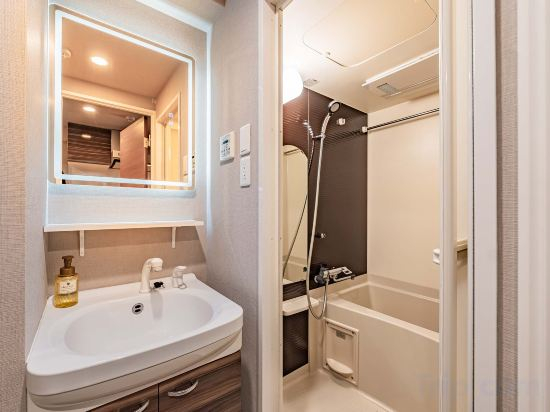
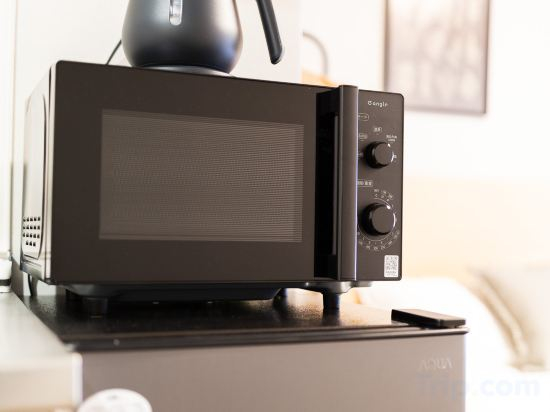
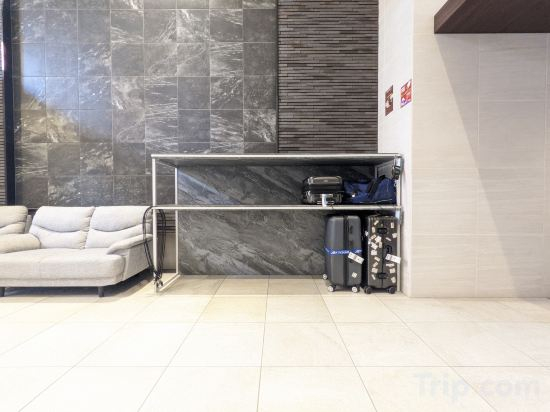
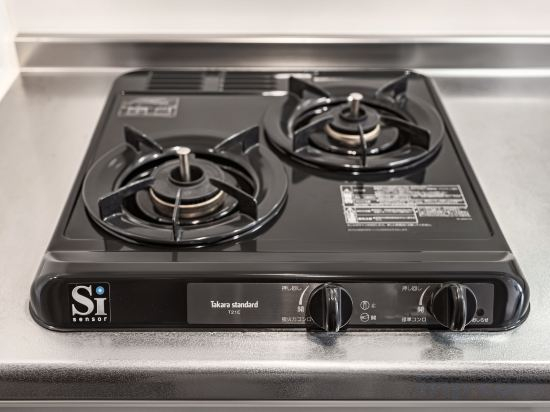
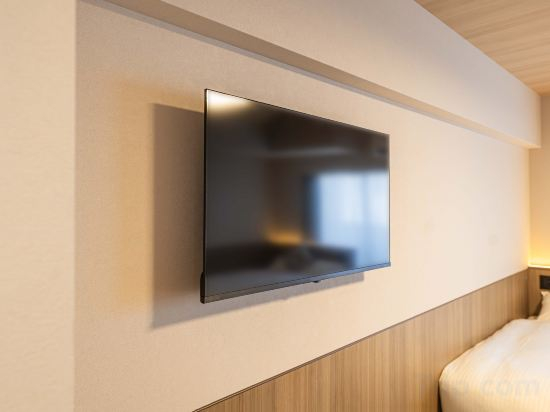
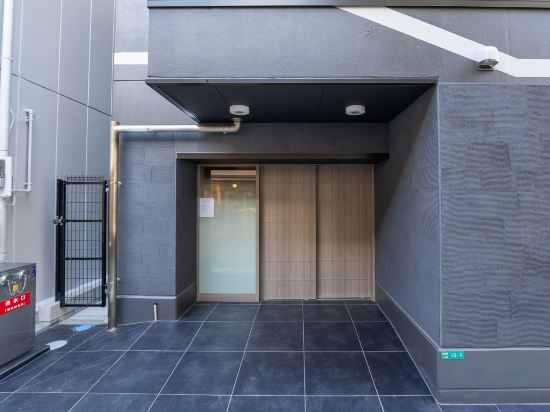
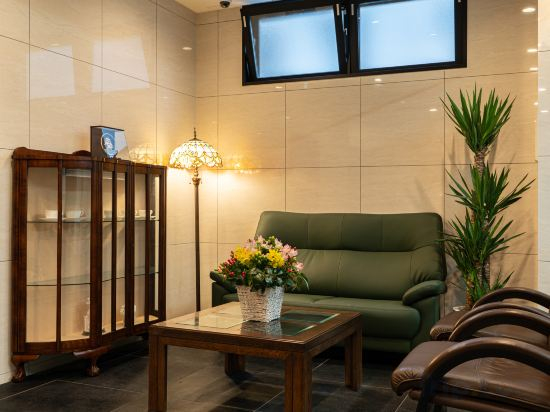
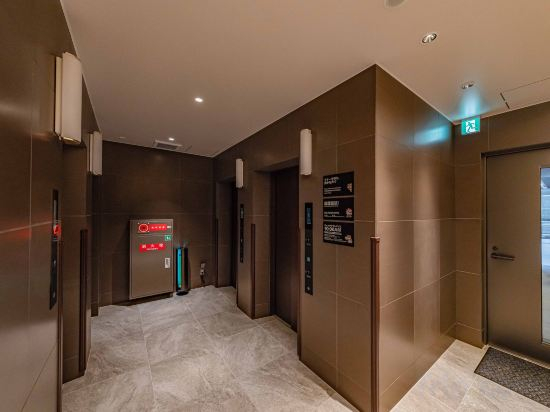
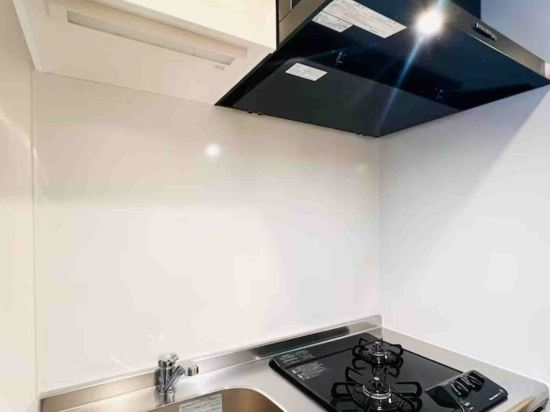
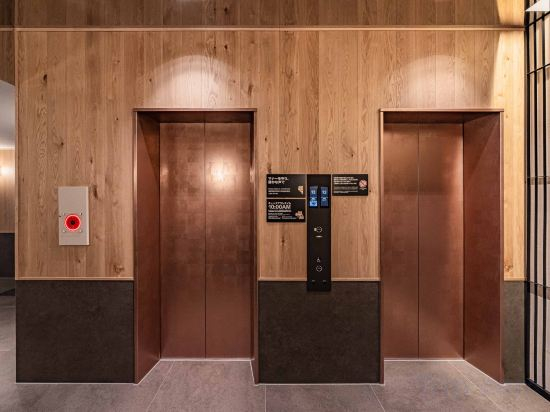
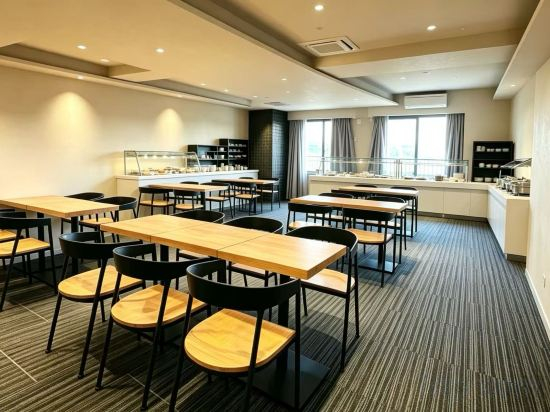
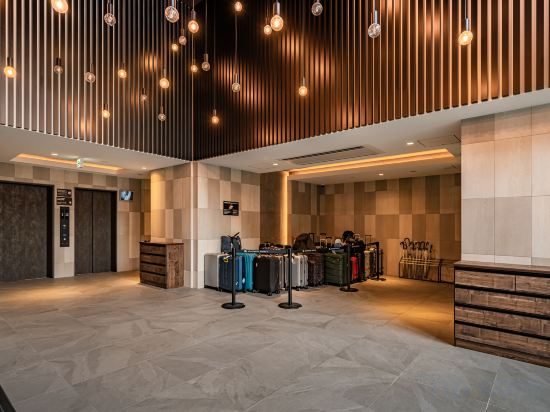
Apartment Hotel 11 Kuromon 8
Unizen-Orange Street
Apartment Hotel 11 Namba Minami 6
Afp Tennoji Minami Apartment1
b&Namba4
Apartment Hotel 11 Shinsaibashi 5
Apartment Hotel 11 Kuromon 3
Apartment Hotel 11 Namba Minami 7
b&Kuromon2
ESLEAD HOTEL Osaka Nipponbashi
Apartment Hotel 11 Abeno
Apartment Hotel 11 Kuromon 9
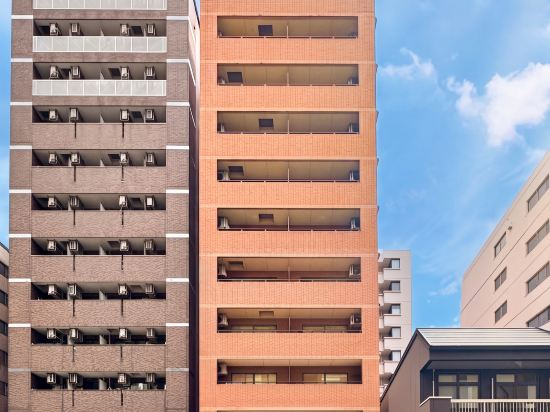
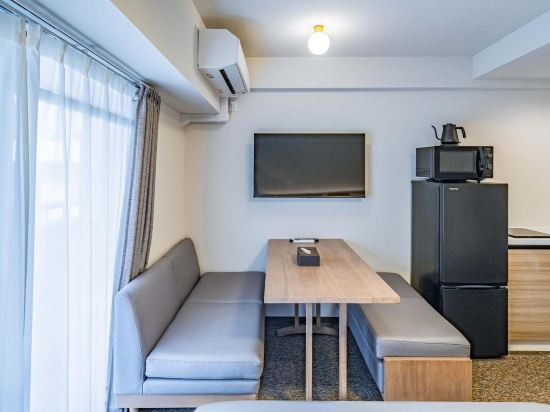
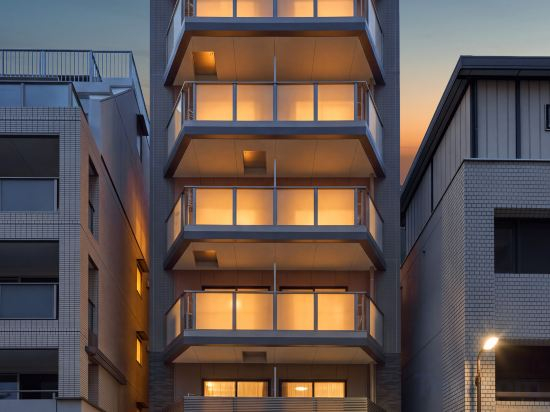
Great care is taken to ensure guests experience comfort through top-notch services and amenities. Stay connected with your associates, as complimentary Wi-Fi is available during your entire visit.To facilitate your arrival and departure, you can pre-book airport transfer services prior to checking in. The apartment offers reception assistance, including express check-in or check-out, to ensure guest satisfaction.To ensure the well-being and convenience of all visitors, smoking is strictly prohibited throughout the entire apartment. In order to ensure the utmost level of relaxation, the guestrooms feature an inviting design and are equipped with all basic necessities, creating a delightful stay experience.To ensure a pleasant stay, a selection of rooms at apartment come furnished with linen service, blackout curtains and air conditioning, all designed with your ease in mind. Several chosen accommodations at Apartment Hotel 11 Kuromon 9 have a balcony or terrace incorporated into the room design.Rest assured, quenching your thirst is not a concern with a refrigerator available in select accommodations. Understanding the significance of bathroom facilities in enhancing visitor contentment, apartment offers a hair dryer, toiletries and towels within a few chosen chambers.
See detailsApartment Hotel 11 Hanazono 1
Apartment Hotel 11 Shinsekai
Akino Inn | Modern Japanese 2BR | 3 Min to Tengachaya Station | Direct Access to KIX | Near Namba
Apartment Hotel 11 Shinimamiya 1
Hotel Arashi Tengachaya No.005
Apartment Hotel 11 Shinimamiya 3
Hotel Arashi Nippombashi 1 No.006
Apartment Hotel 11 Namba Minami 2

How to Book Hotels on tiket.com
1. Find the hotelEnter the name of the city, area, or hotel to find the place you want.
2. Select a roomOn the hotel detail page, you will see the available room options. Select a room that suits your needs.
3. Complete the booking detailsInput the contact details (the person who will be contacted by tiket.com and the hotel about the booking) and the guests’ details.
4. Select Add-onsYou can also buy additional services such as meal packages, transportation, and many more.
5. Pay your bookingSelect the payment method and complete your transaction. Don’t forget to use the promo code to get a cheaper hotel price at tiket.com.
6. Get the reservation e-voucherAfter the payment is successful, the e-voucher will be available on the Your Orders menu and sent to the email listed in the contact details.