



Hotels in Velas (São Jorge)

Special offers for you








1/10
Showing 5 hotels in Velas (São Jorge)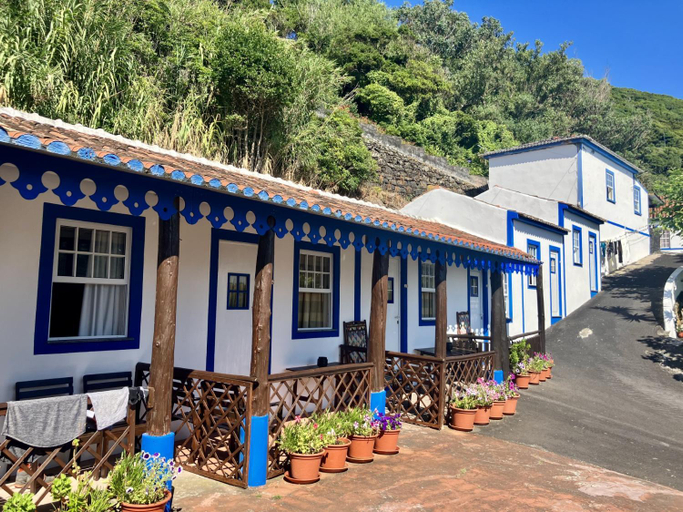
Quinta Do Canavial
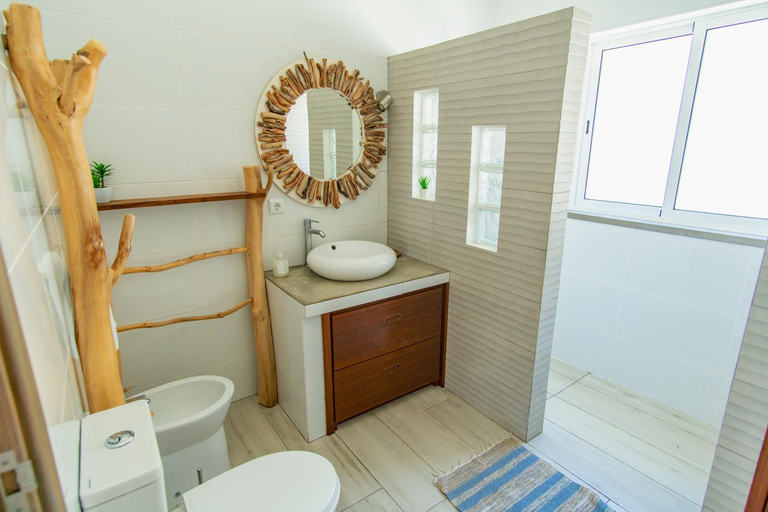
Blue Planet Sao Jorge Azores - RRAL nº 1341
Velasmar II
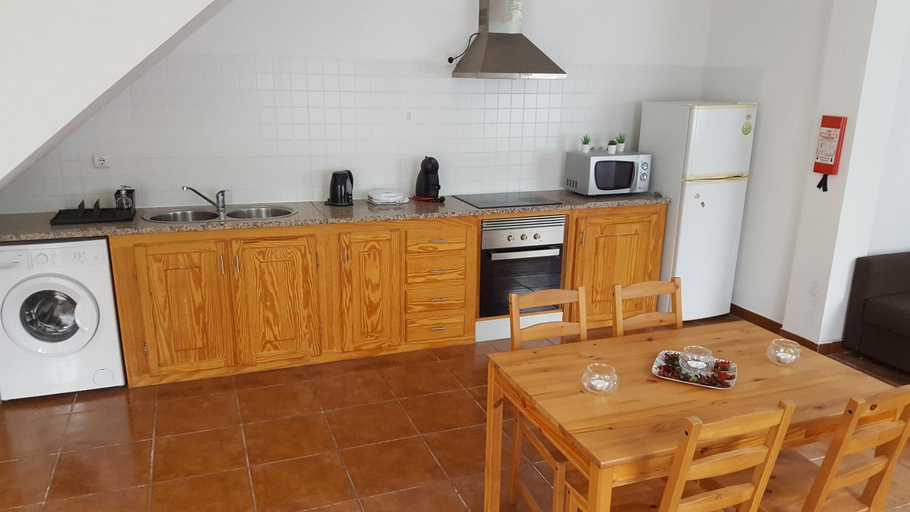
Velasmar II welcomes you to a comfortable stay at Velas. The Apartment offers complete facilities to cater to guests’ needs, such as WiFi, children facility, and kitchen.
Sao Jorge Garden
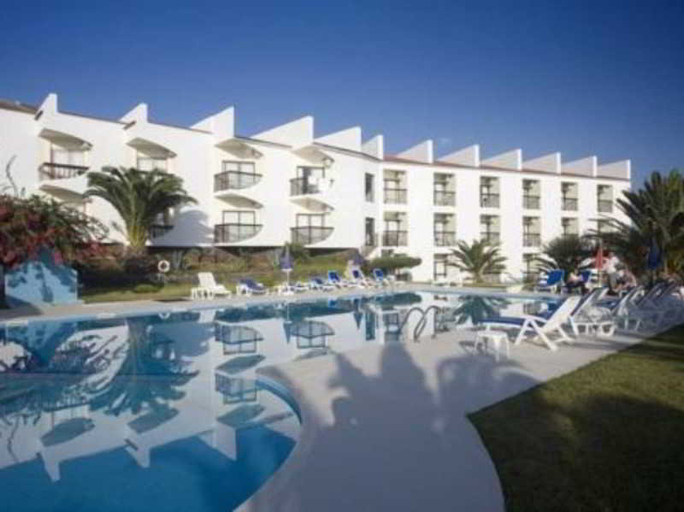
Located on the seafront, in the village of Velas, the hotel is 200 m away from shopping venues, 7 kms from São Jorge Airport and 1 km from the harbour. This is a modern and comfortable hotel in a privileged location surrounded by beautiful gardens. It comprises 58, well-furnished and fully equipped rooms with terraces offering panoramic views, and many other services and facilities. Parking is provided for those arriving by car. The hotel features an outdoor saltwater swimming pool with a separate area for children and sun loungers and parasols, laid out at the hotel and nearby beach, ready to be used by guests.
See detailsHospedaria Australia
Hotels in Velas (São Jorge)
Don't feel hesitant to book hotels in Velas (São Jorge) at tiket.com! We'll make sure to provide all conveniences you need when doing a room reservation. Book your favourite hotel now only at tiket.com!

How to Book Hotels on tiket.com
1. Find the hotelEnter the name of the city, area, or hotel to find the place you want.
2. Select a roomOn the hotel detail page, you will see the available room options. Select a room that suits your needs.
3. Complete the booking detailsInput the contact details (the person who will be contacted by tiket.com and the hotel about the booking) and the guests’ details.
4. Select Add-onsYou can also buy additional services such as meal packages, transportation, and many more.
5. Pay your bookingSelect the payment method and complete your transaction. Don’t forget to use the promo code to get a cheaper hotel price at tiket.com.
6. Get the reservation e-voucherAfter the payment is successful, the e-voucher will be available on the Your Orders menu and sent to the email listed in the contact details.